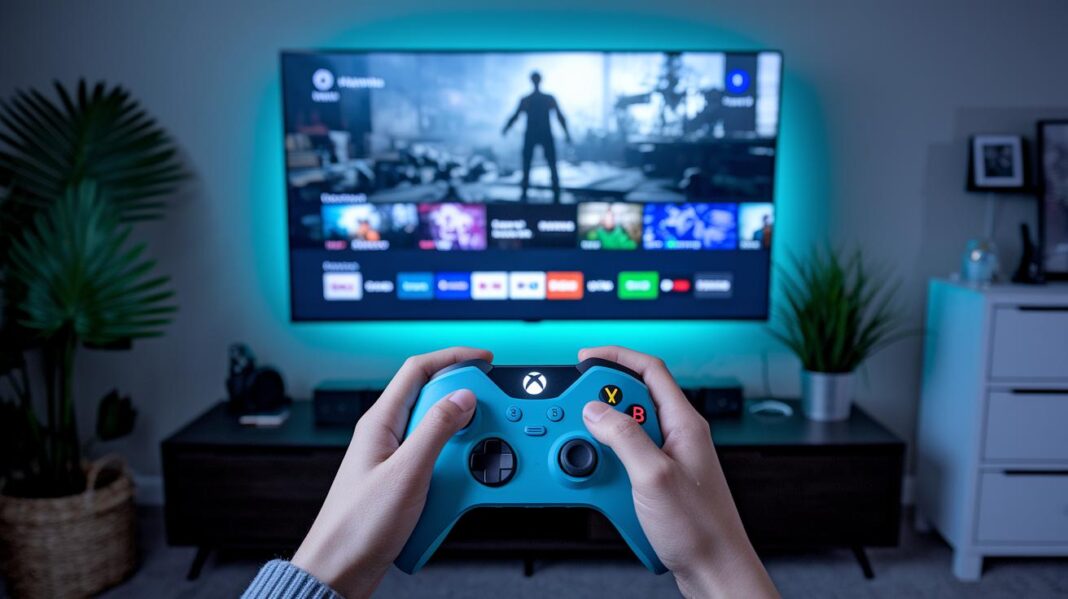
Have you ever noticed how your screen almost seems to talk back? Interactive design turns a simple website into a lively chat. It uses clear images, smart layouts, and small animations that react with every click or tap.
This kind of design makes digital products feel like friendly encounters rather than dull pages. Every interaction offers quick feedback, so navigating feels natural and smooth. Overall, interactive design brings websites to life, making them as warm and responsive as a real conversation.
what is interactive design: Bold Digital Clarity

Interactive design is all about making digital products feel lively and true to life. It uses clear images, smart layouts, and tiny animations to create an experience that just flows. Imagine turning a plain website into a friendly chat where every button and tap gives you a little nod, like a tiny vibration or a soft sound, letting you know your input was caught.
Today, this design approach goes far beyond static pages. It brings a spark to digital spaces by focusing on natural communication between you and the product. Each click or swipe feels like a real conversation, offering quick and clear responses that guide you along the way. In truth, interactive design makes every moment on a website engaging and smooth, transforming ordinary interactions into something that feels truly alive.
Key Principles of Interactive Design for Digital Interfaces

Interactive design is both an art and a science, it turns a plain screen into a lively space that feels welcoming and just right. Imagine tapping a button that lights up or hearing a soft chime that confirms your move. It’s like the screen is chatting with you in real time. These design ideas make sure every part of an interface sends clear, natural signals so things never feel confusing.
Designers lean on a few tried-and-true ideas to create that warm, intuitive feel:
- Visibility: Important parts stand out so you always know where to look, like an eye-catching call-to-action button.
- Feedback: Every action gets a little nod, maybe a subtle animation or a gentle sound, that lets you know something happened.
- Constraints: Options are kept simple to prevent mistakes, kind of like a menu that guides you step-by-step.
- Mapping: Controls match the outcomes directly, much like a remote arranged to work perfectly with your TV.
- Consistency: The look and behavior stay the same across all devices, so whether you’re on a phone or tablet, it always feels familiar.
- Affordance: Elements naturally invite you to use them, such as a raised button that practically shouts, “Press me!”
Together, these principles create a digital world where every swipe and tap connects you to a space designed just for you. It’s like having a friendly guide with every click, making sure you feel right at home in the online world.
Five Key Dimensions of Interactive Design

Interactive design is all about blending five key elements to bring digital projects to life, almost like a live performance. Words give friendly signals that guide you along, setting the mood and helping you know what to do. Visuals, think simple icons, images, and colors, create a vibrant scene that sparks your emotions, much like the burst of lights at a concert. Physical Objects mix in the real world through touchscreens and sensors, making your digital experience feel almost tangible. Time plays its role by keeping interactions smooth and on track, ensuring every move happens at just the right moment. And behavior brings it all together, with animations and quick responses that confirm what you did really matters.
| Dimension | Description |
|---|---|
| Words | Clear, friendly text that guides you along. |
| Visuals | Icons, images, and colors that set the vibe. |
| Physical Objects | Real-world hardware like touchscreens and sensors. |
| Time | Manages the flow and timing of interactions. |
| Behavior | Animations and responses that show your actions count. |
Interactive Design in Practice: Real-World Use Cases

Interactive design is all about crafting online spaces that respond to you in real time. Imagine a search page where stars shine brighter or a page that subtly moves as you scroll, it feels like the digital world is giving you a friendly nod. Every detail, like a button that softly glows when you tap it, is meant to make you feel connected with the product, almost as if it’s celebrating with you.
Big players in tech are already making magic happen with these ideas. Take Mixpanel, for instance, they use special demo content to keep things lively even when a page is empty. Userpilot is there to guide you through advanced features just when you need them, keeping things simple. And then there’s Asana, which adds playful animations to routine tasks, turning work into an exciting experience. Even Cognito makes identity checks enjoyable with smooth transitions that boost trust and clarity.
Digital innovators are always pushing the envelope. Airbnb lets you wander through properties virtually, giving you the vibe of actually being there. Spotify’s smart use of color helps you find your way around effortlessly, while LinkedIn makes sure everything feels consistent whether you’re on your phone or computer. Twitter reaches out to everyone with options in multiple languages, and Revolut offers plenty of ways to make the interface your own. Even websites like Dribbble show off creative error messages that capture a brand’s unique personality. Plus, a big report using data from 547 SaaS companies shows that using ongoing feedback to improve designs really makes a difference.
The Interactive Design Process: Research, Flows, and Prototyping

We start by digging deep with careful research and relaxed chats with real users to find out what they really need and spot any rough patches. Designers sit down for interviews and gather honest feedback, kind of like talking with a friend who helps you figure out what could be smoother. This stage lays the groundwork for creating interactions that just feel right.
Next, the design crew maps out the steps users take when they shop online or browse content. They plan interactive pieces like buttons, menus, and little touches that show when an action is complete. Think of it like sketching a dynamic blueprint where every detail is laid out so users can glide effortlessly from start to finish. Prototyping then steps in as a hands-on tool to test out these ideas and catch any issues before they become a problem.
Finally, designers team up with UX experts, developers, and product managers to polish every detail. They balance what users need with business goals, constantly tweaking the approach to keep up with today's best practices. Putting together a prototype that's both intuitive and efficient sparks real conversation with users and turns a simple idea into an engaging, ever-evolving interactive experience.
Interactive Design Techniques: Animations, Microinteractions, and Feedback

Digital design today feels alive and welcoming. When pages move and respond as you scroll or tap, it’s like flipping through your favorite digital magazine. Imagine a button that gently changes its look when you touch it, or a page that flows smoothly from one section to the next. These little actions, such as a pulsing loading indicator or a subtle hover cue, tell you that your input is seen and keep you glued to the screen.
Microinteractions are those tiny, reassuring moments that confirm your actions with a soft glow or a brief vibration. They work like a friendly nod, saying, "Hey, that worked!" Plus, fun extras like earning points, badges, or watching a progress bar fill up add a playful twist to your experience. It’s all about making digital spaces feel personal, clear, and inviting for everyone.
Future Trends in Interactive Design and Emerging Technologies
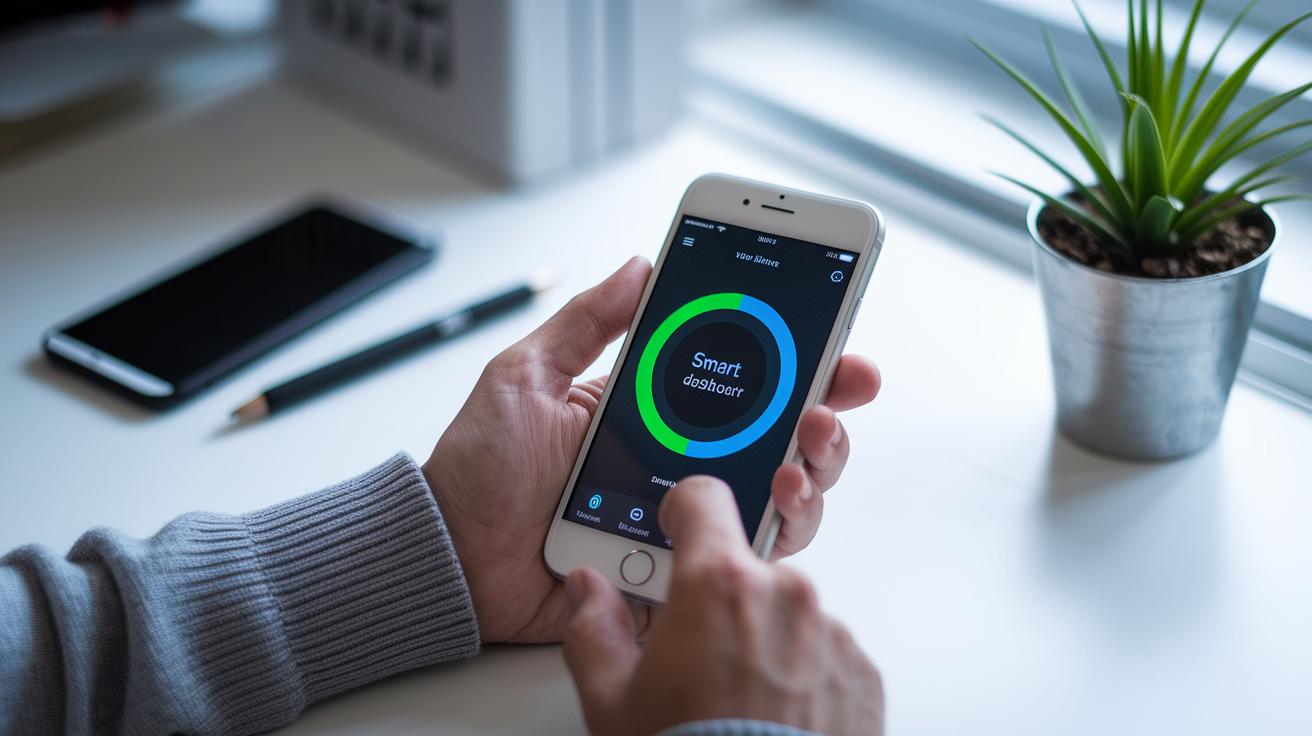
Artificial intelligence is making digital products feel personal and handy, almost as if they understand you. It tweaks and updates what you see in real time, kind of like a friendly shop that moves its shelves around just for you. Picture a dashboard that changes its layout based on your habits, making every click feel tailored. This shows us how new tech is turning everyday digital interactions into smart, user-focused experiences.
Augmented and virtual reality are also stepping in, mixing in cool, immersive touches with day-to-day tasks. And with voice controls and smart systems that connect through the Internet of Things (that’s when your devices work together automatically), you can guide your digital world with just a few words. Every element listens and adapts, creating a space that feels as lively and interactive as a real-life event.
Final Words
in the action, we looked at what is interactive design through simple definitions, guiding principles, and real-life examples that show how digital experiences feel human. We outlined key ideas like clear feedback, mapping, and intuitive interfaces that turn mundane clicks into playful exchanges.
We also touched on exciting techniques, such as button animations and microinteractions, and peeked at how upcoming tech might refresh our screens. It feels good to wrap up these creative insights and look ahead to more engaging moments.
FAQ
What does interactive design mean?
The interactive design means creating user-friendly digital interfaces that respond naturally with clear, engaging feedback, turning routine interactions into more intuitive and memorable experiences.
What are some examples of interactive design?
The examples of interactive design include dynamic search pages, in-app gamification, virtual tours, and creative error messages, all designed to guide users effortlessly through digital platforms.
What is interactive design in business?
The interactive design in business involves crafting digital interfaces that improve customer interaction and streamline tasks, making websites, apps, and software more efficient and enjoyable.
What is interactive design in education?
The interactive design in education focuses on creating digital learning tools that encourage active participation and clearer communication, helping students engage with content more effectively.
What is interaction design in HCI?
The interaction design in human–computer interaction centers on developing interfaces that match natural user behavior, using clear visuals and feedback to ensure a smooth digital experience.
How is the interaction designer salary determined?
The interaction designer salary typically reflects expertise in building engaging digital interfaces, combining technical skills and creative flair to deliver user-friendly products across various platforms.
What is the difference between interaction design and UX design?
The interaction design shapes the specific elements users interact with, while UX design covers the overall satisfaction and seamless experience of using a digital product.
How do you become an interaction designer?
The path to becoming an interaction designer involves learning design fundamentals, practicing with interactive tools, and building a portfolio that showcases creative, user-friendly interface projects.
How does interaction design integrate with UI/UX?
The interactive design in UI/UX adds engaging, responsive elements to the visual and functional components, ensuring that digital interfaces feel natural and inviting for users.
What are the four basic activities of interaction design?
The four basic activities of interaction design include understanding user needs, designing interactive tasks, building prototypes, and testing interfaces to validate clear and effective feedback.
What are the basics of interactive design?
The basics of interactive design rest on key principles like visibility, feedback, constraints, mapping, consistency, and affordance, all of which help create intuitive digital experiences.
How do user experience design, user interface design, and information architecture relate to interactive design?
The connection among these fields lies in their shared goal of crafting cohesive digital systems, where interactive design focuses on engaging elements, and UX/UI and information architecture support overall usability.
What role does human–computer interaction play in interactive design?
The role of human–computer interaction in interactive design is to ensure that digital systems naturally align with user behavior, making sure interactions feel intuitive and responsive.