Ever wondered if you really need to spend a fortune on a gaming setup? Cloud gaming apps let you dive into amazing games without all that expensive hardware. Imagine streaming your favorite titles straight to any screen, whether you're using your phone or watching on your home TV, with no fuss. This new way of gaming ditches the heavy costs and gives you smooth, high-quality fun every time you log on. It's a total game-changer that puts the thrill of high-end gaming right at your fingertips.
What is a cloud gaming app and why it matters for gamers
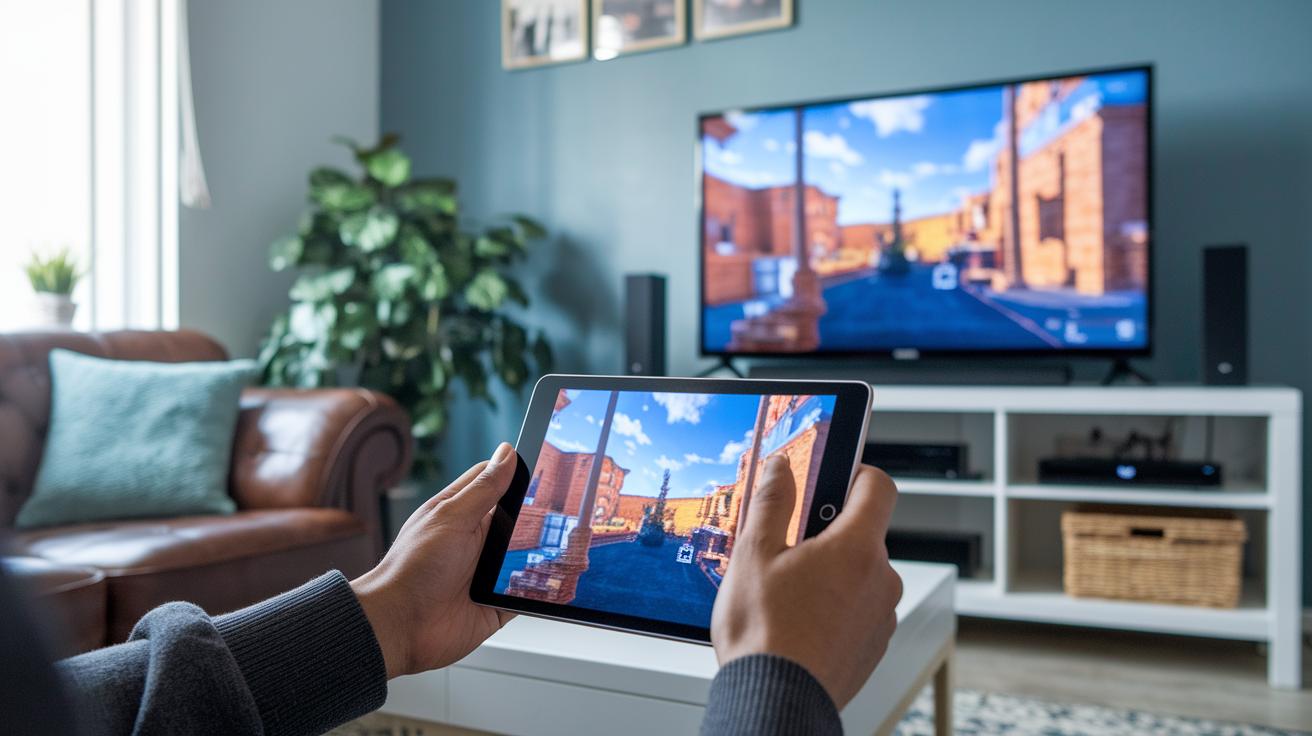
Imagine playing the latest games without owning a super expensive computer. Cloud gaming apps work by sending full games from faraway servers right to your screen, thanks to clever video compression and input streaming. In simple words, you only need a steady internet connection to enjoy high-quality gameplay at up to 4K/60fps, no need for fancy gear.
These apps let you dive into your game library without any hassle, whether you're using a PC, mobile, or smart TV. Think about it: you can easily switch from your work tablet to your home TV and pick up right where you left off. It’s like having your gaming world with you all the time.
Plus, cloud gaming feels a lot like a streaming service for movies or music, but for games. With subscription options, you can explore new hits or stick with old favorites without spending a ton upfront. In a recent test, gamers reported feeling the same rush playing AAA titles on a simple tablet as they did on a dedicated console.
At its core, cloud gaming uses cloud computing to create a smooth, low-lag experience that breaks free from the limits of local hardware. This means gaming is accessible anytime, anywhere, bringing the thrill of a live concert or a digital adventure right to your fingertips.
Key features to look for in a cloud gaming app
Cloud gaming apps hit their stride when smooth tech meets smart, thoughtful design. When you're shopping for your next app, check out these awesome features:
-
Adaptive bitrate streaming
This smart feature tweaks video quality on the fly based on your connection speed. Imagine playing a game without any hiccups; like when the game shifted from sharp graphics to a smooth, steady stream as your connection slowed down. -
Low latency modes
Fast, responsive gameplay is a must. Even a few milliseconds can change everything during those split-second moves, making you feel like you're right in the heart of the action. -
Seamless controller mapping and customizable control schemes
Setting up your perfect layout should be a breeze. It’s like customizing your favorite gamepad so every button feels just right for your play style. -
Cloud-save sync
Automatic backups mean you can switch between devices without a hitch. Your progress is always safe, so you never have to worry about losing your hard-earned achievements. -
Voice-command input
Hands-free controls add a cool layer of convenience. Whether you're tweaking settings or chatting with friends, a little voice command can make gaming even smoother. -
Social features like party chat
Playing is even more fun when you’re connecting with others. A built-in chat lets you share the excitement and bond with fellow gamers, turning every session into a lively, shared experience.
These features not only boost performance but also elevate your gaming sessions into something truly limitless and engaging.
Cloud gaming app: Enjoy Limitless Gaming

For the ultimate gaming thrill, getting your setup right is key. Make sure your device and connection are all set. Using a wired Ethernet cable or a solid Wi-Fi 5 or 6 router with QoS settings keeps your gameplay smooth and steady. Think of it like this: streaming your favorite games needs a good flow of data. To give you a sense, you'll want about 10 Mbps for clear 720p play, roughly 20 Mbps for crisp 1080p action, and around 35 Mbps to dive into 4K excitement.
Many apps use smart tech like QUIC, basically a faster way to send data using UDP, as a simple trick to cut lag and packet loss. In plain terms, this means your game reaches you quicker and more reliably, which is a game-changer during heated matches.
Below is a quick table that links common game resolutions with their minimum bandwidth needs:
| Resolution | Minimum Bandwidth |
|---|---|
| 720p | 10 Mbps |
| 1080p | 20 Mbps |
| 4K | 35 Mbps |
Test your connection ahead of time and adjust your settings to these benchmarks for a gaming experience that's as smooth as your favorite live show.
Comparing popular cloud gaming apps and services

Cloud Gaming Zone-PC Games APK
This app lets you stream your favorite PC games straight to your Android phone. It runs on Android 4.1 (build 14) so you don’t need a fancy computer to enjoy heavy games. Imagine having a mini gaming rig right in your pocket, it’s pretty cool.
Spark Cloud Game
Spark Cloud Game is all about keeping you connected. With its cross-platform chat and multiplayer features, you can easily play with friends on different devices. It really creates a fun space for you to join in on competitive matches or casual play.
Cloud Gaming Pass (BoxGmes)
With Cloud Gaming Pass, you get full access to a huge library of games in the cloud. The app’s smooth interface means you can jump from one game to another without waiting for extra downloads. It’s a great way to keep the fun going nonstop.
JoyArk
JoyArk lets you tap into a library of games on demand, so you can start playing immediately when the mood strikes. It’s perfect for those moments when you want quick access to new adventures without any delay.
Cloud Gaming Station
If you love PC games but need mobile freedom, Cloud Gaming Station is a neat option. It brings the power of PC gaming to your smartphone, so you can dive into sophisticated titles even when you’re on the move.
PlayRX Games (PEDRO PHOD)
This paid streaming app focuses on delivering quality performance and rich gaming experiences. It’s designed for gamers who appreciate a premium service with well-crafted controls, making every session feel smooth and enjoyable.
Planet Cloud Gaming
Planet Cloud Gaming is a free service from Planet Cloud Ltd. It offers a selected range of games without any subscription fees, making it a great way to stream games if you’re looking for a cost-free option.
Bikii Cloud Game
Bikii Cloud Game streams console titles directly to your mobile. It gives you a console-like feel without needing the actual console, so it’s ideal if you enjoy playing on multiple platforms.
Nware
Nware is a robust, professional-grade platform that supports global game streaming. Its strong system makes sure your gameplay stays steady and reliable wherever you are.
| App | Pricing Model | Supported Platforms |
|---|---|---|
| Cloud Gaming Zone-PC Games APK | Subscription-based | Android (4.1 build 14) |
| Spark Cloud Game | Subscription-based | Cross-platform |
| Cloud Gaming Pass (BoxGmes) | Subscription-based | Android |
| JoyArk | Subscription-based | Mobile |
| Cloud Gaming Station | Subscription-based | Mobile |
| PlayRX Games (PEDRO PHOD) | Paid | Android |
| Planet Cloud Gaming | Free | Mobile |
| Bikii Cloud Game | Subscription-based | Mobile |
| Nware | Subscription-based | Cross-platform |
How to install and set up a cloud gaming app on your device
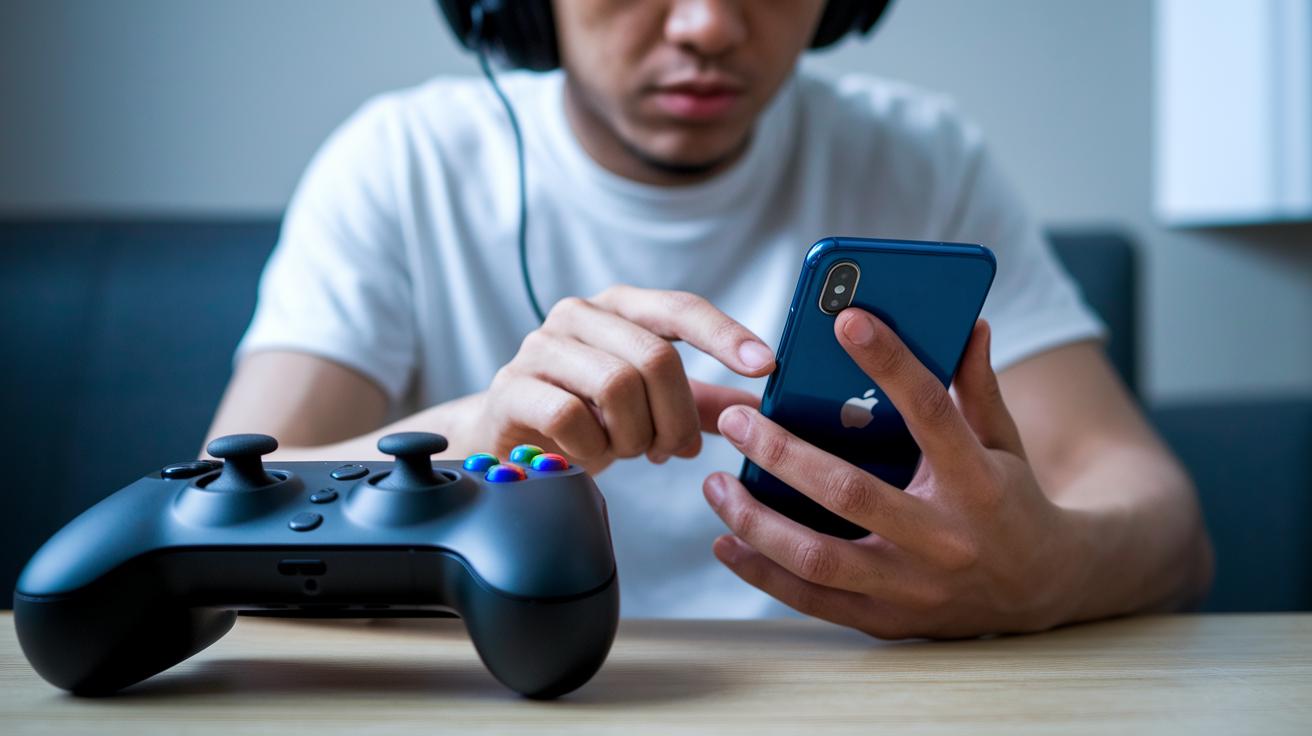
Getting rolling with a cloud gaming app is super easy if you follow these fun, step-by-step directions. First off, grab the app from your device’s official store or, if you're on Android, you can side-load the APK. Just remember, Android users need to enable Unknown Sources, and iOS friends might check out TestFlight for a smooth install. Even smart TVs are in on the action, they usually let you download the app directly from their app store.
- Install the app from your device’s app store or by side-loading the APK.
- Sign up by registering with your email or plunging into a social media login.
- Connect a compatible controller via Bluetooth or USB so you can enjoy a plug-and-play streaming ride.
- Tweak the in-app streaming quality by picking a resolution that fits your internet speed.
- Choose the nearest server region to keep lag to a minimum and enjoy a snappy gaming vibe.
- Do a quick network test to check that your setup meets all the performance marks.
Follow these steps, and you'll end up with a gaming setup that feels just like your own personal digital playground. Every step clicks together, making it as easy as setting up your favorite playlist, smooth, fun, and ready for non-stop gaming excitement.
Techniques to optimize performance and reduce latency in cloud gaming apps
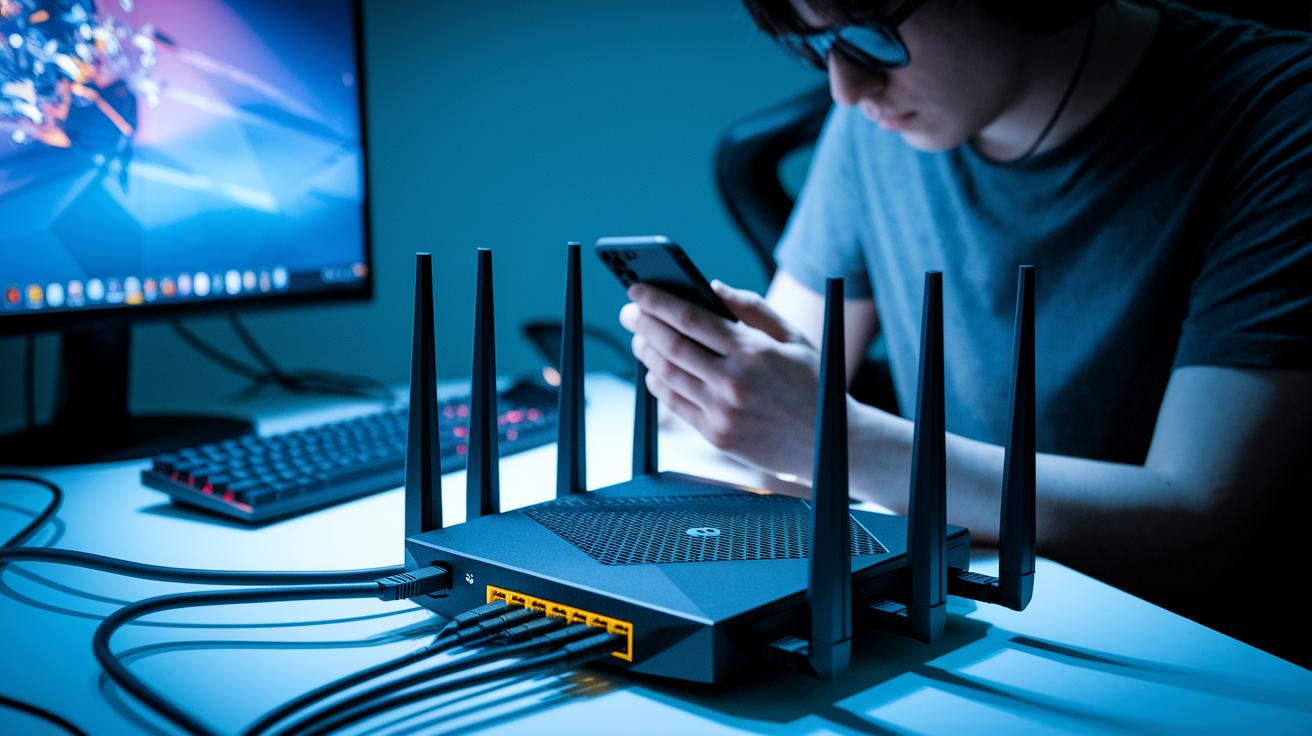
First, fine-tune your router. Update its firmware, set up quality-of-service (QoS) features, and use port forwarding if you can. Think of it as giving your gaming data a fast track, just like getting a VIP pass at a theme park.
Next, make sure you’re on a stable connection. A wired Ethernet cable and choosing a server that's close by work like a dedicated lane on a busy highway. It’s like having your own backstage access that keeps everything running smoothly.
Then, clear out unnecessary network traffic. Close those apps that are hogging your bandwidth. It’s just like turning down the background noise so the main act can really shine on stage.
Also, play around with your streaming settings. Adjust the game resolution on the fly so the system finds a balance between quality and speed. It’s similar to tweaking the sound levels during a live performance, ensuring that every beat is just right.
Finally, keep an eye on performance metrics. Use tools to monitor ping, latency, and packet loss, and make small tweaks based on what you see. Running a quick speed test is like doing a sound check before the show, it helps you hit that perfect note every time.
Pricing tiers, free trials, and subscription options for cloud gaming apps

Cloud gaming apps show off a variety of pricing plans that fit different play styles and budgets. Many let you try their service free for a week or even a month so you can feel the buzz before you decide. The plans usually come in three flavors: basic, standard, and premium. For instance, the basic plan might give you 720p quality with one stream at a time. The standard option boosts you to 1080p with a bit of priority, while the premium tier offers 4K streaming for those who crave striking visuals.
You can pick a plan that fits your gaming rhythm without emptying your wallet. Many apps also have in-app buys that unlock extra cool features or special titles. This flexible approach means you only pay for what really matters to you. Plus, many popular services use a monthly subscription model, so you know exactly what you’re paying for, with regular updates and fresh titles to keep the fun going.
| Service | Monthly Cost | Trial Period |
|---|---|---|
| NVIDIA GeForce NOW | Free with limits | 7 days |
| Xbox Game Pass Ultimate | $14.99 | 30 days |
| Google Stadia Pro | $9.99 | 7 days |
| Amazon Luna+ | $5.99 | 7 days |
Final Words
In the action of exploring new ways to play, we've seen how a cloud gaming app streams full games straight to your device without the need for high-end hardware. We covered how its cool features, smart setup tips, and flexible pricing plans turn gaming into an experience that feels real and immediate. Sharing this info brings excitement to digital play and opens up chances for more lively shared moments. Enjoy pushing your gameplay limits and keep sharing the fun.
FAQ
Q: Is cloud gaming free?
A: The question about cloud gaming being free means some services offer free trials or limited free-tier access, while others require a subscription. Users can try games before making a commitment.
Q: How do I download a cloud gaming app on my Android or iOS device?
A: The inquiry about mobile downloads means you can install cloud gaming apps from official stores—Android users may need an APK if not available in the store, and iOS apps come via the App Store.
Q: How can I access Xbox Cloud Gaming on my device?
A: The query regarding Xbox Cloud Gaming access means you need to download the Xbox Cloud Gaming app from your device’s store, sign in, and use your Xbox Game Pass Ultimate subscription to stream games.
Q: Are there free cloud gaming apps with unlimited time?
A: The question about free, unlimited cloud gaming apps means most free offerings have limits or trial periods, so check each service’s details to see if they meet your expectations.
Q: Is the CloudMoon app safe?
A: The inquiry on CloudMoon app safety means initial reports show it to be safe, though it’s smart to review current user feedback and obtain the app from an official source.
Q: Can I do cloud gaming on my phone?
A: The query about cloud gaming on a phone means mobile devices can stream games provided the app supports your device and you have a stable, fast internet connection.
Q: Do I need an Xbox Game Pass to use Xbox Cloud Gaming?
A: The discussion on Xbox Cloud Gaming access means using the service generally requires an Xbox Game Pass Ultimate subscription, which unlocks the complete Cloud Gaming library.
Q: Which games can I play using cloud gaming apps?
A: The inquiry about playable games means you can enjoy titles like Fortnite, Call of Duty: Black Ops 6, and many Xbox titles, depending on the service’s game library and subscription package.