Ever wondered if you can dive into amazing, next-level games without lugging around a giant, pricey computer? Cloud gaming brings that magic by streaming top-notch games straight to your screen.
Imagine the vibe of a live concert, where every electrifying beat and shimmering light pulls you in, except you don’t need any heavy gear messing with your flow.
In this chat, we break down how cloud gaming transforms your PC into a real powerhouse with simple setups, flexible service choices, and smooth, snappy performance.
Ready to see how this modern gaming trick might just change your play style forever?
How PC Cloud Gaming Works: Setup, Service Options, and Performance Basics
Imagine playing your favorite video games without needing a huge, expensive computer. Cloud gaming streams games from powerful remote PCs straight to your device, so you don’t have to worry about installations or storage. Every save, every bit of progress, all stored in the cloud and waiting for you next time.
It’s like having a mini gaming arcade in your pocket. With platforms like Vagon, you can jump into big-name games such as GTA 5 or Genshin Impact at smooth 60 FPS and stunning 4K, all without heavy local hardware. Think of it as enjoying a high-energy live concert on your screen, vivid, dynamic, and accessible on almost any device.
- Sign up on your favorite cloud gaming site.
- Log in and fire up the pre-loaded game launchers, like Steam or Epic Games.
- Dive into your game library and pick the game you’re excited about.
- Tweak any settings if needed through the easy, streamlined setup.
- And just like that, start playing by streaming from a remote server.
And here’s a quick tip: to keep that smooth, uninterrupted gaming buzz, you need a top-notch internet connection. For 1080p and 60 FPS, aim for at least 15 Mbps, but if you’re dreaming in 4K, 35 Mbps or more is best. With a subscription-based service, you get on-demand access to powerful hardware, chasing away lag and crashes. This setup lets you game from anywhere, blending high performance with extra flexibility, just like having a backstage pass to a thrilling live event.
Comparing Top Cloud Gaming for PC Services and Pricing Tiers
Hey, if you're looking for a cloud gaming service that really clicks with your style, you've come to the right place. We've looked at six main platforms that offer digital gaming on demand, balancing cost, performance, and a solid game lineup.
| Platform | Price Tier | Monthly Cost | Library Size | Max Resolution & FPS |
|---|---|---|---|---|
| Xbox Cloud Gaming | Essential | $10 | Extensive | 4K @ 60 FPS |
| Boosteroid Ultra | Ultra | $10 | 500+ games | Up to 4K @ 60 FPS |
| PlayStation Plus Premium | Premium | ~$18 | Nearly 1,000 games | 1080p @ 60 FPS |
| Nvidia GeForce Now | Choice | Free / $10 / $20 | Varies by tier | Up to 4K @ 60 FPS |
| Blacknut | Standard | Subscription Fee | 500+ games | 1080p @ 60 FPS |
| Amazon Luna | Luna+ | $10 | Multiple libraries | 1080p @ 60 FPS |
Xbox Cloud Gaming really impresses with its flexible plans and huge game library that appeals to both new and longtime gamers. Boosteroid Ultra offers the sweet deal of consistent performance for just $10, keeping things simple and fun. Then there’s PlayStation Plus Premium, with nearly a thousand games, it brings a rich mix of titles to your screen. Nvidia GeForce Now gives you a range of options, from free access to high-performance plans that fit your personal needs. Blacknut keeps it steady with its collection of over 500 games on a subscription, while Amazon Luna sticks to a simple $10 Luna+ plan that fits different gaming tastes.
Each service offers something unique, whether it's the price, the game selection, or the way you experience high-quality visuals. It's like choosing your own adventure in the world of digital gaming. Enjoy figuring out which one matches your gaming vibe best!
Optimizing PC Cloud Gaming Performance: Latency, Internet, and Gear Tips

Gaming in the cloud starts with a solid network connection. If you’re after that smooth, lag-free experience, using a wired Ethernet connection is your best bet. It sends your game data reliably, way better than wireless options. But don’t sweat it, if Ethernet isn’t available, a quality 5 GHz Wi-Fi connection works pretty well too, cutting down on pesky interference.
Speed is super important when you’re streaming games straight from remote servers. Think of it like this: if you’re playing in 1080p at 60 frames per second, aim for at least 15 Mbps. But if you’re diving into stunning 4K60 action, bump that up to around 35 Mbps. This extra speed helps keep sudden drops or buffer issues at bay when the action gets real intense.
And when it comes to hardware, nothing beats a router with QoS (Quality of Service). This type of router knows to prioritize your game data so that other less critical online traffic doesn’t slow you down. Take a look at some quality routers and network gear through a trusted live streaming equipment guide, and you’ll see the difference in performance. Some setups even use edge computing, which means your device is closer to the gaming server, making the whole experience smoother. Plus, even if your PC isn’t top of the line, cloud gaming lets it run high-end game settings with ease.
Here are a few tips for keeping your sessions smooth and lag-free:
- Stick with a wired connection whenever you can.
- Limit other heavy data activities on your network.
- Regularly update your router’s firmware.
- Close unnecessary background apps during gaming.
Enjoy your gaming and feel that rush when everything just clicks!
Subscription Plans and Cost Analysis for PC Cloud Gaming
Cloud gaming services offer you a variety of plans to match your gaming style. For example, Xbox Game Pass comes in tiers like Essential, Premium, and Ultimate, while Nvidia GeForce Now provides a free Basic option plus paid plans that even include day passes. Other providers like Amazon Luna, Boosteroid, and PlayStation Premium let you join memberships where you install or buy games instead of getting them for free. Think of a free trial like sampling your favorite dish before ordering the whole meal.
Trial periods and day passes give you a budget-friendly way to test a service. You can jump in, experience the streaming quality, and explore the game library without breaking the bank. It’s like checking out a new song before adding it to your playlist. This mix of flexible pricing and trial options makes it easier to enjoy high-quality PC gaming without a hefty upfront cost.
PC Requirements and Compatibility for Cloud Gaming Platforms
Cloud gaming on your PC doesn't need a monster machine. All you need is Windows 10 or 11, at least 4 GB of RAM, and support for DirectX 12. A solid internet connection is crucial too. You’ll want speeds around 15 Mbps for standard quality, but if you’re aiming for crisp 4K, bump that up to 35 Mbps. This setup keeps the game streaming smoothly so you can dive straight into the action without worrying about lag.
Getting your game launchers and gadgets working is a breeze. Most cloud gaming platforms come loaded with streaming apps like Steam, Epic Games, GOG, and Ubisoft Connect. And when it's time to plug in a USB controller or mouse, they're ready to go, just like your regular setup. Just plug in, and you're set to play.
Even if your PC isn’t super powerful, you can still join in on the fun. Low-end cloud gaming solutions let devices with modest specs stream AAA games in high settings. This means you can enjoy rich visuals and heart-pounding gameplay, no matter what kind of computer you have.
Troubleshooting Cloud Gaming for PC: Common Issues and Resolutions

Cloud gaming should be a blast until your connection suddenly drops or a lag spike ruins the moment when you’re about to clinch victory. Ever notice your game freezing at just the wrong time or feeling a sudden surge in ping? These issues, like authentication errors or unexpected game crashes, can really break your rhythm when you're deep into a match.
When you hit these bumps, try a few simple fixes: reconnect to your network, switch to another server region, update your network drivers, clear your local cache, or restart your gaming launchers. A fellow gamer once said, "Restarting my launcher and refreshing my connection made my session smooth again." It’s these small tweaks that can often snap everything back into place.
If you’re still stuck, lean on AI-powered support tools or join Discord community channels. Chances are, other gamers have faced the same glitches and can offer step-by-step advice. With a bit of community troubleshooting, you'll be back to smooth, uninterrupted remote gaming in no time.
Future Trends in Cloud Gaming for PC: Next-Gen Tech and Service Innovation
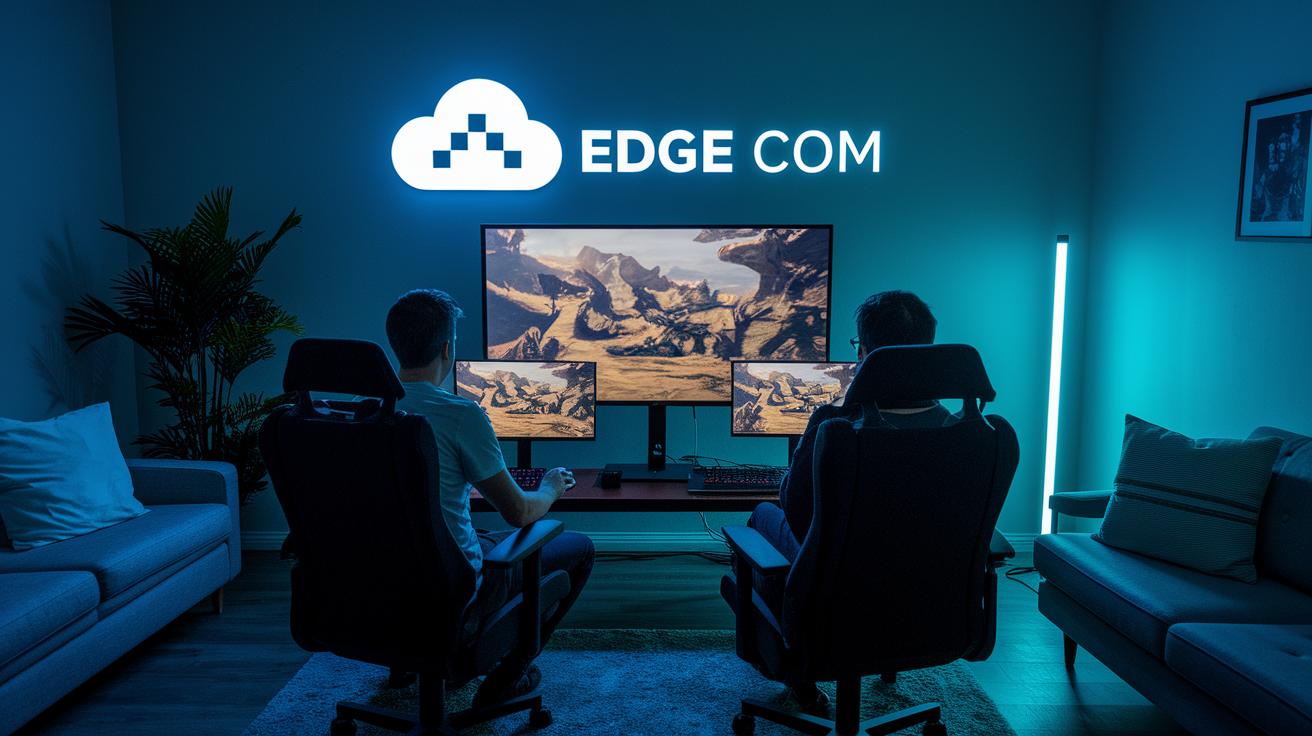
Cloud gaming for PC is gearing up for a real boost thanks to powerful hardware updates. Next-gen server farms pack faster processors and high-end GPUs, making gameplay super smooth with hardly any lag. And with clever tech like edge computing, servers get closer to you, reducing delays and giving instant responses. Think of it as flipping on an extra gear that jumps your game right from the start.
Software breakthroughs are stealing the spotlight, too. AI now helps adjust streaming quality based on your connection, so even the wildest graphics run without hiccups. Real-time ray tracing in the cloud makes every scene burst with life, almost like you're right in the middle of an action-packed movie. Plus, new creative tools let teams easily mix game time with work projects. And with early trials in VR and AR, it's clear that even more immersive and exciting gaming experiences are on the horizon.
Looking ahead, expect even smarter streaming tricks and flexible interfaces that let you glide between gaming and creative projects effortlessly. These upgrades are set to cut latency further, ensuring every session feels as electric as a live concert lighting up your screen.
Final Words
In the action, we explored how cloud gaming for pc transforms game play, from setup and service choices to performance tips and troubleshooting. We walked through subscription plans, device requirements, and even peeked at future tech trends that push interactive entertainment forward.
The post broke down the essentials, making it easy to see how every element works together for a seamless experience. Feel the thrill of stepping into a next-generation world where fun and tech blend into every play session.
FAQ
Q: Is free cloud gaming available for PC?
A: Free cloud gaming for PC is accessible through select services. Some providers such as Nvidia GeForce NOW Basic offer a free tier, letting players stream games without local hardware installations.
Q: What does Xbox Cloud Gaming offer?
A: Xbox Cloud Gaming offers a streaming experience through Xbox Game Pass Ultimate. Its service allows you to access a broad library of games remotely without needing heavy local hardware.
Q: What is Shadow PC and how does it work?
A: Shadow PC delivers a full Windows desktop from the cloud, allowing you to run any software remotely, including high-demand games, on powerful virtual hardware without local setup.
Q: How does Nvidia GeForce NOW function for gaming?
A: Nvidia GeForce NOW functions by streaming high-end games from potent remote servers directly to your device. This setup lets you enjoy competitive titles without owning an expensive PC.
Q: How do I download Xbox Cloud Gaming on my device?
A: Downloading Xbox Cloud Gaming involves using the official Xbox Game Pass app on mobile devices or logging in via your browser on supported systems for quick access to streaming titles.
Q: What are cloud gaming services?
A: Cloud gaming services let you stream games from remote servers over the internet, eliminating the need for hefty local hardware or installations and providing instant play for your favorite titles.
Q: What is Jio cloud gaming?
A: Jio cloud gaming streams games directly to your devices over the internet. It focuses on delivering a smooth playing experience through robust remote servers, ideal for mobile and PC play.
Q: How does cloud gaming affect Fortnite Battle Royale?
A: Cloud gaming streams Fortnite Battle Royale over the internet, reducing local hardware demands and allowing fast match access. This method provides a seamless way to join the game without large downloads.
Q: How does Xbox Game Pass work for cloud gaming?
A: Xbox Game Pass combines an extensive game library with cloud streaming, enabling you to play titles quickly. Its subscription tiers cater to different gaming preferences and offer flexible play options.
Q: How is Steam integrated into cloud gaming services?
A: Steam integration in cloud gaming lets you access your purchased titles and play them via remote servers. This approach eliminates local installations and lets you dive into gaming instantly.