
Ever get the feeling your phone is calling the shots instead of you? Think about a chart that shows where your attention goes throughout the day, simple and clear, like watching your energy flow.
Research tells us that our focus can shrink over just a few years. One cool way to fight back is by using your phone's built-in tools, like Focus Mode (a tool that helps cut out distractions) and setting a regular bedtime.
These small tweaks can really help improve your concentration and ease stress. Today, let's explore how a few smart changes can lead to a more balanced and enjoyable tech life.
Balanced Tech Habits for Effective Digital Wellbeing

Digital wellbeing is all about taking control of your screen time, using the handy tools already built into your phone. Whether you're on an Android 10 or later, or using iOS with Screen Time (available since iOS 12), you can easily check how long you've been online. It’s like glancing at a colorful chart in your settings that tells you exactly what’s going on.
Studies show that our attention spans have dropped, from 75 seconds in 2012 to just 47 seconds in 2016. This change is linked to how much time we spend on our devices. That’s why keeping an eye on features like your dashboard, Focus Mode (a tool to help you concentrate), and Bedtime Mode can really help. They offer benefits like:
| Benefit | Description |
|---|---|
| Reduced Addiction | Helps curb that constant urge to check your phone |
| Improved Focus | Makes it easier to concentrate on what matters |
| Better Sleep | Helps you wind down by limiting screen time at night |
| Lowered Stress | Reduces the digital overwhelm that can add to your worries |
| Boosted Productivity | Keeps you on track so you can get more done |
Even small changes, like timing your favorite app or turning on Bedtime Mode a bit earlier, can set you on the path to a smoother, more balanced tech life. Each tiny tweak helps you take back control of your day, letting you enjoy a healthier relationship with technology.
Screen Time Management Techniques for Digital Wellbeing

Ever taken a quick peek at your phone and wondered how much time you're really spending on it? The Digital Wellbeing dashboard is like a backstage pass into your daily phone routine. It pops up with colorful charts, shows your notification count, and lets you see just how often your phone is unlocked. On Android, you can even flip through reports from past days, while on iOS, Screen Time neatly breaks down each app's usage and offers a handy scheduling option for Downtime, imagine it as your gentle reminder to take a breather.
Setting timers and app limits is a super simple way to steer your phone use. Both platforms let you set specific time caps for each app. Picture this: your favorite social app nudges you when it's time to take a break, almost like it's saying, "Hey, time’s up for another scroll!" This means you're not just on autopilot; you're in control, turning digital features into friendly checkpoints that help keep your screen time balanced.
And here's a neat tip: take a moment every week to review your usage data. Look over your daily reports and see how your habits shift over time. If you notice your screen time creeping up, adjust your timers and limits. This little weekly check-up makes it easier to fine-tune how you use your device, leaving you more time for real-life moments and a healthier digital experience.
Core Digital Wellbeing Features on Android and iOS
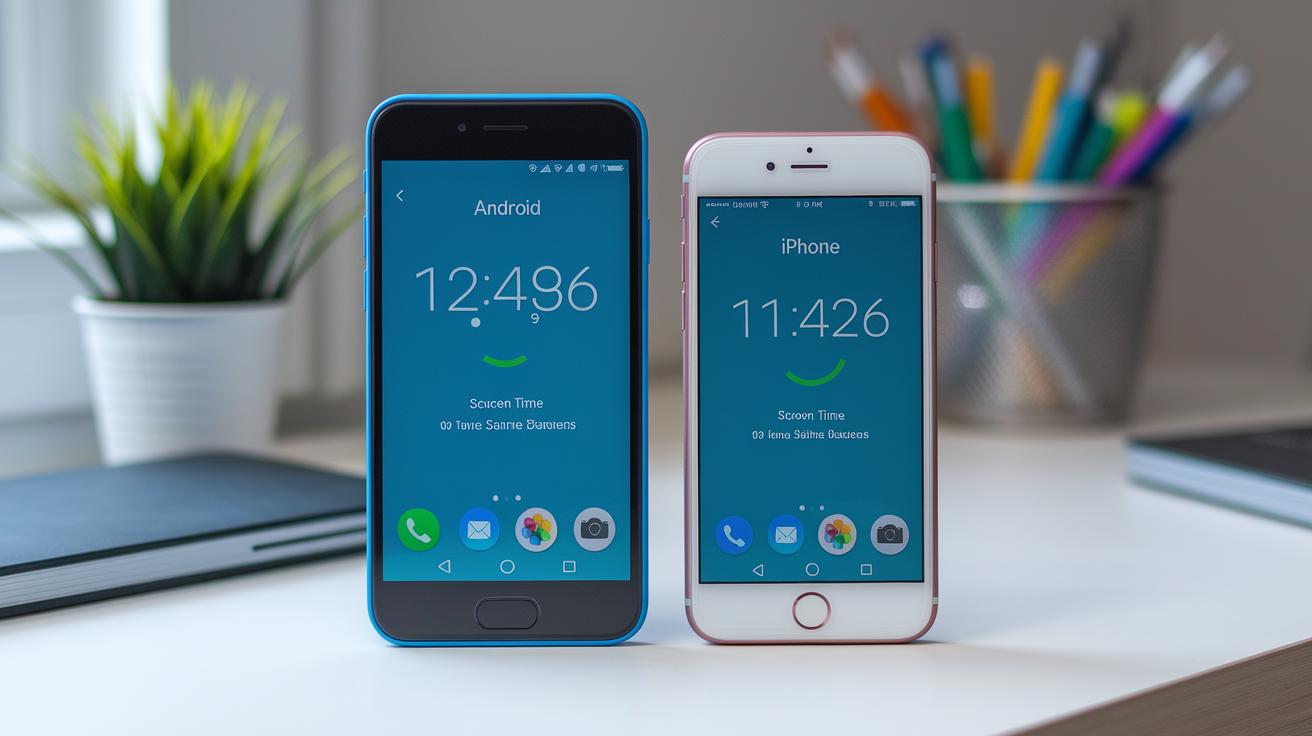
Both Android and iOS offer handy tools to help you keep track of your phone use. Sure, the names and looks might be a bit different, but the goal is the same, helping you see how you're using your device and cutting down on distractions. It’s like having a personal assistant for your digital life, giving you a clear snapshot of your screen time and habits.
| Feature | Platform | Primary Benefit |
|---|---|---|
| Dashboard | Android & iOS | Gives you a breakdown of screen time, unlock counts, and notifications |
| Focus Mode | Android & iOS | Stops certain apps and quiets alerts so you can concentrate |
| Bedtime Mode | Android & iOS | Dims the screen, uses Grayscale, mutes alerts, and turns off always-on display during set hours |
| Heads Up | Android | Gives you a nudge to look up while walking |
Think about your daily habits when choosing which features to try. If you often find yourself glued to your phone, the Dashboard can show you exactly where your time goes. And if a few pesky apps keep pulling you away from what really matters, Focus Mode might be just what you need. Meanwhile, Bedtime Mode is perfect for winding down at night, and Heads Up adds an extra layer of safety on the go.
These simple tweaks can help you build a healthier relationship with your tech, making your daily phone use feel more balanced and in control. Enjoy taking charge of your digital routine!
Electronic Detox Strategies for Digital Wellbeing
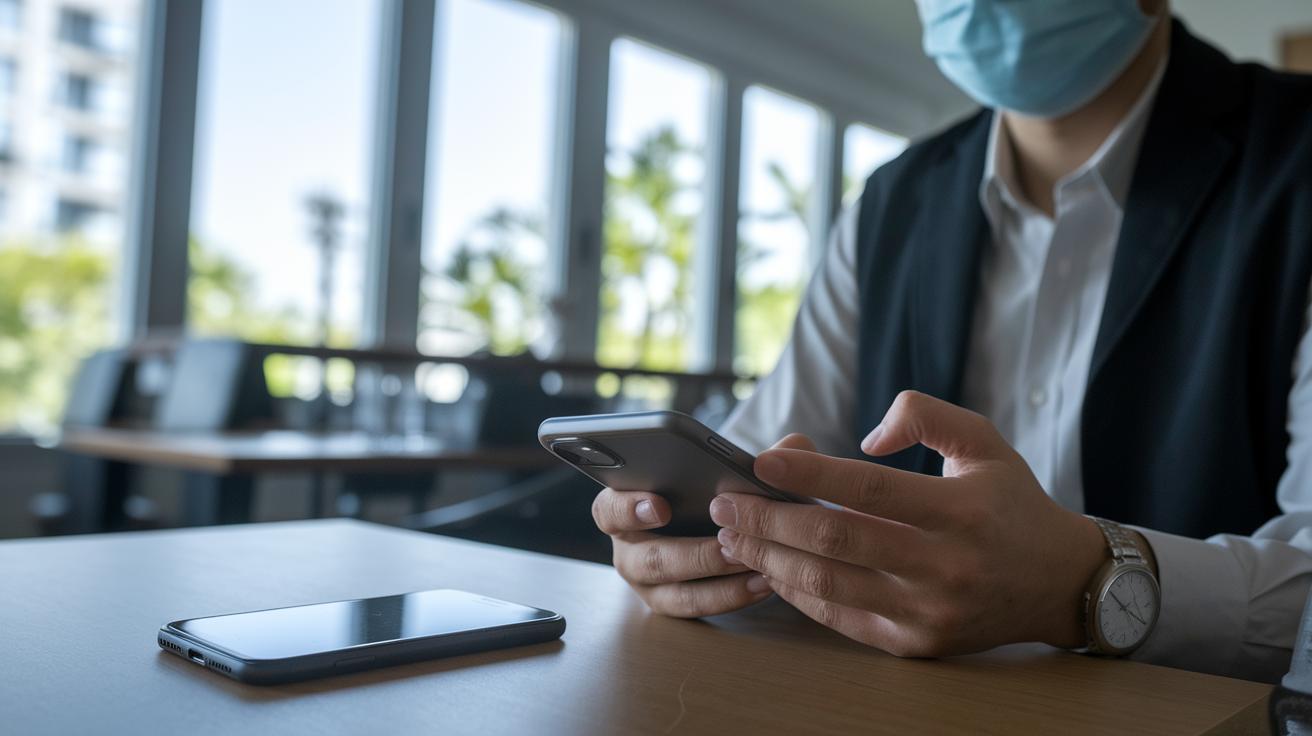
Ever feel like your screen's always calling your name? One way to break free is to set up little pockets of time and space where your devices take a back seat. Imagine having a tech-free lunch or winding down without your phone before bed. Even designating spots like your dining room or bedroom as zones to leave your phone behind can give your mind a much-needed breather.
Smartphones are actually pretty smart these days. You can switch your screen to Grayscale or use Night Light to give your eyes a hint that it’s time to relax. And with Focus Mode, you can block out the apps that keep you hooked, so you can concentrate on what’s happening right in front of you. Some phones even come with a special Detox Mode to help you stay on track when you need it most.
Research tells us that fewer digital interruptions can lower stress and boost sleep quality. When your notifications quiet down, you might find yourself feeling more peaceful and in control. It’s amazing how small changes, like turning off your device for a bit, can lead to a healthier, more balanced life.
Mindful Mobile Usage Practices for Digital Wellbeing

Before you open any app, take a moment to set a clear goal. For example, say to yourself, "I’m only catching up with my close friends today." The APA now suggests that teens use social media in a mindful way. By planning what you want to do, whether it’s reading the news, chatting with family, or sparking creative ideas, you can avoid endless scrolling. Every tap becomes a choice, making your time on your phone more intentional.
AI support tools are here to lend a hand, too. Early trials even show that ChatGPT can guide you through checking in with yourself about your screen time. So, take a quick pause during your day to think about what you gained from being online and how you might adjust your habits for the better. Simple changes like these help you build a safer online space, keeping you focused on what truly matters instead of getting lost in viral trends or celebrity news.
Advanced Tech Self-Care Guidelines in Digital Wellbeing
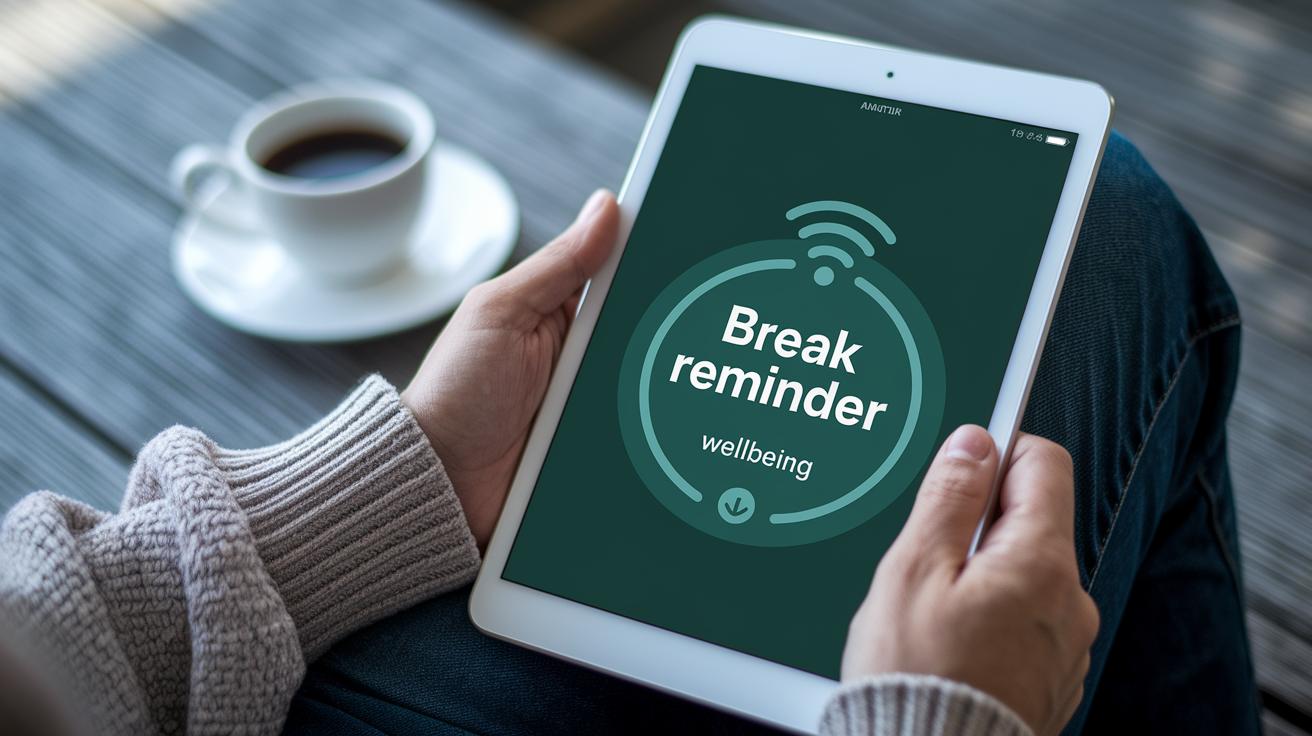
Set your device to nudge you into taking breaks. You can choose a custom reminder that rings after, say, 30 minutes on your screen, then take a look at your wellbeing dashboard to see your usage stats. These little check-ins feel like a friendly tap on the shoulder, inviting you to step away and refresh. Before you know it, these alerts turn into a natural habit that makes your tech time healthier.
If you want to keep your family’s digital world safe and sound, use parental controls and family management tools. They let you set up shared rules and check activity logs so you can see how everyone’s spending their screen time. By mixing in regular screen reminders and easy-to-read reports, you build a daily routine that encourages smart, balanced use of technology.
Final Words
In the action, we explored tips for balanced tech habits, smart screen management, device-specific features, and even ways to cut back on screen time with offline moments. Each section offered simple tools and ideas to help you stay connected yet refreshed. We also looked at mindful mobile usage and advanced self-care ideas that add up to a smoother digital experience. Embracing these steps can boost your digital wellbeing and make every click feel more intentional. Enjoy these moments and let your tech support your life in the best way possible.
FAQ
What exactly is Digital Wellbeing?
Digital Wellbeing means using built-in tools on your device to track screen time, monitor app usage, and help manage your overall digital habits for a healthier tech lifestyle.
How do I check my Digital Wellbeing status?
Checking Digital Wellbeing means opening your device’s settings to view the dashboard, which displays daily screen time charts, unlock counts, and app usage details to help you stay informed.
Is it safe to uninstall Digital Wellbeing?
Uninstalling Digital Wellbeing can be risky because it is built into many devices. Removing it may affect your ability to track and manage screen time effectively.
How do I turn off Digital Wellbeing?
Turning off Digital Wellbeing involves disabling specific features like screen time notifications or app timers in your device’s settings, rather than entirely removing the framework from your system.
How are Digital Wellbeing and parental control related?
Digital Wellbeing and parental control work together by offering settings that help manage device usage. They give parents tools like usage limits and family management options integrated into the system.
How do I access Digital Wellbeing on Samsung, Android, and Pixel devices?
On Samsung, Android, and Pixel devices, Digital Wellbeing is accessed via the Settings menu. This native tool provides screen time reports and other usage metrics for easy monitoring.
What mobile apps offer features similar to Digital Wellbeing?
Mobile apps such as StayFree, ActionDash, Google Family Link, AppBlock, and TickTick provide alternative screen time tracking options and usage controls that can complement or replace built-in features.


