Ever thought a webinar could feel like chatting with a friend instead of sitting through a boring lecture?
Picture kicking off with a quick poll that gets everyone talking right away.
This guide shows you how to set up a webinar that goes beyond just delivering information.
We share simple ideas, like setting clear goals and breaking the session into engaging 20-minute segments, to keep your audience excited.
Get ready for tips that turn your webinar into a fun, back-and-forth conversation that you and your crowd will love.
Core Principles of Designing an Interactive Webinar

Interactive webinars aren’t your typical one-way lecture, they're more like a friendly conversation. Instead of delivering a long monologue, you kick things off with a quick poll or an open-ended question that gets everyone chatting. This relaxed vibe lets your audience feel comfortable sharing ideas and connecting with you right from the start.
Great webinars usually lean on five key ideas. First, set clear goals so everyone knows what the session is all about. Then, plan in moments where folks can jump in, maybe with a question or a quick poll, to keep the energy flowing. Use catchy, easy-to-remember titles that grab attention immediately. Stick to about 20-minute segments to match those busy attention spans, and deliver your message with genuine enthusiasm. For instance, you could start by sharing a neat fact like: only 40% of viewers stay tuned after the first 20 minutes.
These design tips transform a standard webinar into an engaging, back-and-forth conversation. With clear goals, fun participation breaks, punchy titles, and a dose of passion, every detail helps spark real interaction. So go ahead, create a webinar that doesn’t just inform, but truly brings digital discussions to life.
Leveraging Interactive Webinar Tools and Platform Features

When you pick the right interactive tools for your audience, you set the stage for a really lively webinar. It’s like using built-in polls to grab quick feedback, breakout rooms for spilling ideas in small groups, interactive whiteboards for creative brainstorming, and even certificates to celebrate wins. Together, these elements turn a plain presentation into a fun and engaging chat.
| Tool Type | Purpose | Key Feature |
|---|---|---|
| Polls | Gather instant feedback | Real-time response analysis |
| Breakout Rooms | Facilitate small group discussions | Facilitated collaboration |
| Whiteboards | Encourage interactive brainstorming | Live drawing and sharing |
| Certificates | Award participation | Automatic issuance |
Mixing native tools, like those on Zoom or Teams, with cool third-party features helps you build a solid and innovative experience. Add extras like videos, infographics, or even fun GIFs to keep things fresh, almost like switching up a playlist on a sunny day. This mix lets you adjust on the fly, ensuring your session stays vibrant and interactive.
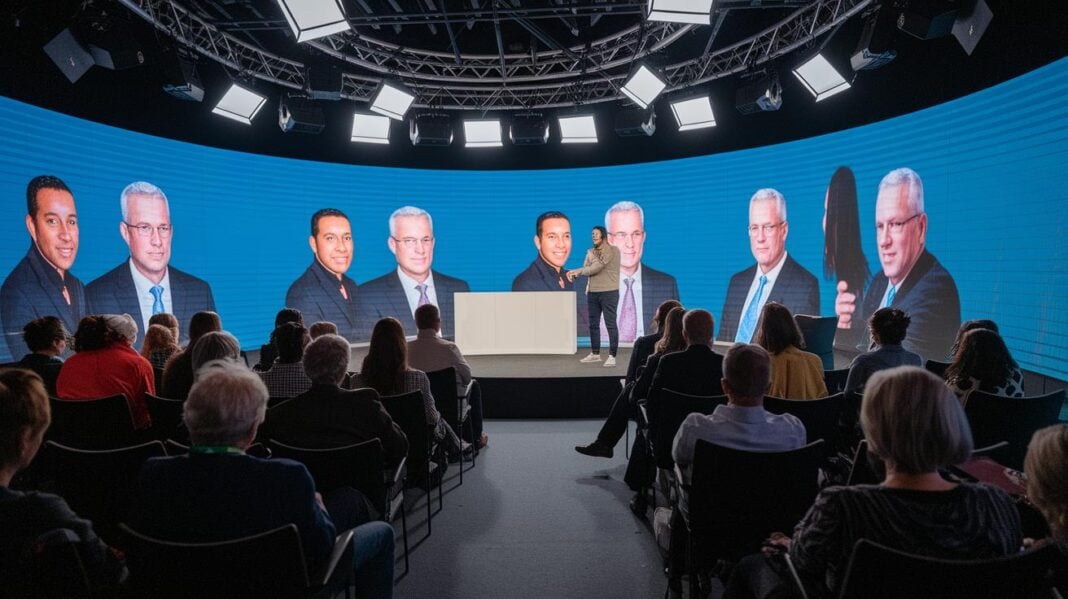
Then there’s the production value. Good camera angles, smart lighting, and custom branding work wonders to boost your webinar’s feel. A well-prepared stage makes a solid first impression, keeping your audience focused on both your message and the cool tech powering the event.
Crafting Engaging Webinar Content and Flow

Break your webinar into snack-sized segments to keep your crowd hooked. Think of each piece lasting about 20 minutes, giving your viewers a clear map of what’s coming. This way, you match their attention span and make sure energy stays high all along.
Storytelling brings your webinar to life. Share a personal moment, maybe a time when a simple idea sparked a burst of conversation and turned a quiet moment into something interactive. It’s those little stories that make your presentation feel real and memorable.
Mix in different media to keep things fresh. Use quick video clips to show off key points, simple flow charts to untangle tricky ideas, or even a fun meme to break up the pace. These changes give your audience a moment to refocus and can make the whole session feel more dynamic.
Keep your slide titles short and persuasive; they should hint at the main takeaway of each section. And let people know when it’s time to join in, mention a quick poll or quiz right from the start so they know they’re part of the action.
Implementing Real-Time Engagement Techniques in Your Webinar
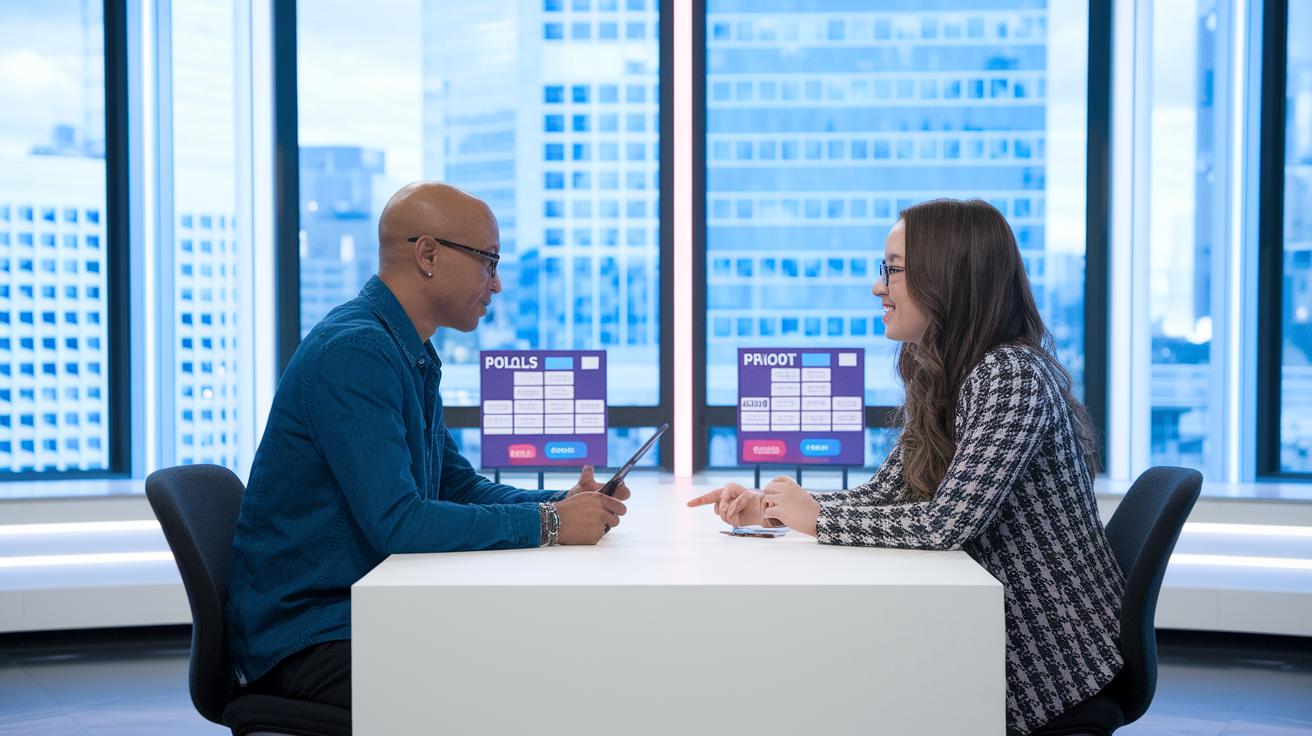
Timed engagement is what brings your webinar to life. By weaving in interactive moments at just the right times, you turn a one-way presentation into a lively chat where everyone feels included. When you set clear moments for fun activities, like every 20 minutes, you add little bursts of excitement that keep everyone focused and eager to jump in.
- Icebreaker Polls and Chat Prompts: Start off with a quick poll or a friendly chat question to help everyone feel relaxed and welcome.
- Live Quizzes: Add short quizzes that mix learning with fun, making it a playful challenge for your audience.
- Leaderboards: Show live scores to spark a bit of friendly rivalry. Seeing their names climb the board makes folks want to join the fun even more.
- Badge Rewards: Hand out digital badges when milestones are reached. It gives everyone that satisfying feeling of accomplishment.
- Ask-Me-Anything Sessions: Carve out time for a Q&A where attendees can ask questions directly and get answers that feel personal.
- Spontaneous Giveaways: Throw in surprise raffles or unexpected prizes that keep the session full of delightful twists.
By planning these interactive bursts every 20 minutes, you keep the energy high and guide your audience on when to join the excitement. This thoughtful structure not only sustains the buzz but also makes everyone feel part of the experience.
Facilitating Collaboration with Breakout Rooms and Whiteboards

Breakout rooms kick off lively talks and hands-on work by splitting a large group into smaller, more focused teams. Set up these rooms for specific topics or exercises so everyone can chat and share ideas comfortably. It helps to have a host in each room to guide the discussion and keep time in check, ensuring all voices are heard. You might even switch up discussion prompts every few minutes to keep the energy buzzing. And with private chat lanes inside these rooms, folks can quickly toss out thoughts or ask questions without breaking the flow.
Shared whiteboards take things to another level by turning viewers into true teammates. They give everyone a chance to sketch out ideas and solve problems as a group, right on the spot. Keep things simple on these boards by using easy-to-understand tools, and assign someone to oversee the activity. Plus, adding a private chat feature lets people ask questions without interrupting the creative process.
Moderator Roles
Room hosts keep the conversation on track, watch the clock, and jump in with technical help if needed. They also keep an eye on the chat for any unanswered questions and step up if a group starts lagging behind, making sure the whole experience stays smooth and interactive.
Ensuring Smooth Delivery with Planning and Moderation
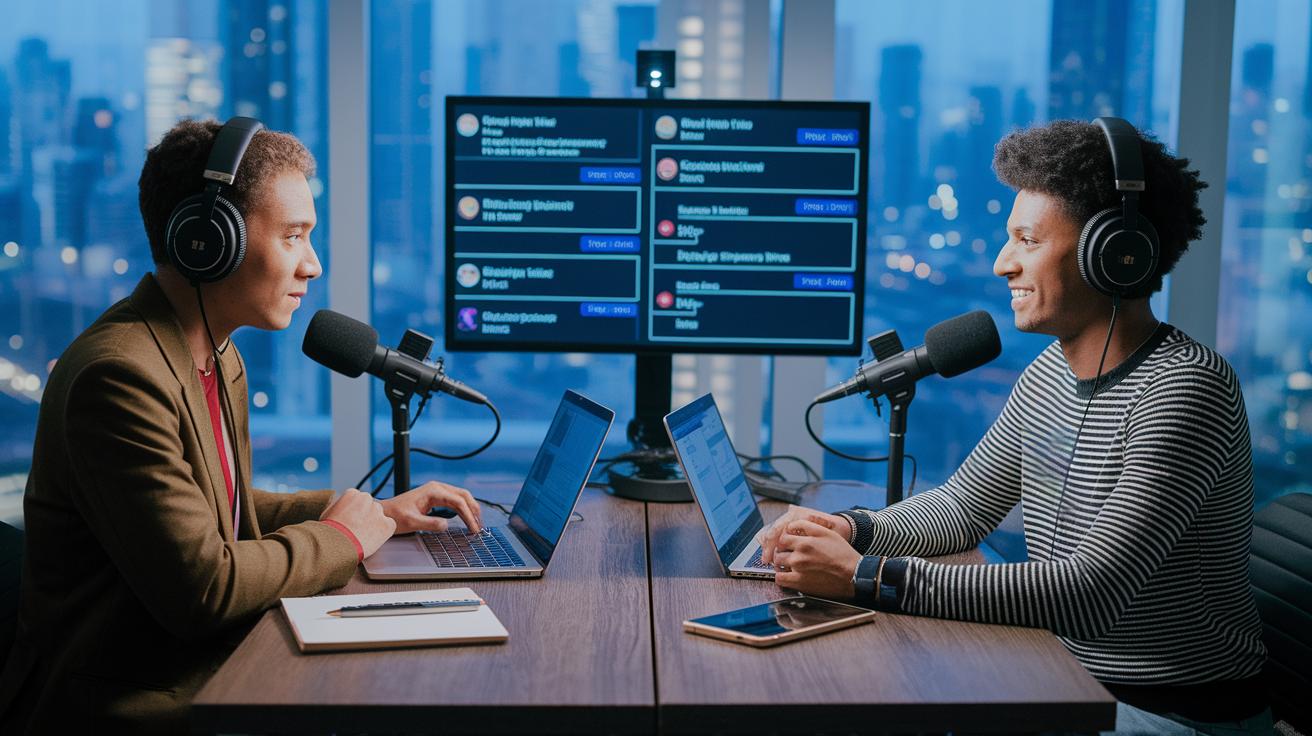
Before you go live, take time to run complete tech rehearsals. Think of it like a sound-check before a concert: check your backup camera and microphone, and make sure your internet is rock-solid. Create a checklist of typical issues, like audio dropouts, video glitches, or shaky connections, and practice every part of your show. This simple dry run not only boosts your confidence but also makes sure everything flows smoothly.
Next, bring in a dedicated moderator to handle the interactive parts. They keep an eye on the chat, run polls, and guide Q&A sessions. And if a hiccup occurs, your moderator can quickly jump in to fix the problem or steer the conversation back on track. Their role is key to turning any potential glitches into moments of smooth engagement.
Keep a close watch on how your audience is reacting in real time. Track things like how many people are joining in and how active the chat is. If you notice interest dipping, throw in an unscheduled interaction or a quick tech check to re-energize the room. This kind of on-the-spot adjustment makes your webinar feel lively and keeps every viewer right where you want them.
Final Words
In the action, we explored shifting from one-way lectures to meaningful, live exchanges. We broke down design basics, from setting clear participation points to mixing short segments with engaging content. Each section built up a solid strategy for more lively and immersive webinars.
Reflect on everything shared and think about the possibilities when you plan your next session. So, how would you design a webinar that would be interactive? The future of digital experiences feels bright and inviting.
FAQ
How do you design an interactive webinar?
Designing an interactive webinar involves planning clear audience engagement by setting up interactive segments such as quizzes, live polls, and Q&A sessions, paired with well-timed segments and engaging presentation titles.
How do you create an email message?
Creating an email message means drafting a clear, friendly note with an eye-catching subject line, concise content, and a call-to-action that guides the reader to the next step.
How would you describe the social networking site YouTube?
Describing YouTube involves noting it as a video-sharing platform where users watch, comment, like, and share content, creating a community around diverse topics.
Which of the following is typical content for a podcast?
Typical podcast content includes interviews, storytelling, discussions on current topics, and everyday commentary delivered in engaging audio episodes.
How might a business use a blog?
A business uses a blog to share ideas, news, and practical tips that connect with customers while also highlighting products and industry trends.
Businesses use webinars for the following reasons EXCEPT?
Webinars are mainly used for sharing knowledge, engaging audiences, and generating leads rather than for direct sales, which is not a common focus in this format.
How to make webinars more fun?
Making webinars more fun means adding interactive games, live polls, creative quizzes, and surprise moments that wrap technical content in a friendly presentation.
How can interaction be fostered during a webinar?
Interaction during a webinar is fostered by integrating live polls, chat prompts, breakout rooms, and Q&A sessions that encourage audience participation and thoughtful feedback.



sildenafil viagra uses
sildenafil viagra uses
prilosec common name
prilosec common name
prostate medication finasteride
prostate medication finasteride
orlistat testimonios
orlistat testimonios
semaglutid oral österreich
semaglutid oral österreich
proscar side effects blood pressure
proscar side effects blood pressure
doxycycline for acne side effects
doxycycline for acne side effects
bosley minoxidil reviews
bosley minoxidil reviews
terbinafine mechanism of action
terbinafine mechanism of action
ketorolac tromethamine nsaid
ketorolac tromethamine nsaid
vardenafil 5 mg dose
vardenafil 5 mg dose
amoxicillin usage overview
amoxicillin usage overview
bronchitis airway inflammation
bronchitis airway inflammation
pneumonia treatment basics
pneumonia treatment basics
Sildenafil vs vardenafil half‑life
Sildenafil vs vardenafil half‑life
differences between sildenafil and tadalafil
differences between sildenafil and tadalafil
tadalafil and nitrates interactions
tadalafil and nitrates interactions