
Have you ever thought your screen could feel as exciting as a live show? Interactive media design turns every tap and swipe into a little adventure. Designers blend art with technology to create digital moments that surprise you each time.
In our article, we explain how clever design and smart techniques transform simple actions into rich, welcoming experiences. It feels like stepping into a vibrant digital world where every detail matters. Get ready to see how design can truly enhance your screen experience.
Foundations of Interactive Media Design
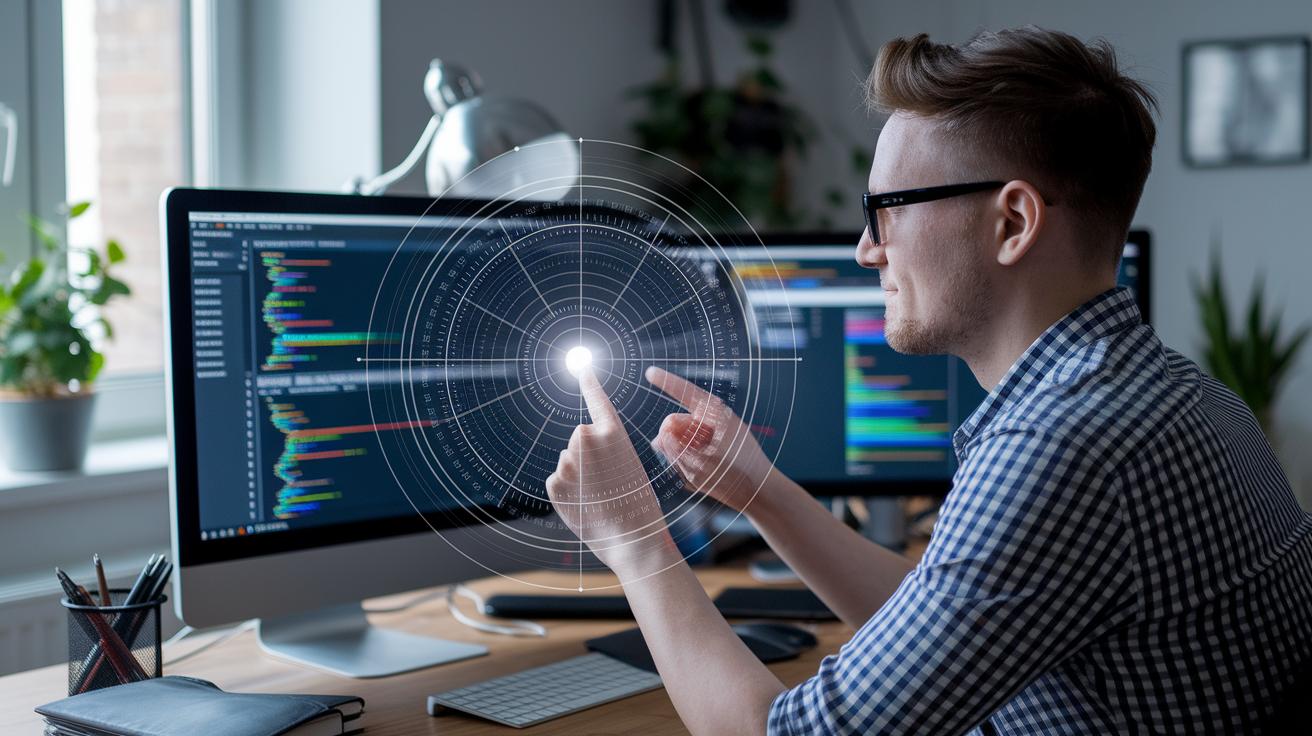
Interactive media design is all about creating digital spaces that pull you right in and light you up with excitement. Designers build everything from websites and mobile apps to video games, touchscreen setups, and VR adventures that invite you to explore and interact. They use smart techniques that make sure every click, swipe, or tap feels effortless and fun.
This realm is where art meets tech. Designers mix in storytelling, vivid visuals, and easy-to-use layouts to craft experiences that delight and sometimes even surprise you. Every interaction, whether it's a quick click or a detailed swipe, is packed with purpose. It’s like every moment on your screen is a mini-performance just for you.
A big part of this design is multi-sensory integration. Think about a live digital show where gentle sound cues blend with flickering lights and even a little buzz from your touchscreen. All these elements come together to pull you deeper into the story unfolding before your eyes. It turns a simple interaction into a rich, memorable moment that sticks with you long after you've finished exploring.
By mixing in these sensory details, designers create experiences that are as engaging as they are smooth. The digital world becomes a stage, and every performance is a chance to feel connected and truly involved.
Core Design Principles in Interactive Media

When users explore digital spaces, narrative design guides every step of their journey. It sets the pace and creates moments that really matter, making each interaction feel personal and full of emotion. Great storytelling in interactive media blends visuals, sound, and movement, turning every visit into a memorable journey.
- Use surveys to quickly gather feedback on how comfortable people feel with the design.
- Chat with users one-on-one to uncover surprising insights.
- Run tests to catch any issues before they go live.
- Dive into data to truly understand how users interact.
- Embrace real-time feedback as you tweak the design on the fly.
Designers team up with developers and project managers in tech-filled spaces where ideas spark and come to life. They start with simple sketches and early models that get tested by actual users. The feedback they collect helps shape quick tweaks and improvements, ensuring every visual, sound, and interactive element comes together for a smooth experience. This step-by-step process blends big ideas with hands-on work, making digital experiences both fun and easy to navigate.
Integrating Multimedia and Animation in Interactive Media Design
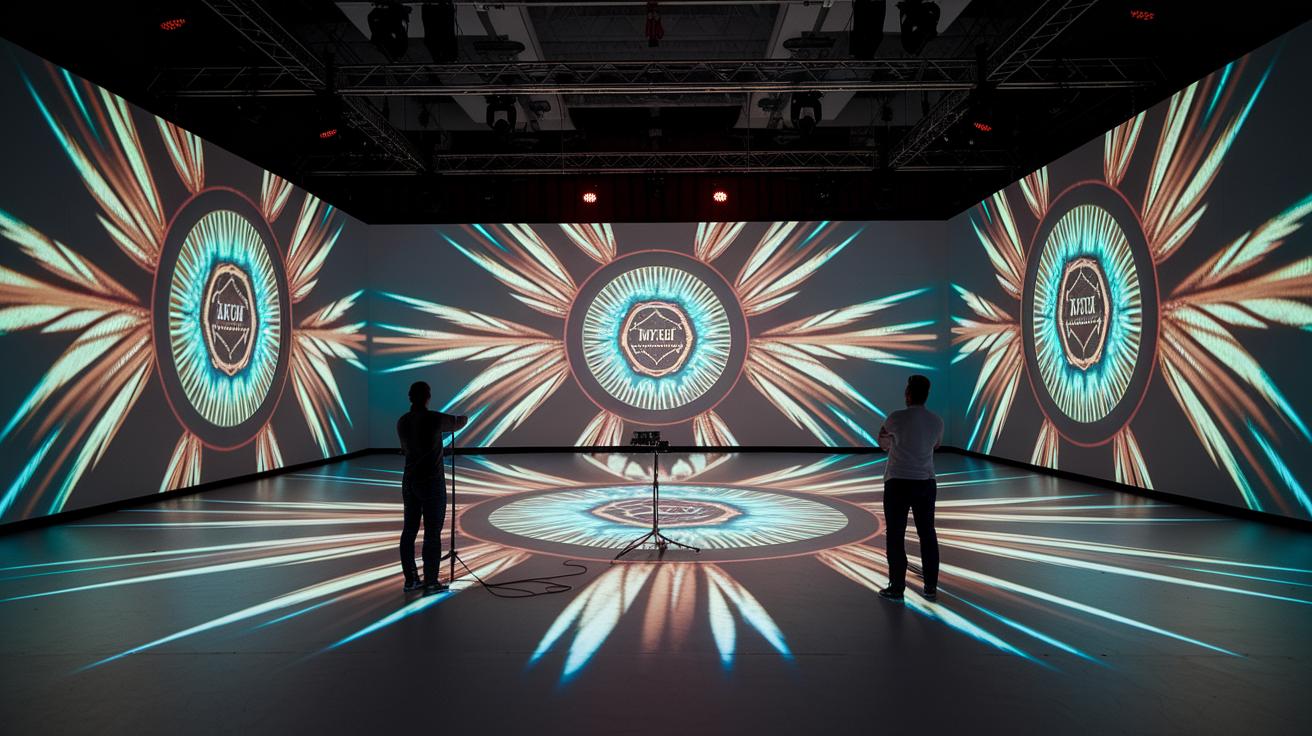
Interactive media design brings together sound, video, and striking visuals to create experiences you can almost touch. Designers mix crisp sound effects, bright lighting, and projection mapping with spatial audio (sound that makes you feel movement) to build moments that entertain and stir your emotions. It’s awesome when every detail, a tiny sound cue or a quick animation, hits just right to guide your focus.
Putting these elements together takes a careful touch. Motion graphics and simple CSS/JS web animations bring a sense of movement that hints at interactivity. This combination turns a plain screen into a lively, responsive space where every click or swipe sparks something unexpected.
Here are a few elements that light up the experience:
| Feature | Description |
|---|---|
| Sound triggers | Audio cues reacting instantly to your actions |
| Parallax effects | Layered visuals that give a sense of depth |
| SVG animations | Small animations that signal interactive areas |
| Animated transitions | Smooth changes that connect digital panels seamlessly |
| Dynamic lighting cues | Light shifts that change with on-screen events |
| Projection mapping | Enhances storytelling by mapping visuals onto surfaces |
| CSS/JS web animations | Animations timed perfectly with user interactions |
Keeping the performance smooth is key. Reducing file sizes and syncing every effect with your actions means the experience stays slick and responsive. Every multimedia touch works together to make the interface feel natural, engaging, and as exciting as a live show.
Prototyping Tools and Workflows for Interactive Media Design
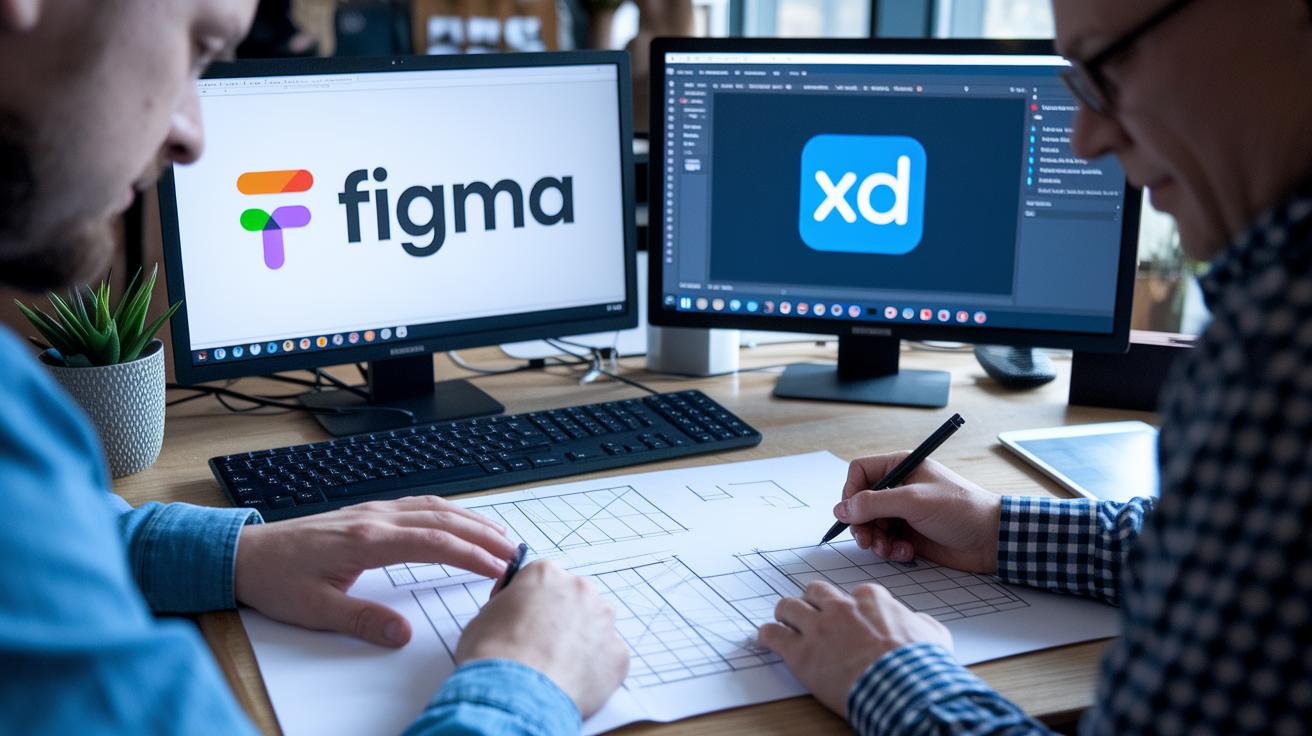
Turning a creative spark into a real interactive experience is a lot like building a bridge. Designers start with rough sketches and basic wireframes that gradually evolve into high-quality demos. They work in lively pre-visualization studios and busy computer labs to whip up quick mockups, laying a solid foundation before moving on to more detailed testing.
| Tool | Primary Use | Key Feature |
|---|---|---|
| Figma | Wireframe creation | Real-time collaboration |
| Adobe XD | Interactive prototypes | User interaction simulation |
| Unity | High-fidelity demos | 3D visualization and interactivity |
| Webflow | Responsive design | Cross-platform export |
Next comes the magic of feedback loops that truly bring the design to life. Designers try out their work with peers and real users in vibrant teaching studios stocked with VR headsets, motion-capture gear, and cool projection tools. They gather insights from clickable wireframes and hands-on lab sessions that help spot the little tweaks needed to make everything click.
This ongoing exchange of ideas sparks continuous improvements. Designers refine details and smooth out transitions, ensuring the final interactive experience feels seamless, whether you’re on desktop, web, or mobile.
Career Pathways in Interactive Media Design

- UX Designer: They design user-friendly screens that help you move through digital spaces without a hitch.
- Interaction Engineer: They work behind the scenes to make websites, apps, and live shows come alive.
- Live Event Designer: They mix real-life staging with digital content to create exciting, interactive events.
- Digital Media Producer: They manage online projects to make sure creative ideas turn into fun and easy-to-use experiences.
- Interactive Storyteller: They blend storytelling with multimedia tools to craft engaging tales across digital platforms.
Building an eye-catching portfolio starts with a reel that shows off your best work and skills. A great reel should capture a mix of projects, from live event setups to engaging digital stories, that show how flexible and creative you are. Think about adding a case study of someone who shifted from construction to live events as a real-life example of creative problem-solving. Next, mapping out a skills path helps you figure out what you need for roles in digital media or interactive storytelling. With this plan, plus handy tools like skill tests and planning guides, you'll set yourself up for a bright future in interactive media design.
Emerging Trends in Interactive Media Design

Interactive media design is lighting up the digital world like a live show. Designers are mixing smart new tech with real user insights to create experiences that feel as thrilling as a front-row concert. They’re exploring VR and AR, tools that let you step into another reality, and using them to craft vibrant, multisensory adventures for marketing, education, and live events.
Mixed-reality takes it a step further, blending digital elements with your everyday surroundings so the world transforms as soon as you interact. And with AI personalization, your interface adjusts on the fly, curving the experience just for you. Live engagement metrics then give designers real-time feedback, letting them tweak things quickly to keep the energy up.
Here’s a snapshot of the revolution:
- VR/AR Experiences: These high-tech setups dive deep into rich, sensory adventures, pulling you into digital worlds that feel remarkably real.
- Mixed-Reality Interactions: This approach fuses your physical space with digital overlays, allowing environments to shift and respond as you engage.
- AI Personalization: Smart, real-time tools tailor what you see based on your choices, like having a digital experience made just for you.
- Real-Time Engagement Metrics: By watching live data, designers flip the script on the spot, ensuring every moment stays fresh and exciting.
Get ready to immerse yourself in these dynamic, ever-changing digital realms, where every click and interaction sparkles with the pulse of a live performance.
Final Words
In the action, we explored interactive media design by breaking down its core principles and the art of creating engaging digital experiences. We touched on design basics, multi-sensory elements, prototyping tools, and the paths available in digital storytelling. Each segment shared simple tips and clear examples that show how a blend of creativity and tech can shape every interaction. The future looks bright, keep experimenting and sharing your creative adventures in interactive media design.
FAQ
What is interactive media design?
The interactive media design describes the creation of digital and live interactive experiences such as websites, mobile apps, video games, and VR applications. It uses media and technology to engage audiences.
What job opportunities come with an interactive media design degree?
The degree in interactive media design prepares you for roles in digital production and live-event design. Students often work as UX designers, interaction engineers, motion graphics experts, or media producers.
How does interactive media design salary look?
The interactive media design salary varies by role, location, and experience. Professionals in this field typically earn competitive wages reflecting both creative skills and technical expertise.
What colleges offer interactive media design programs?
Interactive media design programs are available at colleges like Seneca, Carleton, and Durham College. These courses combine hands-on learning with creative and technical instruction for immersive digital experiences.
What does an interactive media design course cover?
An interactive media design course covers digital storytelling, user-centered design, multimedia integration, and prototyping tools. Courses blend theory with practical hands-on projects to develop creative skills.


doryx 100mg capsule
doryx 100mg capsule
orlistat watsons review
orlistat watsons review
metronidazole for rosacea treatment
metronidazole for rosacea treatment
minoxidil shampoo price
minoxidil shampoo price
toradol pain relief reference
toradol pain relief reference
minoxidil foam vs liquid clinical comparison
minoxidil foam vs liquid clinical comparison
sildenafil food‑linked absorption delay
sildenafil food‑linked absorption delay
sildenafil affordability factors
sildenafil affordability factors
avanafil contraindication safety notes
avanafil contraindication safety notes
vardenafil vision contraindications
vardenafil vision contraindications
avanafil pricing explanation
avanafil pricing explanation
vardenafil side effect analysis
vardenafil side effect analysis
Sildenafil Duration Reference
Sildenafil Duration Reference
Clinical Timing Overview
Clinical Timing Overview
this sildenafil reference
this sildenafil reference
this tadalafil and sildenafil comparison
this tadalafil and sildenafil comparison