
Ever felt like a website was reading your mind? Interactive web design makes that feel almost real. Picture a page where every click gets a gentle response, like the site is quietly saying, "I see you." This style turns regular pages into fun, lively spaces full of cool animations and easy-to-use features that pull you in. The result is a personal experience that not only catches your eye but also creates a unique bond between you and your digital world.
Interactive web design fundamentals to engage visitors

Interactive web design turns everyday web pages into lively experiences that feel almost magical. It takes a standard layout and adds animations, parallax scrolling (where background and foreground move at different speeds), and neat micro-interactions that catch your eye. Imagine hovering over a button and seeing it softly glow, it's like the page is giving you a little nod, making the whole experience fun and engaging.
One of the best parts is that it pulls you right into the action. Instead of just looking at a page, you get to interact with it, almost like you're part of a mini-adventure. This kind of design helps build a strong connection with the brand, letting the story unfold as you explore, which can even lead to better results for the website.
Good interactive design is all about balance. It uses simple, clean layouts that let you enjoy the cool animations without feeling overwhelmed. Think of a parallax scrolling effect that gives you the sensation of moving through a digital gallery where every image seems to shift gently like real life. Plus, these layouts work perfectly on any device, whether you’re on a phone or a desktop, the experience stays smooth and enjoyable.
Using no-code platforms means designers can quickly mix in powerful tools and animation features along with React integrations (a way to build interactive apps). This approach makes it easier to create designs that not only grab attention but also improve accessibility and user engagement. Ultimately, interactive web design is all about creating a space where every click feels personal, inviting you to join in and enjoy the journey.
Interactive web design: Captivating User Moments
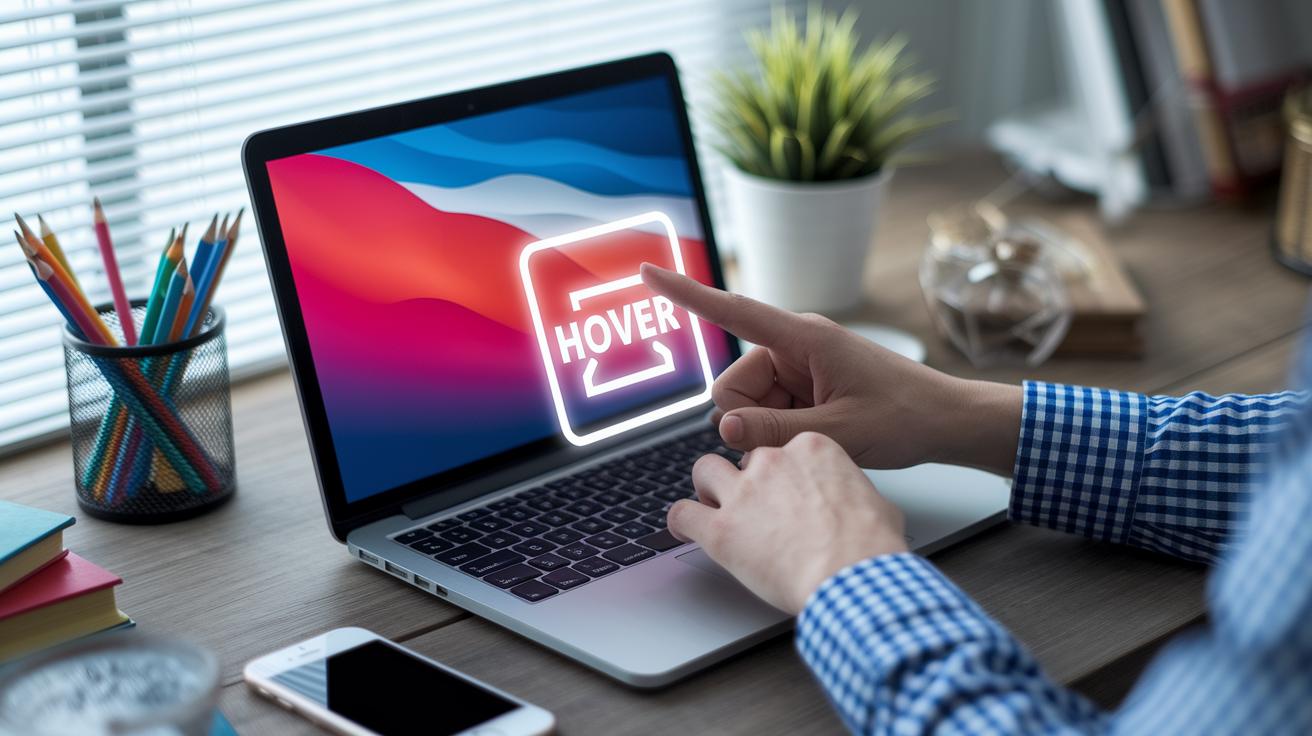
Interactive web design makes every click feel electric. Designers now add cool hover effects that seem to react just to your touch, like a button that softly lights up to draw you in. It’s like a little wink from the screen, inviting you to explore more.
Then there are scroll-triggered animations that really surprise you. Imagine visiting a site where, as you scroll, little scenes come to life, snowflakes gently falling or characters stepping into view. It turns a simple page into a mini-adventure you control.
And let’s not forget about the magic of parallax scrolling. Picture gliding through a digital gallery where different layers move at their own pace, creating a sense of depth that pulls you right into the scene.
Graphical motion elements add even more sparkle. Some sites use glowing cubes that burst with color, while others zoom in on artwork to offer a fresh perspective. There are even fun AR features that bring stories to life, along with retro 8-bit scroll effects that add a playful, nostalgic vibe.
Each one of these dynamic touches transforms ordinary web pages into immersive experiences, inviting users to connect with content in a truly captivating way.
Technical approaches for dynamic interactive web design

Today, developers mix HTML5 interactive templates with CSS keyframe animations and JavaScript libraries to create dazzling website features. They even use React on no-code platforms like Vev, which means you can add cool interactions without knowing tons of coding. For example, a pull-down graphic like the one on Gym Thing comes to life with a simple CSS animation that mimics a scrolling motion. Think of it as adding a bit of depth with a tiny line of code like element.style.transform = 'translateY(20px)'.
JavaScript libraries also let you build smart, interactive snippets in a snap. Imagine a 3D navigation effect where a bright red truck glides across your screen from left to right, kind of like a nod to Bruno Simon’s creative style. A small piece of code, like if(userClicks){ animateTruck(); }, instantly brings action to the page.
Then there are split-screen clickable transitions that make static content jump into life. A quick snippet such as onClick = () => { splitScreenTransition(); } smoothly shifts different parts of a webpage with ease. This trick is like watching a digital dance move that adjusts perfectly to any device or screen.
By blending simple code with creative design tools, interactive web design turns into a playful realm of animated, responsive elements. Each piece invites visitors to explore and feel the buzz of a truly engaging online experience.
Best practices for optimizing interactive user experience

Designers know that making every click and swipe clear and simple is key. Clear ARIA labels, for example, help a screen reader say "Submit Order" instead of a vague "Click Here." This little tweak guides everyone, especially those using assistive technology, through the website with ease.
Mobile responsiveness is a must these days. Whether you’re on a smartphone, tablet, or desktop, it’s all about keeping things smooth. Think of a bookstore sign-up where a multi-step progress bar shows you each stage of the process. It makes tracking your journey fun and easy, no matter the screen size. Regular responsive design tests help ensure that animations, hover effects, and timers work perfectly for every visitor.
Interactive websites are all about growth and improvement. Progressive enhancement means adding cool, extra features gradually without messing up the core content. A countdown timer, for example, can add that burst of excitement for an event, even if advanced tools aren’t available. Listening to user feedback lets designers refine features like color-shift hover effects, making sure the experience stays fresh and engaging.
- Clear ARIA labels make screen reading super simple.
- Mobile friendliness keeps interactions smooth on any device.
- Progressive enhancement adds neat features without ruining the basics.
- Regular testing helps fine-tune interactive elements for a lively experience.
Interactive web design case studies and examples

Interactive web design isn’t just about a pretty layout, it transforms a basic site into a living, breathing story. Take the Norwegian Salvation Army website, for example. They’ve sprinkled animated snowfall and friendly character intros throughout the page, creating a warm vibe that pulls you in and makes you feel part of the story.
Ohzi Interactive takes it a step further with bursts of color that change as you scroll. Imagine bright flashes surprising you just when you're expecting something new. And then there’s Nordsjoen Movie: with dramatic video backdrops, every scroll feels like you’re watching a live, cinematic scene. Even something as simple as a pull-down lever on Gym Thing turns into a playful, interactive moment, adding a tactile twist to your visit.
Zendesk Museum uses augmented reality, which mixes digital images with the real world, to create an engaging journey of quirky and humorous narratives. Similarly, Lispako enchants you with floating shapes that flip around to reveal hidden videos, always a delightful surprise. Meanwhile, Victoire Douy charms visitors with animated text that moves gracefully across the screen, turning each project display into a creative mini-show.
Nike Reactor really stands out by tailoring the experience just for you. Every tap or scroll adapts to your actions, making your visit uniquely engaging. And then there’s Tarot-o-Bot, transforming the idea of fortune-telling into a fun, game-like adventure. These case studies show that smart, interactive design not only boosts visual flair, it also deepens user engagement and tells a story that feels truly alive.
- Norwegian Salvation Army: Animated snowfall with character intros.
- Ohzi Interactive: Color bursts that change with your scroll.
- Nordsjoen Movie: Immersive cinematic video backdrops.
- Gym Thing: A playful pull-down lever interaction.
- Zendesk Museum: AR-powered quirky storytelling.
- Lispako: Floating shapes that reveal hidden videos.
- Victoire Douy: Gracefully animated text for vibrant project displays.
- Nike Reactor: A personalized, adaptive user experience.
- Tarot-o-Bot: Fortune prediction turned into an interactive game.
For more cool examples and detailed case studies, check out interactive narrative case studies at https://thezeff.com?p=1669
Tools and frameworks supporting interactive web design

Using the best platforms speeds up creating lively web pages. Vev’s no-code animation suite lets designers add fun movement without heavy coding. Think of it like snapping together colorful blocks to build an interactive interface, just like a bit of code that makes a button light up when you hover over it: "button.onHover = glow();"
Justinmind v10.7 comes with free prototyping tools that help you sketch bright, engaging interfaces with ease. It’s like having a creative playground where you can test different layouts and user interactions before diving in. And Ceros dynamic templates make it even simpler, turning plain designs into interactive experiences without needing to start over.
Customizations built on React offer a strong, flexible base for crafting robust interactive elements. It’s perfect if you want to fine-tune every widget while still enjoying handy, ready-made libraries. Plus, collaborative feedback tools for PDFs and videos keep design teams in sync, ensuring that great ideas turn into polished interactive experiences.
- Libraries of ready-made components speed up your design.
- Prototyping tools let you test ideas in a vivid, interactive way.
- Clear workflow insights help digital projects run smoothly.
- Platform reviews guide you when choosing the right tools.
- Flexible prototyping methods support any layout vision.
All in all, these tools streamline development, making interactive design accessible for beginners and seasoned developers alike.
Future trends in interactive web design
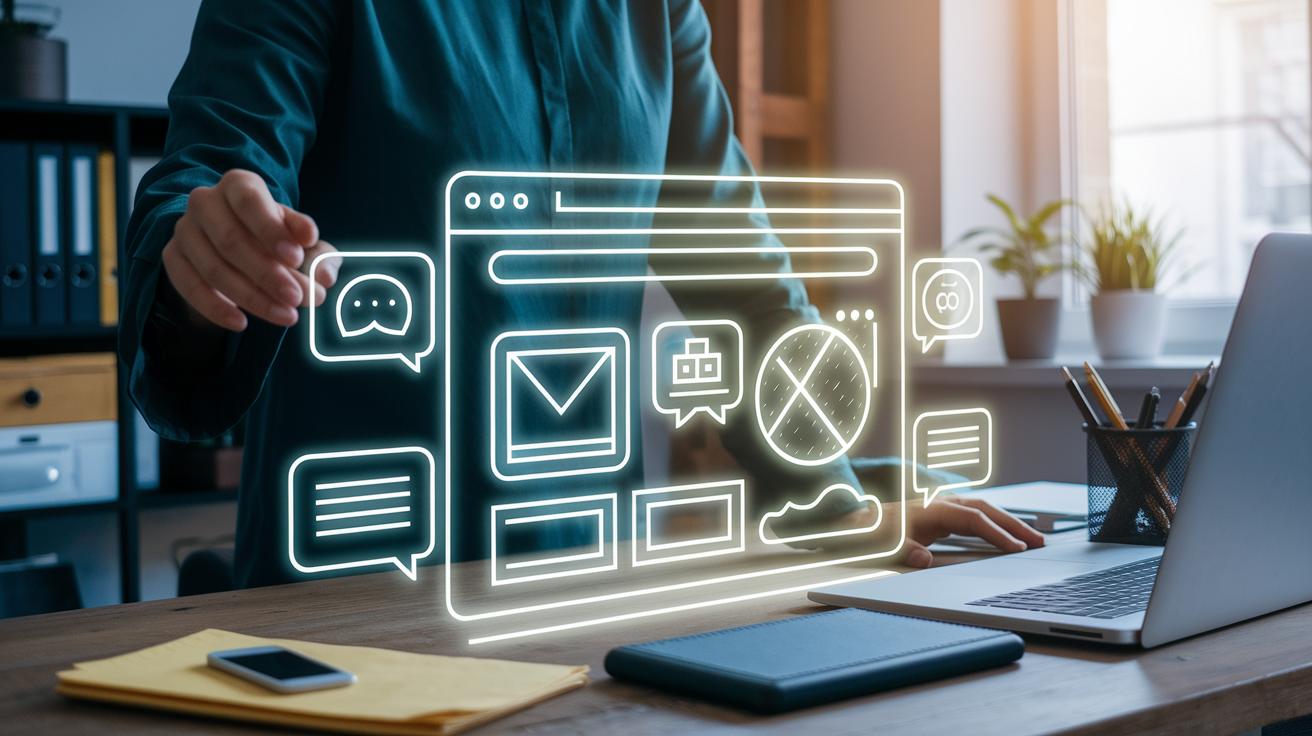
Imagine browsing a website that seems to know exactly what you like. It learns from the things you click on and offers a unique experience every time you visit. Picture talking to the page, saying something like, "Show me the latest features", and watching it respond like a friendly assistant. Plus, you'll soon be able to share these moments with others in real time, making your online adventure feel more social and fun.
Developers are busy exploring cool 3D effects that react right when you click. Think of it like a digital canvas that comes alive under your touch. A simple piece of code might say, "if (userClicks) { trigger3DEffect(); }" to start the magic. On top of that, web apps are evolving to be as swift as your favorite mobile apps, loading fast and moving smoothly from one page to the next, just like flipping through a digital photo album.
Designers are also getting creative with tools that let them rearrange sections at a moment’s notice. This means every page can feel new and exciting, like fresh paint on a canvas. Gentle animations guide you along, imagine a button softly lighting up when you hover over it. All these trends combine to make the web a more dynamic space that grows and changes with your needs, turning every visit into an inspiring digital moment.
Final Words
In the action, we explored the core of interactive web design. We broke down design fundamentals, technical approaches, and best practices that transform static web pages into lively digital spaces. Real-world case studies and solid tools brought energy to these ideas. This lively mix of trends and techniques shows how to build engaging experiences that capture attention and boost conversions. With this interactive web design guide, the future feels brighter and full of creative possibilities.
FAQ
What is interactive web design?
The interactive web design signifies creating digital spaces with animated elements, hover effects, and responsive layouts that actively engage users during their visit.
How do I create interactive web design?
The interactive web design is built using HTML5, CSS animations, and JavaScript libraries along with no-code platforms to add dynamic responses to user actions.
What are some interactive web design examples and templates?
The interactive web design examples include animated transitions and scroll-triggered effects, while interactive website templates offer ready-made designs to quickly craft engaging digital experiences.
What interactive web design course options are available?
The interactive web design course introduces modern coding techniques, animation tools, and design strategies to guide you in building engaging, user-friendly websites.
How can I make an interactive website for free?
The interactive website creation for free involves using open-source HTML5 templates, free design tools, and code libraries that simplify developing a dynamic, engaging site.
What are interactive website design templates?
The interactive website design templates are pre-built layouts filled with dynamic and responsive elements that let you quickly launch creative and engaging digital experiences.
Can ChatGPT design a website?
The interactive website design support from ChatGPT includes generating code snippets and content ideas but it requires additional design tools and coding for a complete site.
What are the 7 C’s of a website?
The interactive website design framework of the 7 C’s covers Context, Content, Community, Customization, Communication, Connection, and Commerce, forming a structured approach to engaging design.
What is interactive website code?
The interactive website code consists of HTML, CSS, and JavaScript that work together to animate components and create responsive features for a lively user experience.
What is an interactive portfolio website?
The interactive portfolio website uses dynamic visual elements and responsive design to present projects in a way that captures attention and makes your work memorable.