
Ever dreamed of gaming like a pro on your smartphone or a budget laptop? Cloud gaming makes that possible by using powerful remote servers to do all the heavy lifting for you. This means you don’t have to invest in an expensive machine at home because your device simply streams every detail from afar. The experience is smooth and fast, just like the rush of being in an arcade. With cloud gaming, you get to enjoy high-quality graphics and non-stop action wherever you are, proving you don’t need top-of-the-line gear to play at a champion’s level.
Cloud Gaming Platforms: How They Work and Key Features

Imagine playing your favorite high-end games on a simple laptop or even a smartphone. Cloud gaming makes this possible by streaming the game from faraway servers, tucked away in data centers all over the world. Instead of needing a super-powerful machine at home, these robust server clusters handle all the heavy work. Every frame is compressed (even in stunning 4K) using video encoding and network protocols, so a solid internet connection is key.
This process lets you dive into games on devices like budget laptops, tablets, or even smart TVs. By shifting all the tough calculations to remote servers, cloud gaming smooths out any lag and scales easily as more players join in. It’s like having your own gaming powerhouse in the cloud, ready to deliver non-stop action wherever you are.
Here are some of the cool features in play:
- Remote rendering engines that process and send real-time game graphics.
- Video encoding pipelines that keep your game visuals crisp and clear.
- Adaptive bitrate streaming that tweaks quality based on your internet speed.
- Cross-device continuity so you can jump from one device to another without missing a beat.
- Cloud-saved game progress that keeps your achievements safe and sound.
All these features blend together to create an experience that’s as fluid and engaging as a live concert. When the remote engines generate graphics and the encoding pipelines sharpen every detail, your gameplay stays smooth even if your connection dips. And with cross-device continuity, you can switch gadgets on the fly without losing progress. Thanks to cloud-saved progress, every move and milestone is backed up online. In short, cloud gaming’s clever use of remote computing ensures your play remains immersive, responsive, and ready to thrill, even during busy times.
Benefits of Using a Cloud Gaming Platform

Cloud gaming lets you dodge the high cost of a powerful gaming PC or console because the heavy work happens on remote servers. Instead of dropping a ton of cash all at once, you pay a steady monthly fee, like renting a top-notch gaming setup without worrying about upgrades or compatibility issues.
Instant play is a total game changer. Games stream straight from powerful data centers, so there’s no waiting around for downloads or installations. It’s like having a digital arcade open 24/7, ready for you to jump into new releases or revisit classic favorites in moments.
Plus, switching between devices is super easy. Whether you’re gaming on your smartphone, tablet, or smart TV, your progress stays safe. This seamless cross-device play means you can pick up right where you left off, and it even helps cut down on waste from physical discs and constant hardware upgrades.
Comparing Leading Cloud Gaming Platforms
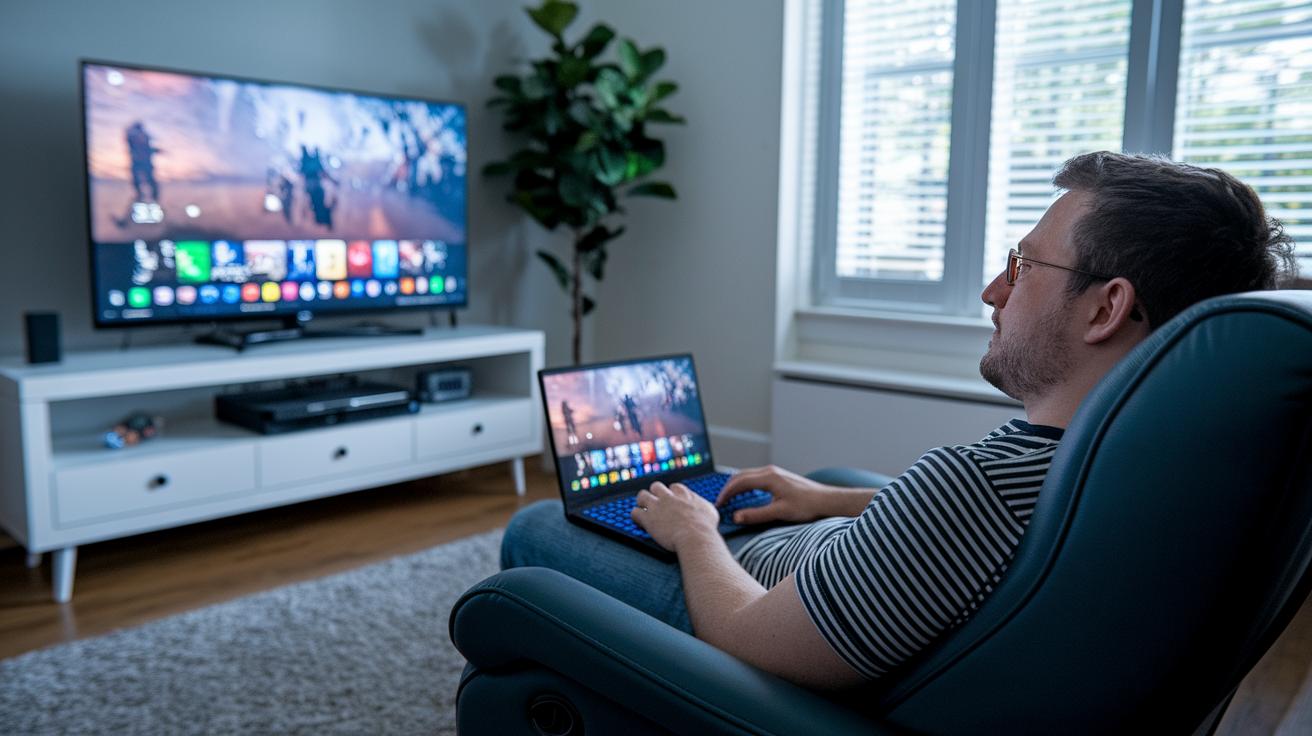
When you’re looking at cloud gaming services, think about the price, the game library, and which devices you can use. Some services offer options for playing in your browser, premium streaming with extra visual boosts, or even classic game collections. This guide gives you an easy look at the top platforms so you can decide which one fits your gaming style.
Xbox Game Pass Ultimate
Xbox Game Pass Ultimate is all about flexibility. You can start with a browser plan for $14.99 a month or upgrade to the console plan at $29 a month. With more than 100 games and new ones rotating every month, it’s a fun way to mix new hits with some old favorites, all without a big upfront cost.
Nvidia GeForce Now
Nvidia GeForce Now offers plans ranging from free to an Ultimate option at $19.99 a month. If you already own games on sites like Steam or Epic, this is a great choice. It even gives you RTX streaming that makes game visuals more vibrant, perfect for fans of high-definition gameplay.
PlayStation Plus Premium
For those who love a bit of nostalgia, PlayStation Plus Premium might be the pick. Costing $17.99 a month, it gives you access to over 300 classic titles spanning from PS1 to PSP. Although the PC version can be a bit clunky, it remains a solid option for enjoying vintage console magic.
Amazon Luna
Amazon Luna sets itself apart with a channel-style pricing model. The Luna+ channel starts at $10 a month, with extra channels like Ubisoft at $17.99 a month and Jackbox at $4.99 a month. Though it’s optimized for Fire devices, it also works on PC, Mac, and iOS, offering a library of over 100 games in a unique, channel-based approach.
| Platform | Pricing | Game Library | Unique Feature | Supported Devices |
|---|---|---|---|---|
| Xbox Game Pass Ultimate | $14.99–$29/mo | 100+ titles | Monthly rotations | Console, PC, Browser |
| Nvidia GeForce Now | Free–$19.99/mo | 1,500+ owned | RTX streaming | PC, Mac, Shield, Mobile |
| PlayStation Plus Premium | $17.99/mo | 300+ classics | Time-limited trials | PS5/PS4, PC |
| Amazon Luna | $10–$17.99/mo | 100+ games | Channel model | Fire, PC, Mac, iOS |
Pricing and Subscription Models on Cloud Gaming Platforms
Every platform offers its own unique way to get started. For example, Xbox Game Pass Ultimate is now $29 each month, while Nvidia GeForce Now has a free option along with a $9.99 monthly plan for Priority play and a $19.99 option for RTX-enhanced sessions. PlayStation Plus Premium can be paid monthly for $17.99, then quarterly for $49.99 or annually at $119.99, and they even have trial periods for newcomers. Amazon Luna breaks pricing into different channels, like Luna+ at $10, Ubisoft at $17.99, and Jackbox at $4.99, with an extra Prime channel available too. Think of it like comparing a $10 entry point with a $29 tier to see what deals each plan offers.
When you consider long-term costs, subscriptions turn big hardware purchases into smaller monthly payments. This way, you switch from a heavy upfront cost to a steady, budget-friendly fee. Plus, trial periods let you try the service first before you fully commit. Imagine saying, "I tried a free trial and saw that paying a monthly fee worked much better than a huge one-time purchase." This approach makes budgeting simpler and helps you choose smarter options.
Hardware Requirements and Supported Devices for Cloud Gaming Platforms
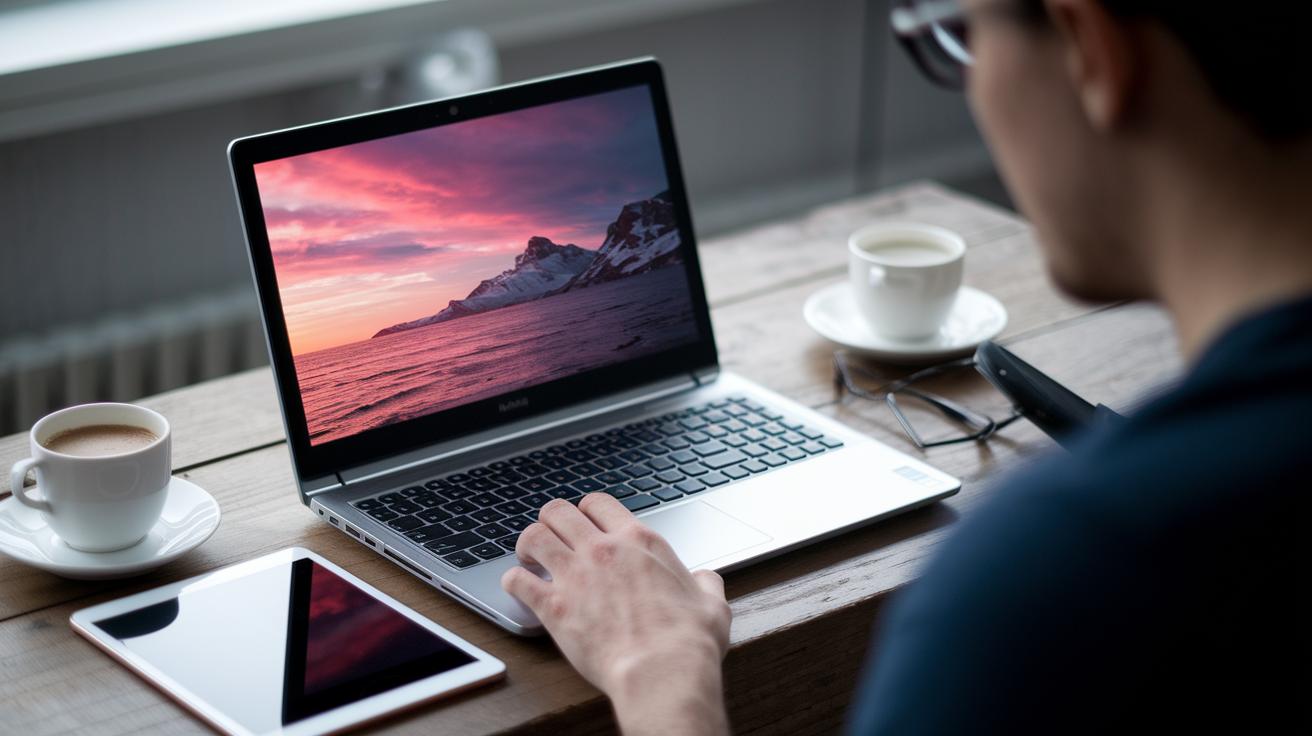
PC gamers, you can jump into cloud gaming with fairly basic gear. All you need is a dual-core 2.5 GHz processor, 4 GB of memory, and a graphics card that supports DirectX 11. If you're playing through your browser, just make sure you're using the latest version of Chrome, Edge, or Safari. Fun fact: even a budget laptop with these specs can stream detailed, high-end games because powerful remote servers do the heavy lifting.
Mobile gamers aren’t left out either. Cloud gaming apps work smoothly on devices running iOS 14 or later and on Android 6.0 and up. Plus, services like Luna shine on Fire tablets and Fire TV. This means you can enjoy great gameplay on the gadgets you already own, whether it’s your smartphone or tablet.
Connecting with controllers, keyboards, or mice is hassle-free across most platforms. Some games even let you use touch gestures on mobile, so a simple tap can have your character jumping just like in old-school arcade games.
Smart TVs and dedicated streaming boxes bring even more convenience. Devices like Chromecast Ultra, Apple TV, or Nvidia Shield support cloud gaming when updated to the latest firmware. So, whether you're lounging in your living room or gaming on the go, your cloud gaming experience stays lively and interactive.
Performance Factors and Network Considerations for Cloud Gaming Platforms
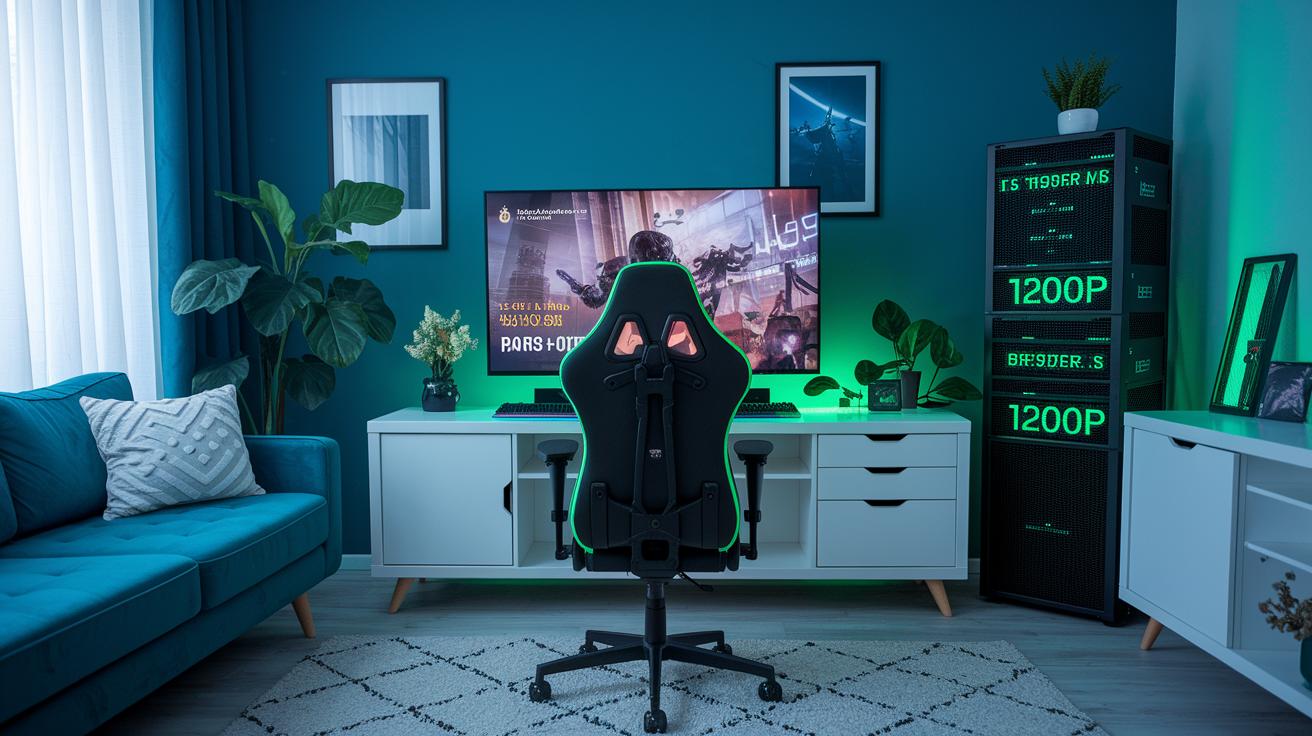
Smooth gameplay means less waiting and more fun. Cloud gaming companies place their servers close to players and use smart methods like UDP (a fast data transfer tool) to keep delays under 100 ms. That way, your moves hit the game almost instantly, almost like magic in a high-stakes match.
Adaptive Bitrate Streaming is like a smart switch for your video quality. It adjusts the stream based on your internet speed, automatically shifting from smooth 720p to a crisp 4K picture when possible. For example, you might need around 10 Mbps for 720p60, whereas enjoying 4K HDR could call for 20 to 35 Mbps. Even if your connection dips a bit, your game stays smooth and steady.
At the heart of this setup is a global network of data centers. Spread across North America, Europe, and Asia-Pacific, these centers work with internet service agreements to cut down on jitter and packet loss. No matter where you are, your game data finds the fastest route possible.
Sometimes, connectivity issues have simple fixes. A quick check of your router settings, switching to a wired connection, or reducing other devices’ internet use can smooth things out. Simple steps like moving your router to a better spot, updating its firmware, or managing network use during busy times help keep lag low and your game running without a hitch.
Future Trends in Cloud Gaming Platform Technology
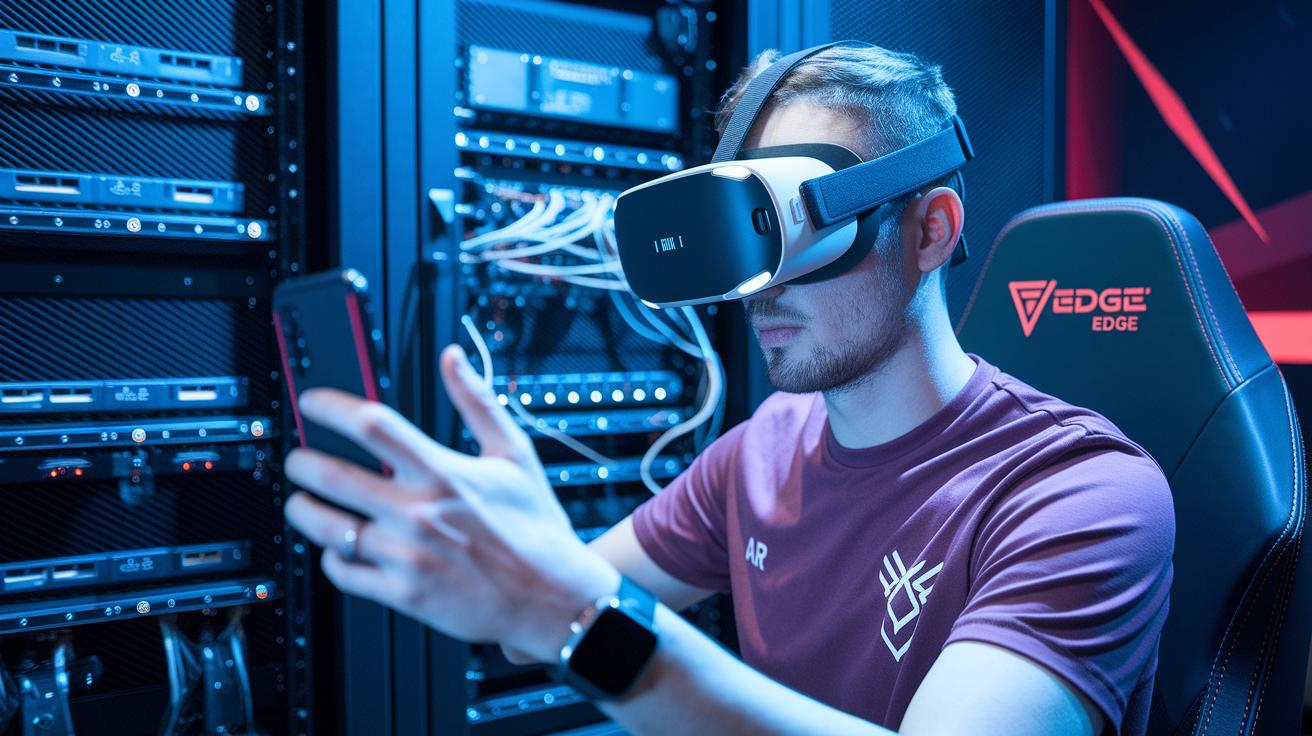
Cloud gaming is stepping into a brand-new era with cool upgrades like server virtualization and GPU slicing. Platforms now use small, lightweight VM containers to get the most out of remote servers while keeping session costs low. Plus, more providers are placing servers at local ISP hubs to reduce lag, imagine playing with delays under 50 ms. This means gamers enjoy steady connections even during those intense moments, and smooth transitions from one device to the next thanks to smart edge computing that brings game processing closer to you.
VR and AR are also joining the party by blending digital visuals with real-world scenes, giving you an immersive play experience that feels like you’re right in the middle of the action. Modern systems are set up with hybrid cloud-client designs that help keep lag to a minimum, and machine-learning tips the balance even more by predicting network needs. All this tech is working together to create a gaming atmosphere that’s super responsive and deeply immersive. So get ready for a mix of physical and digital fun that just keeps getting better.
Final Words
in the action, this article showed how games stream from distant servers, transforming play with offloaded processing and smarter delivery. It explored pricing models, cross-device links, and vital performance tweaks that bring high-quality gaming to ordinary devices.
Every section built on solid features, from adaptive bitrate streaming to fresh tech trends like VR/AR tools and edge boosts. The review proves that with a cloud gaming platform, the future of interactive entertainment is already here, lighting up screens and hearts alike.
FAQ
Are there free cloud gaming platforms?
The free cloud gaming option offers services like Nvidia GeForce Now’s free tier, which lets you play for short sessions without a monthly fee while balancing access limitations.
How do I download Xbox Cloud Gaming on an Android device?
The Xbox Cloud Gaming download process for Android involves installing the dedicated app or APK, letting you stream games via your mobile device for a convenient, portable gaming experience.
What does a cloud gaming platform review cover?
A cloud gaming platform review covers aspects like performance, game library size, pricing options, and device compatibility, helping you decide which service best fits your play style and needs.
What is the best cloud gaming platform?
The best cloud gaming platform depends on your play style and device compatibility; options like Xbox Game Pass and Nvidia GeForce Now offer different benefits based on game selection and market pricing.
What is Shadow cloud gaming?
Shadow cloud gaming is a service that streams a full-powered remote PC, letting you play high-end games on simpler devices by offloading heavy processing to dedicated servers.
How does Jio cloud gaming work?
Jio cloud gaming streams high-quality games over the internet, allowing users to access an expanding library on mobile devices without the need for expensive local hardware.
What is Xbox Cloud Gaming?
Xbox Cloud Gaming streams games over the internet, enabling you to play Xbox titles on various devices without long downloads, which makes gaming more accessible wherever you go.
What is Xbox Game Pass?
Xbox Game Pass is a subscription service that offers a rotating game library, including cloud streaming access, providing gamers a cost-effective way to try new titles every month.
Is Fortnite available on cloud gaming platforms?
Fortnite is available on several cloud gaming services, so you can jump into the fast-paced battle royale action instantly without waiting for long downloads or setups.
What is Nvidia GeForce Now?
Nvidia GeForce Now is a cloud gaming service designed to stream your owned games from platforms like Steam, offering different subscription levels, including a free tier with session limits.
Can I stream Grand Theft Auto V through cloud gaming?
Grand Theft Auto V can be streamed on various cloud gaming platforms, letting you explore its vast open-world setting without needing high-end local hardware.
What is Amazon Luna?
Amazon Luna is a cloud gaming service that uses a channel-based subscription model, so you can stream your favorite games across multiple supported devices with minimal setup.