Ever wondered if your gaming device can really keep up with your excitement? Imagine a gadget that streams like magic and shows crisp visuals wherever you go, whether you're chilling at the park or riding the bus.
This guide dives into the best cloud gaming gear built for long battery life and steady performance. It’s like having a reliable buddy who’s always ready to power up your game, no matter where you are.
Get set to find out which device stands out for its amazing performance, ready to level up your play?
Top cloud gaming devices for 2025: reviews and recommendations
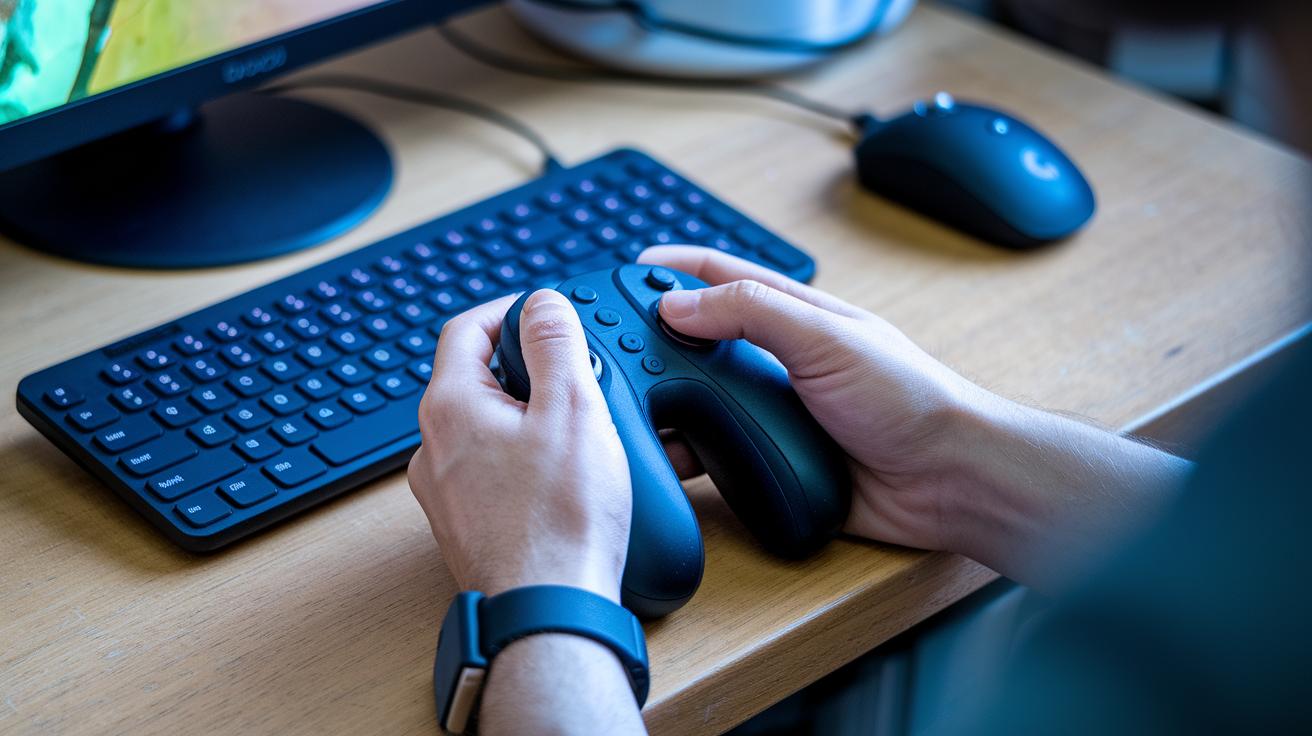
The Logitech G Cloud grabs your attention with its bright 7-inch 1080p display and a battery that powers your games for 10–12 hours straight. Its built-in cloud operating system makes streaming feel smooth and reliable, so you can dive into a game on a park bench or while riding the bus without stressing about recharging. It’s the kind of device that lets you enjoy long play sessions with ease.
PlayStation Portal is all about streaming your favorite PS5 titles with crystal-clear visuals. It brings the world of PS5 into your hands, though it skips extra apps and Bluetooth, meaning your console still needs to be nearby. Think of it like a special window into your PS5 gaming world, offering focused streaming without any extra distractions.
Steam Deck OLED shines with its vibrant OLED screen and the flexibility of running both SteamOS and Windows. This means you can tap into a range of cloud services like GeForce Now and Xbox cloud with just a few tweaks. It’s like flipping through channels during an exciting playoff game, making it easy to switch between your favorite streaming options.
Cloud gaming device specs comparison
This handy guide now throws in some extra nuggets, like pricing trends, accessory options, and real-world performance details to help you see what makes each device special. It’s like catching behind-the-scenes insights before you dive into a game.
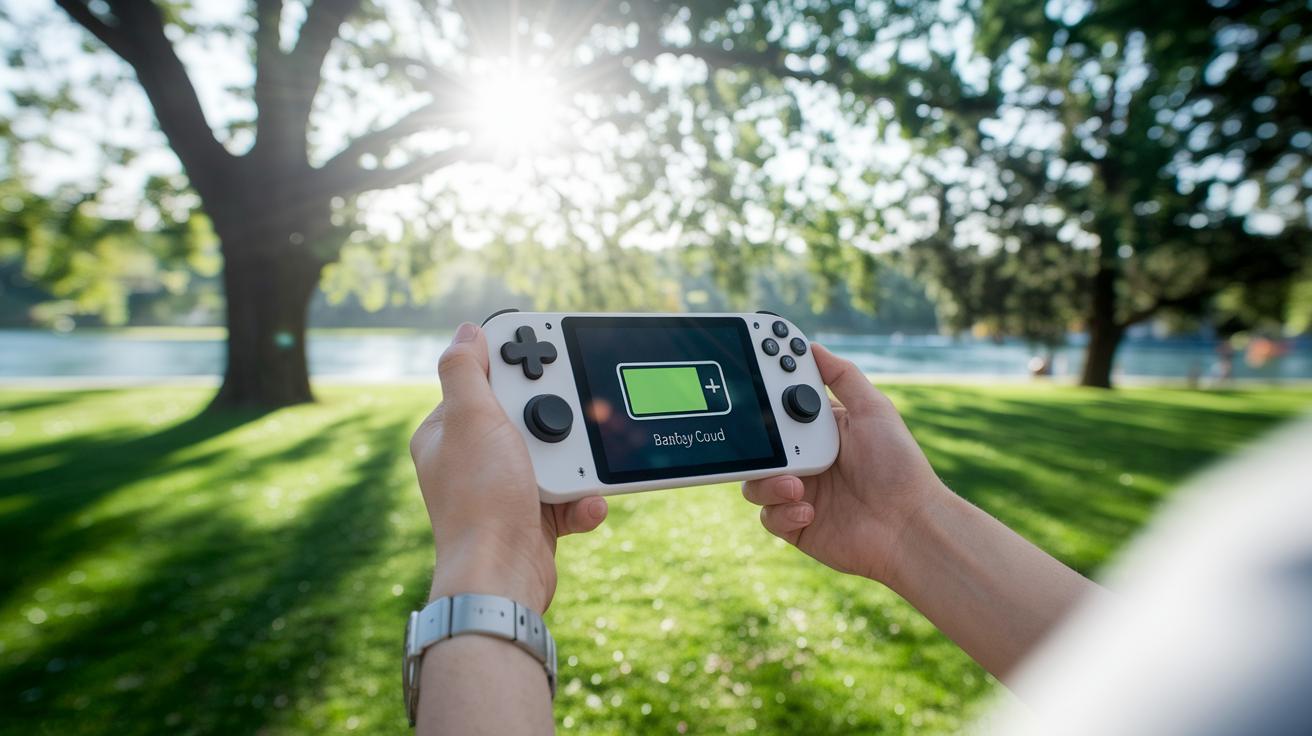
For instance, when testing outdoors, the Logitech G Cloud kept its battery going strong, even under bright sunlight. It’s like having a trusty sidekick that never quits on you.
| Device | Display | Battery Life | Cloud Support | Key Limitation | Pricing Trend | Accessories/Extras |
|---|---|---|---|---|---|---|
| Logitech G Cloud | 7″ 1080p | 10–12 hrs | Native cloud OS | Streaming-only setup | Moderate price with occasional discounts | Optional controller clip, USB-C cable |
| PlayStation Portal | Standard built-in | Varies | PS5 streaming | No apps/BT, tethered | Mid-high, aligned with PS5 pricing | Potential wireless adapters available |
| Steam Deck OLED | Brilliant OLED | Robust | GeForce Now, Xbox cloud | Slight IPS glow | Premium, reflecting dual OS capabilities | Optional docking station, third-party controller options |
Setting up a cloud gaming device: network and system requirements

When you set up your cloud gaming device, the first thing to check is your network. It's like the engine that keeps your gaming smooth and free of lag. For the best experience, use Wi-Fi 5 or Wi-Fi 6 and aim for a download speed of at least 15 Mbps so that your data flows quickly as you play. Keep your router nearby, kind of like moving your speakers closer for clear sound. And don’t forget to update your router’s firmware; it’s a bit like tuning your guitar before a big show.
Next, update your gaming device’s software and install all the streaming apps you need. Head into your settings and run any available updates, as these can fix bugs and reduce lag. Once everything’s updated, try playing around with settings like resolution and frame rates. Sometimes, lowering the stream quality just a little can help if your connection isn’t perfect. Keep testing your connection and making small tweaks, it really cuts down on delay and makes your gaming experience smoother.
Cloud gaming device price tiers and performance balance

When it comes to cloud gaming devices, you really have three groups to think about. First, there are budget models that cost between $60 and $80. These are perfect for retro games and basic cloud streaming. They’re like grabbing a quick snack that satisfies when you're on the go.
Next, mid-range devices, priced around $300 to $400, offer a little extra power for streaming newer games. They blend quality with a fair price, giving you more reliable performance. Fun fact: When I first checked out a mid-range cloud streamer, its power competed with some high-end machines, all while costing less than your daily fancy coffee.
For those who crave the best, premium systems range from $400 to over $1,000. These top-tier devices come packed with advanced features and impressive power. Take a look at premium handhelds like the ROG Ally X, which offers great strength for the most demanding cloud games. Each option gives gamers a chance to pick a device that matches both their wallet and their needs.
Choosing the best cloud gaming device for your platform
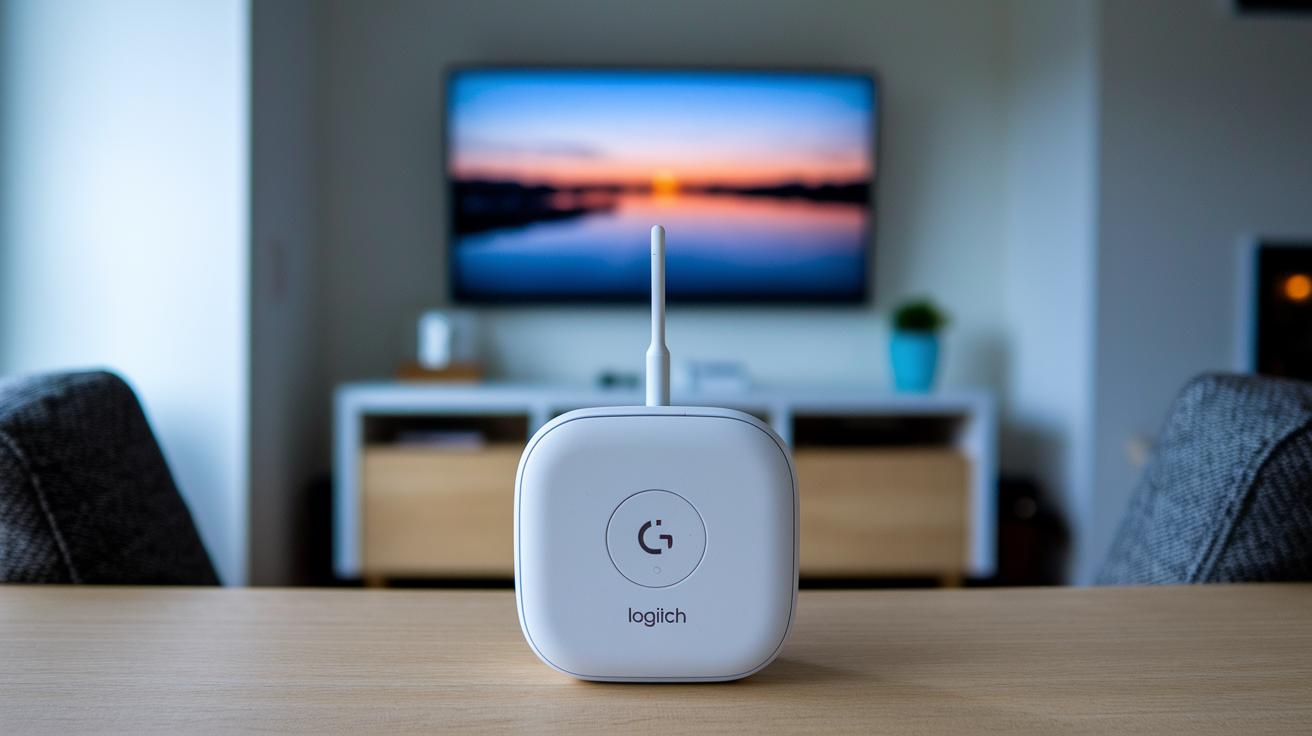
When you’re picking a cloud gaming device, think about both its price and performance along with how flexible its services are. A great device should fit in with what you already use and be ready for future updates. One gamer shared, "The Logitech G Cloud gives you a budget-friendly ride with a smooth Android interface – it’s just right for streaming on your smart TV."
Review this quick comparison:
| Device | Price-Value | Service Flexibility | Long-Term Use |
|---|---|---|---|
| Logitech G Cloud | Cost-effective | Android streaming only | Great with smart TV apps |
| PlayStation Portal | Mid-range for PS5 fans | PS5 Remote Play only | Solid for PS5 users |
| Steam Deck OLED/Windows handhelds | Higher upfront cost | Works with many cloud services | Ready for changing streaming trends |
Look at the overall value by weighing the cost against the ease of using your favorite cloud services.
Users say that long-term use matters. One review mentioned, "Choosing a device that works with multiple services means you won’t be stuck if streaming options expand."
Market trends are pointing to more devices that let you mix and match your cloud services, a big plus for gamers who love options.
Final Words
In the action of exploring top cloud gaming devices for 2025, we broke down setups, specs, and price options to make your selection easier. Our discussion walked through the strengths of devices like the Logitech G Cloud and its competitors, comparing screen quality, battery life, and streaming support. The guide also shared simple tips for achieving smooth, low-lag play. With exciting options that match your streaming style, a top cloud gaming device is ready to power your next interactive experience. Enjoy every moment as you connect and share the fun.
FAQ
Q: What is the best cloud gaming device?
A: The best cloud gaming device, like the Logitech G Cloud, offers a clear 7-inch 1080p screen, long battery life, and built-in cloud support that makes streaming games fun and reliable.
Q: Is there a cloud gaming device for TV?
A: Some cloud gaming devices can connect to your TV for a larger view, though many are designed for handheld use; check if the device supports external display options before buying.
Q: How does the Logitech G Cloud enhance cloud gaming?
A: The Logitech G Cloud improves streaming gaming with its bright 7-inch screen and 10–12 hour battery, giving you smooth gameplay and a portable experience anywhere you go.
Q: How do PlayStation Portal and Steam Deck OLED compare for streaming games?
A: PlayStation Portal streams PS5 titles only, while Steam Deck OLED offers a vivid OLED screen and supports many cloud services, letting you choose based on your preferred game system.
Q: What network setup is needed to stream games smoothly?
A: Smooth cloud gaming requires a Wi-Fi connection like Wi-Fi 5 or 6 with at least a 15 Mbps download speed, plus updated firmware and close router placement to reduce lag.
Q: How do price tiers affect cloud gaming device performance?
A: Cloud gaming devices vary from budget to premium, with lower-priced ones offering basic streaming and premium systems providing advanced features and better performance for a more immersive play.
Q: Which cloud gaming device suits different streaming platforms?
A: Device choices vary by the streaming platform; for example, the Logitech G Cloud runs Android streaming apps, while PlayStation Portal and Steam Deck OLED cater to PS5 and broader multi-platform services respectively.