Ever think your gaming could use a boost? Imagine your living room turning into an interactive arena where every move you make creates a real reaction. A full VR setup can bring that vision to life with crisp headsets, nimble controllers, and smart sensors that pick up every gesture. In this article, we explore different systems, from powerful PC rigs to flexible standalone devices, that make each game feel exciting and truly immersive.
vr gaming system: Dynamic Tech and Thrills
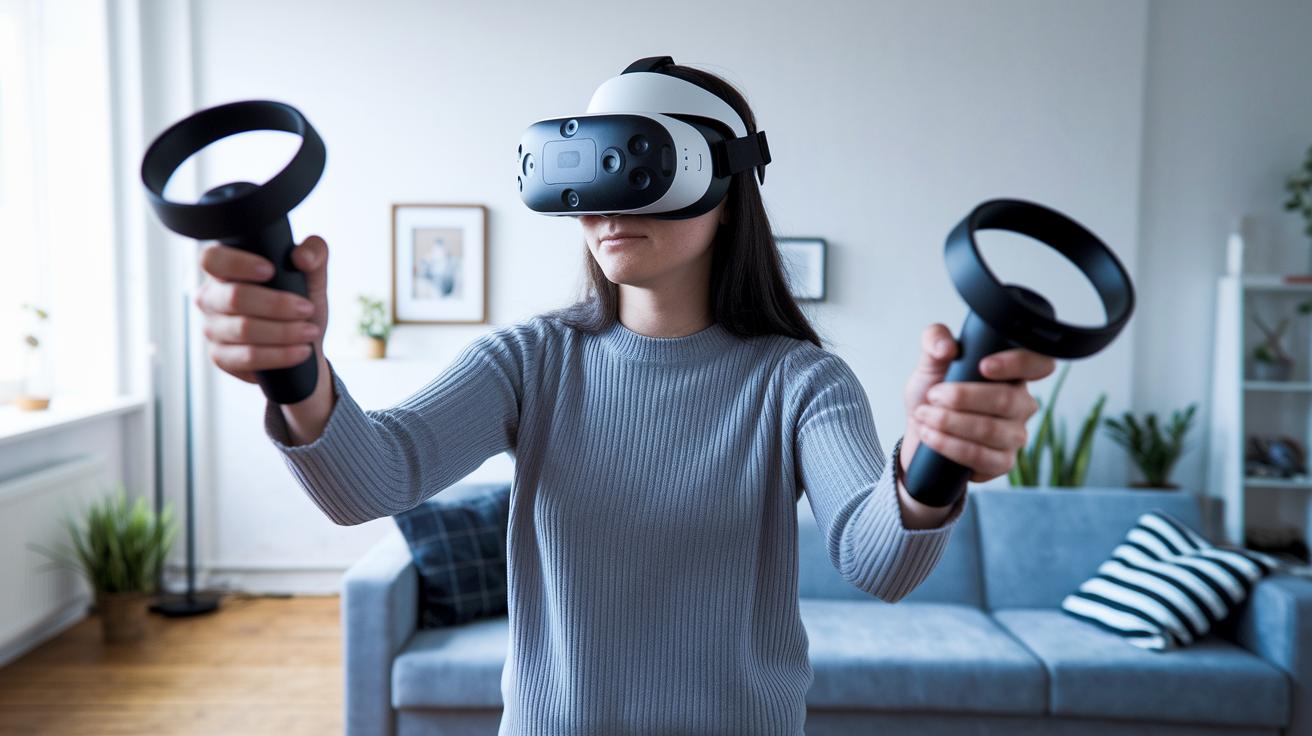
A complete VR gaming system brings together a headset, motion controllers, and tracking sensors that sync perfectly with your actions. It transforms your living room into a vibrant digital playground where every step you take feels part of the game. Imagine stepping into a world where every heartbeat is matched by thrilling adventure.
High-quality headsets lie at the heart of the experience. Take the Valve Index VR Kit for instance, it costs around $2,645.52 and is perfect for PC gamers who crave detailed, finger-by-finger tracking. And if you’re after a mix of power and easy mobility, the Meta Quest 3 at $499.99 or the Quest 3S at $299.00 fit the bill. HTC Vive Pro 2, priced at $699.00, delivers sharp, clear visuals, while the HTC Vive XR Elite and PlayStation VR2 (priced between $399 and $600) offer versatile performance that also works well with PC gaming. Think of it as stepping into a game where precise eye tracking and tactile feedback make every encounter feel strikingly real.
For tethered systems, you'll need a gaming PC packed with high-end GPUs like the NVIDIA RTX 20 series and a modern CPU to run the action smoothly. Standalone devices, on the other hand, handle processing on their own, giving you the freedom to move without being tethered by cables.
A dedicated play area is key too. A well-lit, clutter-free space of at least 6.5 by 6.5 feet ensures smooth, room-wide tracking so that every move you make links perfectly to the game world.
Comparing Top VR Gaming System Packages

Step into a world where every VR system brings a unique spark. Imagine the buzz when you slip on a headset and feel like you're truly part of the game.
Valve Index is like having a secret cheat code built right into your fingers. Every small finger twitch becomes a sharp game move. It offers smooth, 120 Hz action that PC enthusiasts love.
Then there’s the Meta Quest series, made with true freedom in mind. The Quest 3 lights up your view with a super wide field of vision and a vivid display powered by Snapdragon XR2 Gen 2. If you're after great mobility at a friendlier price, check out the Quest 3S, which keeps things light and simple.
PlayStation VR2 is built for those console adventures. With smart features like eye tracking and haptic Sense controllers, along with a crisp 4K OLED display, it really draws you into the game world. And HTC offers options that suit any mood, Vive Pro 2 dazzles with crystal-clear detail at 2,448 x 2,448 pixels per eye, while Vive XR Elite mixes real life with digital magic for a true hybrid experience.
Key differences include:
- Valve Index: Super precise tracking and fast refresh for detailed PC play.
- Meta Quest series: Complete freedom with top-notch visuals.
- PlayStation VR2: Designed for consoles with extra sensory features.
- HTC Vive: Choices that either focus on stunning clarity or mix real and digital worlds.
| Device | Unique Features |
|---|---|
| Valve Index VR Kit |
– Precise finger tracking – 120 Hz refresh rate – Enhanced PC control |
| Meta Quest 3 |
– Wide field of view – High-resolution display – Snapdragon XR2 Gen 2 powered |
| Meta Quest 3S |
– Affordable standalone design – Seamless mobility |
| PlayStation VR2 |
– Eye tracking – Haptic Sense controllers – 4K OLED panels |
| HTC Vive Pro 2 | – 2,448 x 2,448 pixels per eye for stunning visuals |
| HTC Vive XR Elite | – Mixed-reality passthrough blending live and digital views |
VR Gaming System Setup and Compatibility Guide
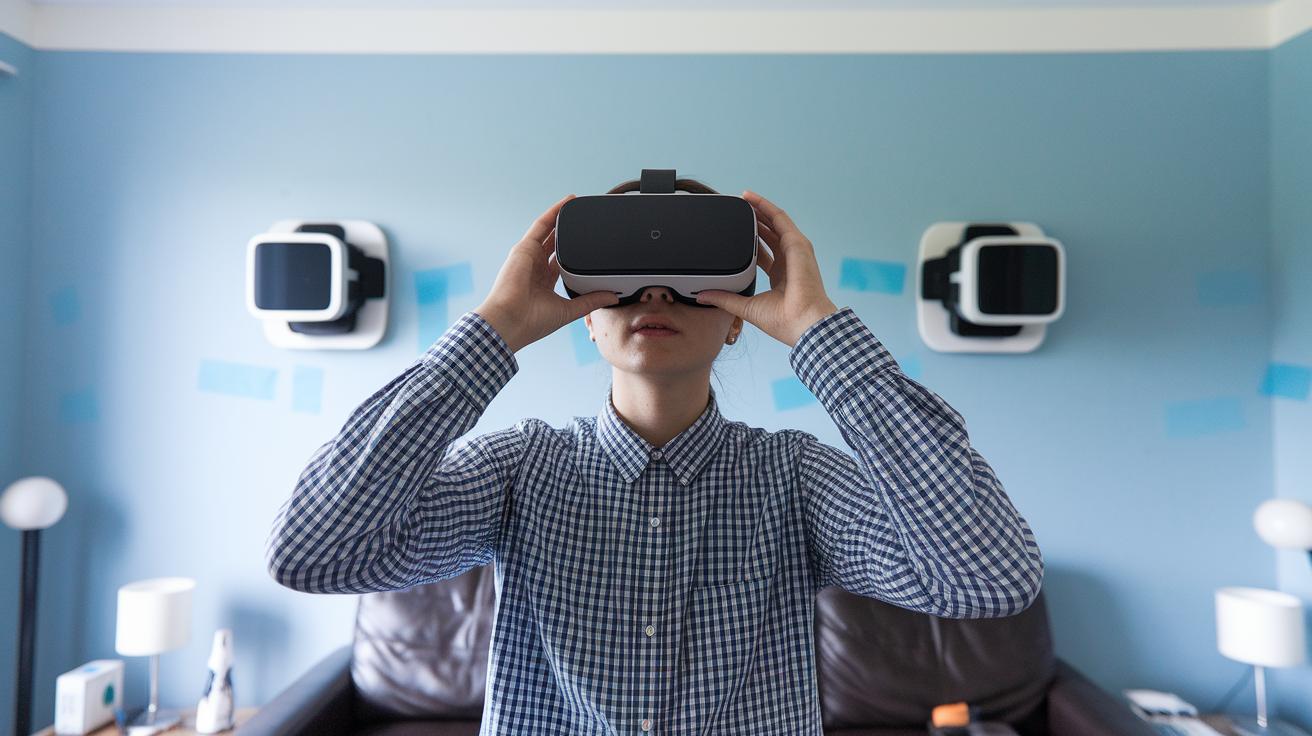
Start by checking the gear you have. If you’re using a PC headset, you’ll need a USB 3.0 or DisplayPort connection. For PlayStation users with PSVR2, a PlayStation 5 is a must. And if you’re opting for a standalone headset, make sure you have solid Wi-Fi 5 or 6, or enough onboard storage. It’s a bit like tuning your favorite instrument, every part has to work in harmony.
Next, set up your play space. Find an area that's at least 6.5 by 6.5 feet so you can move without bumping into things. A well-lit, open spot works best. Follow the on-screen wizard step-by-step: adjust the sensor height, set the floor level, and mark off your boundaries to match your room. This helps your system capture each move accurately, kind of like painting a picture with your own movements.
Then, fine-tune your setup using the calibration tools that come with your system. Adjust sensor and controller positions to boost tracking precision and make sure every gesture is caught. For an extra dose of realism, you might try adding a VR treadmill or motion platform. And for even more freedom, a wireless controller lets your actions mirror your digital world exactly.
Enjoy the process, it’s all about making your virtual space feel as natural and exciting as stepping into a live show.
VR Gaming System Software and Content Ecosystem
VR content isn’t just about games – it’s like a whole digital library bursting with cool experiences. Big names like SteamVR, Meta Quest Store, and PlayStation Store offer a mix of downloadable adventures. Imagine picking a title on an online storefront and getting swept into a world where every choice unlocks new excitement. It’s where special interactive titles meet everyday fun, making gameplay feel both fresh and engaging.
Subscription services like Viveport Infinity take it a step further by giving you endless titles to explore with one monthly fee. One minute you’re in a fierce arena match, and the next, you’re enjoying a fun social experience with friends – all at no extra cost. It’s like having your favorite game modes ready whenever you want to play.
Standalone VR platforms also bring something unique to the table. Take Meta’s Horizon Worlds, for example – an interactive space available only on standalone devices that lets you explore and create in real time. And with cross-platform features on PC and console kits, you can grab cross-buy titles that work smoothly across your devices. This means you can start a solo adventure on your living room PC and later join a lively online session with others.
Online storefronts and digital marketplaces pack in everything from engine support to creative, immersive gaming. Each new update and title adds a fresh layer to the ever-growing digital library, offering a mix of exclusive interactive titles and downloadable experiences that fit every play style.
VR Gaming System Performance and Optimization
Start by checking your system's refresh rate. For example, the Valve Index can hit up to 120 Hz while PSVR2 runs at 90 Hz. Lowering latency to under 20 ms is key for a smooth ride. Picture it like testing your sound system before the show, every move needs to flow effortlessly.
Next, give your gameplay a tune-up. Update your GPU drivers, refresh your headset firmware, and reboot your platform runtimes often. Many setups, like those using SteamVR, include special modes and reprojection options that help keep the visuals sharp even when the game gets intense.
Also, make sure your wireless signal is rock-solid. Wireless headsets really shine with Wi-Fi 6 or 60 GHz links. It’s a bit like double-checking the sound quality before a live gig, clear, steady signals make all the difference. Take a moment to review your router’s settings and arrange your devices to dodge any interference.
Finally, stick to the firmware update guidelines from your device makers. Keeping everything current smooths out gameplay and helps your system hit all those performance targets, creating an immersive VR experience that feels as real as being in the room with your favorite band.
VR Gaming System Buying Guide and Recommendations
Looking for a new VR system? We’ve got you covered with a friendly guide that breaks down prices and features in a way that’s easy to understand. If you’re new to the scene, the Meta Quest 3S is a great pick at just $299, it offers an accessible gateway into high-quality virtual fun. And if you’re ready to spend a bit more, the Quest 3 at $499 steps up the game with even more exciting features. Console fans won’t want to miss the PlayStation VR2, which falls between $399 and $600 and is designed just for that smooth, immersive gaming experience.
For those who crave the absolute best, premium systems like the Valve Index Kit at $2,645.52 or the Apple Vision Pro at $3,499 pack a serious punch. These high-end options give you advanced tracking and super precise control, imagine handling tech that feels like your very own state-of-the-art sound system.
When you’re deciding on a VR system, check out the warranty details. Most devices come with a basic one-year warranty, and some vendors even offer extra protection plans. And here’s a little tip: keep an eye out for sales on big discount days like Prime Day, Black Friday, and Cyber Monday. That’s often when Meta devices drop their prices significantly.
There’s more on the horizon too. Future headsets may boast better eye tracking, wider fields of view, and lighter designs, with these improvements expected sometime in late 2025.
| Category | VR System Options |
|---|---|
| Entry-level | Meta Quest 3S |
| Mid-tier | Quest 3, PSVR2 |
| Premium | Valve Index, Apple Vision Pro |
Don’t forget to look up user reviews so you can get a feel for after-sales service and decide if it’s the right upgrade for you. Ready to jump into the VR world? Enjoy the ride!
Final Words
In the action, our blog broke down the key elements of a vr gaming system, from headsets and controllers to room-scale tracking and smooth performance tweaks. We compared top models, shared setup tips to keep your play space safe, and discussed how each device brings interactive fun right to your home. Every bit of advice points to a more engaging digital experience that’s both practical and exciting. Enjoy the spark of creativity as you explore more ways to bring this tech to life.
FAQ
What is the best VR gaming system?
The best VR gaming system combines a high-quality headset, precise motion controllers, and advanced tracking sensors for a fully immersive experience. Top options include Valve Index, Meta Quest 3, and HTC Vive Pro 2.
Is VR or Oculus better?
The question compares devices within the VR market. Oculus, now part of Meta, offers user-friendly, wireless systems, while other VR platforms may provide higher visual performance. Each has unique strengths to suit different needs.
What do I need to play VR at home?
Playing VR at home means having a compatible headset (either standalone or PC-connected), motion controllers, and a clear, well-lit space with necessary ports like USB 3.0 or DisplayPort for PC setups.
What are the disadvantages of VR?
The disadvantages of VR include potential motion sickness, a high cost of quality equipment, space limitations for full immersion, and occasional tracking issues that might interrupt the gaming experience.