Have you ever wondered if PC gaming can feel even more immersive? VR gaming for PC turns regular gameplay into a pulse-pounding experience, drawing you straight into the action. Imagine your living room lit up with vivid visuals and clear, crisp sound, making every move feel like stepping into your favorite film.
Today, we're chatting about how picking the right parts and setting up your system can create gameplay that flows smoothly and responds to every command. Ever felt that rush when everything just clicks? It all comes down to choosing the proper components and tweaking your setup so the experience feels natural and powerful.
So get ready to reimagine your gaming space. Transform your PC into a vibrant stage that bursts with energy and unforgettable digital thrills. Enjoy the ride as your setup brings live-action excitement right to you.
Getting Started with VR Gaming for PC
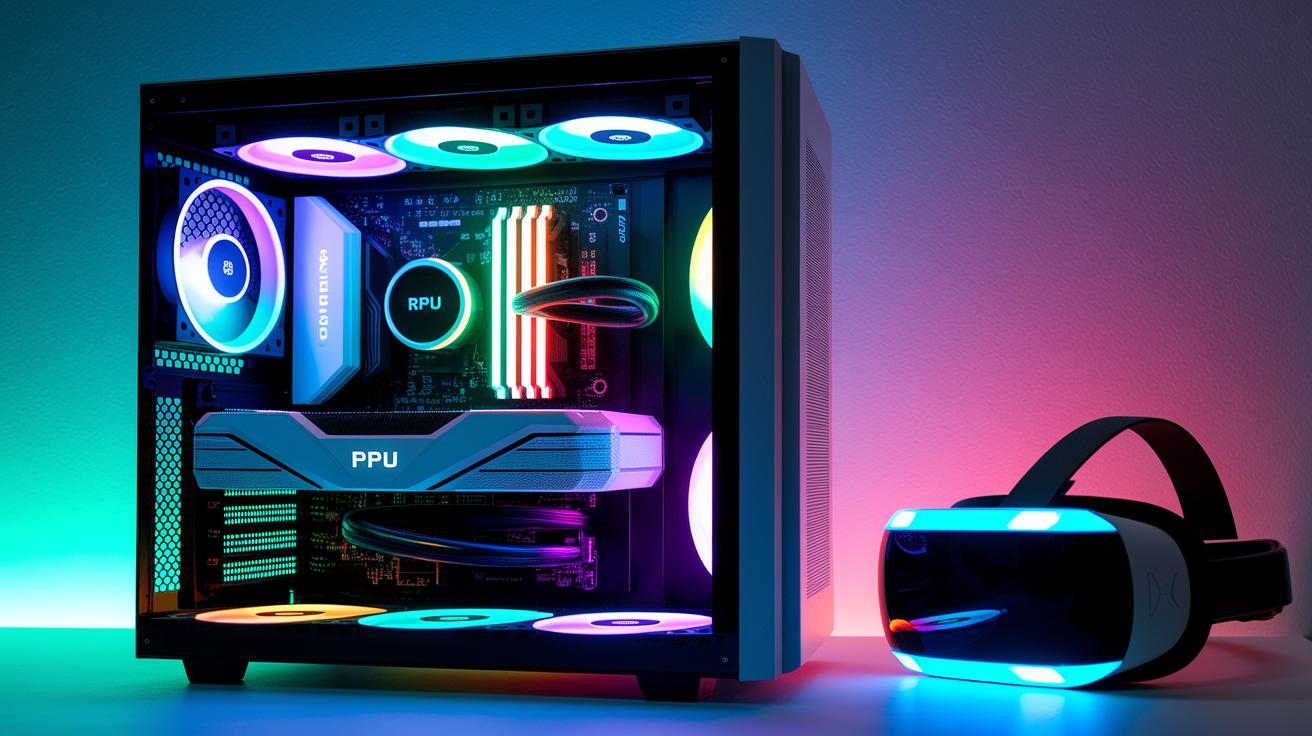
Getting your PC ready for VR gaming feels a bit like setting the stage for an epic show. It all kicks off with choosing parts that work together to give you smooth, realistic visuals and super responsive gameplay. Start with the graphics card; think of it as your very own digital projector that lights up the scene. A GTX 1660 can do the job if you're just starting out, but if you want that extra sparkle, and clearer, richer images, an RTX 2060, 2070, or even RTX 2080 is the way to go.
Next up is your CPU, which acts like the brain of your system. For easy-going VR sessions, an Intel i5 or AMD Ryzen 3 does fine. But if you're planning on tackling more intense VR adventures or juggling lots of tasks at once, you might want an Intel Core i7 or Ryzen 7 to keep everything running smoothly. And don’t forget about your memory; while 8 GB of RAM might suffice for regular gaming, stepping up to 16 GB makes playing and even design work feel way more fluid. Sometimes, if your projects are really big, you might even need 32 GB or 64 GB.
Lastly, think about connectivity. For example, an Oculus Rift requires 3 USB 3.0 ports and 1 USB 2.0 port to run properly. Desktops often have a bunch of ports, giving you plenty of room to connect all your gadgets, while laptops might need extra USB hubs if you're on the go. Balancing a desktop’s flexibility with a laptop’s portability is the final key to unlocking a great VR gaming experience.
Building Your Custom Desktop Immersion Rig
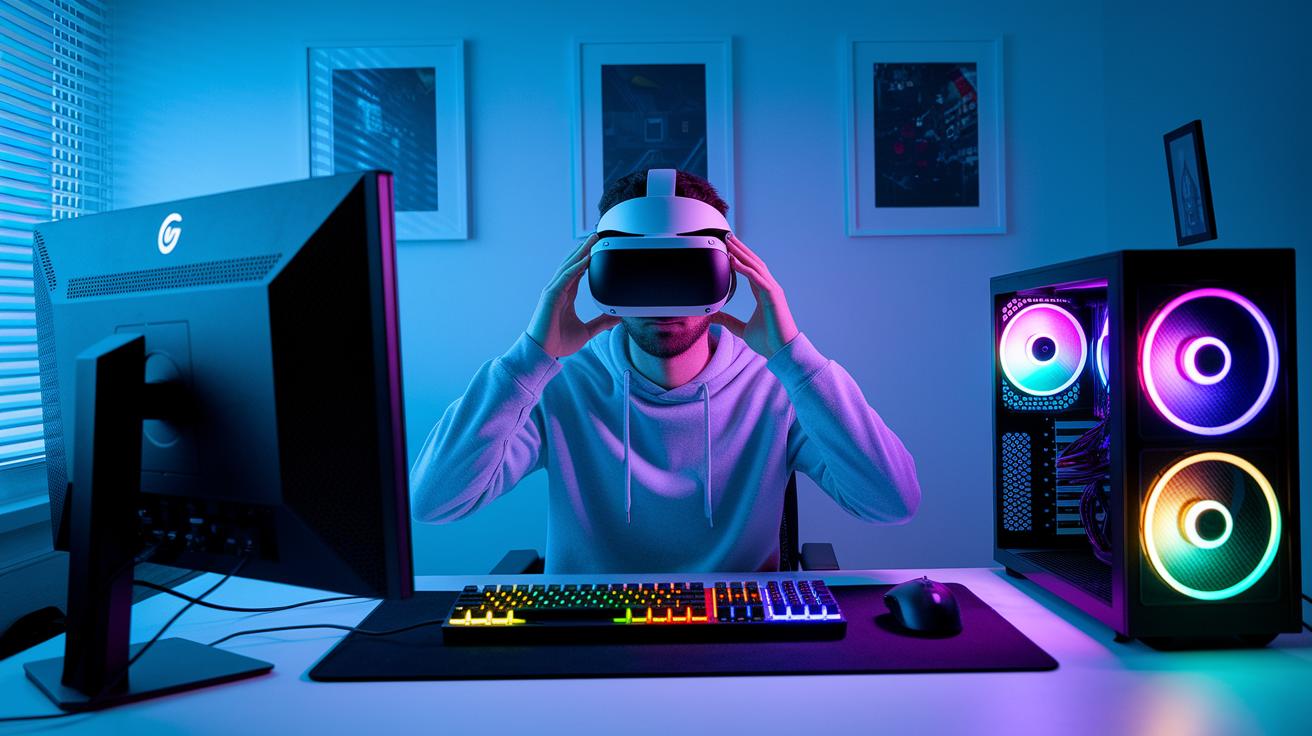
When you’re geared up to boost your CPU, think about fine-tuning it with careful overclocking and cooling. If you’re leaning toward an Intel i7 or Ryzen 7, it’s smart to pick a top-notch air or liquid cooler. Just dab a pea-sized drop of thermal paste in the center, let the cooler spread it out, and watch your heat transfer improve. It’s like setting up the perfect stage for your system!
Tinkering with your GPU is more than just finding the right card. Give your RTX series a gentle overclock, and keep a close eye on temperatures. Setting up custom fan profiles can really help control noise and heat. Try upping the clock speeds slowly and checking your temps along the way. Plus, adding extra case fans can make those long VR sessions much cooler and comfier.
For memory and storage, pairing high-speed DDR4 memory with an NVMe SSD is a game changer. This dynamic duo cuts loading times dramatically. Think of it like arranging your tools just right – place components for smooth airflow and neatly route your cables behind the motherboard tray with clips. This not only helps keep your system cool but also makes future tweaks a breeze.
Before you power on your rig, plan out your cable layout. Use zip ties or Velcro straps to secure wires along the case channels. Bundle your cables and tuck them neatly along the edges to maintain clear airflow paths, ensuring everything stays connected and cool. With ports and controls easily within reach, you’re all set for hands-on maintenance or a quick upgrade.
| Component | Recommended Spec | Purpose |
|---|---|---|
| GPU | GTX 1660 minimal, RTX 2060/2070/2080 for enhanced visuals | Top-tier graphics with overclocking potential and custom cooling |
| CPU | Intel i5/Ryzen 3 minimal, Intel i7/Ryzen 7 for overclocking | Powerful processing with performance tuning options |
| RAM | 8GB minimal, 16GB+ for intensive VR multitasking | Stable performance during high-demand scenarios |
| Storage | NVMe SSD, 1TB+ advised | Fast load times and ample space for VR libraries |
| Connectivity | PCIe USB 3.0 ports with smart cable channels | Reliable device access and optimized airflow management |
VR Gaming for PC: Thrilling Play Awaits
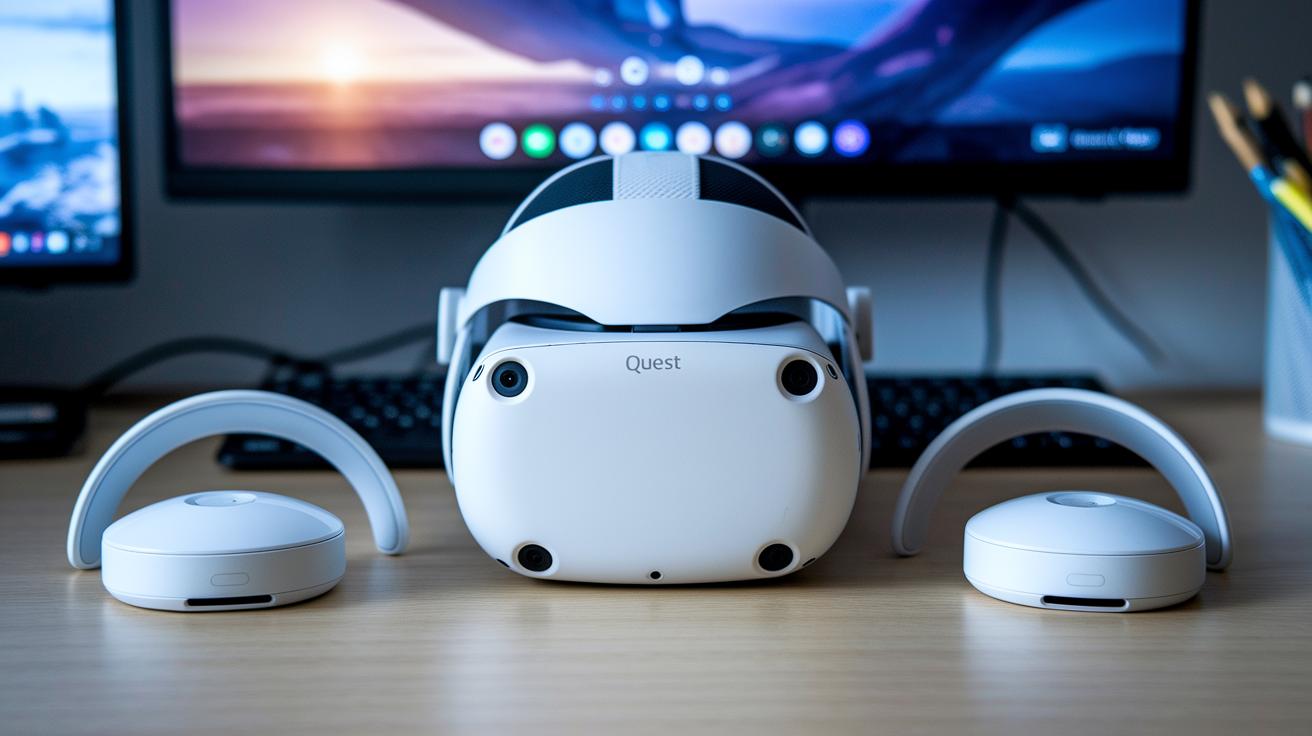
Getting into VR is a blast and it doesn’t have to cost a fortune. For example, the Oculus Quest 2 Link comes in at just $299. It works on its own and can link to your PC via USB-C or Air Link, so you can enjoy those immersive virtual worlds whether you’re chilling at home or on the go.
Then there’s the HTC Vive Cosmos Essentials, priced at $399. With easy inside-out tracking that sorts itself out quickly, this headset offers smooth visuals with minimal fuss, a perfect match if you want quality without complications.
Your controllers also play a big part in keeping the magic real. For precise inputs, the Valve Index Controllers, available as a $279 pair, deliver top-notch control. But if you’re looking to save a bit, the Vive Wands at $129 still offer a great, responsive feel.
And hey, if you’re ever short on USB ports, a third-party USB 3.0 hub for about $25 can be a lifesaver. Plus, if you prefer fewer cables cluttering your gaming space, wireless adapters between $59 and $99 let you roam and play without being tied down.
| Item | Price | Description |
|---|---|---|
| Oculus Quest 2 Link | $299 | Mobile/PC hybrid |
| HTC Vive Cosmos Essentials | $399 | Inside-out tracking |
| Valve Index Controllers | $279 pair | High-precision input |
| Third-party USB 3.0 hubs | $25 | Helps with port shortages |
| Wireless adapters | $59–$99 | Less cable hassle |
Software Setup and Optimization for PC VR Gaming
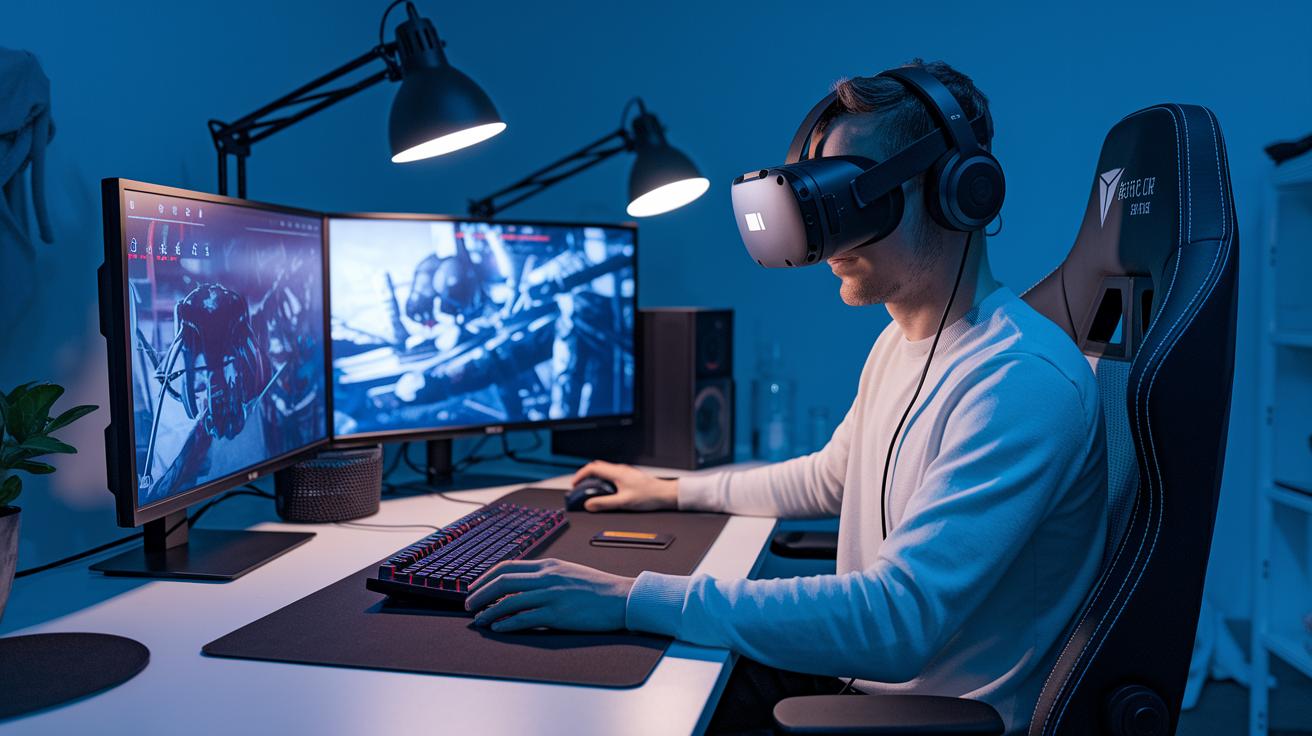
Get your rig ready for epic VR adventures by getting your software just right. First, open Steam and head over to your Library. Click the Install button for SteamVR, it’s the first step to creating your own digital playground.
Next, visit Oculus.com and grab the Oculus PC app. Whether you hook up your Quest using a Link cable or go wireless with Air Link, be sure to update your firmware often. Think of it like tuning a guitar so every note rings true.
Every month, take a minute to update your GPU drivers from NVIDIA or AMD. This simple check helps you catch the latest game patches and keeps everything running smoothly. You can also adjust settings like supersampling in the Oculus Debug Tool or tweak the SteamVR Resolution settings, kind of like fine-tuning the brightness on your favorite screen.
If you’re using a Windows Mixed Reality headset, open the Mixed Reality Portal and shut down any background apps you’re not using. This little cleanup boosts performance and cuts out glitches, allowing you to really dive into your virtual world without any hiccups.
VR Gaming for PC: Thrilling Play Awaits
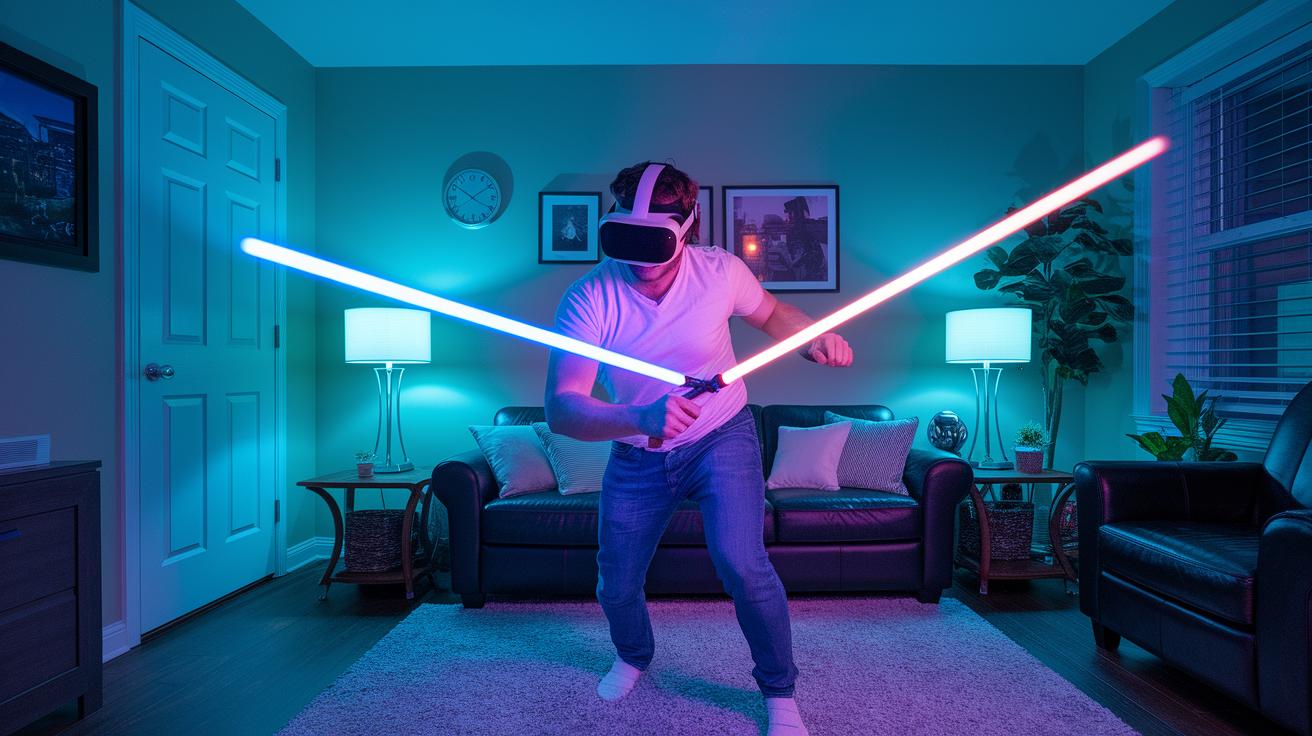
Step into exciting digital worlds where every game sparks a rush like a live performance. Half-Life: Alyx takes you on a wild ride through City 17, pulling you into a vivid story that feels like watching a blockbuster movie in VR. Boneworks makes play feel like a real-life science experiment, and with Beat Saber, you're slicing through pulsing beats like you're running your own light show.
Superhot VR turns gaming into a fun mix of quick thinking and careful moves, time only ticks when you do, giving you a chance to plan each step. And in The Walking Dead: Saints & Sinners, you dodge danger like you're starring in your very own thriller.
Multiplayer fans, you’re in for a treat. Pavlov VR brings fast-paced shooter action, while Demeo lets you gather 'round a digital board for a tabletop RPG experience right at home. Imagine every move on that board creating ripple effects of excitement. New entries like Arken Age, Vertigo 2, and UNDERDOGS add even more cool twists and fresh stories, keeping the VR scene buzzing.
These games work smoothly with headsets like HTC Vive, Oculus Rift, and Valve Index. Each one is built to adapt to your setup, turning every session into an electrifying adventure. Get ready to dive in and feel the beat of your digital heart with every step in these amazing worlds.
Advanced Peripherals: Tracking, Controllers, and Audio Systems
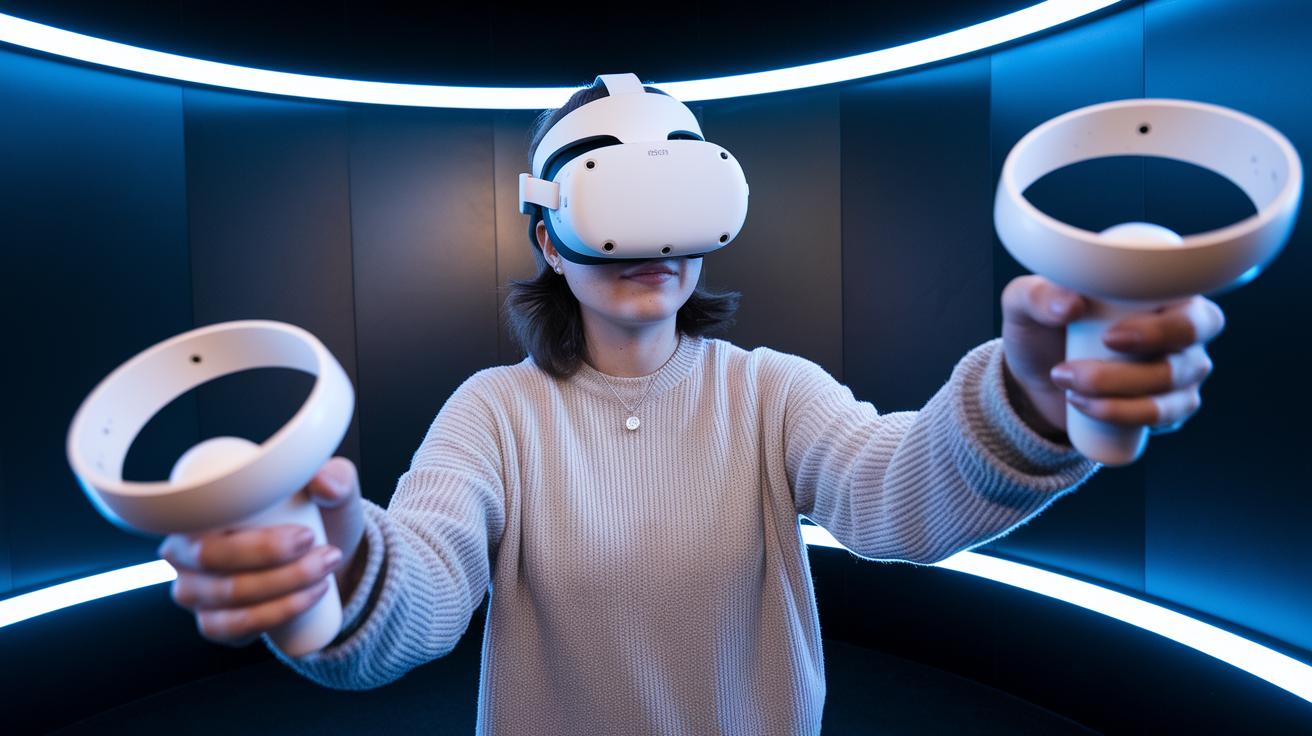
Jumping into VR becomes truly magical with the right gadgets. Think of the Valve Index Base Stations 2.0 as your ultra-precise room guides that track every tiny move you make, letting you experience your digital world as if you were really there.
The Index Controllers take it a step further with grip sensors and finger tracking. They let you grab objects, turn virtual pages, or handle tools as naturally as using your own hands. And if you're looking for full-body immersion, the Vive Trackers, priced at just $99, clip onto you or any item, adding extra layers of realism to your adventures.
Then there’s the bHaptics TactSuit, which for $199 wraps you in detailed feedback that lets you feel every buzz and pulse across your torso and limbs. Add crisp 3D sound from the Oculus Spatializer and Steam Audio, and suddenly every sound and touch brings you right into the game. Together, these awesome tools create a VR world that feels incredibly real and alive, turning every session into a personal, unforgettable experience.
Room-Scale Setup and Troubleshooting for Desktop VR

Getting your room ready for VR starts with picking a space that's at least 6.5 ft by 6.5 ft, roughly a 2 m by 2 m area. It’s like clearing a dance floor for your favorite tune, enough room to move around, groove, and explore without bumping into anything.
Next, think about where to put your sensors. Mount your base stations about 2 m high and tilt them roughly 30° downward. Place them in diagonally opposite corners so they cover your space evenly. This setup catches every gesture smoothly, making the experience feel natural and immersive.
If you notice any tracking or connection issues, try using powered USB 3.0 hubs to keep your headset connected. Also, cut back on reflective surfaces like shiny floors or walls to avoid unwanted jitter. And don’t forget to close any non-essential apps running in the background. For those crucial sessions, switching to a wired Link connection might just be the trick to keep things running perfectly.
Future Trends in VR Gaming for PC
Eye-tracking teamed with foveated rendering is changing how we see virtual worlds. Imagine only the exact spot you’re looking at coming to life in stunning detail, while the rest stays a bit softer. This clever trick eases the load on your graphics card, letting every frame really shine.
Wireless PC VR is taking a huge step forward thanks to Wi-Fi 6E and special mmWave tech. Picture yourself in a digital playground without any tangled cords, moving freely as your headset talks smoothly to your computer.
AI-powered content and procedurally generated worlds are also shaking up the gaming scene. Think of it like a creative artist building parts of the game on the fly, one moment you're wandering a calm forest, and the next, you’re in a lively city, all without using pre-made scenes.
Then there’s the rise of haptic feedback suits and gloves, which let you feel every knock and vibration like you’re really there. Plus, with cloud-streamed VR, like NVIDIA CloudXR beta, the heavy graphics work moves online, meaning you might not need the fanciest local hardware to enjoy an amazing experience.
All these cool breakthroughs together are blurring the line between the digital and the real, promising a future where gaming feels more immersive than ever.
Final Words
In the action, you’ve seen how to blend smart hardware choices and software tweaks with affordable, high-quality gear to create an amazing PC setup. The guide broke down everything from the right GPU and CPU to ensuring smooth connectivity and immersive play.
With clear steps on room organization, interactive software setups, and top game picks, you’re all set to elevate your experience. This comprehensive look into vr gaming for pc leaves you ready to dive into fresh, engaging digital experiences with a smile.
FAQ
Frequently Asked Questions
What does VR gaming for PC on Reddit talk about?
Discussions on Reddit about VR gaming for PC focus on user experiences, hardware insights, and game recommendations that showcase the fun and challenges of immersive play.
What are the best VR headsets options for PC gaming including budget choices?
The best options include models like the Oculus Quest 2, HTC VIVE Pro 2, HP Reverb G2, and premium headsets like the Apple Vision Pro, all designed for immersive visuals and smooth performance.
Can you play VR games on PC and what gaming PC setup do you need?
Playing VR games on PC needs a system with at least an Intel i5/Ryzen 3 CPU and a GTX 1660 GPU, though desktops allow more customization for an immersive setup and optimal performance.
What are some top VR games for an engaging experience?
Top VR games include interactive titles like Beat Saber, Half-Life: Alyx, Superhot VR, and Boneworks, each delivering dynamic gameplay and captivating digital environments.
What distinguishes Meta Quest headsets in PC VR gaming?
Meta Quest models, like the Quest 3 and Quest 2, offer versatile play modes through standalone functionality or PC connectivity via Link cables or Air Link, ensuring easy and updated immersive sessions.