Ever dream of playing awesome games on any device without needing a fancy setup? Cloud gaming makes it happen by sending game data straight to your screen from powerful computers far away.
Imagine it like watching a live show where every moment comes alive thanks to a super-fast connection. In this post, you'll learn how each tap and click turns into a smooth streaming experience, almost like magic.
We'll break down the process in easy steps so you can see just how technology brings gaming to life.
How Cloud Gaming Works: End-to-End Workflow
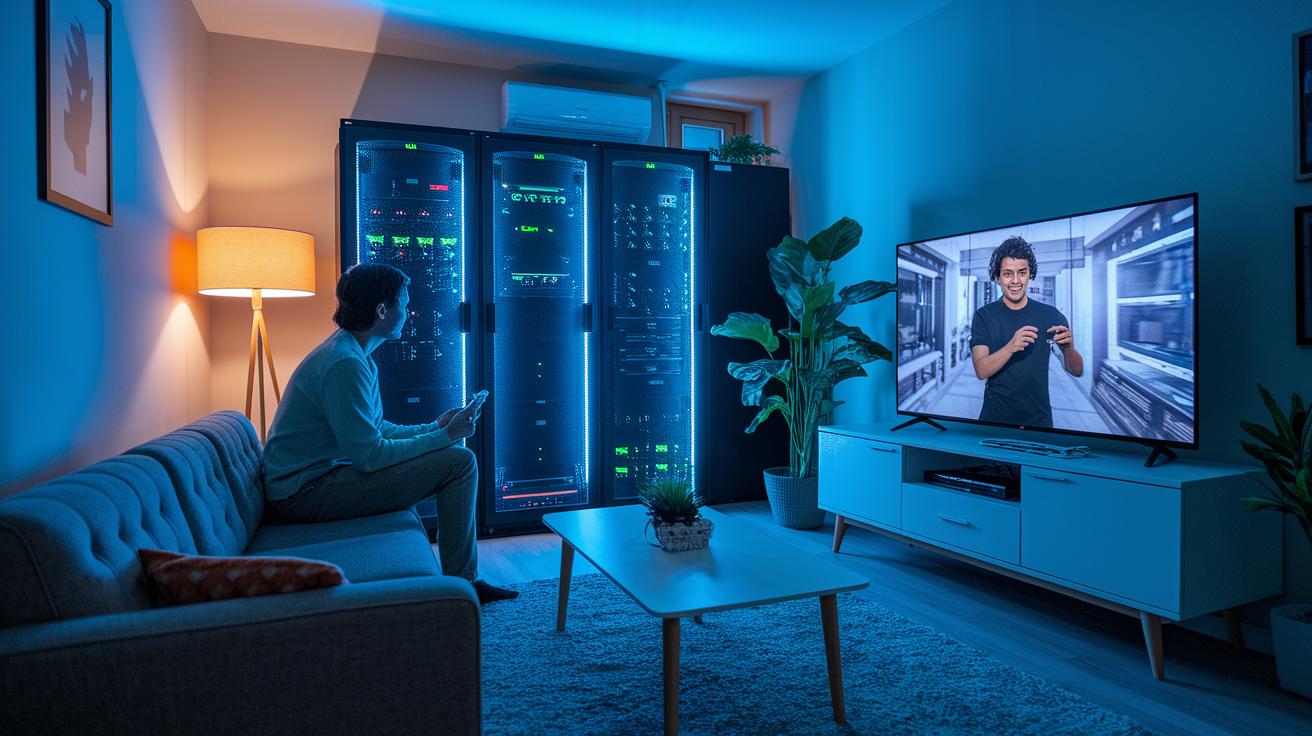
Cloud gaming is all about letting powerful remote computers do the hard work for you. Instead of having to install games on your own device, you get to play through streaming, much like watching your favorite movie online, but with the added twist that you’re in control. Even if your device isn’t the fanciest, these robust servers handle all the heavy graphics and processing, so you can jump straight into the action.
On the server side, games are broken down into video frames that get quickly compressed and sent your way over the internet. This means your screen lights up with smooth, high-quality visuals, even if you’re using a simple tablet or phone. And when you tap, click, or press a button, those commands zip right back to the server, making everything feel almost instant. It’s like a perfectly timed duet between your device and a faraway powerhouse.
In short, this whole process works like a flawless dance where every move syncs perfectly across the globe. You get the thrill of immersive, real-time gaming without needing to upgrade your hardware or wait around for long downloads. Isn’t it amazing how technology can transform the way we play?
Server Infrastructure Powering Cloud Gaming
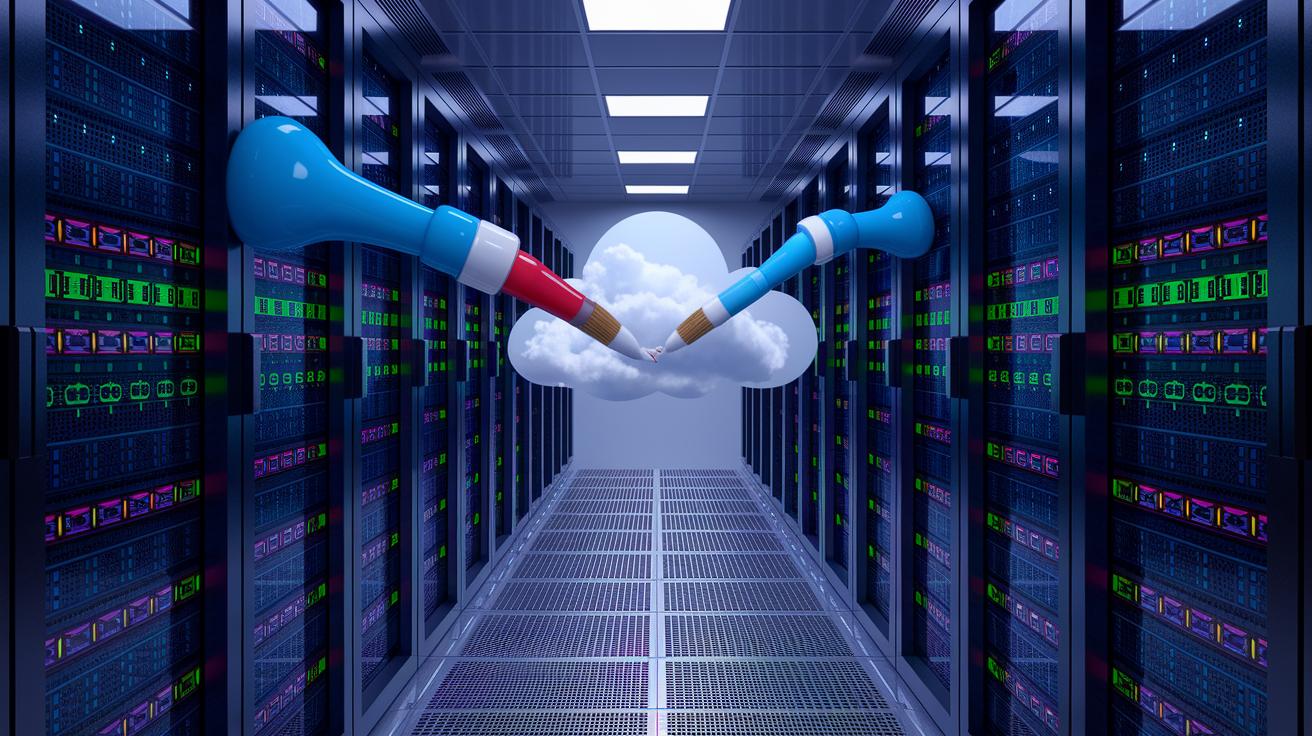
Cloud gaming needs strong, reliable servers to keep your game running smoothly. Big data centers house many servers packed with virtualized GPUs, graphics processors that work like a team of artists, each adding its own brushstroke to a live painting session as you play.
When more players jump in, the system automatically ups its CPU and GPU power so everyone gets a smooth experience. It’s like the tech knows exactly when to lend an extra hand, ensuring no single server gets overwhelmed even during the busiest moments.
They also set up backup server farms so that if one server stumbles, another is right there to take its place without you even noticing a hiccup. Plus, servers are placed closer to you through edge computing, a smart move that cuts down on lag by shortening the journey your data takes.
Behind the scenes, smart tools manage resources and keep costs low while speeding up responses. Picture it like a well-rehearsed team where each player knows its role. When you hit that button, the response is almost instant, creating an exciting, high-speed performance every single time.
Streaming Protocols and Video Encoding in Cloud Gaming

Cloud gaming counts on smart streaming protocols that turn game visuals into slick, smooth video streams. Protocols like WebRTC, RTMP, and HLS are built to keep delays almost unnoticeable so every move feels instant. For instance, WebRTC lets your device chat with the servers in near real-time, making gameplay as smooth as a friendly conversation.
Real-time video compression is a must. Every frame you see is squeezed on the fly to strike a balance between crisp detail and a manageable amount of data. Think of it like watching a live movie where each scene is captured and shared instantly, giving you stunning visuals without hogging your data.
Adaptive bitrate streaming kicks your experience up a notch. It constantly tweaks the resolution and bitrate based on your current network conditions, so your game stays fluid even if things slow down a bit. If your connection drops for a split second, the stream automatically lowers quality to keep you in the action.
And then there's secure transmission using TLS/SSL. This wraps your video stream and game inputs in extra layers of encryption, keeping your data private and safe from any meddling. In short, all these techniques work together to deliver interactive gaming that feels as seamless as playing locally, allowing you to focus on the thrill of the game.
Network Requirements and Latency Considerations for Cloud Gaming

Cloud gaming is like stepping into an electrifying live show on your screen, and it all starts with a solid, fast internet connection. You need at least a 15 Mbps download speed and a ping of 40 ms or less to make sure every moment stays smooth and in sync. When jitter or packet loss kicks in, you might see lag, stutters, or even miss a few frames, kind of like when the beat drops at the wrong time.
High-speed connections, such as fiber or 5G, really change the game by cutting down the delay and making sure every command hits the server right when you expect it. Some platforms, like the Nintendo Switch cloud, even have built-in tests to check if your connection is ready for the action. In simple terms, lower latency means your gameplay feels seamless and true to your every move.
| Requirement | Details |
|---|---|
| Download Speed | At least 15 Mbps |
| Ping | 40 ms or less |
| Jitter | Keep it minimal to avoid disruptions |
| Connection Type | High-speed links like fiber or 5G |
| Packet Loss | Very low for smooth frame delivery |
Following these guidelines cuts down on input delay and keeps your stream crystal clear. This setup lets you dive into the fast, responsive world of cloud gaming, making every play feel like a front-row experience at a live concert.
Client Devices and User Interaction in Cloud Gaming

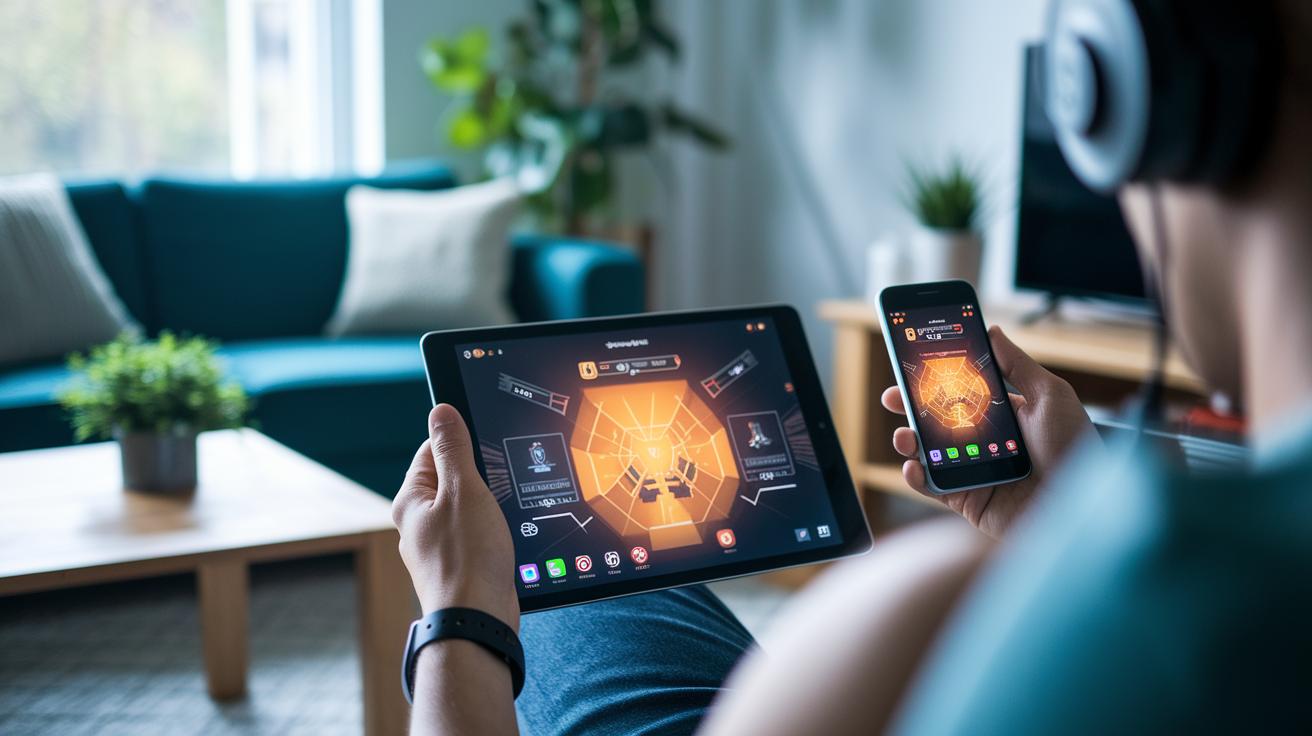
Cloud gaming is like a magic door that turns your everyday device into a ticket for the coolest gaming adventures. Whether you're using a PC, smartphone, tablet, or console, native apps and web browsers work like trusty sidekicks to open up a world of immersive play. The background software is hard at work, decoding video streams, displaying easy-to-read game menus, and catching every tap or click you make. When you press a button, your action zips over the network to a remote game server, making sure your moves are instantly reflected in the game.
You can interact in many ways, from touch screens and keyboards with mice to wireless controllers. Controllers usually connect via Bluetooth or Wi-Fi Direct, and the type of connection can change how quick the game feels. Here are the key points:
- A variety of devices supports play across PCs, tablets, smartphones, and consoles.
- Client apps decode video data while overlaying game menus and settings.
- Input polling captures all kinds of commands, touch, keyboard/mouse, or controller.
- Wireless connections like Bluetooth or Wi-Fi Direct affect responsiveness and latency.
Everything works together like a team in perfect sync, delivering smooth, real-time gameplay that feels as alive and exciting as your favorite live show.
Leading Cloud Gaming Platforms and Subscription Models
GeForce NOW gives you a chance to play over 1,500 PC games with smooth visuals and great performance. You can stream games at up to 240 fps so that every action scene feels clear and exciting. Depending on your plan, you might get a one-hour, six-hour, or eight-hour session limit. Imagine starting your game and feeling like you have a high-end gaming rig right there on your device, it's like turning an ordinary day into a thrilling race.
Xbox Game Pass Ultimate is another cool option. It offers a big library of Xbox games and can stream them to your Xbox, PC, phone, or even VR headsets. You’ll enjoy gameplay at 1080p and 60 fps, which means everything looks clear and feels responsive. It's like having a digital arcade at your fingertips without needing a special console every time you want to play.
PlayStation Plus Premium promises over 400 games to choose from and streams them in up to 4K resolution at 60 fps. Available on PlayStation consoles and Windows PCs, this service mixes classic titles with the latest releases. Every game feels like a mini-movie, with visuals popping out at you like pieces of art.
Nintendo Switch Cloud makes gaming super accessible by letting you try cloud gaming without any subscription fee. You can even run a built-in speed test to see how your internet is performing before you jump into a game. It’s meant to be simple and fun, kind of like sampling your favorite treat at a local café.
| Platform | Max Resolution | Max FPS | Library Size | Session Limit |
|---|---|---|---|---|
| GeForce NOW | 1080p | 240 | 1500+ Titles | 1/6/8 hrs by Tier |
| Xbox Game Pass Ultimate | 1080p | 60 | Large Xbox Library | None |
| PlayStation Plus Premium | 4K | 60 | 400+ Games | None |
| Nintendo Switch Cloud | 720p* | 60* | Moderate | Unlimited |
Benefits, Security Measures, and Future Trends in Cloud Gaming
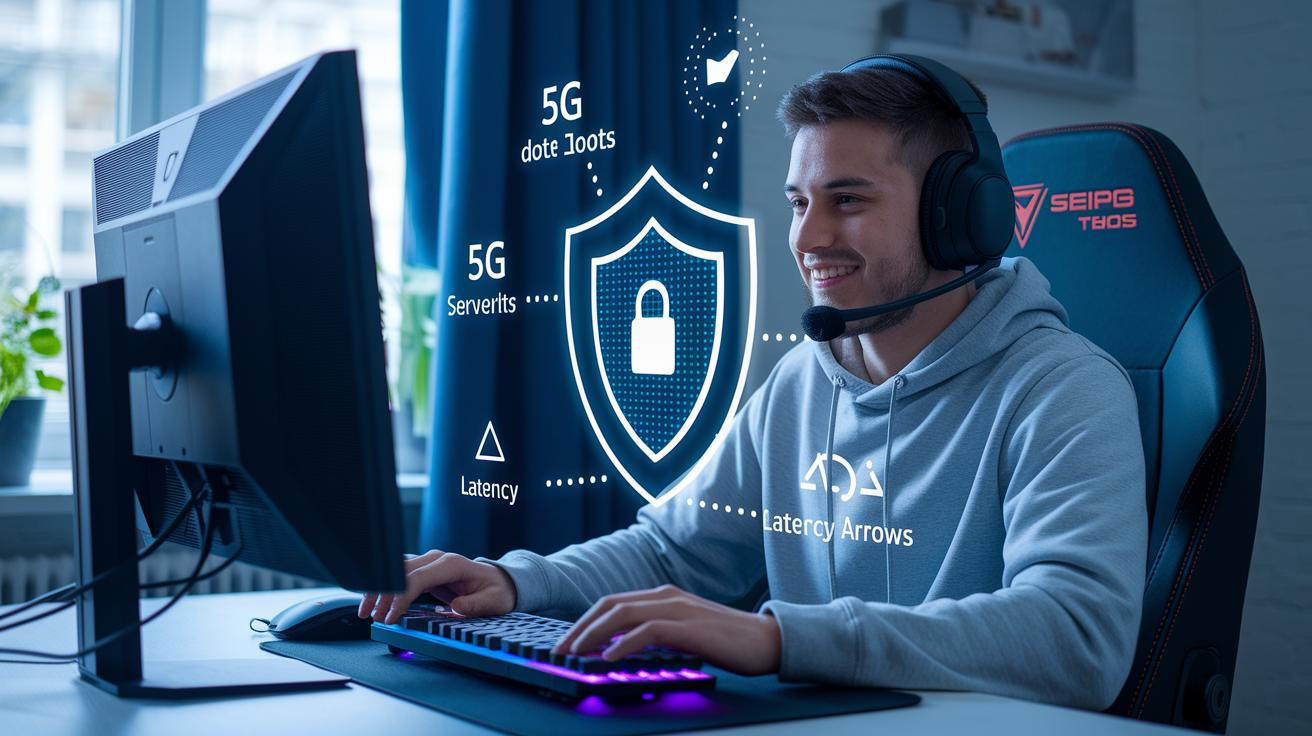
Cloud gaming helps you forget about spending big on hardware. Instead of needing a super-powerful computer at home, the game runs on secure, remote servers. It’s like scoring a backstage pass to top-tier gaming without breaking the bank.
Security comes as standard. Your game files and personal info are stored in really secure server spaces, which means fewer worries about piracy or any unwanted access. Think of it like having your own digital security guard keeping things safe.
Thanks to advancements like 5G and edge computing, tech that brings servers closer to you, latency is reduced. That makes your gameplay smoother and more responsive, almost as if you're playing on a high-end console at home.
There are even more cool upgrades on the horizon. Developers are testing AI-powered methods to balance server loads and smart tweaks to improve your gaming experience. And with an ever-growing library of games and creative ideas, cloud gaming is only going to get better.
| Benefit | Description |
|---|---|
| Lower Hardware Costs | No need for expensive local upgrades |
| Secure Data | Your files are guarded like treasures |
| Smoother Gameplay | Edge computing and 5G cut down lag |
| AI-Powered Efficiency | Smart tech balances loads for a better experience |
| Expanding Game Library | More titles and fresh creative ideas |
These innovations are setting the stage for a more enjoyable, secure, and exciting gaming future.
Final Words
In the action, the blog broke down every bit of how cloud gaming works, from streaming gameplay off powerful servers to syncing user inputs and managing networks for smooth play. It walked through server setups, fast video encoding, and essential device roles while comparing top cloud gaming platforms.
In the action, we saw secure, low-latency play making high-end games accessible anywhere. Embrace this exciting future and keep exploring how does cloud gaming work.