Have you ever dreamed of taking your favorite games wherever you go? With Xbox Cloud Gaming, you can play without waiting around for long downloads. It streams games straight to your phone, tablet, or console, so you stay in the action.
Imagine switching from a living room game on a big screen to a quick play session while you’re on your way to class. This ad-supported trial mixes classic hits with modern favorites, so everyone gets a taste of why digital gaming is so much fun.
Today, we're sharing how this service is sparking a new, flexible way to game that fits right into your life.
Xbox Cloud Gaming Explained: Features and Functionality
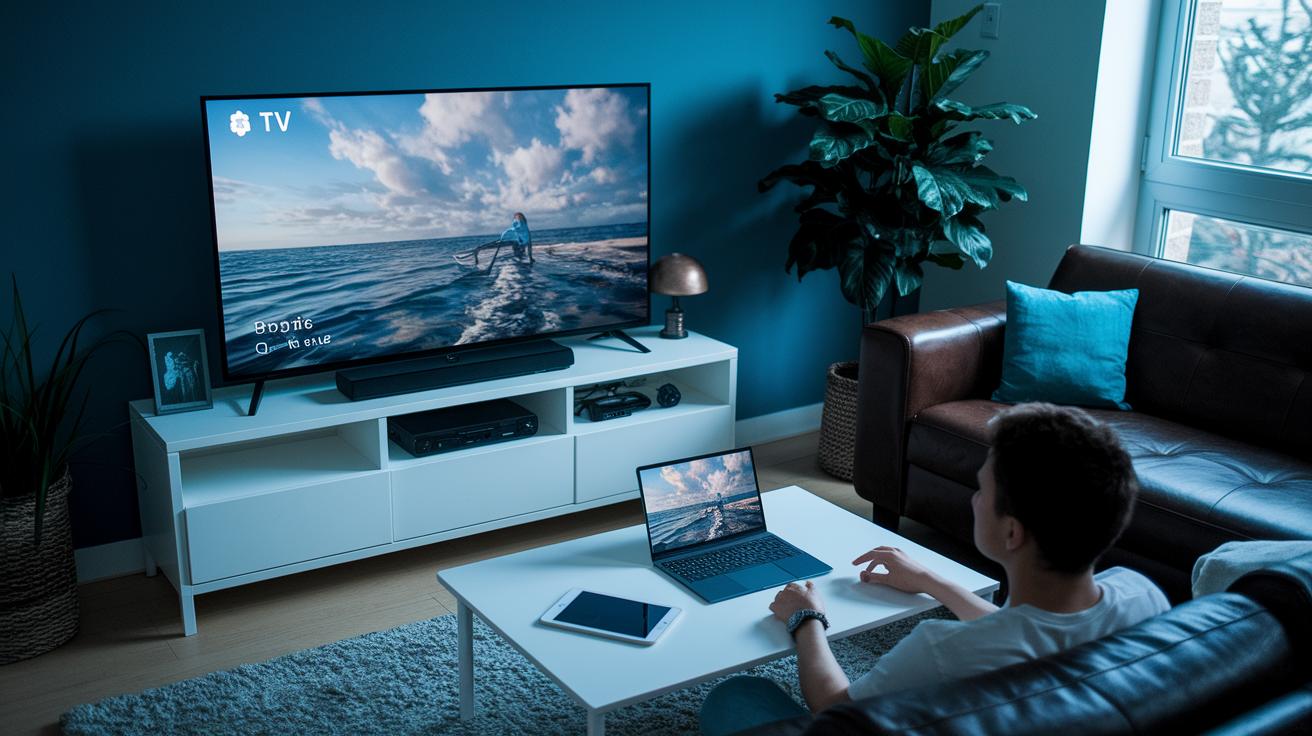
Xbox Cloud Gaming lets you jump into games instantly by streaming them, so there’s no need to wait for big downloads. Microsoft is currently testing a free, ad-supported option that lets you enjoy a few titles without a Game Pass subscription. This trial also brings back some classic Xbox Retro games and even features games from Free Play Days.
The cool part is that you can play on many devices, your PC, Xbox console, a handheld device, or even through your web browser. Imagine starting a game in your living room and then picking it up later on your phone during a quick break. I once switched from my console to my tablet during a commute, and it felt seamless and fun.
This streaming method uses smart technology that adjusts video quality to match your internet speed, keeping your game smooth with very few hiccups. Plus, if you have Game Pass Ultimate, you can choose to stream premium titles while also trying out the new free, ad-supported model. While we’re still waiting on details like ad styles and exact launch dates, early tests hint at a future full of fun and flexible gaming.
Xbox Cloud Gaming Ignites Limitless Play
Xbox Game Pass Ultimate welcomes you to a world of top-quality cloud gaming, where you can jump into a full lineup of exciting titles that play without any hiccups.
Microsoft is testing a new, free option with ads, so you can enjoy classic games and Free Play Days without paying for a full subscription. One fan even said, "I enjoyed the nostalgia of retro games without a subscription fee."
This trial lets you experience short ad breaks while the platform figures out the best way to show them, and it's even hinting at a potential tweak in pricing on November 4th.
So, whether you're all about the premium, all-access vibe or you just want a quick taste of the action, the choice is yours, and the fun is just a click away.
Device Compatibility and Cross-Platform Streaming Benefits
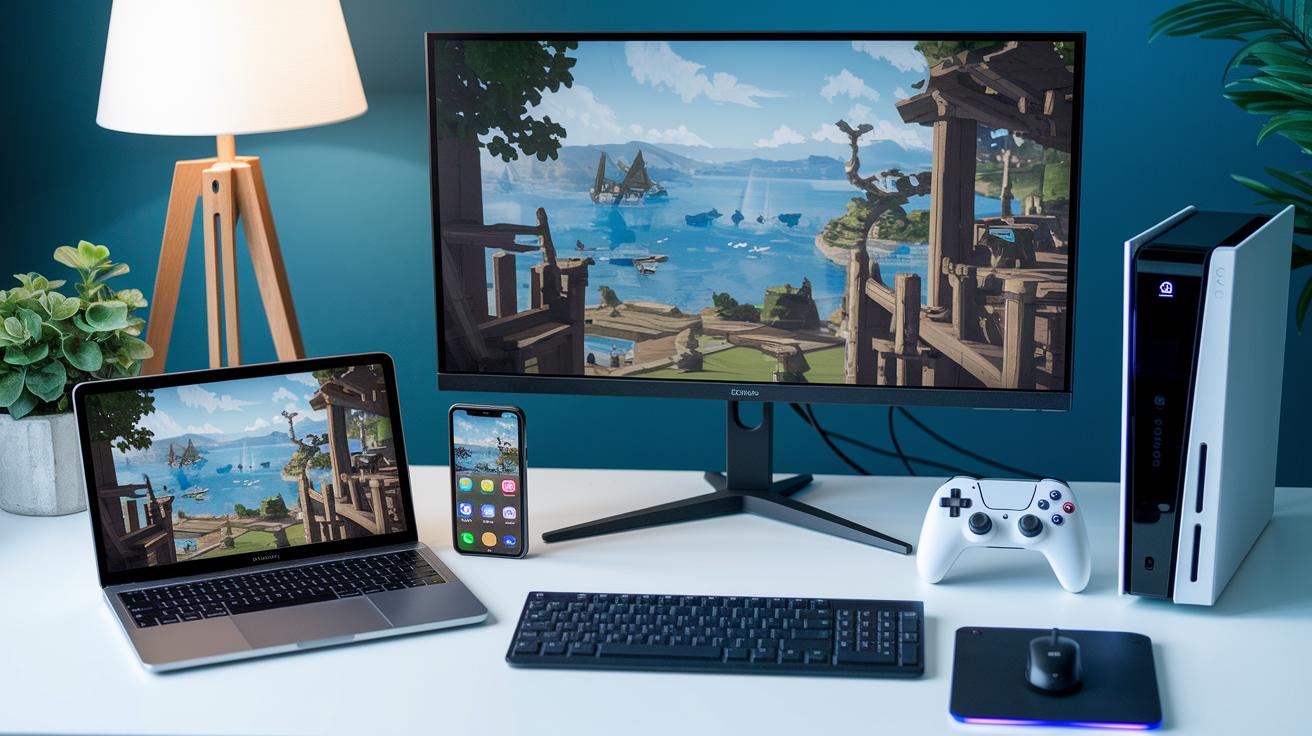
Xbox Cloud Gaming lets you dive into your favorite game on almost any device. You can play on an Android phone using the Xbox app or a browser, on an iPad through Safari, on both Windows and macOS via your browser, on your Xbox console, and even on some smart TVs. It’s like having your game with you wherever you go, without ever losing your save progress.
Imagine this: you start playing on your console, then you grab your smartphone on the go, and just like that, you’re back in the game with no hitch. I mean, it's a smooth transition that makes you feel like you never hit pause.
Plus, you get choices: a free version or a premium one, both designed to keep your gameplay seamless no matter which device you pick up next.
Network Requirements and Performance Tips for Smooth Cloud Gaming

Ever experienced that buzz when a game runs seamlessly, almost like magic? Microsoft recommends that you have at least a 10 Mbps download speed for 720p streaming and about 20 Mbps for a clear 1080p picture. When your internet holds steady, you'll feel the smooth flow of the game and marvel at the crisp details. Plus, with adaptive bitrate streaming, where the game automatically adjusts its quality based on your connection, you get a vibe similar to a radio station fine-tuning its signal so you never miss your favorite tune.
Low latency is the real hero here. Picture chatting with a friend without any lag; a stable Wi-Fi or wired connection gives you that same smooth interaction in your game.
Here are some simple tips for troubleshooting your connection:
I once heard about a gamer who solved lag just by moving closer to their router. That small tweak transformed an average gaming session into something truly epic and smooth. So, remember: even tiny adjustments can make a world of difference. Following these network tips can help you dive into Xbox Cloud Gaming with fewer interruptions and a connection that’s as reliable as a good friend.
Exploring the Game Library: What You Can Play on Xbox Cloud Gaming
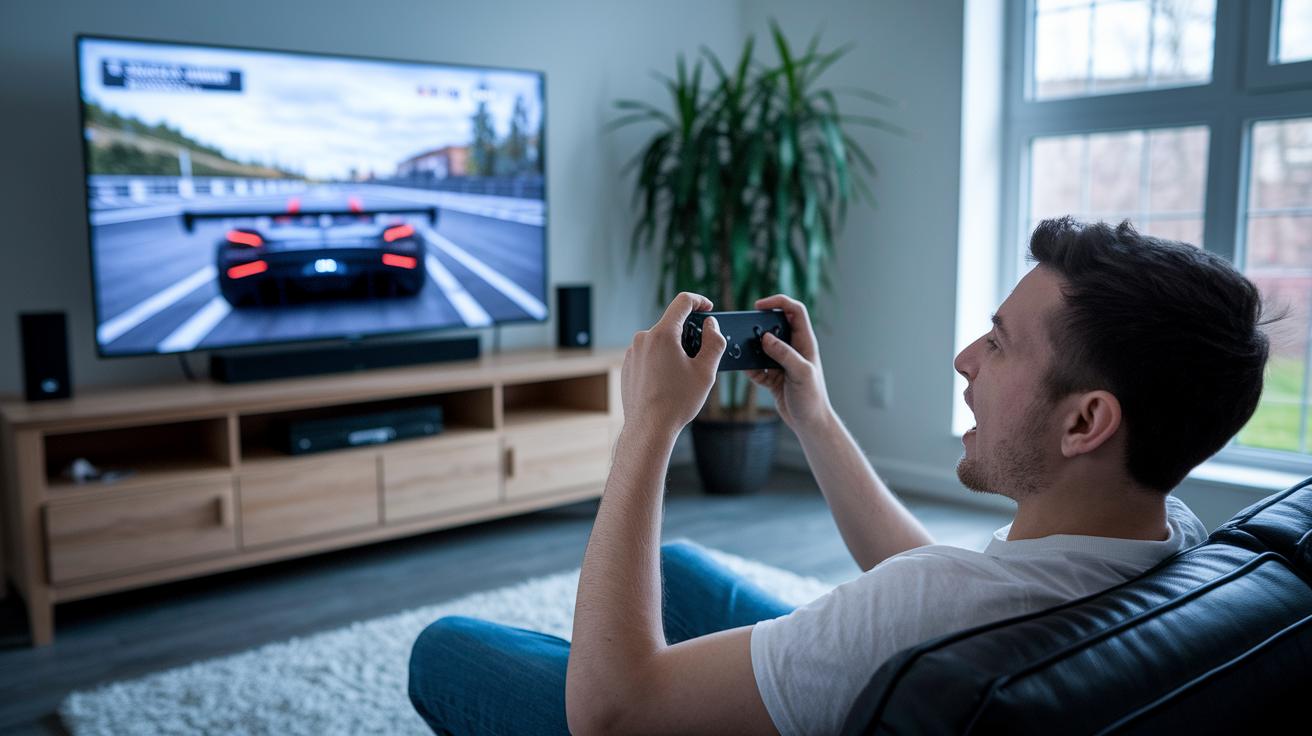
Xbox Cloud Gaming lets you dive into a huge selection of games with your Game Pass Ultimate subscription. Whether you’re after the newest day-one titles, classic favorites that bring back memories, or even a rotating pick during Free Play Days, it’s all right at your fingertips. Imagine kicking off the latest hit without waiting for downloads, just pure, instant play. Think about firing up your favorite racing game at breakneck speeds with zero hassle.
The service works on an on-demand streaming basis, which means you can jump into a game the moment you feel the urge. Every session feels fresh, with new releases and cherished classics added all the time. Even the ad-supported option, while keeping its game list under wraps for now, promises cool ways to enjoy gaming without the usual price tag. It’s like your very own backstage pass to endless gaming adventures.
Setting Up Xbox Cloud Gaming: Controller and Remote Play Guidance
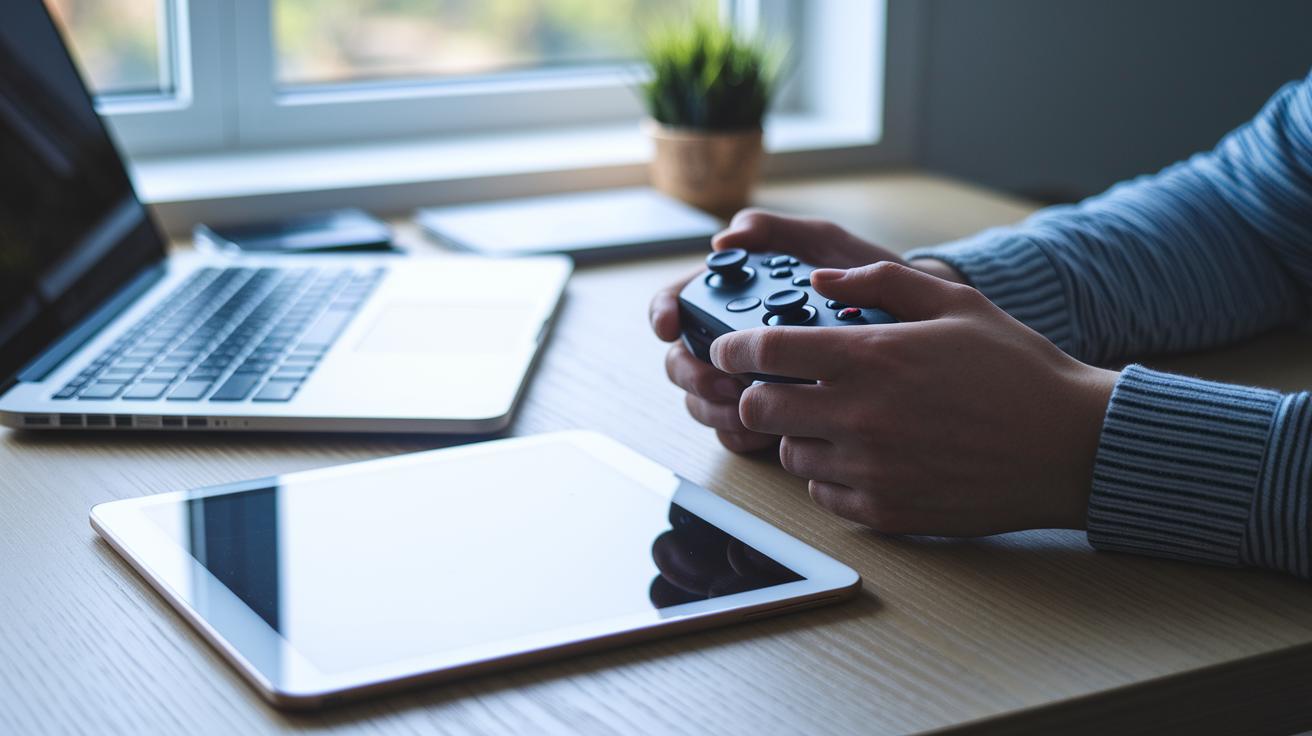
Ready to dive into Xbox Cloud Gaming? First, connect your Xbox Wireless Controller using Bluetooth or USB on your mobile or PC. Even if you're using the free tier, signing in with your Microsoft account is a must to get started.
If you're playing on an Xbox console, just head into Settings, then Devices & connections to turn on remote features. This lets you play from anywhere, and your cloud saves automatically update so your game picks up right where you left off.
Your favorite custom controls come along too. Custom button mapping and accessibility settings from your console carry over to cloud gaming, so you can personalize your play just like you would at home. I once paired my controller on my phone via Bluetooth, adjusted my settings, and my game resumed seamlessly on my PC, pretty cool, right?
Before you start any session, check your controller pairing to be sure every button works perfectly. Enhanced remote gameplay features keep your session smooth, letting you switch between mobile and console without a hitch. Follow these simple steps, and you'll have an awesome, optimized cloud gaming experience every time!
Future Outlook and Exclusive Feature Highlights for Xbox Cloud Gaming
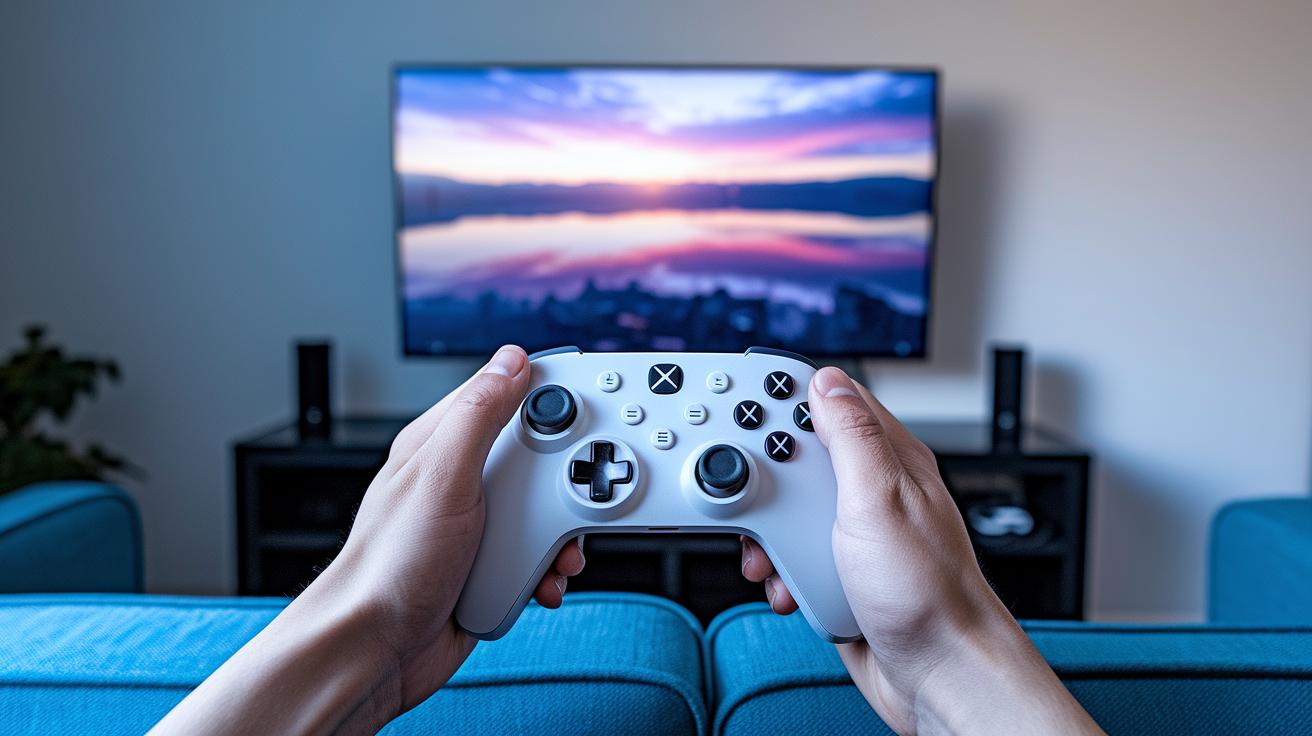
Microsoft is testing a new ad-supported cloud gaming model, and the early feedback from beta testers is lighting the way forward. These honest insights are helping shape upcoming updates, adding beloved older games and offering fresh controller options that feel like an extension of your hand. One tester put it simply: "Imagine picking up a next-gen controller that reacts so smoothly you barely notice it's there."
The team is also working hard to boost session stability, so playing feels just as smooth as on your home console. Future updates promise smarter streaming that adapts quickly to your internet speed, washing away delays and interruptions like magic. And there’s more, soon, regional expansions will bring this exciting experience to more gamers worldwide, keeping the whole cloud gaming world vibrant and ever-changing.
Early beta reviews are glowing with praise. Many believe these changes could set a brand-new standard for ad-supported cloud gaming in the near future. Have you ever felt that rush when everything just clicks perfectly? That’s the thrill on the horizon.
Final Words
In the action, we looked at how xbox cloud gaming takes center stage with its mix of streaming features, subscription options, and smooth cross-device play. Each section broke down key aspects like performance tips, game library access, and controller pairing guidance in everyday terms. The insights offered a practical view of what to expect, whether tuning your network for low latency or switching devices seamlessly. With a clear and engaging path forward, the future of streaming play feels as exciting as ever.
FAQ
What is the process for downloading the Xbox Cloud Gaming app?
The Xbox Cloud Gaming download process means you can use the official app on Android, your PC, or even your browser. The app and APK are available from official sources to get you started.
What does Xbox Cloud Gaming Beta offer?
The Xbox Cloud Gaming Beta offers early testing of game streaming features. It lets users experience and provide feedback on new performance improvements before the full service is released.
How does Xbox Cloud Gaming work on Android?
Xbox Cloud Gaming on Android means you can stream games via the official Xbox app or a supported browser. This lets you enjoy your favorite titles on the go without needing powerful hardware.
What countries support Xbox Cloud Gaming and its free tier?
Xbox Cloud Gaming is available in select countries. This service may offer a free, ad-supported tier alongside subscription options like Game Pass Ultimate, depending on regional availability.
How do games like Fortnite, Rainbow Six Siege, and Call of Duty: Black Ops 6 play on Xbox Cloud Gaming?
Xbox Cloud Gaming streams titles including Fortnite, Rainbow Six Siege, and upcoming games like Call of Duty: Black Ops 6 via Game Pass Ultimate or a free tier, letting you play without local downloads.
How does Xbox Cloud Gaming compare to services like GeForce Now and Amazon Luna?
Xbox Cloud Gaming differs by integrating with Game Pass Ultimate and testing a free, ad-supported tier, while supporting seamless cross-device streaming. This lets you experience new games instantly across your devices.
How does Xbox Cloud Gaming integrate with Xbox Game Pass Ultimate?
Xbox Cloud Gaming integrates with Game Pass Ultimate by providing instant access to hundreds of titles. This allows subscribers to switch between devices and continue play using cloud saves for a smooth gaming experience.