
Ever wondered how it feels to perform surgery where every little mistake makes the experience more thrilling? Surgeon Simulator VR tosses you right into a lively operating room filled with realistic tools and physics that bring real surgery to life.
You get to dive in with hands-on play that shows you instant feedback with every cut and stitch, making each move feel incredibly real. The game works with many VR headsets and offers clear, lifelike visuals so you can see all the details up close.
Get ready for a wild, immersive ride that makes you see surgery in a whole new light. It’s like stepping onto a stage where every moment is full of surprises.
Comprehensive Overview of Surgeon Simulator VR
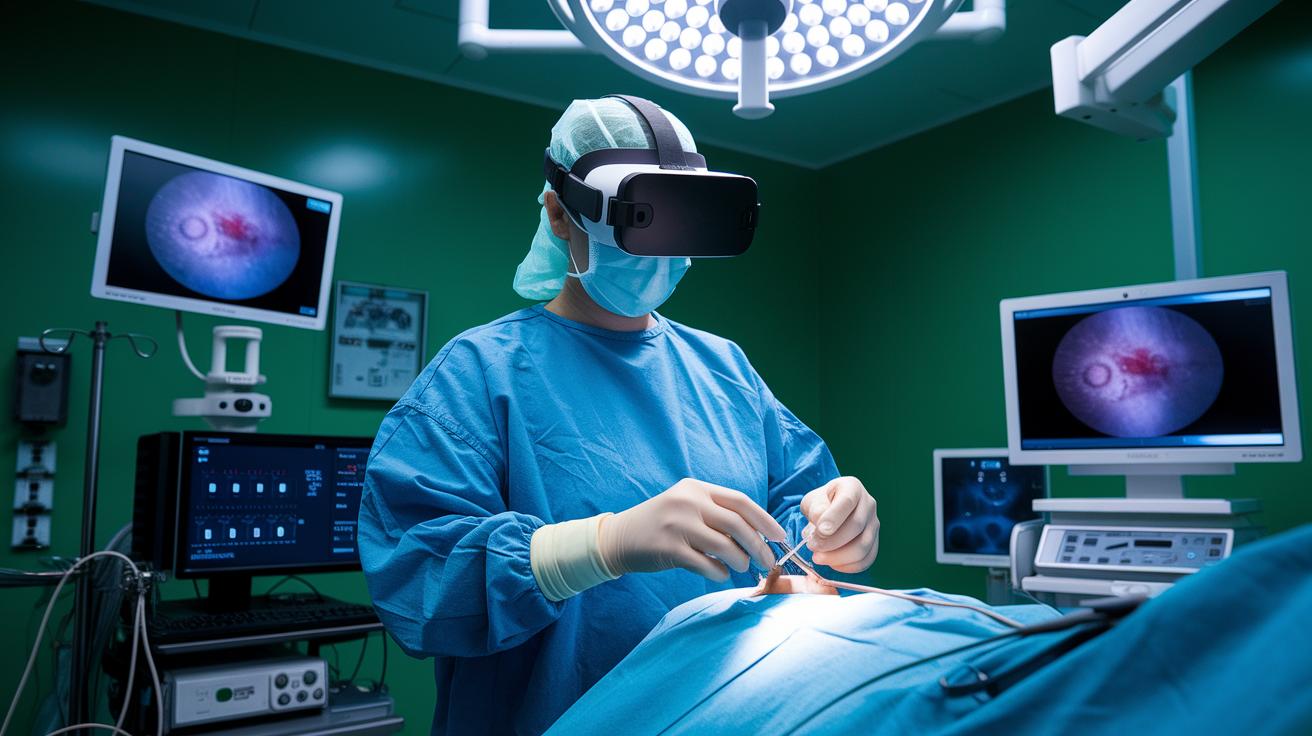
Step into the world of Surgeon Simulator VR, where your screen transforms into a lively, real-life operating room. With the playful tagline "Surgeon Simulator: Experience Reality," this game lets you jump right into the heart of the action. You can opt for the Link-VR (PC) setup for a smooth experience, and a variety of headsets ensure that everyone can enjoy the thrill of this virtual surgery adventure.
Inspired by the rapid rise of immersive gaming and interactive digital experiences, this VR game blends digital art with live, hands-on play. Whether you’re all about the sharp visuals of a PC or the convenience of a standalone device, every choice and movement feels incredibly real.
- Physics tricks that capture the tricky challenges of actual surgery
- A range of tools that keeps each operation feeling fresh and unique
- An interactive space that responds to every touch and tool you use
- Haptic feedback that gives a physical feel to your digital moves
- A soundscape that perfectly mimics the buzz and background noise of an operating room
Every detail of Surgeon Simulator VR is built to pull you right into the moment. The clever physics, wide tool selection, and responsive controls come together to create a dynamic environment where you really feel part of each surgical procedure. It’s a hands-on experience that turns each session into a captivating, high-stakes adventure.
Surgeon Simulator VR System Requirements and Installation
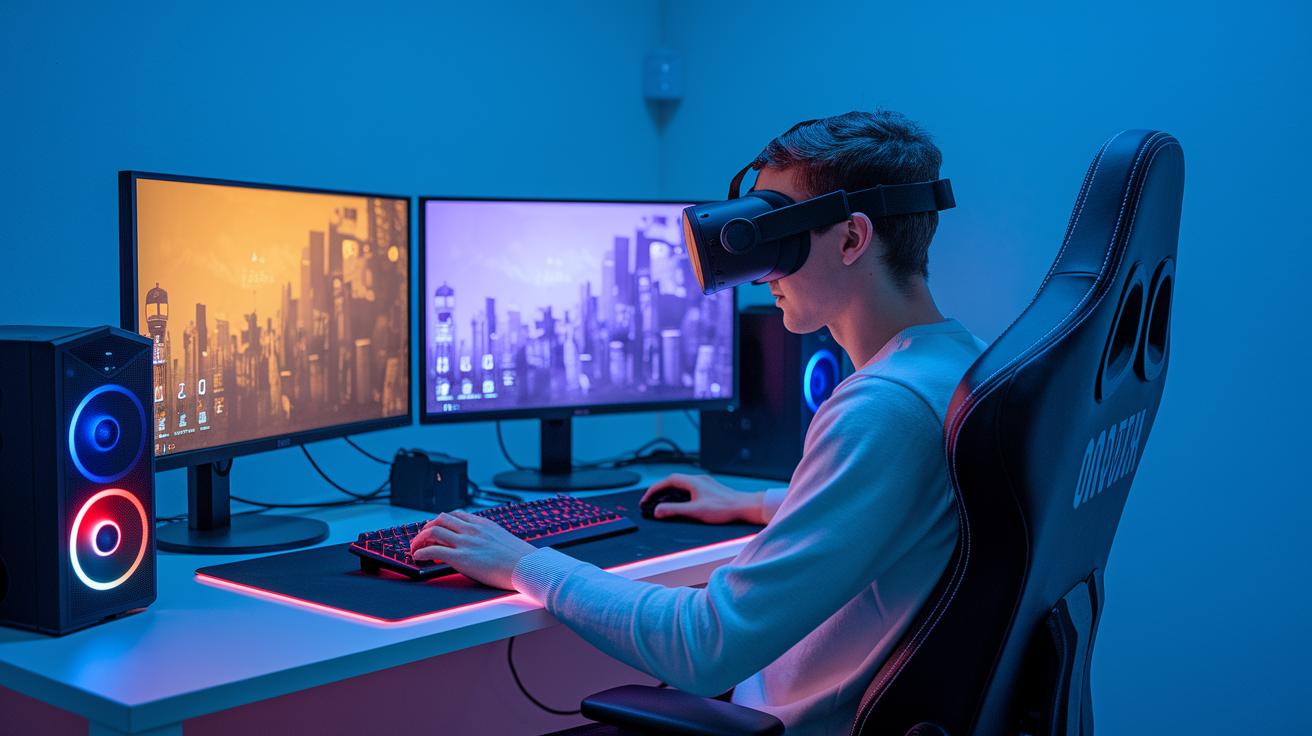
For the best PC run with Link-VR, you need a machine running Windows 10, an Intel i5-4590 or AMD Ryzen 5 processor (they’re like the backbone of your system), at least 8 GB of RAM, and a graphics card such as the GTX 970 or even better. This setup makes sure the game dances smoothly, handling the detailed physics and visuals of a virtual operating room like a pro. Imagine your computer turning into a vibrant surgery studio where every tool and screen works together in perfect harmony.
If you're using a standalone device like the Oculus Quest 2 or Quest 3, first check that your headset’s firmware is up to date and that it has enough storage to install the game. A refresh rate of about 90 Hz is the sweet spot to keep the display fluid and quick. Start by popping open the Oculus store, search for Surgeon Simulator VR, and hit download. Just let the in-store prompts guide you, and soon you’ll be stepping into an immersive, virtual operating theater.
Surgeon Simulator VR Control Tutorial and Interface Guide
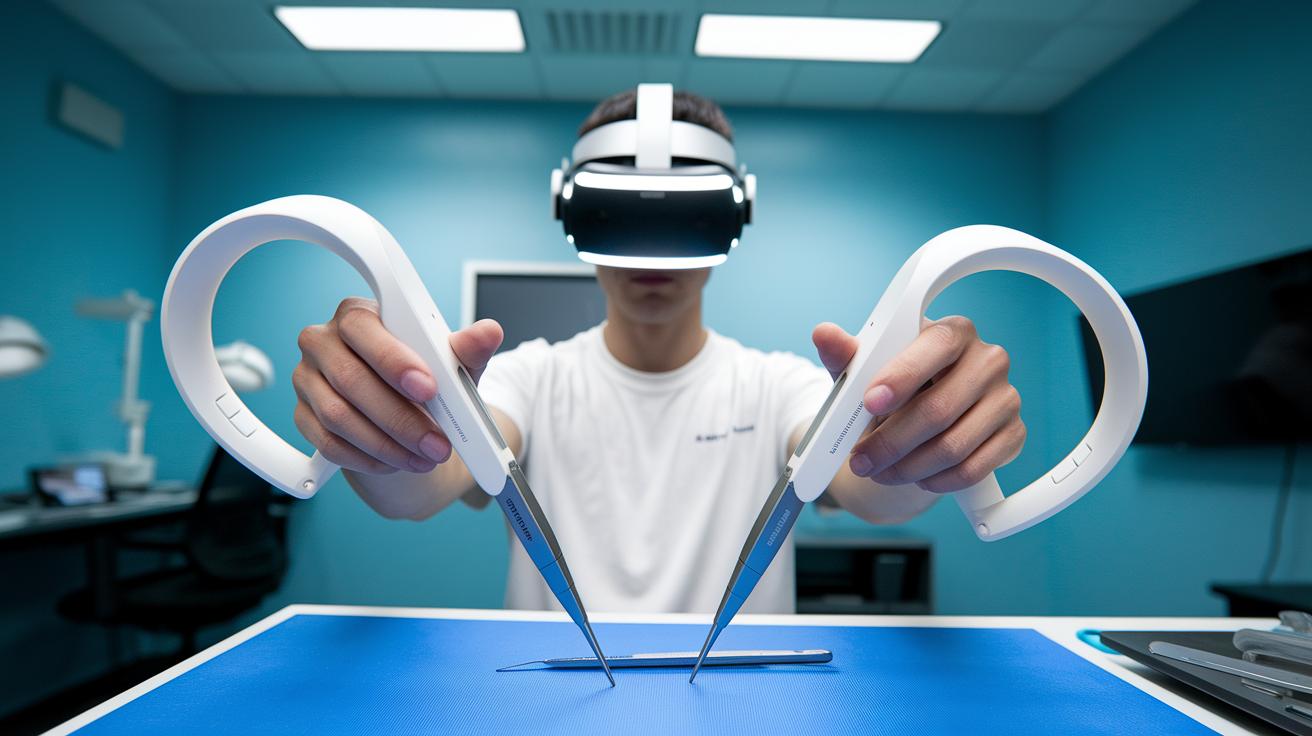
Get started by exploring the basics of using your motion controllers. In Surgeon Simulator VR, you simply reach out and press the grip button to pick up a tool, just like you would in real life. Your hand’s position matters a lot, making your moves feel natural and spot-on. And when you need a fresh view of the operating room, just use the thumbsticks to shift your perspective.
When you want a closer look at a tool, adjust your stance and nudge the thumbstick. It’s as if you’re leaning in to really check out the details, ensuring everything feels smooth and connected.
Opening the in-game menu is a breeze. Just pull up the tool selection panels where every option is neatly shown for quick access. You can even set which hand you prefer for the finer details of your surgery. Tweak the layout until it feels just right for you.
This personalized setup means that every time you tap an icon, whether for a scalpel or for forceps, you get exactly what you need. Each move feels truly yours, helping you tackle every delicate procedure with confidence.
Surgeon Simulator VR: Thrilling VR Surgery Experience

Jump right into a game that tests your surgical skills in fresh, exciting ways. Every mode pulls you into an operating room full of challenges, setting the stage for a high-energy experience where every move feels intense and real.
In single-player mode, you get to tackle missions that mirror the chaos and pressure of a real hospital. One minute you could be working on a beating heart, the next you're carefully repairing a kidney or navigating the delicate terrain of brain surgery. Each mission is a race against the clock, imagine the rush of trying to keep your cool when every second counts.
Then comes multiplayer, where the thrill intensifies even more. Whether you're teaming up with friends or going head-to-head against other players, every decision and tool you use makes a difference. It really feels like you’re in a live contest, right there in a buzzing virtual operating room, where every precise cut boosts your team's score.
Overall, the VR edition ramps up realism and detail, pulling you deeper into the action than ever before. Every procedure becomes a pulse-pounding test of your skill and timing, making the experience as immersive as stepping into the heart of a live performance.
Advanced Techniques and Gameplay Tips for Surgeon Simulator VR

Getting good at the game means being quick and alert. Start by practicing how you change tools and always keep an eye on your patient’s vital signs. Think of each tool swap like swapping ingredients while cooking, you need the right tool at just the right moment. For example, if you need to go from a scalpel to forceps in no time, position your hand near the tool rack ahead of time. It’s like juggling balls; you have to keep track of everything while working fast.
Next, push your skills with some advanced moves. Look for little hints in your virtual operating room, hidden shortcuts that let you beat the clock during a tricky procedure. Imagine sliding along a wall to grab an emergency tool or finding a clear line of sight to avoid obstacles. These sneaky tactics can really boost your game when the pressure turns up.
Finally, if things seem off, take a moment to fix them. If your VR tracking goes wonky, pause to recalibrate your controllers. And if motion sickness hits, try adjusting some in-game settings or take a short break to recover. Sometimes, even a few tweaks to graphic settings can keep the game smooth, even during those high-stress surgeries.
Surgeon Simulator VR Community Reviews and Tutorial Resources
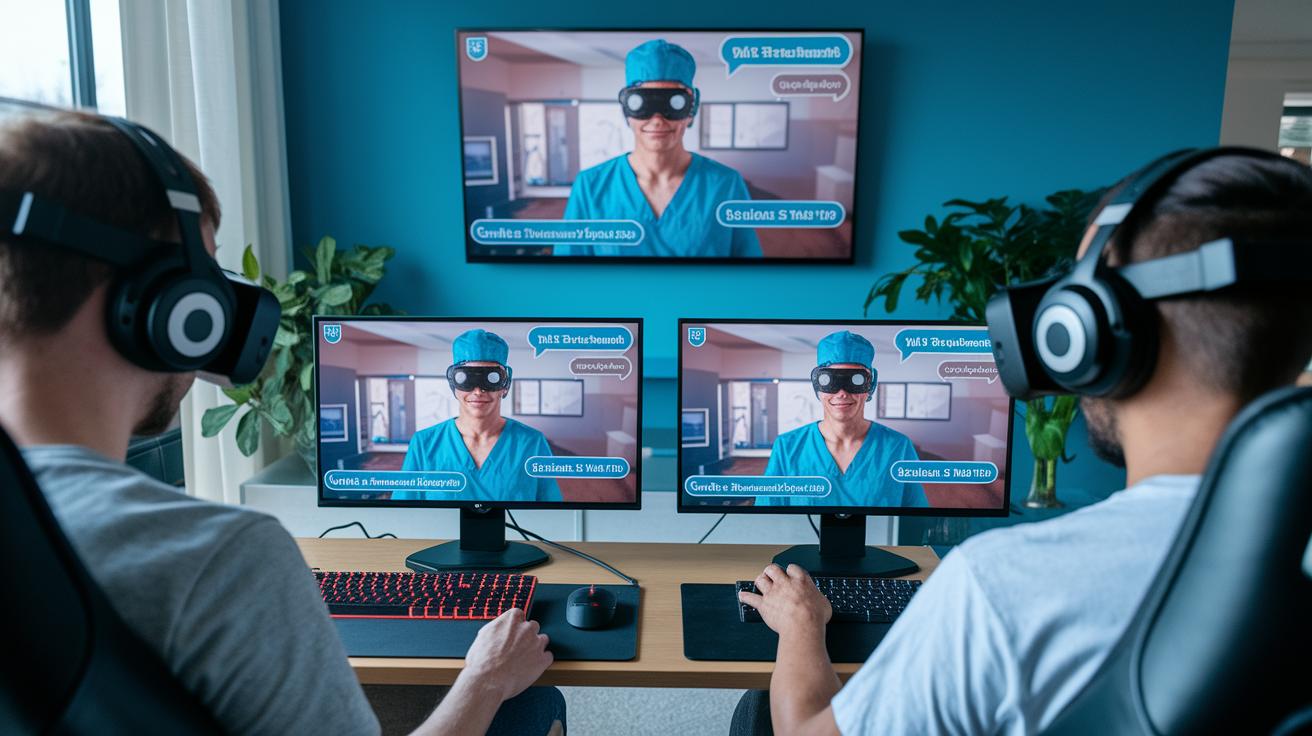
Imagine diving into online hubs where forums and buzzing Discord chats bring Surgeon Simulator VR fans together. Players swap handy tips and creative mods that give every procedure a fresh twist. One player might casually drop a tip about how to switch tools mid-surgery without a hitch, and just like that, a lively discussion kicks off. It feels like hanging out with a bunch of friends, where both veterans and newcomers brainstorm fixes, share wins, and even laugh off funny mishaps.
Then there’s the vibrant world of video content. On YouTube, you might catch someone breaking down a tricky operation with simple, step-by-step advice like, "Follow these moves to nail that procedure." Meanwhile, live streams on Twitch pull you right into the action with real-time demos that feel as close to the actual operating room as you can get. And don’t forget the official strategy guides on the game’s website, they’re packed with practical tips and behind-the-scenes insights that make every virtual surgery even more exciting.
Final Words
In the action, we dove into everything from system specs and precise control guides to standout gameplay features and hands-on community reviews. The blog captured the thrill of experiencing a one-of-a-kind VR operating room, sharing practical tips and insights along the way.
The immersive explanation of surgeon simulator vr highlights both tech requirements and creative strategies, keeping the experience engaging and relatable. It all wraps up on a high note, leaving you excited to jump back in and explore more.
FAQ
Surgeon Simulator VR PS5
The mention of Surgeon Simulator VR PS5 means the game is not currently available on PlayStation. It primarily targets PC via Link‐VR and standalone headsets like Oculus Quest series.
Surgeon Simulator VR download
The term Surgeon Simulator VR download refers to obtaining the game through your platform’s store. Players can install it on supported PC configurations or VR headsets by following standard download procedures.
Surgeon Simulator VR apk
The reference to Surgeon Simulator VR apk means the game is not released as an APK. It is built for dedicated VR systems requiring platform‐specific downloads.
Surgeon Simulator VR PS4
Surgeon Simulator VR PS4 indicates that the game is not available on PlayStation 4. The experience is designed for PC via Link‐VR and VR headsets like Oculus Quest instead.
Surgeon Simulator VR Oculus Quest 2
The mention of Surgeon Simulator VR Oculus Quest 2 highlights that the game delivers an immersive surgical simulation on Quest 2. It features realistic interactions and precise controls available through its native store download.
Surgeon Simulator VR 2
The title Surgeon Simulator VR 2 signifies a sequel that enhances the original experience with improved physics, interactive tools, and a more refined approach to virtual surgical challenges, ensuring players remain engaged.
Surgeon Simulator VR mod
The reference to Surgeon Simulator VR mod means community-made modifications offer creative tweaks to gameplay. Although official mod support is limited, enthusiasts can explore custom challenges and instrument variations.
Surgeon Simulator VR Oculus Quest 3
The mention of Surgeon Simulator VR Oculus Quest 3 showcases that the game is optimized for Quest 3. It takes advantage of improved hardware for a smoother and more engaging surgical simulation.
Is Surgeon Simulator on VR?
The question about whether Surgeon Simulator is on VR confirms that the game is available on virtual reality platforms. It provides a realistic operating room experience that is both interactive and engaging.
How much is Surgeon Sim VR?
The query on how much Surgeon Sim VR costs indicates that pricing varies by platform and region. For accurate details, check the game’s page on your platform’s store or the official website.
Is surgineer VR worth it?
The inquiry about whether Surgeon Simulator VR is worth it suggests players will enjoy its unique surgical simulation. Its realistic physics and engaging challenges make it a fun experience for VR enthusiasts.
What can you play Surgeon Simulator on?
The question about what platforms can play Surgeon Simulator means you can experience it on PC using Link‐VR and on standalone VR headsets such as Oculus Quest 2 and Oculus Quest 3, offering varied immersive options.