Ever wonder if cloud gaming could outdo a traditional console? Luna makes it super simple. You set it up fast and skip those long downloads, getting right into crisp, live play.
It works with speedy AWS data centers, so your device never gets bogged down with giant files. Plus, with a cool mix of gaming channels and smart pricing, it feels like your go-to streaming service just got a major upgrade.
Luna’s blend of value and performance invites you to dive into a world where every game feels as smooth as your favorite song on replay.
luna cloud gaming: Exciting Value & Stellar Performance
Amazon Luna uses AWS (a cloud service that powers real-time gaming) so you can jump into your favorite games without messy downloads or using up your device storage. It debuted in the US on March 1, 2022, then quickly spread to the UK, Germany, and Canada by March 22, 2023, reached Italy, France, and Spain in November 2023, and now it’s even available in Sweden, Portugal, Belgium, and Luxembourg.
You can enjoy Luna on your PC and Mac through a Chrome web app since it dropped its old standalone app in June 2023. It also works on Fire TV and iOS web apps, and an Android app is on the way, imagine it like switching to a smooth, new streaming experience that fits right on your favorite screens.
Luna doesn’t pack everything into one deal; instead, it offers different channels. The Luna Plus channel has about 100 games, giving you lots of choices, while the Ubisoft+ channel brings a handpicked selection from Ubisoft. Both channels run on a recurring subscription, so you pay one fee each month, just like a music streaming service where fresh hits drop regularly.
Plus, Luna features Twitch integration, which lets you easily go live on devices like Fire TV and mobile after scanning a QR code. It’s a fun way to share your gameplay with others. With smart pricing, a diverse game lineup, and global reach, Luna proves itself as a streaming service that truly delivers great value and stellar performance for gamers everywhere.
Luna Cloud Gaming Performance Benchmarks and Network Requirements
Luna Cloud Gaming powers smooth, live streams using rock-solid network specs and high-performance AWS data centers in the US and EU. So if you’re aiming to play games in crisp 1080p, you’ll need a connection of at least 10 Mbps. But if you want to enjoy games in stunning 4K, you should be closer to 35 Mbps. Imagine the thrill of a fast-paced racing game where every detail jumps off the screen, a tiny delay of just 20 ms can mean the difference between a win and missing that crucial move.
And here’s something cool: the official Luna controller trims input lag by 17 to 30 ms compared to standard Bluetooth controllers. This means you get lightning-fast reactions perfect for those competitive, pulse-pounding moments. Plus, the Chrome web app keeps things steady at 60 fps. While a few tests hint it’s a bit less smooth than some well-known platforms like Stadia, its frame stability is right up there with Xbox Cloud Gaming, ensuring your visuals stay steady and reliable.
| Resolution | Minimum Speed |
|---|---|
| 1080p | 10 Mbps |
| 4K | 35 Mbps |
These benchmarks perfectly showcase how Luna mixes strong network requirements with smart hardware tweaks to deliver real-time streaming that’s nearly lag-free. It’s the kind of digital gaming playground where every millisecond counts, letting you dive into the action with confidence and ease.
Luna Cloud Gaming Device Support and Controller Compatibility
Amazon Luna plays on a bunch of devices, making your gaming adventures smooth and fun. You can jump into games on Fire TV, use your PC or Mac with a simple Chrome web app, and even play through iOS web apps. And guess what? An Android version is on its way, with a beta that already offers cool, customizable touch overlays for that perfect mobile gaming vibe.
The official Luna controller connects using Wi-Fi, cutting down on the delay you might get with regular Bluetooth controllers. It even updates itself automatically, so you’re always on top of the latest features without any extra hassle. Not a fan of the official controller? No worries, other options like third-party Bluetooth controllers, Xbox Wireless controllers, or DualShock gamepads also do the trick. Imagine slicing off those crucial milliseconds in a fast-paced match with the lower latency of the Luna controller. Cool, right?
Plus, you can easily link your smartphone’s camera and microphone to your Fire TV for Twitch streaming. Just scan a QR code, and you’re ready to add your own personal touch to your streams without any tricky setups.
| Supported Devices | Alternative Controllers |
|---|---|
| Fire TV, PC/Mac (Chrome web app), iOS web apps, Android (upcoming) | Third-party Bluetooth, Xbox Wireless, DualShock |
Luna Cloud Gaming Subscription Channels Compared

Amazon Luna is shaking things up by splitting its service into different channels instead of one big bundle. With the Luna Plus channel, you get around 100 games for about $X.99 a month. And if you're a fan of Ubisoft, the Ubisoft+ channel delivers a set of Ubisoft titles at the same price. Plus, both channels offer a 7-day free trial so you can try them out before committing.
This channel approach means you only pay for the gaming content you really want. There’s no multi-channel discount, and you can’t buy a game outright, you just pay each month. When you compare it to services like Xbox Game Pass Ultimate at $14.99 per month or GeForce Now Priority at $9.99, Luna’s entry price is lower. Sure, its library might be a bit smaller, but its true appeal is in its affordable access to cloud gaming and on-demand play.
What’s really cool is the flexibility. You can cancel anytime if your gaming interests change. This model is perfect if you like paying on a monthly basis for the games that truly excite you, without having to worry about a long-term commitment.
All in all, Luna’s channel-based subscriptions offer a smart blend of cost-effectiveness and specialized game access. It’s a great option for gamers looking for a focused, budget-friendly streaming experience that fits their unique style.
Setting up Luna Cloud Gaming: Installation and Optimization
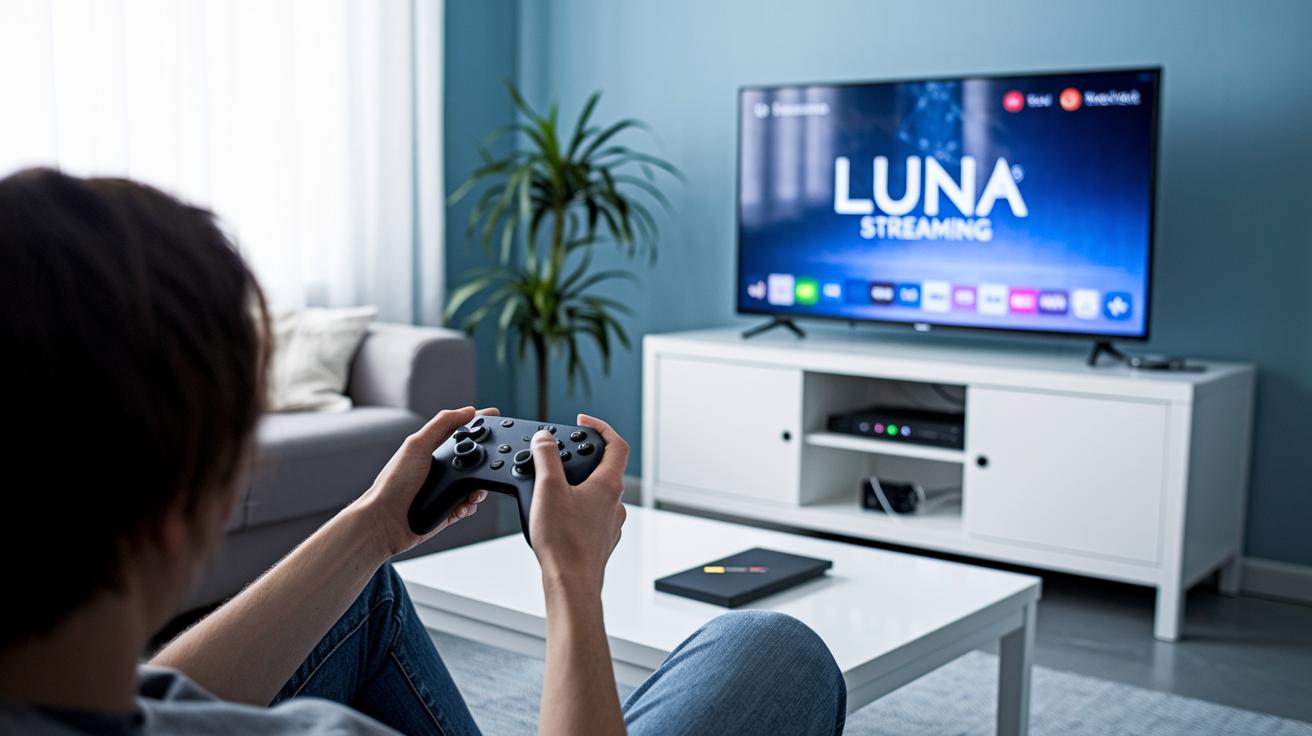
Get started by logging in with your Amazon account or by grabbing an early access code. If you’re on Fire TV, simply open the Appstore and download Luna. For those on PC or Mac, use the updated Chrome web app (since the June 2023 update), and iOS users can jump right in using Safari. It’s like joining your favorite club without any fuss.
A strong connection is crucial. Try running Luna on a wired Ethernet line or a robust 5 GHz Wi-Fi network to enjoy smooth streaming. Imagine playing an exciting, fast-paced game in clear 1080p while using around 10 GB of data per hour, just like watching your favorite show without any interruptions.
Once everything is ready, use the in-app quality slider to tweak your resolution based on your connection speed. This simple tool lets you adjust settings on the fly for a seamless gameplay experience. And if things aren’t working quite right, try quick fixes like switching DNS servers or rebooting your router for that instant reset.
Following these steps will help you fine-tune your network setup, making your Luna cloud gaming experience smooth and responsive so you can focus on the game with no worries.
Luna Cloud Gaming Exclusive Titles and Compatibility List
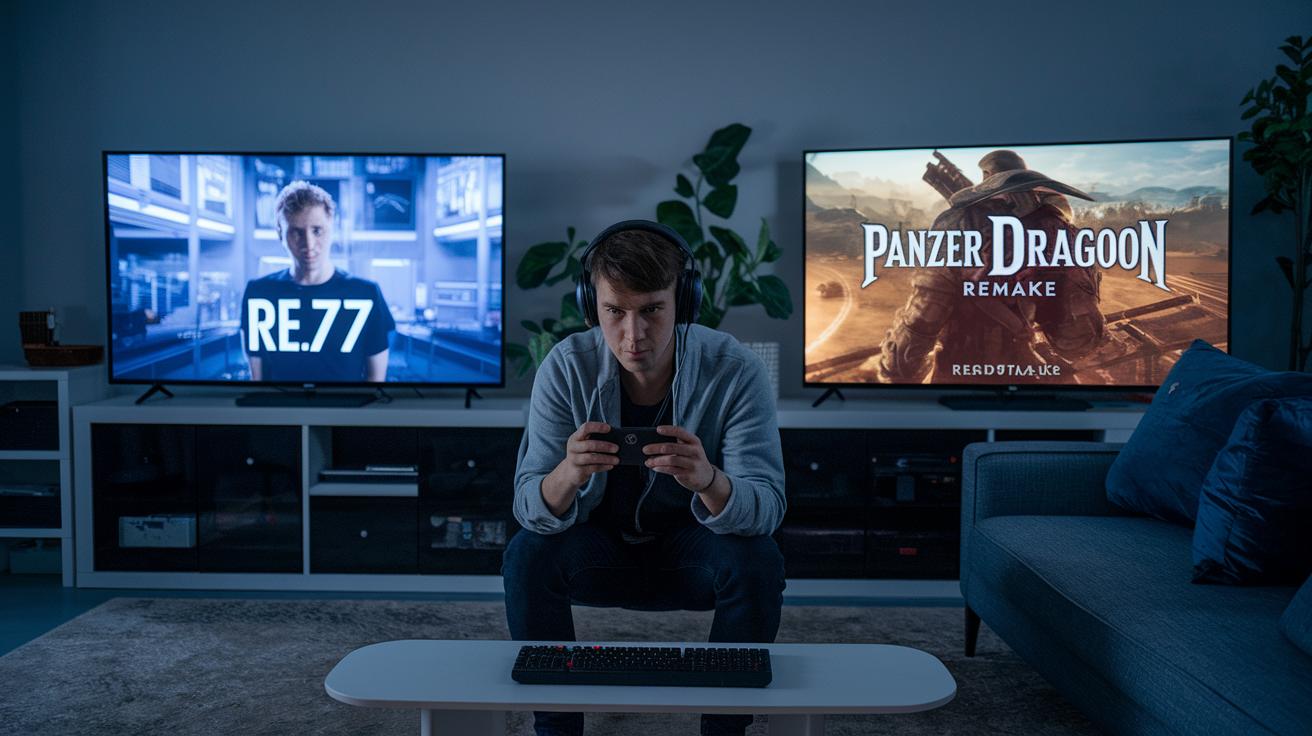
Luna has a special mix of games that keep your playtime fresh and exciting. The Luna Plus channel features cool exclusives like Resident Evil 7, Control Ultimate Edition, and Panzer Dragoon: Remake. And if you're into Ubisoft, the Ubisoft+ channel serves up hits like Assassin’s Creed Valhalla and Far Cry 6. With around 100 games refreshed every month, there's always a new adventure waiting. Picture diving into the eerie halls of Resident Evil 7, where every step makes your heart race.
Luna is built to guide you on your gaming journey. There's a handy compatibility list on Amazon's website showing which games work best with your device. A standout perk is 4K streaming, available on Fire TV when you pair it with the official Luna controller, ensuring awesome visuals every time. And thanks to cross-save support, PC players can jump right back into their favorite titles without missing a beat.
This online gaming guide is perfect if you're after a cloud gaming service that offers exclusive titles and steady, reliable streaming. Check out the full compatibility list on Amazon’s site and get ready for smooth, unforgettable gaming sessions.
Luna Cloud Gaming vs. Other Cloud Gaming Platforms

Luna is in the big leagues with platforms like Xbox Cloud Gaming, GeForce Now, and even Stadia (which has since been retired). It taps into AWS to reach players worldwide with low lag, so you get a super smooth gaming ride. While Luna Plus offers about 100 games, its library is a bit more focused compared to the vast collections seen elsewhere.
When it comes to competitive play, the official Luna controller really steals the show. It cuts down input delays compared to regular Bluetooth controllers, letting your skills shine. But there’s a catch, unlike some services, Luna doesn’t let you buy games one at a time, so you need to stick to a recurring subscription to play.
Luna also levels up with its Twitch integration. Sharing your gameplay is a snap, thanks to neat features like QR code scanning that let you go live straight from your Fire TV or mobile device. This social twist makes connecting with other gamers feel natural and fun.
Plus, Luna’s smart rollout, first in the US and then in Europe, has given it a leg up on some competitors despite having a smaller game collection.
| Feature | Luna | Xbox Cloud Gaming | GeForce Now | Stadia |
|---|---|---|---|---|
| Global Reach | AWS-powered | Worldwide | Global | Limited regions |
| Game Library | ~100 titles | Larger than Luna | Varies | Includes first-party titles |
| Controller Latency | Low (official controller) | Standard | Standard | Standard |
So in a nutshell, Luna strikes a cool balance with affordable subscriptions, quick controller response, and unique features that make it stand out in the cloud gaming world.
Final Words
In the action, we explored how Amazon Luna's cloud gaming service sets up an engaging experience. We covered key points like setup tips, performance benchmarks, device support, and its cool exclusive titles. Breaking down subscription channels and comparing competitors made the picture even clearer.
It's all about enjoying an interactive ride with smooth streaming and fast updates. Luna cloud gaming brings a fresh spin to playtime, leaving you excited to dive into its digital playground with a community that shares the thrill.
FAQ
Q: Luna cloud gaming reddit
A: The mention of Luna cloud gaming on Reddit shows users sharing their experiences, posting tips, and discussing performance. These discussions provide practical insights into setup, troubleshooting, and overall service impressions.
Q: Luna cloud gaming free
A: Questions about Luna cloud gaming free access refer to the trial options available. Users can try out channels with a seven-day free trial before deciding to subscribe.
Q: Luna cloud gaming login
A: The query on Luna cloud gaming login addresses the process of signing in with an Amazon account or early-access code. This step is essential to access the service and enjoy gameplay.
Q: Luna cloud gaming review
A: Reviews of Luna cloud gaming typically focus on streaming quality, low input latency, and competitive pricing against other services. Users appreciate its ease of use and diverse game selection.
Q: Amazon Luna APK
A: The term Amazon Luna APK relates to the Android installation file. While users look for the APK, official downloads are expected through regulated app stores once the Android version is available.
Q: Amazon Luna download
A: The inquiry about Amazon Luna download involves obtaining the application on supported devices like Fire TV and PC/Mac. Downloads follow official channels to ensure the latest version and a secure setup.
Q: How does Luna cloud gaming work
A: The explanation for how Luna cloud gaming works is that it streams games via powerful AWS servers directly to your device, eliminating the need for local downloads and ensuring responsive gameplay.
Q: Is Amazon Luna cloud gaming free?
A: The question on whether Amazon Luna cloud gaming is free clarifies that while free trials are available, users ultimately need a persistent subscription to enjoy continuous access to the service.
Q: Is GTA 5 on Jio cloud gaming?
A: This query notes that GTA 5 is not currently part of the game library on Jio cloud gaming. Different services offer varied game catalogs, and GTA 5 is not listed in Jio’s selection.
Q: Why is Luna gaming so laggy?
A: Reports of lag in Luna gaming often stem from network issues, bandwidth limits, or local Wi-Fi interference. Checking your connection and adjusting settings can help improve streaming performance.
Q: Why can’t I play games on Amazon Luna?
A: Inability to play games on Amazon Luna may result from login problems, outdated app versions, or network configuration errors. Reviewing setup steps, updating the app, and verifying connectivity are recommended steps.