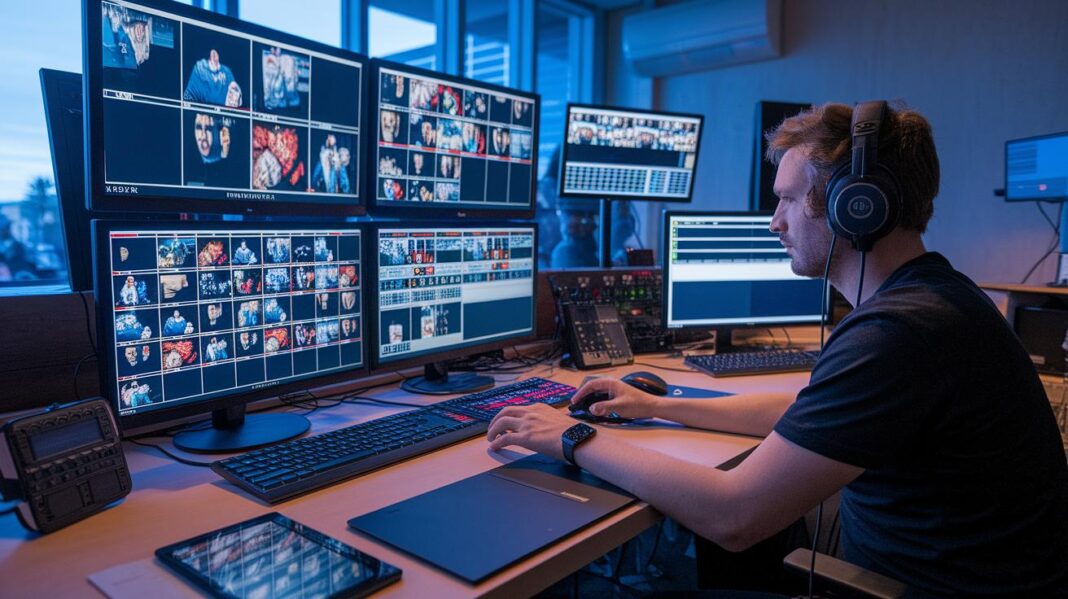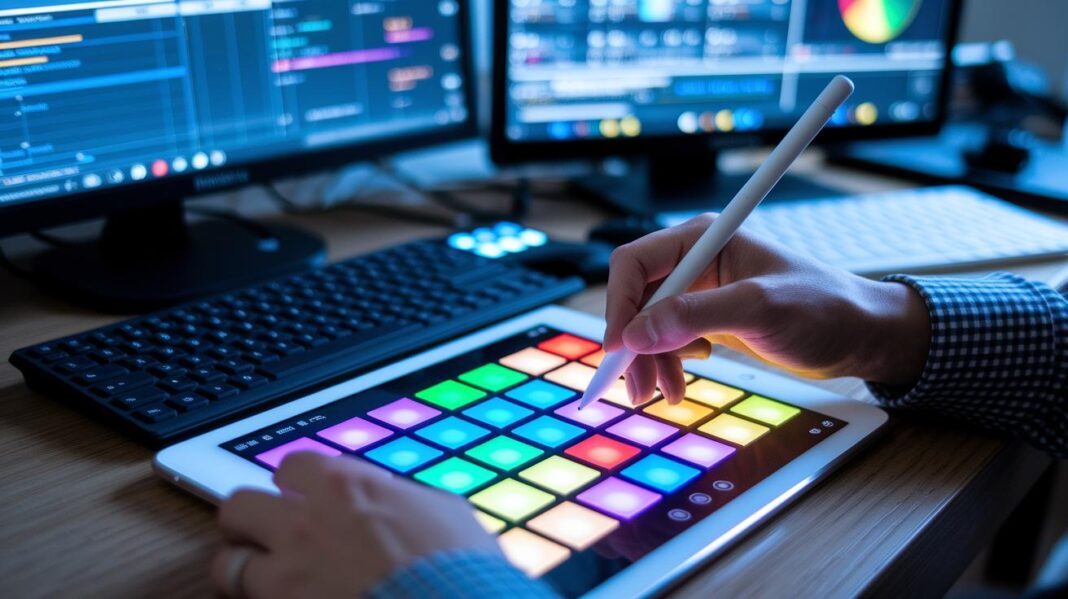
Ever wondered how cool it would be if a story could jump right off the screen? Picture videos, pictures, and sounds coming together with words like a live show that fills you with excitement. This blend turns plain words into a vibrant experience that brings each scene to life. And when different art styles mix in a story, they spark creativity, inviting you to see storytelling as true art.
Integrating Multimedia in Interactive Narratives Sparks Art
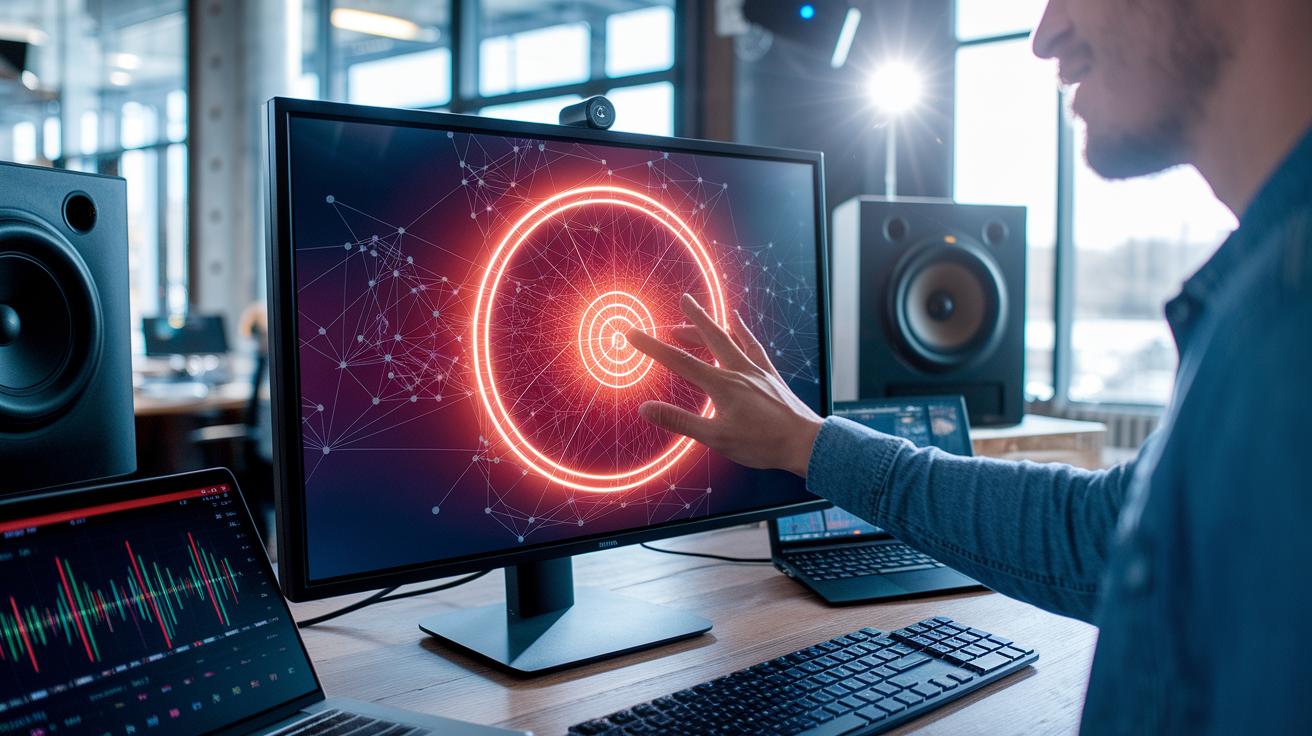
Blending different media into interactive storytelling is all about mixing video, images, and sound with a compelling narrative so you really feel the energy. It means creators merge text, art, and tunes into one cool, immersive experience. Picture a digital map that lights up with key moments as you scroll, a fun surprise, like learning that before the digital buzz, creators used simple images and sound bites. Now, with multimedia at the helm, art truly comes alive and connects with you on many levels.
Thanks to faster internet and smarter browsers, even non-experts can easily add captivating videos, crisp images, and interactive data visuals into their stories. Think of it like moving from a rough sketch to a vibrant, full-color masterpiece. With speedy connections and advanced platforms, multimedia content is smoother, quicker, and far more engaging than ever.
Every media element plays its own part in deepening the narrative. Videos bring movement and life, imagine a live performance that makes you feel the heartbeat of the moment. Pictures catch your eye with clear, vivid details, just like a standout shot in your favorite magazine. And audio sets the scene with emotional cues, like a gentle guitar strum that warms your heart. Add in interactive touches such as clickable maps or animated graphs, and you’ve got a story that invites you to explore and connect, layer by exciting layer.
Tools and Platforms for Multimedia Integration in Interactive Narratives

Mixing different multimedia tools can really bring your ideas to life. When you blend photos, videos, designs, data visuals, and audio tweaks, you can craft stories that click instantly with your audience. Think about how photography and video catch your eye with stunning visuals and smooth motion. Plus, handy design templates let anyone create a clean, professional look without breaking a sweat. Tools for data visuals and infographics take plain numbers and make them fun and interactive. And hey, audio editing is crucial for setting the right mood and adding depth to your tale.
| Tool Category | What It Does | Top Perks |
|---|---|---|
| Photography | Spice up your text with bright photos | Eye-catching visuals that grab attention |
| Video Editing | Polish interviews and narrations | Makes subjects pop with smooth motion |
| Design Templates | Build sharp, professional layouts | Easy enough for anyone to use |
| Data Visualization | Turn numbers into interactive graphics | Makes complicated info fun and clear |
| Infographic Creation | Break down detailed info | Offers neat, bite-sized summaries |
| Audio Editing | Tune sound clips and interviews | Deepens mood and context with sound |
Structuring Multimedia in Interactive Narratives for Maximum Impact
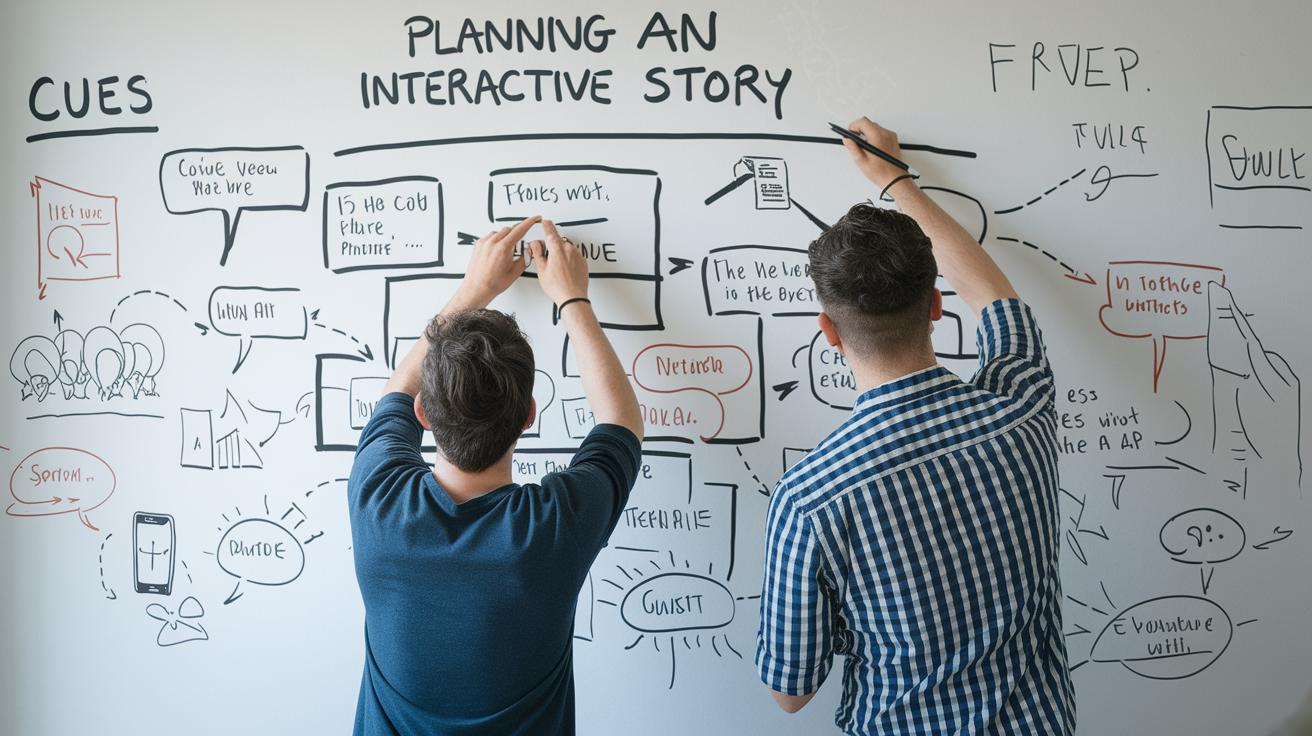
Imagine crafting an interactive story like setting up your favorite live show. You start with a clear blueprint, one that fits perfectly across different screens and platforms. Every little piece, whether a quick video clip or a catchy audio snippet, adds its own special touch that pulls you right into the heart of the tale.
Planning Interactive Narrative Structures
Kick things off by pairing key moments in your story with vibrant media cues. Picture it like drawing a roadmap where every visual flash or sound effect marks a shift in mood or action. For instance, when the hero suddenly locks eyes with the villain, a burst of stirring music can highlight that heartbeat moment, steering how you interact with the unfolding drama.
Developing Multi-Phase Story Arcs
Next, break your tale into clear, exciting chapters. Sketch out how different elements, like striking visuals, engaging audio, and cool interactive bits, flow from one phase to the next. Maybe you start with a serene video scene that shifts into a lively montage paired with dynamic text. This way, every segment feels fresh, keeping you involved and curious about what comes next.
Layering Media for Progressive Revelation
Finally, think of building your story like assembling layers in a delicious parfait. Begin with a simple image, sprinkle in gentle sound cues, and then unveil an interactive graphic as the climax hits. This steady build-up not only boosts anticipation but also ensures each media piece feels essential, creating a pulse-pounding experience that keeps you on the edge of your seat.
Enhancing Engagement in Interactive Narratives with Multimedia-Driven Plot Dynamics

Today, production teams tackle the tricky job of syncing digital cues with scenes that change on the fly. One team even had to match a beat of sound with a flash on the screen in just a blink. Imagine a moment when a sudden light burst happens at the exact time a sound cue pops, like flipping a switch that leads the story down a new path.
New ideas are making these challenges easier. Some creators now mix in sensor data and live feedback to adjust sounds and visuals according to how you react. Picture yourself tapping a hidden icon and suddenly seeing a dark hallway glow with suspense as the background music shifts, opening an entirely fresh storyline.
But there’s more to the magic. Advanced techniques are now shaping stories with precise timing and dynamic responses. Think of a clickable element that not only sparks an unexpected twist but also tweaks the background score and colors, pulling you even deeper into the narrative.
Case Studies of Effective Multimedia Integration in Interactive Narratives
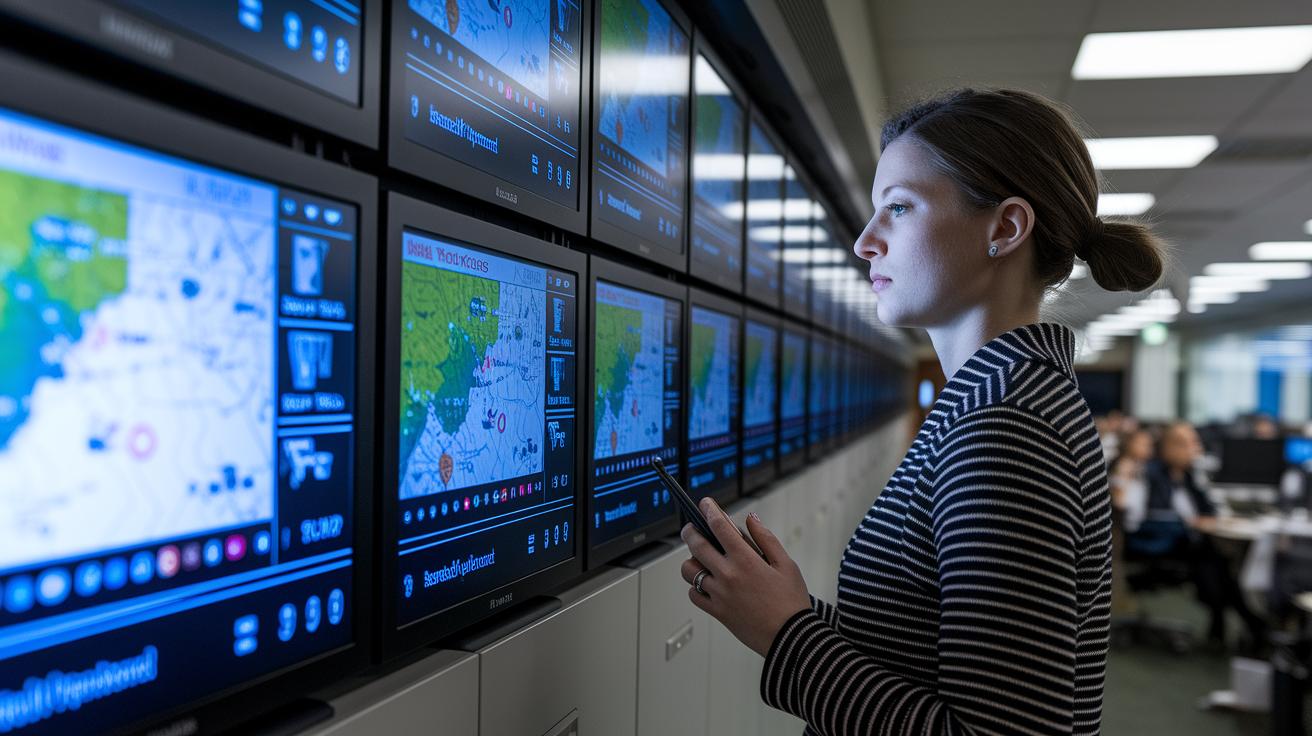
Case studies are like window shows into how different media can work together to tell a story. They let us see firsthand how blending text, video, interactive maps, and graphics can turn a regular story into an experience that pulls you in. Take, for instance, the project Snow Fall: The Avalanche at Tunnel Creek. It didn’t just rely on long text but mixed in cool video clips, maps, and graphics that kept viewers glued to the screen. And then there’s Te Urewera by Stuff, where photos, audio interviews, and maps create a journey that makes you feel you’re right there in the middle of the action.
| Case Study | Year | Media Mix | Key Impact |
|---|---|---|---|
| Snow Fall: The Avalanche at Tunnel Creek | 2012 | Text, Video, Maps, Graphics | Record engagement time; multiple awards |
| Te Urewera by Stuff | 2018 | Photos, Audio, Maps | High user interaction rates |
| BBC’s Lost Tablet | 2019 | Video, Animation, Text | Strong share and replay metrics |
| Brexit by Numbers | 2016 | Interactive Charts, Maps | High data-interaction sessions |
| Hamilton Commission | 2021 | Video, Audio, Graphics | Widespread media coverage |
These real-world examples act like a map for creators looking to bring their own stories to life. They reveal how layering different types of media can build excitement and leave a lasting impression on the audience. Projects such as BBC’s Lost Tablet show that combining video, animation, and text can inspire more sharing and make people want to watch again. And when it comes to initiatives like Brexit by Numbers or the Hamilton Commission, creative use of interactive charts and multimedia sparks lively conversations while pulling the audience deeper into the story.
In truth, good multimedia storytelling is all about syncing every piece together, just like a band playing in perfect harmony, to turn plain data and facts into an unforgettable, immersive experience.
Best Practices and Workflow for Integrating Multimedia in Interactive Narratives

Turning a creative spark into a lively, media-filled story starts with a solid workflow. When you plan ahead, every step and role is clear, setting the stage for smooth teamwork and smart tweaks along the way. Think of it like orchestrating a live performance where every beat counts.
Pre-Production Planning
Before you dive in, sketch out a clear plan. It’s as simple as drawing a storyboard that shows where each image, video clip, sound bite, and interactive piece fits in your tale. Map out asset capture, set a schedule, and decide who handles what, so every team member knows their part. For example, if you’re plotting a key scene, you might jot down: "Begin with a striking image, then add an audio cue that marks a turning point."
Production Collaboration
In the production phase, teamwork is everything. Writers, designers, and developers should check in often and use version control to keep their work organized. A shared space, where every update is tracked, helps catch small issues before they grow. It’s just like rehearsing for a live show, every cue must hit perfectly to keep the story’s rhythm alive.
Post-Production Optimization
After assembling your project, test and fine-tune it to perfection. Use user feedback and interaction data to pinpoint spots where the story can flow even better. Adjust media timing or interactive triggers based on real responses and keep refining your work step by step. This final polish ensures your interactive narrative doesn’t just look great, it truly pulls you in at every turn.
Measuring Immersion and Engagement in Multimedia Interactive Narratives

Using solid numbers helps you see if your interactive story truly grabs your audience. Metrics like time spent on a page, how often people interact, finish rates, feedback scores, and repeat visits all give clear insights. When you test different versions and track user choices, it becomes easy to spot which moments light up the room and which might need a little more sparkle. A handy analytics dashboard gathers these numbers, helping you spot trends and tweak your content so that your audience stays hooked.
Sometimes, hearing real voices makes all the difference. Quick surveys or chats can explain why a particular scene struck a chord. You might learn about shifts in mood during key moments or how little multimedia cues made a difference. Blending these personal insights with your hard data helps you polish every part of your narrative into an experience that truly delights.
Final Words
In the action, the post breaks down key ways to mix video, images, sound, and interactive elements into your stories. It shows how advanced tools and careful planning can boost plot dynamics and keep audiences engaged. The guide also highlights real-world examples and best practices that fuse creativity with technical know-how. Embracing these strategies brings us closer to integrating multimedia in interactive narratives, fueling excitement and connection in every shared experience. Enjoy the vibrant feeling of creating something truly compelling, one story at a time.
FAQ
Q: What are some examples of integrating multimedia in interactive narratives and multimedia storytelling examples?
A: The question on multimedia integration covers examples such as combining video, images, audio, and interactive maps with text to create rich storytelling experiences that boost audience engagement and make narratives more dynamic.
Q: What defines digital storytelling, digital storytelling websites, online storytelling platforms, and visual storytelling?
A: The question regarding digital storytelling emphasizes using multiple media types online. It involves blending visuals, audio, and text on web platforms to craft stories that are engaging, easy to follow, and visually appealing.
Q: What are the four types of interactive multimedia?
A: The question about interactive multimedia identifies four types: video, audio, static images, and interactive elements like animations or maps. These elements work together to deliver diverse, engaging content in a story.
Q: What is a multimedia narrative?
A: The question on multimedia narratives describes them as stories told through the mix of text, images, video, and audio. This blend delivers layered, engaging experiences that connect more effectively with audiences.
Q: What makes multimedia interactive?
A: The question addressing interactivity explains that multimedia becomes interactive when it offers controls like clickable elements, animations, or hotspots. This design allows users to actively engage and shape the narrative experience.
Q: Which multimedia element can be used to enhance storytelling in teaching?
A: The question regarding multimedia in teaching highlights visual elements such as videos and interactive infographics. These tools help clarify concepts, stimulate discussion, and make lessons more engaging and easier to grasp.