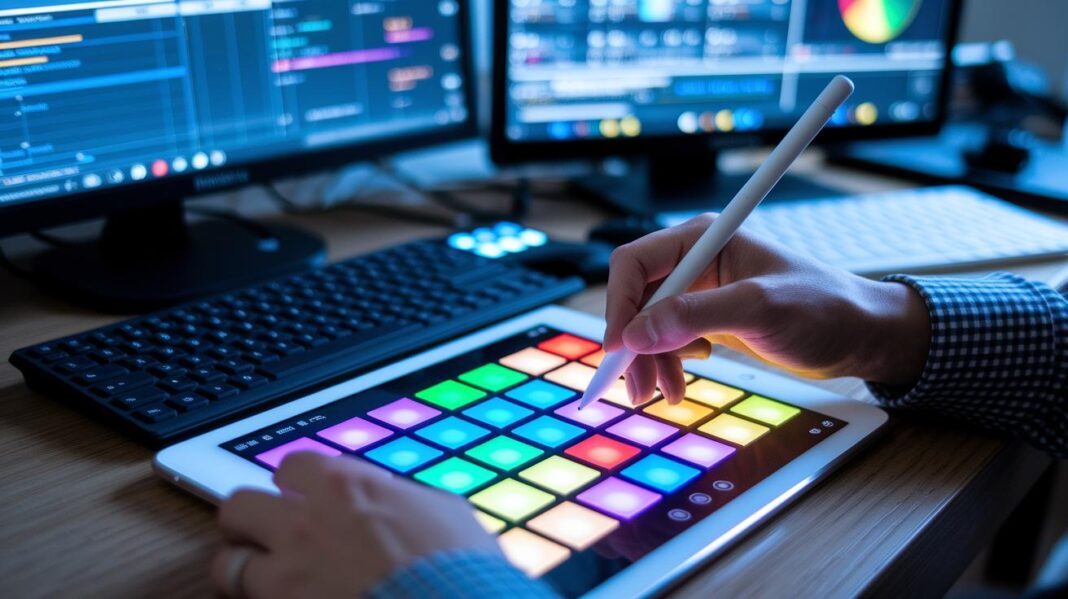
Have you ever wondered why some live shows feel just right while others seem a bit off? The secret is a clear plan for every part of the show. Good teams prepare every step, from capturing sharp audio and video to syncing everything perfectly in real time.
It’s a lot like a band that practices until every note hits home. Each part of the setup works together to create a smooth and lively event that feels almost magical. In this article, we’ll take you through the steps of setting up a live streaming show and show how a solid plan can make every event a hit.
Core Live Streaming Production Workflow Pipeline
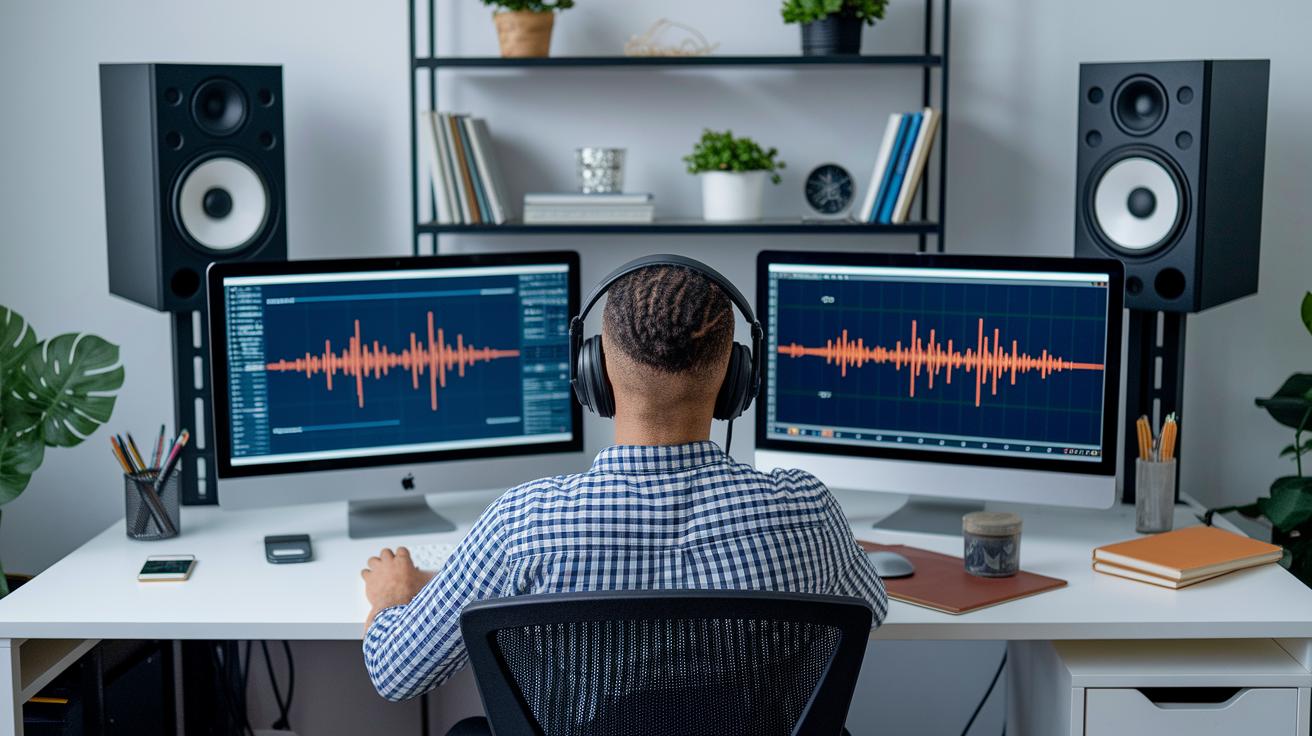
Building a smooth, interactive live stream starts with a clear, organized plan. When you handle every step – from capturing the video to playing it back – with care, you set the scene for an amazing live event. Making sure the audio and video start off crisp and in sync is a must because any hiccup during capture can ripple through the whole stream.
Having a clear production plan also makes setting up your stream so much easier. Breaking the process into steps like encoding (that's compressing your video so it plays nicely on all devices) and CDN distribution (using nearby servers to lower delay) means you can fine-tune your setup for any device or network condition. This approach has been proven to work, so if you're interested, dive into more details about capturing and delivering live events.
| Stage | Description |
|---|---|
| Capture | Collect crisp, synchronized audio and video to kick off your stream. |
| Encode | Compress your media using H.264 or H.265, ensuring it plays great on different devices. |
| Process & Package | Break the stream into pieces, adding options for quality, subtitles, and extra info. |
| CDN Distribution | Use nearby servers to quickly deliver content to viewers and cut down on delay. |
| Playback | Show the stream to your audience, keeping things smooth and free of lag. |
Each part of this workflow plays a role in making your live stream shine. By using smart encoding and a rock-solid setup, you build a system that handles live events without skipping a beat. This step-by-step approach not only meets high production standards but also builds trust with your audience, ensuring they enjoy a seamless viewing experience from start to finish.
2. live streaming production workflow Sparks Seamless Success
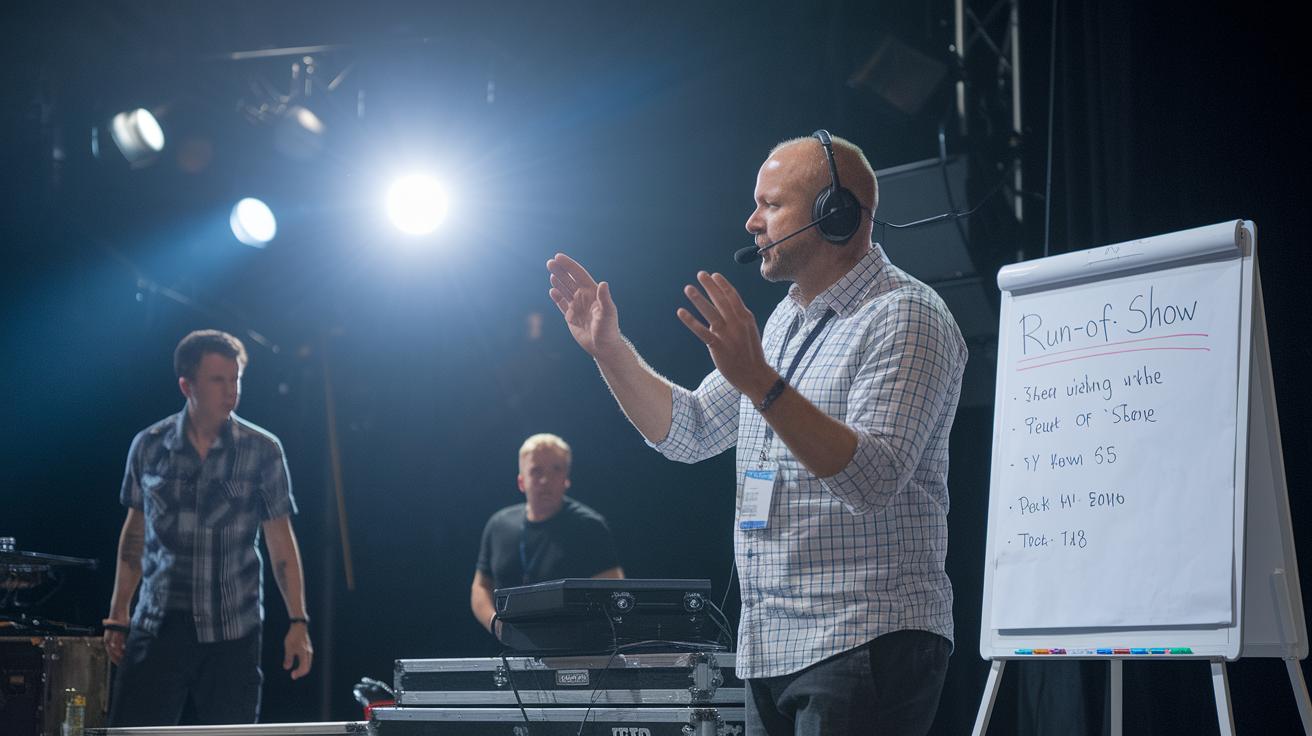
Before the live stream starts, setting the stage is everything. Preproduction is like drawing up a game plan so every part of the event clicks into place. This step maps out tasks, plans every scene, and keeps potential issues at bay.
Stage and talent coordination keep the show running smoothly. Stage managers team up with talent and crew to place everyone perfectly, and a run‐of‐show document breaks the event into handy segments. Tools such as live streaming software help create checklists and guidelines to make sure live rehearsals flow without a hitch.
Technical rehearsals are another key piece of the puzzle. These practice runs let the team test equipment, catch any glitches, and fix any connectivity issues ahead of the live event. During these sessions, backup power, intercoms, and monitors are all double-checked to make sure nothing goes wrong when it’s showtime.
Finally, network and platform settings wrap up preproduction. Running tests on network capacity, like checking the bandwidth when traffic is heavy, makes sure all connections stay strong. This careful setup ensures that both the hardware and software work perfectly together, allowing the live stream to shine and stay reliable.
Hardware and Software Components in Live Streaming Production Workflow

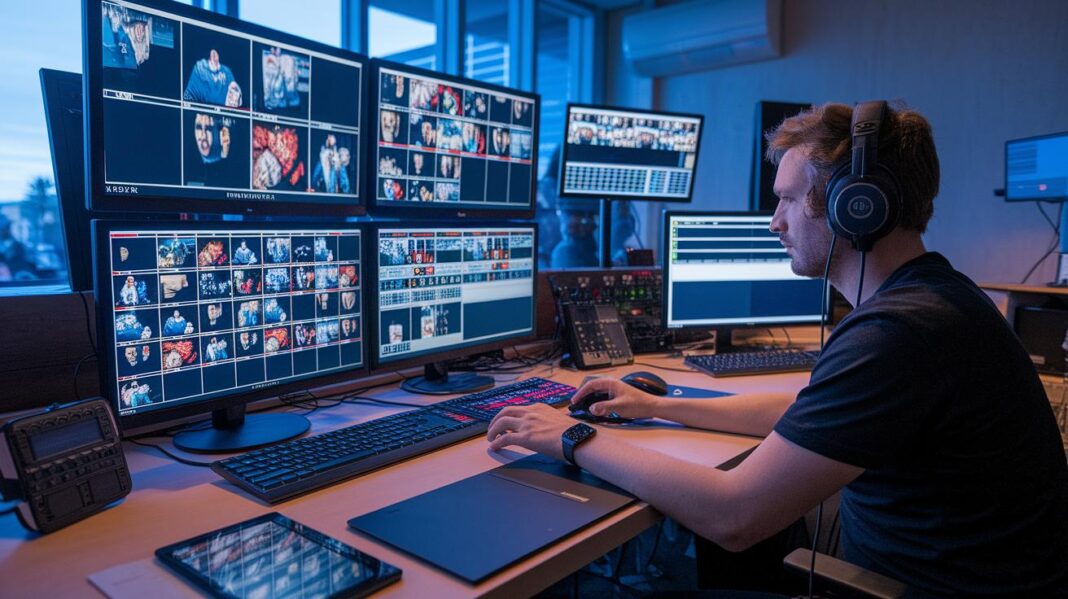
Imagine the thrill of watching a live event where every detail pops on screen. High-quality cameras and multi-angle systems set the stage for an unforgettable experience. These cameras capture crisp images and smooth videos, making you feel like you’re right in the thick of the action, just like watching a multi-camera sports event where every shot adds to the excitement.
Then there are the multi-input video switchers, the unsung heroes that let you flip between different camera feeds quickly and smoothly. They mix and match your favorite angles so you never miss a key moment. With these switchers, even unexpected changes during the broadcast don’t throw you off track.
Now, let’s chat about encoding, there’s a bit of a friendly debate between hardware and software options. Hardware encoders, known for their steady, reliable performance, work hard to keep everything smooth with minimal delay. But software tools like OBS Studio, vMix, or Wirecast give you the freedom to adjust settings in real time, even if they use up more computer power. It’s really all about choosing between rock-solid stability and creative flexibility.
Don’t forget the little extras! Support tools like audio mixers make sure every beat and word comes through loud and clear, while intercom systems keep everyone talking like old friends. Confidence monitors let presenters check their own live feed so surprises are kept at bay. When every piece works together, you get a live event that’s pure magic.
2. live streaming production workflow Sparks Seamless Success

When you're live streaming, picking the right combo of codec and bitrate is a must. Most folks suggest using H.264 at a bitrate of 4-6 Mbps for 1080p views. This choice gives you sharp, clear video without straining your network. Sometimes, H.265 is a smart pick too since it keeps quality high while easing the load when bandwidth is tight. It's kind of like choosing the perfect brush for your painting, getting this step right sets the stage for the whole show.
After encoding your video, the next fun part is packaging it up. This means breaking the video into little chunks and adding adaptive bitrate profiles. These profiles help adjust the video quality on the fly depending on how strong the viewer's connection is. This way, the stream stays smooth even if the internet wavers. Plus, packaging lets you toss in neat extras like subtitles and metadata to give viewers a richer experience. Check out these protocol options to see how they compare:
| Protocol | Features |
|---|---|
| RTMP | Simple method for sending video to servers. |
| RTMPS | Like RTMP but with extra encryption for security. |
| HLS | Breaks video into segments for adaptive playback, with a 5–10 second delay. |
| SRT | Gives low latency (200–400 ms) and error recovery. |
| WebRTC | Offers super low latency (200–500 ms) for interactive content, though it may not scale as much. |
Lastly, using a CDN is key to getting your stream to viewers without a hitch. CDNs hold your video segments on servers that are closer to your audience, cutting down on buffering and delays. This means that even when lots of people are watching, the stream stays fast and reliable. It’s like having a well-placed backup that makes sure everyone feels the excitement of the live moment.
Real-Time Monitoring and Troubleshooting in Live Streaming Production Workflow

When you kick off a live stream, it's exciting, but you gotta keep an eye on key numbers like bitrate, packet loss, CPU/GPU load, and sudden jumps in latency. A handy monitoring dashboard can alert you if your stream starts buffering or falling out of sync. Imagine a quick pop-up warning when your CPU hits over 90% or the bitrate takes a dip. This live, on-the-spot check helps catch issues before they grow into annoying glitches during your show.
Next, reading alerts and logs becomes super important. If you get a nudge about frame drops or a spike in latency, it might mean your network is getting crowded or there's a hiccup with the encoding. Think of it like checking your game plan, each alert shows you which part of the stream might need a little extra love. For instance, if you see packet loss spiking repeatedly, it might be a sign that your network is under more pressure than you expected, and it’s time for a deeper look.
When things go off track, having a clear, step-by-step troubleshooting plan is a lifesaver. First, check your network connection to see if congestion is the culprit. Then, peek at your audio and video tracks to spot any out-of-sync bits or frame drops. Finally, try these fixes:
- Fix audio sync issues by double-checking your source settings.
- Cut down on frame drops by easing the encoder load or fine-tuning the bitrates.
- Ease network congestion by redirecting traffic or boosting your bandwidth.
Post-Event Processing in Live Streaming Production Workflow
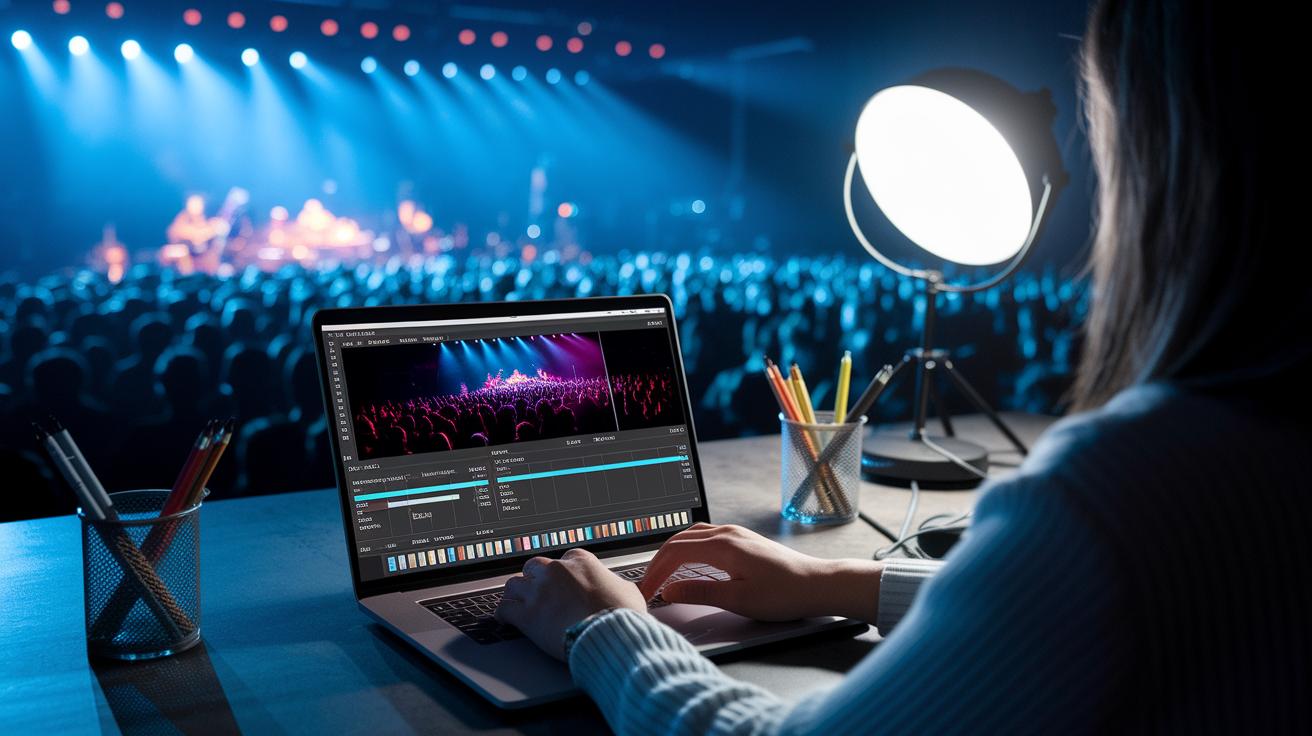
After the show wraps up, the real fun begins, turning your raw broadcast into on-demand magic. Picture this: you’re slicing a live concert into short, thrilling clips using smart API tools, almost like using digital scissors to catch all those epic highlights that fans can watch whenever they want.
Then, it’s all about giving your clips a bit of extra sparkle. Tag them with keywords so folks can find them as easily as picking out their favorite song from a playlist. Next, plan when to roll out these clips using your CMS, making sure they shine when your audience is most active. Finally, dive into the analytics to see what made everyone cheer, ensuring the vibrant energy of your live event continues to wow even after the lights go down.
Final Words
In the action, we explored every stage, from capture and encoding to distribution and post-event review, all designed to craft a smooth stream. We outlined essential pre-production planning, the hardware and software setup, and detailed encoding techniques paired with real-time monitoring for that flawless viewer experience. Each phase is part of a solid live streaming production workflow that builds on precision and creativity. Every step brings you closer to sharing top-notch digital moments that keep the energy high and the connection real.
FAQ
What is a live streaming production workflow template?
A live streaming production workflow template outlines the key stages—from capturing high-quality audio and video, to encoding, processing, distribution, and playback—guiding you to set up an organized and efficient live stream.
What is a live streaming production workflow example?
A live streaming production workflow example details the step-by-step process, showing how to capture, compress, segment, distribute via CDN, and deliver a seamless playback experience for viewers.
Where can I find an HTTP live streaming practical guide PDF?
A practical guide PDF for HTTP live streaming provides detailed instructions and diagrams, helping you understand how to set up streaming with protocols like HLS for smooth video delivery.
What information does a live streaming PDF provide?
A live streaming PDF offers an overview of the production pipeline, including guidelines for capture, encoding, packaging, and distribution, along with tips to maintain a stable viewer experience during live events.
Can I use a free live streaming server?
A free live streaming server option allows you to cache your stream at edge servers and reduce latency, making it possible to broadcast live content without hefty costs while still achieving a reliable setup.
How do I set up a live streaming website?
Setting up a live streaming website involves integrating encoding systems, content management, and real-time playback interfaces to provide viewers with an interactive platform for watching your live broadcasts.
What features does Wowza live streaming offer?
Wowza live streaming offers robust tools that manage the entire live stream process, from real-time encoding and adaptive bitrate streaming to advanced CDN integration, enhancing the overall broadcast quality.
What details are covered in a video streaming protocols PDF?
A video streaming protocols PDF explains various transmission methods like RTMP, HLS, SRT, and WebRTC, detailing how each protocol handles video quality, latency, and error correction during live streaming.
What is the process of live streaming?
The live streaming process involves capturing video, encoding the feed to compatible formats like H.264 or H.265, processing and packaging the content into segments, distributing via a CDN, and finally delivering the stream to viewers.
How do I produce a live stream?
Producing a live stream means setting up your capture equipment, managing encoding and signal switching, testing your network, and monitoring the stream in real time to quickly address technical issues during the broadcast.
What protocol is used for live streaming?
Live streaming relies on protocols such as RTMP for ingest, HLS for adaptive content delivery, and SRT or WebRTC for low latency, ensuring quality transmission based on your streaming environment and needs.
What is livestream production?
Livestream production refers to the complete process of planning, capturing, encoding, processing, distributing, and monitoring a live broadcast, ensuring that each technical and creative stage is managed for an optimal viewer experience.