Ever get tired of spending heaps on fancy gaming gear? Cloud gaming wipes that stress away. It sends your favorite games straight to your screen, just like when you stream a movie on a cozy night in.
The heavy work is picked up by powerful remote servers, so you don’t have to lug around big, expensive machines. With just a solid internet connection, you can jump into your game on any device you love. In short, cloud gaming lets you dive into epic gameplay without emptying your wallet or slowing down your fun.
Understanding Gaming in the Cloud: Definition and Workflow
Imagine playing your favorite game without owning a fancy console or high-end PC. Cloud gaming streams everything for you, much like how you stream movies on Netflix. In the old days, gamers had to spend big on bulky, expensive gear. Now, all you need is a solid internet connection to dive into epic gameplay.
How does it work? Powerful remote servers in data centers do all the hard work. These servers process, render, and encode every game frame, then send the video and audio right to your device. Think of it like watching a live concert where the performance happens offstage and the magic is broadcast to you in real time. This setup makes even the most demanding games run smoothly on everyday devices.
And the fun doesn't stop there. Cloud gaming works on PCs, Macs, tablets, smartphones, and Smart TVs. You can use controllers, keyboards, or mice to explore game worlds. Ever tried using a wireless controller on a tablet? It can feel surprisingly smooth, kind of like playing on a real gaming console.
Plus, your game progress stays safe in the cloud. You can pause on one device and pick up on another, just like pausing a movie without missing a beat. This flexibility makes cloud gaming a hit for both casual players and die-hard fans.
Leading Cloud Gaming Platforms for High-Performance Play
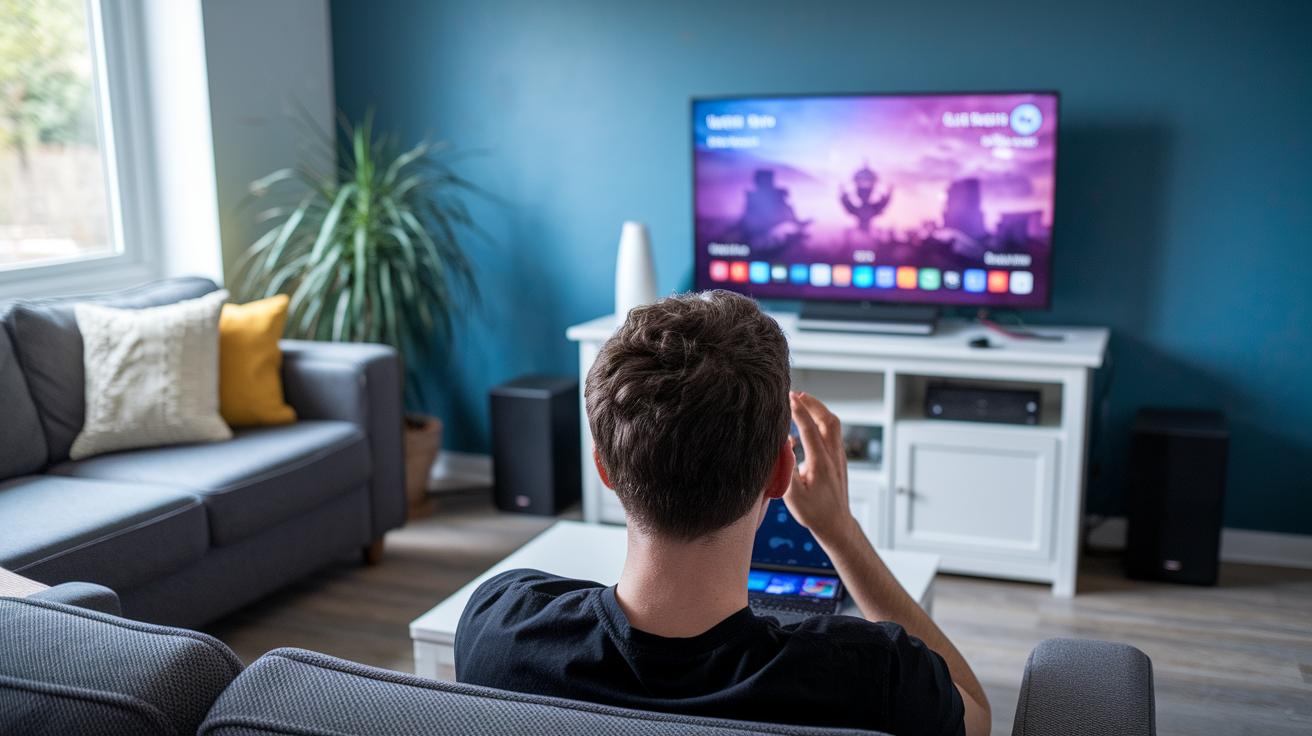
Today’s cloud gaming scene is buzzing with energy as these services deliver top-notch performance, huge game collections, wallet-friendly plans, and smooth play on all kinds of devices. Let’s dive in and see what makes each streaming platform tick.
Amazon Luna made its debut back in 2020 and quickly became available free for Prime subscribers through Prime Gaming. It offers different channels like Luna+ for $9.99 a month, a special Jackbox channel for $4.99 a month, and Ubisoft+ for $17.99 a month. You can even grab an optional Luna Controller for a smoother ride, though you don’t need one to jump into the action.
Nvidia GeForce Now has been winning hearts with its Priority tier at $9.99 per month. What’s cool is that it links directly with digital game libraries from popular stores such as Steam, Epic, GOG, Ubisoft Connect, and Origin. This means you can instantly play loads of titles you already own, all streaming in high performance across a whole range of devices.
PlayStation Plus Premium, which evolved from PlayStation Now originally launched in 2014, now offers even more. With a Premium plan costing $17.99 per month (or $10 per month if you choose the annual plan), fans get a treasure chest of classic games together with new options that cater perfectly to longtime PlayStation enthusiasts.
Xbox Game Pass Cloud Gaming is another heavy hitter, included in the Ultimate plan at $14.99 per month. This service opens the door to hundreds of games and even lets you play Fortnite for free with a Microsoft account. Its friendly support for multiple devices makes it a top pick for gamers who love flexibility.
Google Stadia, which ran from 2019 until 2022, reached its peak with a library of 51 games. Even though the tech was solid, the platform eventually wrapped up its streaming service and shifted to licensing its innovative Immersive Stream for Games technology.
| Platform | Price | Library Access | Device Support | Latency Features |
|---|---|---|---|---|
| Amazon Luna | Varied ($4.99-$17.99) | Channel-based curation | PC, Smart TV, mobile | Optional Luna Controller |
| Nvidia GeForce Now | $9.99 Priority | Your own libraries | PC, Mac, mobile | Low latency streaming |
| PlayStation Plus Premium | $17.99/mo or $10/mo annually | Classic and new titles | PlayStation consoles, PC | Optimized for latency |
| Xbox Game Pass Cloud Gaming | $14.99/mo | Hundreds of games | Multi-device support | Smooth play, Fortnite free |
| Google Stadia | $9.99/mo (pre-shutdown) | 51 titles peak | TV, PC, mobile | Reliable stream tech |
Gaming in the Cloud: Boost Your Play
Cloud gaming uses smart streaming tech that cuts lag and makes your play feel smooth, almost like you’re using a high-end rig without the high price tag. Nearly two out of three gamers say it saves them money compared to buying expensive systems. Picture a setup that tweaks its graphics on the fly based on your connection speed, like watching a live sports game in crisp detail no matter where you are.
New trends are all about giving you a better experience. Better server performance means shorter load times and fewer downtime hiccups. It’s a bit like switching your playlist right when your favorite song hits, it just flows. Reviews say that real-time data helps tweak the system as you play, keeping everything fresh.
- Advanced streaming tech cuts down on lag.
- Graphics automatically adjust while you game.
- Jump between devices with fast mid-session saves.
- Spend less compared to constant hardware upgrades.
- Subscription models mean you get regular improvements.
- Live data tweaks boost overall performance.
These upgrades aren’t just about saving money, they’re about smoother play, quicker transitions, and a gaming system that listens to you and keeps getting better.
Limitations and Considerations for Cloud Gaming

Cloud gaming is all about having a fast, steady internet connection. Without that solid link, you might run into lag or delays that mess up your gameplay. It’s like waiting for your favorite song to load on a choppy stream, annoying and totally unpredictable.
Even when your connection is good, the video quality can still bounce around. Sometimes you’ll notice a frame drop or a sudden shift in screen clarity during the thick of action. It’s a bit like watching a race where the pace keeps stopping, challenging if you’re aiming for smooth, low-latency play.
You also have to think about service limits. Some platforms only offer a small selection of games, and there have been cases where a popular service shut down unexpectedly. Imagine getting comfy to enjoy a classic game, only to find that your go-to service no longer supports it. That’s a real risk with gaming offsite.
Then there’s the issue of controller and device compatibility. Some games might not quite gel with your favorite controller because certain devices just don’t sync up. You might have to do a little network tuning or adjust your device settings to get everything running in harmony.
Technical Requirements and Best Practices for Cloud Gaming
When you're diving into cloud gaming, the first step is making sure your internet is up to the task. For smooth 1080p streams, aim for a steady connection of 15 to 25 Mbps. If you’re gunning for 4K visuals, target somewhere between 35 and 50 Mbps. And keeping your ping below 40 ms is essential, it makes sure the game responds as quickly as you do.
Setting up your network comes next. A wired Ethernet connection is the best bet for reliability. But if you're stuck with Wi-Fi, choose a 5 GHz router to cut down on interference. And if you’re gaming on the go, a 5G mobile connection can do a great job reducing lag while giving you the freedom to play from practically anywhere.
Don’t forget about your gaming device. Cloud gaming gives you options, whether you’re on a PC, Mac, Smart TV, tablet, or smartphone. Many devices even support Bluetooth controllers. Just make sure your operating system is updated to handle all the latest streaming upgrades.
A few extra tips: regularly check your data-center ping, update your router’s firmware, go with 5 GHz or a wired Ethernet when possible, and keep your power supply stable. These steps help ensure you get a smooth, high-definition gaming session every time.
Subscription Options and Pricing Models
Cloud gaming services mix free and paid plans so you can pick what feels right for you. Did you know many gamers have saved up to 30% on their yearly subscription by blending free and paid options? It’s like getting the perfect slice of your favorite pizza without paying extra for every topping.
Different plans let you pay monthly, every three months, or yearly. For example, PlayStation Plus Premium charges $17.99 a month, $49.99 for three months, or $119.99 per year, while Xbox Game Pass Ultimate comes in at $14.99 per month. Imagine choosing a meal combo where you pick the option that satisfies both your hunger and budget.
Some platforms even let you add extra channels to create a custom experience. Amazon Luna, for instance, offers a $4.99 Jackbox channel or a $17.99 Ubisoft+ channel. Think of it like customizing your favorite sandwich – you add just the toppings you love.
And when you're ready to change things up, flexible cancellation policies and trial offers let you test services before committing long term. Ever felt the relief of canceling a service without any hassle?
Future Trends and the Evolution of Gaming in the Cloud
Cloud gaming is stepping into an exciting new era thanks to speedy network upgrades and improved tech. With 5G and edge computing now reaching many areas, lag is dropping like never before. Imagine playing your favorite game with almost instant reactions, as if everything is happening live. Gamers everywhere are catching on to these thrilling improvements every day.
AI and machine learning are also shaking things up in the cloud gaming world. Smart algorithms tweak frame rates and adjust visuals on the fly, so your gameplay stays smooth even when network conditions change. It’s a fact, AI tweaks can boost performance during busy times, ensuring that every gaming session feels as fluid as possible.
Virtual reality and augmented reality are opening up new ways to play. Soon, streaming services will offer rich, mixed-reality experiences that blend digital art with the world around you. Picture yourself stepping into a virtual universe where every detail feels real and immersive.
Eco-friendly data centers and a growing global server network promise a greener, more sustainable future for cloud gaming. Providers are designing clever frame-rate solutions that adapt to changing bandwidth effortlessly. Upgraded tech setups will support cutting-edge features, giving players a smooth, unique experience while cutting energy use and broadening access worldwide.
Final Words
In the action, we reviewed how gaming in the cloud works, from streaming video to syncing your progress across devices. We touched on top platforms and examined both the perks and technical points that make these services a hit. We also explored pricing choices and future upgrades that hint at even smoother play sessions. Every step shines a light on accessible gaming, ensuring a smooth, exciting experience for everyone. Here’s to more fun and fresh possibilities in gaming in the cloud.
FAQ
Frequently Asked Questions
What does “cloud gaming free” mean?
The term “cloud gaming free” means you can try game streaming without upfront costs, often through free trials or entry-level access, letting you experience games without buying expensive hardware.
What is GeForce NOW?
GeForce NOW is a game streaming service that uses powerful remote servers to run your favorite games from digital libraries, giving you smooth gameplay on devices that might otherwise struggle with heavy graphics.
How do I download Xbox Cloud Gaming?
Downloading Xbox Cloud Gaming involves installing the supported app from your device’s app store, letting you stream games directly as part of your Xbox Game Pass Ultimate subscription.
What are cloud gaming services?
Cloud gaming services let you play video games over the internet using remote servers. They remove the need for high-end hardware by streaming gameplay to your device wherever you are.
How do I enjoy a cloud gaming PC experience?
A cloud gaming PC experience means you stream games from remote servers to a standard computer, so you don’t need to invest in expensive components while still enjoying high-quality, demanding titles.
What is cloud gaming on Android?
Cloud gaming on Android lets you stream games to your smartphone or tablet, offering console-level performance without the need to download heavy games or own specialized hardware.
How does Xbox Cloud Gaming work on Android?
Xbox Cloud Gaming on Android allows you to access Microsoft’s game streaming service via your phone or tablet, so you can play Xbox titles on the go with a compatible controller and a strong internet connection.
What does Xbox Cloud Gaming APK refer to?
Xbox Cloud Gaming APK refers to the installation file for Android that may provide access to the service outside of traditional app stores, though it is best to use official channels for a secure installation.
How does Xbox Cloud Gaming benefit gamers?
Xbox Cloud Gaming benefits gamers by offering access to a wide range of titles without the need for a powerful console, providing flexibility across devices and a seamless way to enjoy gaming wherever you are.
How can I play Fortnite via cloud gaming?
Playing Fortnite via cloud gaming means you stream the popular battle royale game directly to your device. It delivers smooth gameplay without needing to install large game files on your hardware.
How is Tom Clancy’s Rainbow Six Siege experienced in the cloud?
Tom Clancy’s Rainbow Six Siege in the cloud provides tactical, intense play streamed from remote servers, allowing you to enjoy competitive action even on devices that aren’t equipped with high-end hardware.
What does Xbox Game Pass offer for streamers?
Xbox Game Pass offers a vast library of games, including cloud gaming options, so subscribers can stream titles on various devices while benefiting from a cost-effective, all-in-one subscription model.
What is Amazon Luna?
Amazon Luna is a game streaming service that gives users access to different game channels and subscription tiers, making it easy to stream a variety of games from compatible devices with minimal setup.