Ever wonder if gaming could completely reinvent the way you play? Shadow cloud gaming gives you lightning-fast, smooth gameplay that makes it feel like you have a high-powered PC right in your room. It uses cutting-edge Nvidia graphics cards, which mean you get clear, sharp visuals and super quick responses.
As you dive into your favorite games, every moment pulses with the energy of a live show. With each play, you'll feel the rush and buzz of a real-time performance. This service is truly shaking up the gaming world, pushing the limits of cloud gaming for everyone to enjoy.
shadow cloud gaming: electrifying speed and features
Imagine having a Windows 10 gaming setup in the cloud, powered by Nvidia GPUs that match your play style perfectly. The Boost tier offers a GTX 1080, while the Ultra tier steps it up with an RTX 2080. And if you’re chasing the ultimate gaming rush, the Infinite tier comes in with an RTX 4090. It’s like rebooting your gaming life with a cloud PC that feels as strong as a top-tier desktop right in front of you.
Streaming is designed to wow you. Picture this: you can enjoy up to 4K at 60 FPS or 1080p at 120 FPS with super smooth visuals and a tiny delay of only 15–30 ms. When you’re in a fast-paced shooter, you really won’t notice any lag because the response is so quick, almost as if you’re playing on a local rig next door. And thanks to adaptive bitrate streaming using H.264 and H.265 codecs (these are methods that adjust your video quality based on your network), your game stays fluid even during the most intense online matches.
The graphics are crisp and clear, making every detail of your favorite game pop on the screen. Plus, you can hook up to three displays at once for one amazing multi-screen setup. With SSD storage options ranging from 256 GB to 2 TB, there’s plenty of room for your games and apps without slowing you down.
The remote play experience truly captures the vibe of local gaming. Whether you're testing out performance or just kicking back with a casual session, every command and visual is sent with such smooth precision you’ll feel the excitement in every moment. Think of it like sitting down for a game night where the boundary between digital and physical basically disappears.
shadow cloud gaming pricing and subscription plans
Shadow offers subscription plans that adjust to your gaming style and budget. There are three main choices to fit what you need. The Boost plan, priced at $14.99 a month, gives you a full Windows 10 cloud PC with a GTX 1080 GPU. It’s a great pick if you love smooth 1080p gameplay.
If you crave a bit more graphic muscle, the Ultra plan might be up your alley. At $29.99 monthly, it comes with an upgraded RTX 2080 GPU so you can enjoy sharper visuals during fast-paced games.
For those who demand nothing but the best, the Infinite plan is available for $49.99 a month. Running on an RTX 4090 GPU, this plan promises top-tier performance, perfect for streaming high-end games with stunning details at 4K.
Every plan includes a full Windows 10 environment along with various GPU and storage options. New users can jump in with a free 10-day trial, and if you refer a friend, you might even get an extra 7 days free. If you choose an annual subscription, you save even more: Boost is $149.99, Ultra is $299.99, and Infinite is $499.99 for the year.
| Plan Name | Monthly Cost | GPU Tier | Max Resolution |
|---|---|---|---|
| Boost | $14.99 | GTX 1080 | 1080p/60 FPS |
| Ultra | $29.99 | RTX 2080 | 4K/60 FPS |
| Infinite | $49.99 | RTX 4090 | 4K/60 FPS |
shadow cloud gaming system requirements and device compatibility
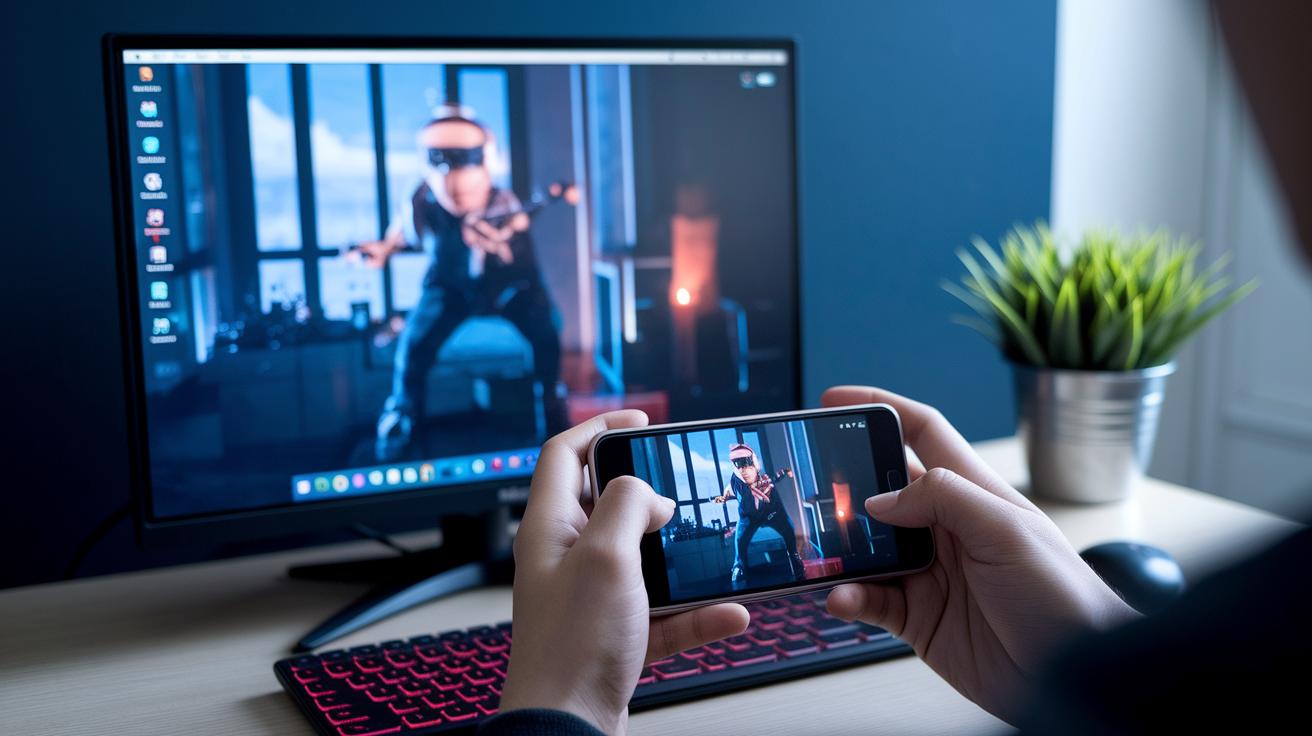
Get ready to dive into gaming anywhere with shadow cloud gaming. It doesn’t matter if you’re on your smartphone or your desktop, this service has you covered. The native clients work on Windows 10, macOS 10.14 and up, Android 8 or later, and iOS 13.2 or later. And if you’d rather not download an app, just open Chrome or Edge in your browser and jump straight in.
Streaming is smooth as long as you meet a few network basics. For a start, a speed of 15 Mbps gets you going, but if you’re craving crisp 4K visuals, try aiming for 50 Mbps. Plus, if you love a game with a controller, you’re in luck. The system works with Xbox One, DualShock 4, and pretty much any common XInput or DInput device. And then there’s the bonus of multi-device streaming across PC, Mac, iOS, and Android.
Key system and network requirements include:
- Native support for Windows 10, macOS 10.14+, Android 8+, and iOS 13.2+
- Browser access via Chrome or Edge for quick play
- A minimum internet speed of 15 Mbps (50 Mbps is best for 4K)
- Controller support for Xbox One and DualShock 4
- Compatibility with other common XInput and DInput controllers
- Seamless streaming across PC, Mac, iOS, and Android devices
shadow cloud gaming latency troubleshooting and optimization
Diagnosing Latency Issues
Latency can ruin your gaming fun in a flash. Often, it happens because of Wi-Fi interference, router settings that need a tune-up, or even your internet provider slowing things down. So, start by running a ping test built into your game or app to check your connection speed. I once noticed my ping spiked when my neighbor started streaming heavy videos. You can also use easy network tools and check your router to see if crowded Wi-Fi or old firmware is to blame. Just test each piece, one at a time, until you spot where the slowdown is coming from.
Best Practices for Low-Latency Sessions
To cut down those extra milliseconds, try these simple fixes:
- Use a wired Ethernet cable to drop your ping below 20 ms.
- If you can’t go wired, switch to a 5 GHz Wi-Fi band.
- Lower your stream’s bitrate and resolution from the settings for a sharper response.
- Shut down any extra downloads or background apps that might be eating up your bandwidth.
- Pick the nearest server region to reduce the hops your data makes.
These small changes really add up. It’s like fine-tuning your favorite song, each tweak makes the experience smoother and more fun. With a little testing and smart tweaks, you can turn your cloud gaming session into an almost local, lag-free adventure.
shadow cloud gaming comparison with alternative cloud services
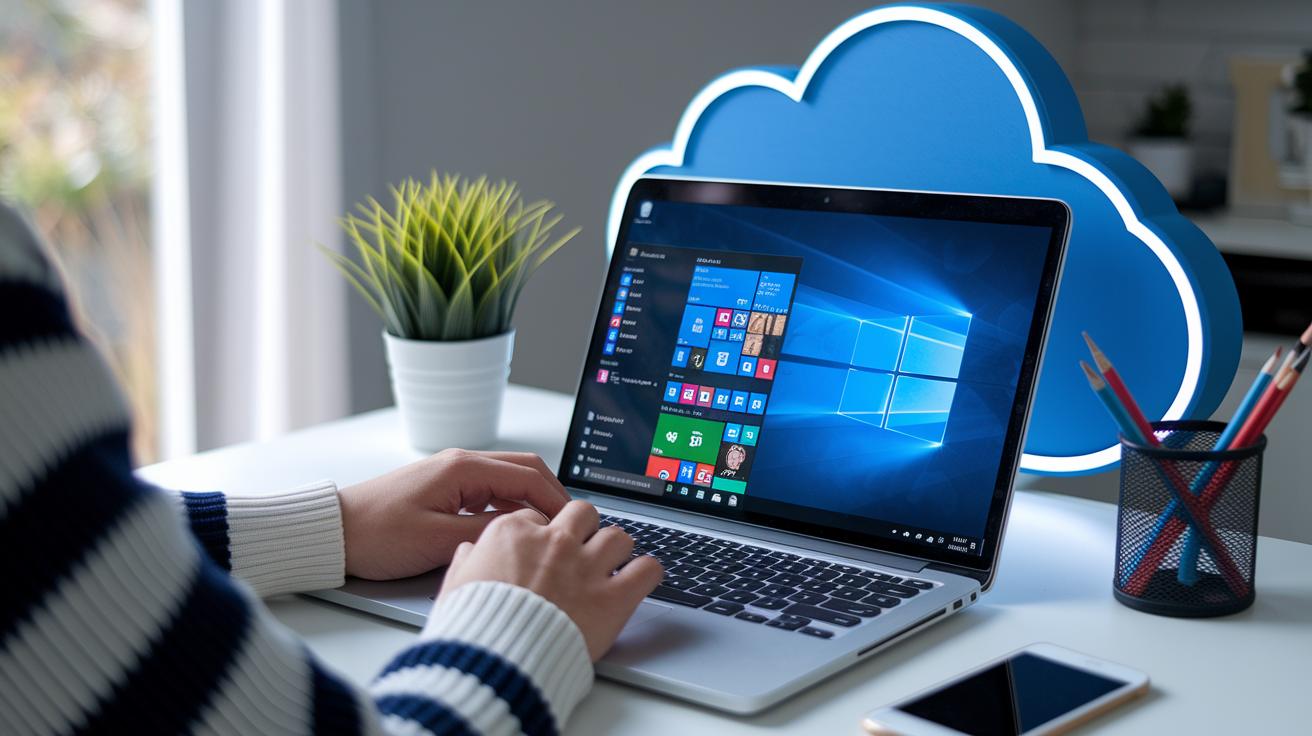
Shadow isn't your run-of-the-mill cloud service. Instead of just streaming one game at a time, it gives you a full Windows PC in the cloud. Imagine logging in and having your own desktop where you can install any program you want. It's like having a remote workstation that’s always ready for whatever task you need.
And when you compare it with Xbox Cloud Gaming, the differences really pop. Shadow doesn't lock you into a strict game library. You can launch a video editor or fire up your favorite game without switching between different subscriptions. It’s a smooth, flexible experience that feels as easy as flipping between channels.
Sure, Shadow might cost a bit more, but you’re paying for a unique setup with customizable hardware and dedicated GPU options. Its performance at 1080p is comparable to a mid-range gaming PC you’d have at home. In other words, remote play that feels almost like your own computer, frame by frame.
Plus, Shadow makes it simple to connect and play across different devices. Whether you're teaming up with friends or tackling creative projects, you’re bridging the gap between powerful local performance and the convenience of cloud play. Cool, right?
shadow cloud gaming user experiences and real-world scenarios
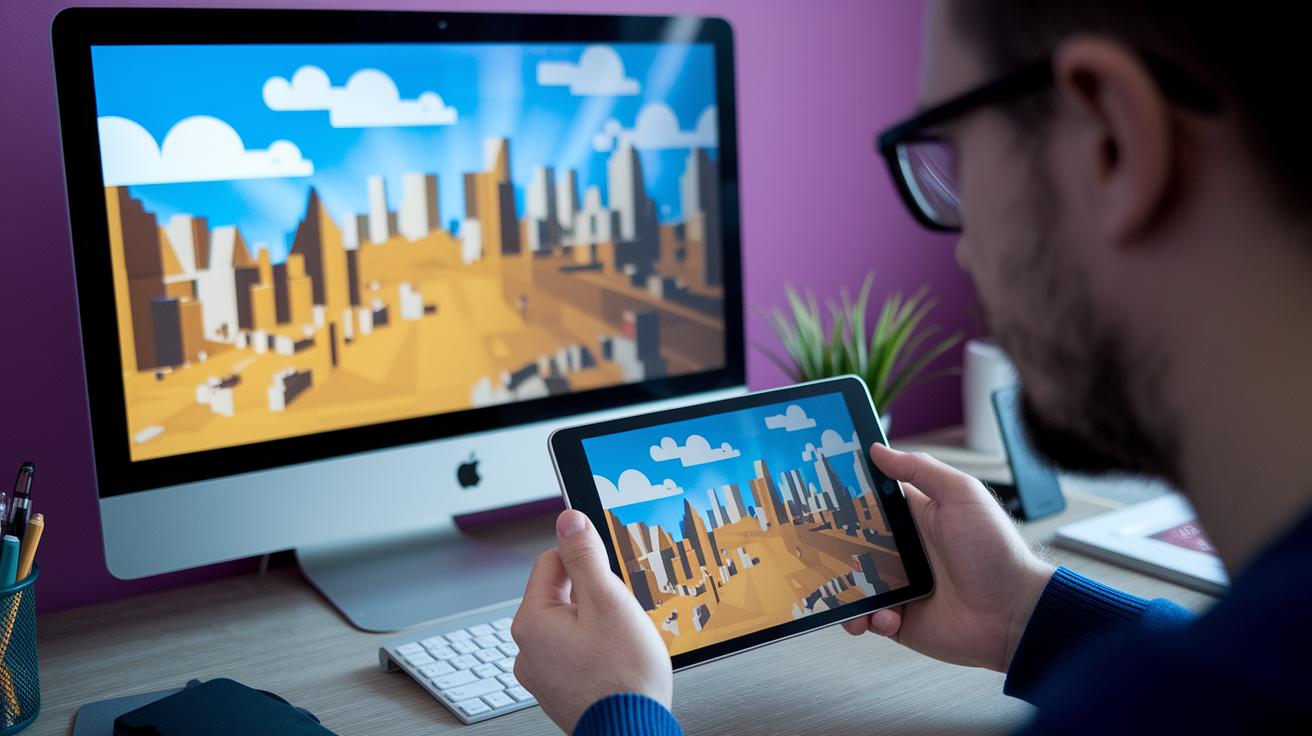
Indie developers and small studios love how Shadow lets them try out their games on different devices without splurging on pricey gear. One developer said, "I used Shadow to run my game on both a PC and a tablet at the same time. It was like having a little mobile lab, catching bugs before they even get a chance to sneak in." This kind of flexible testing makes working on games a breeze, saving both time and money.
eSports players are also big fans. They often talk about how the smooth frame rates and lightning-fast input responses help them stay sharp during intense tournaments. Imagine gearing up for a big match and feeling every move, each millisecond matters, and this setup truly gives you that competitive edge.
Streaming is another win with Shadow. Content creators rave about how streaming straight from their Shadow cloud PC means they don't need extra capture cards messing up their setup. One streamer shared, "By going live on Twitch directly from my Shadow, my gear stays simple and I can really get into the game without worrying about technical hassles." This smoother process lets creators focus on sharing their fun moments.
Even though most users are thrilled, a few mention that sometimes, during heavy network traffic, there’s a bit of packet loss. It’s a tiny hiccup in what is otherwise an amazing experience that covers gaming, development, and live streaming all rolled into one.
shadow cloud gaming future outlook and innovation highlights
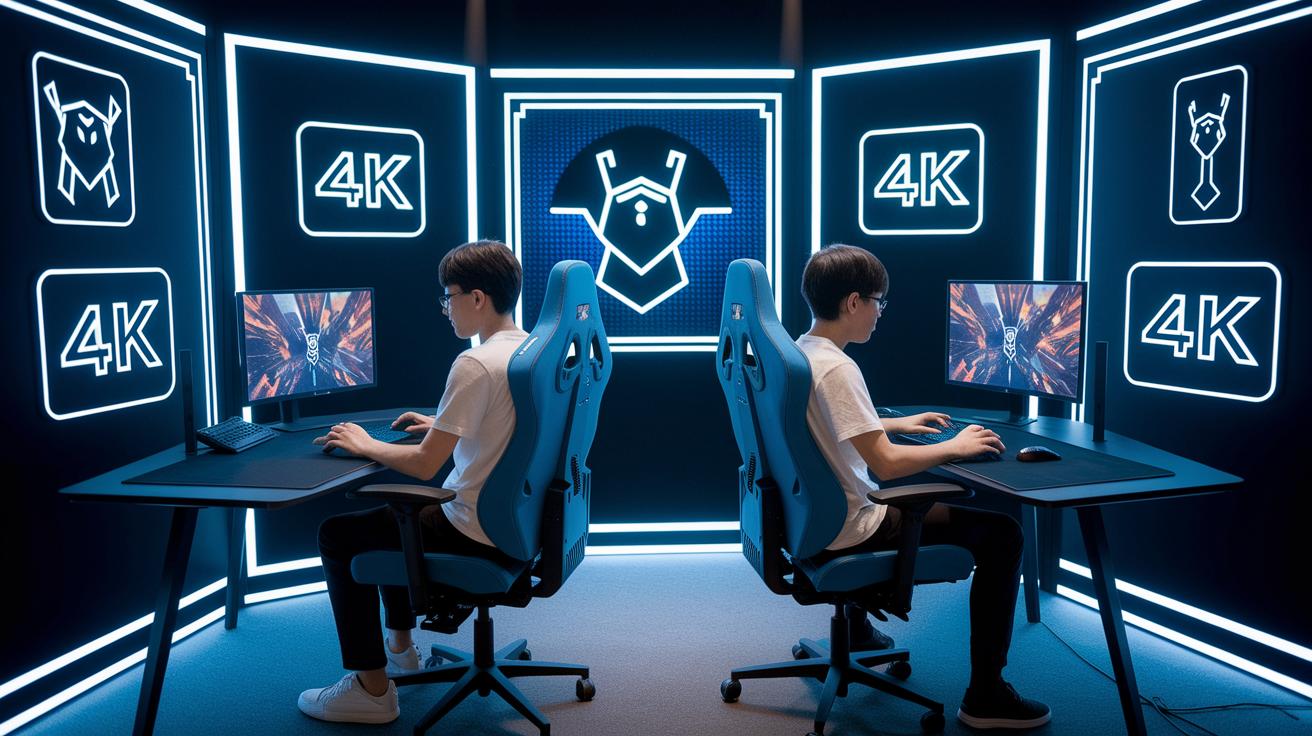
Looking forward, shadow cloud gaming is stepping into an exciting new era with upgrades that will really boost your gameplay. Soon, beta tests will roll out streaming in 4K at 120 FPS using H.265, which means you'll jump from steady performance to jaw-dropping visuals. And there's more cool news, a new partnership with Nvidia is coming, aiming to bring RTX 4080 GPUs into the mix so you can enjoy a performance that stands toe-to-toe with the latest local setups.
Next, edge-computing servers are on the horizon, set to be located closer to you, which will cut down on delay and keep your game play smooth and super responsive. The plan also includes smart AI-driven stream tweaks that automatically fine-tune your settings based on your connection. Plus, there's an upgrade to a Windows 11 environment that promises a fresher, more modern gaming experience.
Each step in this roadmap gives a clear hint of the innovation ahead, it's like catching a quick glimpse of tomorrow's gaming tech. Every new feature is designed to make your sessions smoother, your visuals sharper, and your overall cloud gaming experience feel just as high-end and on-demand as a live performance.
Final Words
In the action, we explored shadow cloud gaming’s key features, from its powerful performance and subscription plans to system requirements and low-latency tips. We compared its offerings with other services and shared real user experiences that keep the excitement alive. The discussion carried us through upgrades and future innovations, painting a picture of a dynamic and engaging digital playground. It’s a thrilling time to experience interactive entertainment, and the future is bright.
| Plan Name | Monthly Cost | GPU Tier | Max Resolution |
|---|---|---|---|
| Boost | $14.99 | GTX 1080 | 4K/60FPS |
| Ultra | $29.99 | RTX 2080 | 4K/60FPS |
| Infinite | $49.99 | RTX 4090 | 4K/60FPS |
FAQ
What are the key features and performance specs of shadow cloud gaming?
The features and performance of shadow cloud gaming include a full Windows 10 cloud PC with strong GPU options, high-resolution streaming, and low latency to deliver a smooth gaming experience.
How does shadow cloud gaming pricing and subscription work?
The pricing offers three subscription tiers with different GPU power and storage options, along with a free 10-day trial and discounted annual plans for budget-friendly access to your cloud PC.
<table border="1" cellspacing="0" cellpadding="4">
  <tr>
    <th>Plan Name</th>
    <th>Monthly Cost</th>
    <th>GPU Tier</th>
    <th>Max Resolution</th>
  </tr>
  <tr>
    <td>Boost</td>
    <td>$14.99</td>
    <td>GTX 1080</td>
    <td>4K at 60 FPS</td>
  </tr>
  <tr>
    <td>Ultra</td>
    <td>$29.99</td>
    <td>RTX 2080</td>
    <td>4K at 60 FPS</td>
  </tr>
  <tr>
    <td>Infinite</td>
    <td>$49.99</td>
    <td>RTX 4090</td>
    <td>4K at 60 FPS or 1080p at 120 FPS</td>
  </tr>
</table>
What are the system requirements and device compatibility for shadow cloud gaming?
The system requirements include using modern devices such as Windows, macOS, Android, or iOS, combined with fast internet speeds. Here are key requirements:
- Native Windows 10 client or browser access via Chrome/Edge
- macOS 10.14 or higher
- Android 8 or above
- iOS 13.2 or later
- Minimum 15 Mbps speed (50 Mbps for 4K)
- Supported controllers like Xbox One and DualShock 4
How can I reduce latency and improve my gaming experience with shadow cloud gaming?
To reduce latency, use a wired Ethernet or a strong 5 GHz Wi-Fi connection, adjust your stream settings, and choose the closest server region to cut down on delays.
How does shadow cloud gaming compare to other cloud gaming services?
Shadow cloud gaming stands out by offering a complete Windows PC experience instead of streaming single games. Its performance is on par with midrange local PCs, giving users flexibility in game choices and applications.
What future improvements are planned for shadow cloud gaming?
Future updates include beta testing for higher resolutions and faster frame rates, integration of newer GPUs, and regional edge server enhancements to further reduce latency and improve the gaming experience.