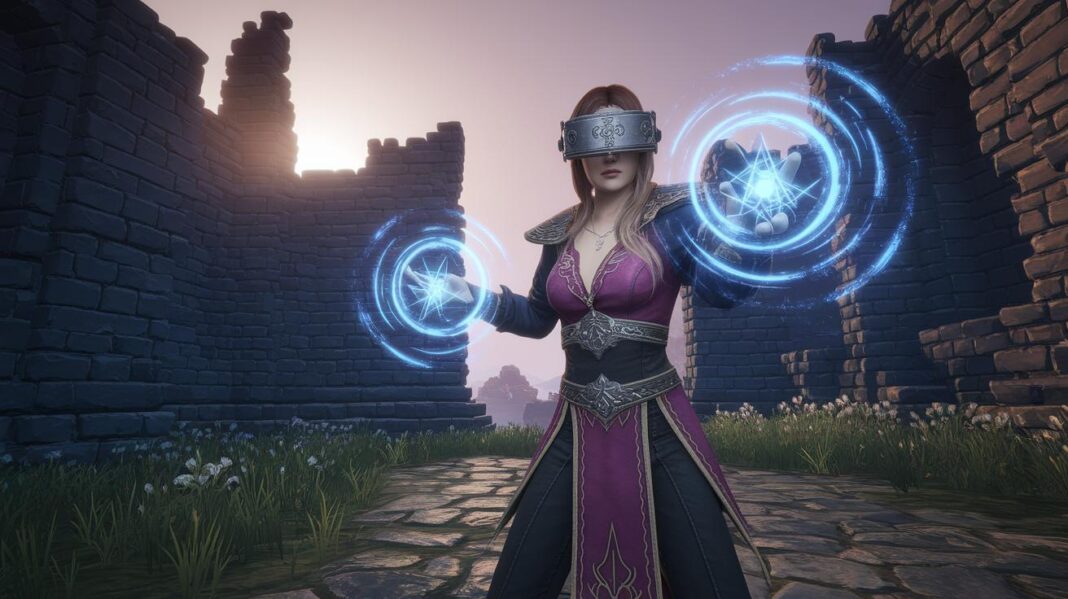
Ever wondered what it feels like to step into a world of legend? Skyrim VR invites you into a treasured realm where majestic dragons soar and ancient ruins beckon like old friends.
Imagine wandering through landscapes that seem to speak to you, with hidden magic in every nook and cranny. It’s like getting a backstage pass to a story that feels alive and personal.
There are moments of wonder and, sure, a few quirky surprises that make the journey even more memorable. It feels genuine, almost like a secret shared just between us.
In this guide, we’ll show you how to dive in and enjoy an experience that mixes the charm of classic role-playing with the thrill of interactive fun.
So, are you ready to step into a legendary adventure and feel the excitement for yourself?
Exploring Skyrim VR: Overview of the Virtual Reality Adaptation
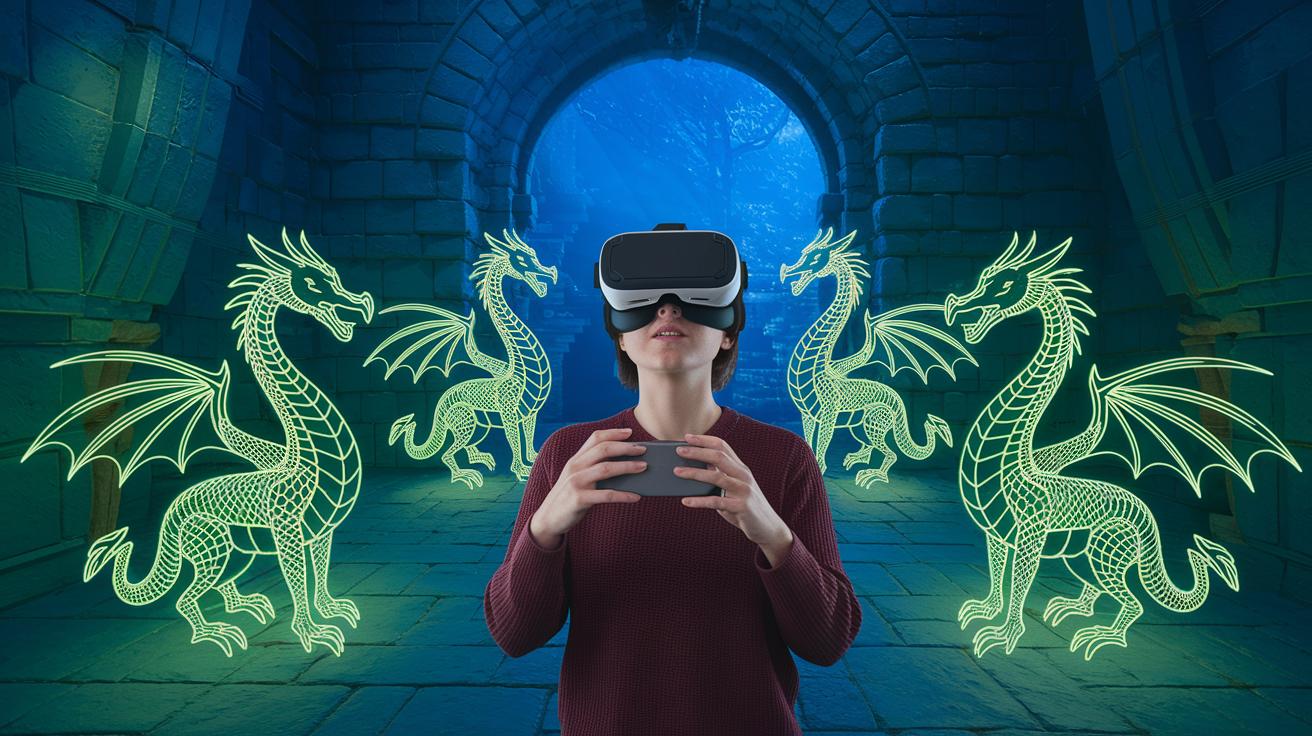
Skyrim VR pulls you into a magical world like never before. Imagine stepping right into the classic Elder Scrolls universe, where dragons dance in the sky and every hidden corner holds a new secret. The digital realm feels like a warm invitation to explore, kind of like a personal backstage pass to an epic adventure.
When you strap on the VR headset, Bethesda’s familiar landscapes and stories burst into life around you. But, like any new experience, there are some quirks. The crisp visuals you loved on a regular screen might seem a bit dulled, and the combat can get a little clunky, almost as if you're trying to swing a sword in a half-remembered dream. Drawing a bow or blocking with a shield can sometimes feel off, missing the smooth precision you might expect.
So, why not treat Skyrim VR as a fantastic tour rather than a fierce battle simulator? Crank the difficulty down and let yourself wander freely through those legendary environments. This way, you can soak in the magic and mystery of the Elder Scrolls universe without fretting over every combat move.
Skyrim VR is a delightful blend of classic role-playing and modern interactive fun. It offers a fresh way to experience a beloved adventure, even if it comes with a few charming imperfections. Embrace the quirks, take your time exploring, and enjoy the journey through this fascinating digital universe.
Skyrim VR System Requirements and Setup Guide
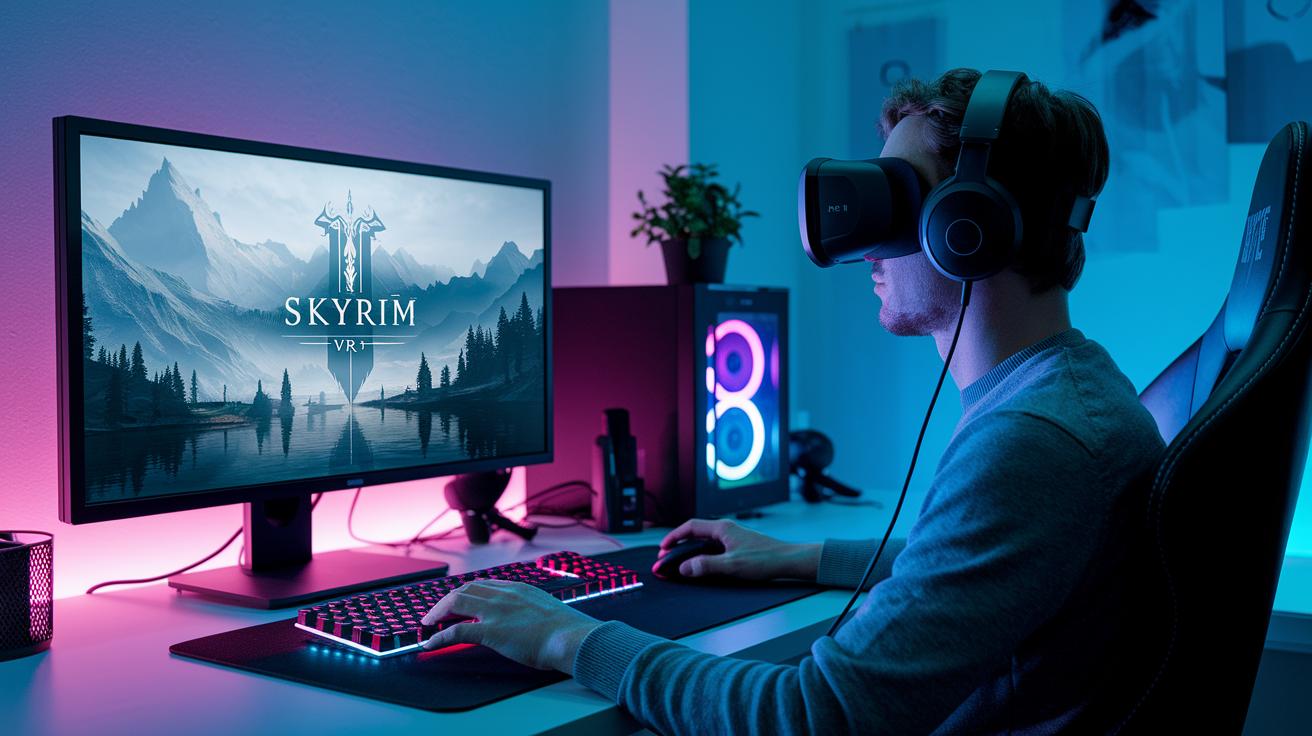
Getting set up for Skyrim VR is like preparing for an unforgettable concert. Your computer’s hardware is the star here, so you need to check if it meets the specs. If you're on the minimum setup, you're looking at an i5-4590 CPU, a GeForce GTX 1070 graphics card, 8 GB of RAM, and 75 GB free on an HDD. But if you want the magic without any hiccups, aim for an i7-7700 or better, upgrade to an RTX 2060 or above, boost your memory to 16 GB, and use an SSD for that quick, seamless performance.
| Minimum Setup | Recommended Setup |
|---|---|
| i5-4590 CPU | i7-7700 or better |
| GeForce GTX 1070 GPU | RTX 2060 or higher |
| 8 GB RAM | 16 GB RAM |
| 75 GB on HDD | SSD for faster performance |
Once your hardware checks out, the next step is setting everything up to dive into the world of Skyrim VR. Start by installing SteamVR, which helps sync your PC with immersive gaming worlds. If you’re an Oculus fan, use Oculus Link and make sure it meets the compatibility details. And for those rocking a Quest setup, follow the Quest link instructions to hook up your headset. Pair your controllers using your device’s guide, it's a straightforward, step-by-step process that gets you right into the action.
Ready for adventure? Step in, and enjoy the electrifying magic of Skyrim VR!
Navigating Combat and Exploration in Skyrim VR
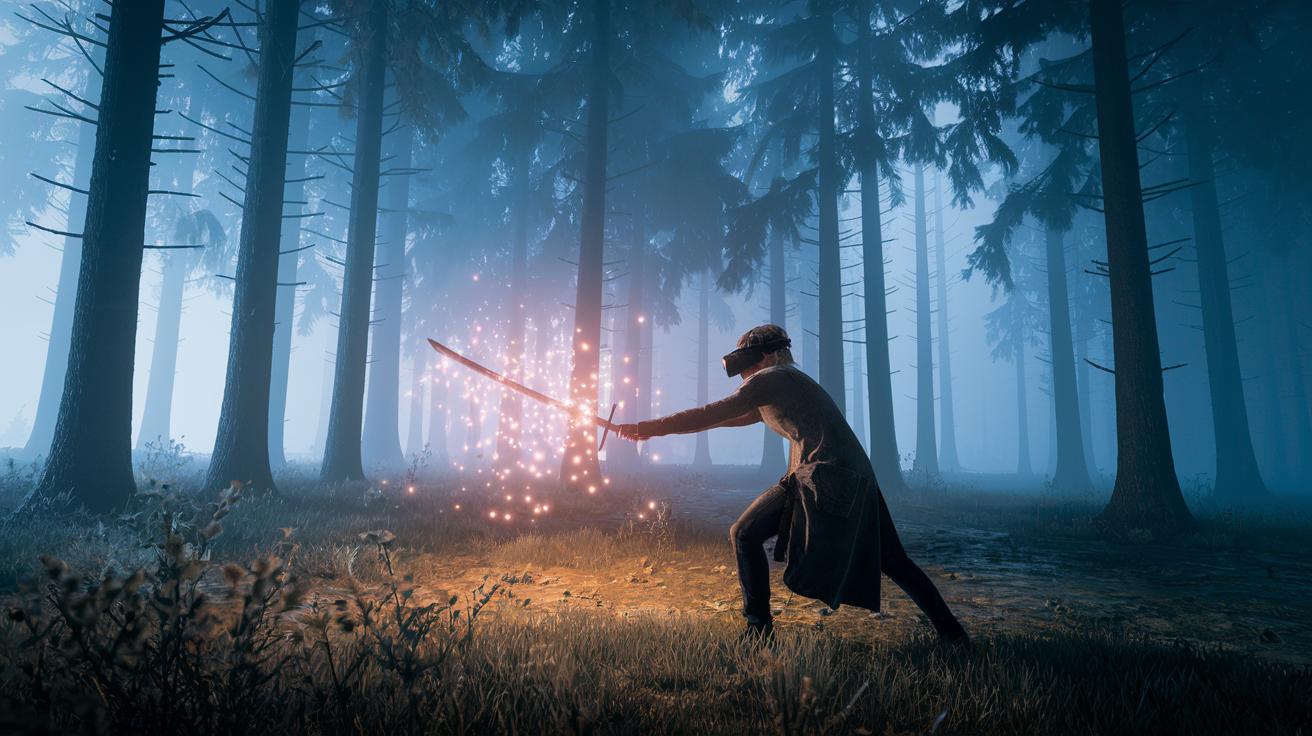
Skyrim VR takes combat to a whole new level, making every swing and pull feel like you're truly in the heat of battle. Your sword movements and bow draws seem like natural parts of you, even if sometimes they feel a bit off or slower than what you're used to with a gamepad. It’s a fun reminder that bringing real-life motions into a virtual world can be a quirky challenge.
Embracing Skyrim VR means getting into a new groove for fighting and exploring. The game relies on natural gestures for everything, from casting spells to handling melee weapons and even chatting through dialogue menus. Sure, these actions sometimes feel a little less responsive than you might expect, but if you set the game to its easiest mode, you can let yourself get swept up in wandering the beautiful, open world without worrying too much about perfect timing.
Picture this: you begin an early quest in a quiet clearing. You reach into your digital armory to grab your trusted weapon, just like pulling a favorite sword from its sheath. Then, you step forward to take on a bandit who feels both real and surreal in VR. And when the battle heats up, you can pause to open your inventory, smoothly switching gears to choose the best equipment in a flash.
- Practice slow, deliberate movements to build up your muscle memory.
- Calibrate your headset settings regularly to keep any jitter at bay.
- Take frequent short breaks to stay comfortable and in control.
With a bit of practice and these handy tips, the vibrant world of Skyrim VR becomes an electrifying mix of hands-on action and digital magic.
Skyrim VR: Limitless Magic Awaits
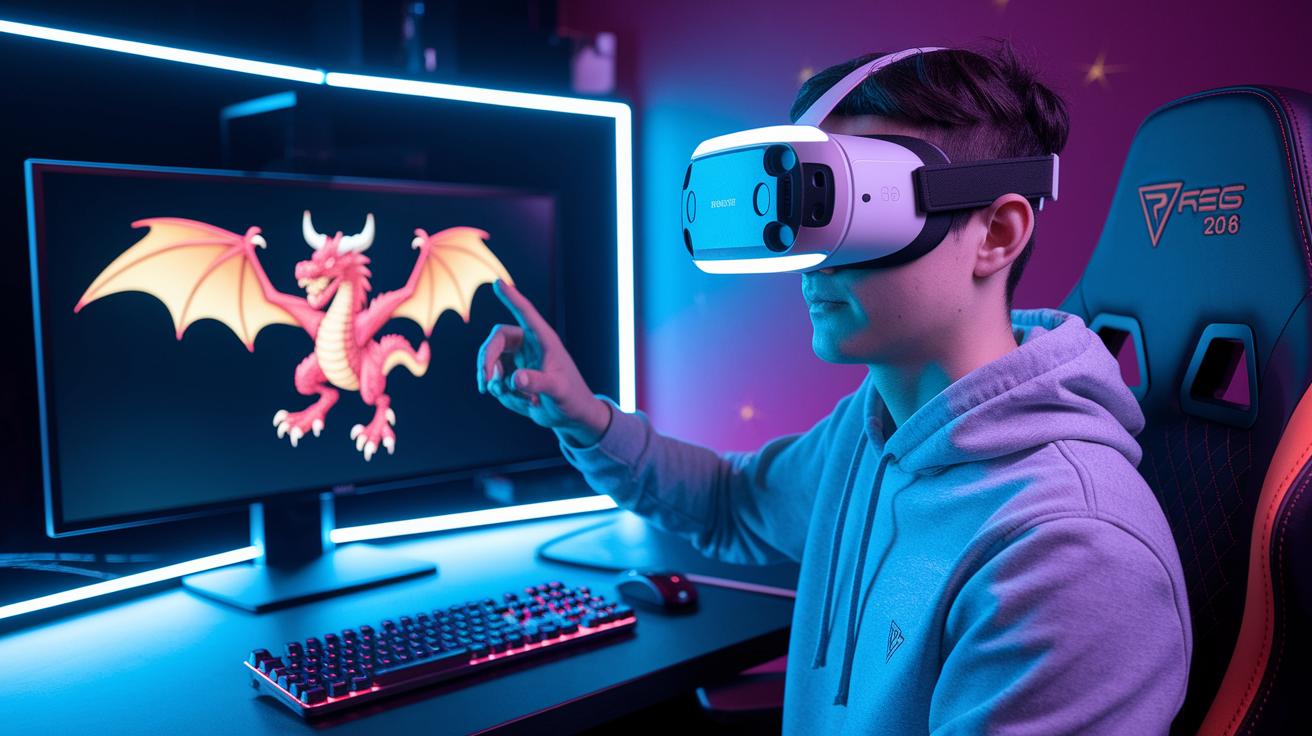
Step into a world where every sound feels alive. With mods like True 3D Sound for Skyrim VR, each step in a cavern and every gentle breeze wraps around you like you’re standing right there. It’s as if the distant roar of a dragon or the soft murmur of nature has moved in closer.
UI mods are giving the game a whole new vibe. SkyUI VR and VR Essentials revamp your menus and inventory screens so they work effortlessly in VR. Imagine swapping out a cluttered map for a neat, animated guide that’s as intuitive as flipping through your favorite photo album.
Visual upgrades take the experience even further. ENB adaptations and fresh texture packs brighten up every landscape, turning every scene into a vibrant canvas. Think of walking through a misty forest where each shadow and every leaf is rendered with such clarity you could almost reach out and touch its magic.
And to top it all off, automation tools like Wabbajack and Nexus mod manager handle everything behind the scenes. They work like a trusted friend who organizes your gear, letting you jump straight back into that limitless realm of wonder.
Performance Optimization Tips for a Smoother Skyrim VR
Changing some in-game graphics settings can make your Skyrim VR world shine without annoying stutters. Try adjusting the shadow distance and render scale, you might notice that lowering the render scale just a bit (around 90%) helps keep everything running smoothly, even in the heat of an epic battle.
Tinker a little with your Windows settings and your headset software too. For example, setting your computer’s power options to focus on performance can really boost your VR experience. And if things start to get choppy, turn on the headset’s reprojection feature. It kind of acts like a soft cushion for sudden frame drops, keeping your adventure fluid and immersive.
Finally, check out your drivers and game launcher settings. Using a tool like the NVIDIA control panel, you can dial in options like anti-aliasing and texture filtering to cut down on visual hiccups. Adding a custom command line in your game launcher can also help clear out extra background tasks. This means more time enjoying Skyrim VR without interruptions.
Final Words
In the action, the post took us through a dynamic look at skyrim vr by breaking down what makes it unique for today’s digital explorers. We peeked into system requirements, got a feel for first-hand combat and exploration, and saw how creative mods and smart tweaks boost the experience. The blend of tips and hands-on examples makes digital entertainment more accessible and fun. Keep pushing the limits of your VR setup and look forward to more interactive experiences ahead.
FAQ
Skyrim VR PC
The Skyrim VR PC version delivers an immersive experience by transforming the classic world into virtual reality, but requires a PC meeting higher-end specs for smooth performance.
Skyrim VR Oculus, Quest 2, and Quest 3
The Skyrim VR experience supports multiple headsets including Oculus and Quest variants, letting you explore its realms with a headset that fits your setup and play style.
Skyrim VR mods
The Skyrim VR mods enhance gameplay by improving visuals, controls, and overall immersion, letting you tailor the adventure with additional audio, UI, and graphics tweaks.
Skyrim VR requirements
The Skyrim VR requirements include a capable CPU (i7-7700 or better), a strong GPU (RTX 2060+), at least 16GB of RAM, and ample storage, preferably an SSD for smooth performance.
Is Skyrim playable in VR?
The question of Skyrim’s VR playability is answered by its design that transforms the game into an interactive, immersive experience where players can explore with a new perspective.
Is Skyrim VR the full Skyrim game?
The Skyrim VR version brings the full game content into virtual reality, including much of the original map and quests, though adjustments in combat and visuals are made for the VR format.
Is Skyrim VR worth it in 2025?
The Skyrim VR experience continues to appeal to fans in 2025 by offering a unique immersive journey that balances detailed environments with some compromises in control fluidity.
How do the Skyrim editions compare in VR?
The Elder Scrolls V: Skyrim Legendary, Dawnguard, and Anniversary editions in VR each provide the classic gameplay with slight differences in content and performance, allowing you to choose based on your desired features.
What about Fallout 4 VR?
Fallout 4 VR transforms the beloved Fallout experience into virtual reality, offering a similar shift in exploration and interactivity that fans of Skyrim VR can appreciate.