Ever thought about what it's like to grab the wheel in a buzzing digital world? VR racing games put you right in control, so you can feel every twist and burst of speed as if you're really racing. They blend real-life physics with cool, high-speed challenges that make you feel like you're on an actual track. This is your instant pass to an exciting ride that shows just how awesome gaming can be. Ready to jump in and feel that thrill?
Top VR Racing Game Titles for Immersive Speed Experiences
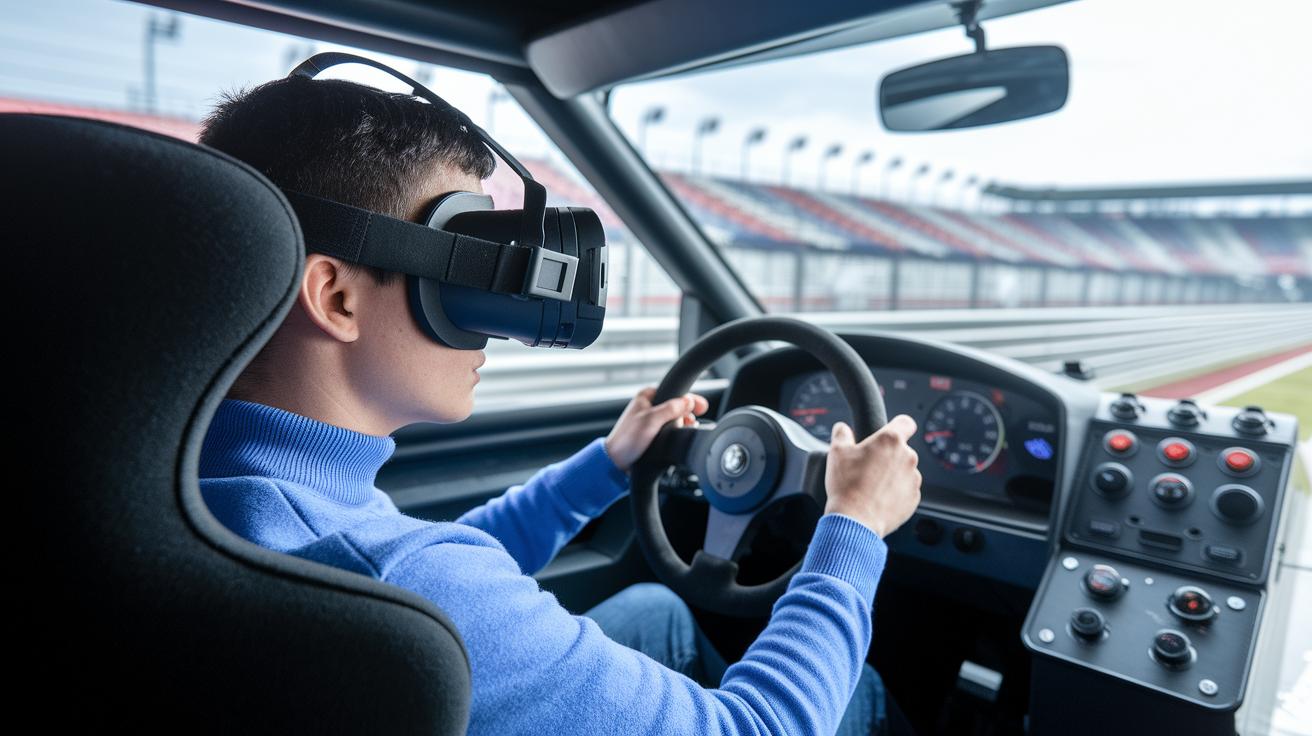
Assetto Corsa and Assetto Corsa Competizione set an amazing standard with super-realistic physics that lets you notice every twist, every turn, and every bit of tire grip on both classic and modern tracks. Imagine sitting behind the wheel, feeling each gear shift send a burst of adrenaline through you. These titles bring desktop racing games to life on PC and consoles in a way that feels incredibly real.
Omega Pilot takes your racing experience to the skies with more than 20 unique flight tracks and fully customizable planes. Its detailed cockpit controls let you feel every pulse of a high-speed run as you soar through the clouds, adding a fresh twist to your digital driving challenges.
V-Speedway, free on Oculus Quest 2/3, delivers a true driver-seat feel with simple, effective controls. And with Racemaker VR, you even get to build your own racing circuits and try them out instantly. Touring Karts gives you that familiar kart racing vibe with fun power-ups and excitng multiplayer action that keeps you on your toes.
TrailBouncer mixes in a bit of VR basketball with fast-paced racing, adding playful competition that stands out from traditional sim racing. Downhill Bike focuses on responsive handling on rugged terrain, perfect for anyone who loves the thrill of dirt-bike racing. And then there’s Dart Racer Demo, which teases a futuristic drag-racing experience where raw speed challenges push you beyond your limits.
Every game here offers a unique and exciting ride that helps shape the future of immersive gaming. Check out immersive gaming for an even deeper look at how these titles are reinventing digital driving challenges.
VR Racing Games: Platform Compatibility and Performance
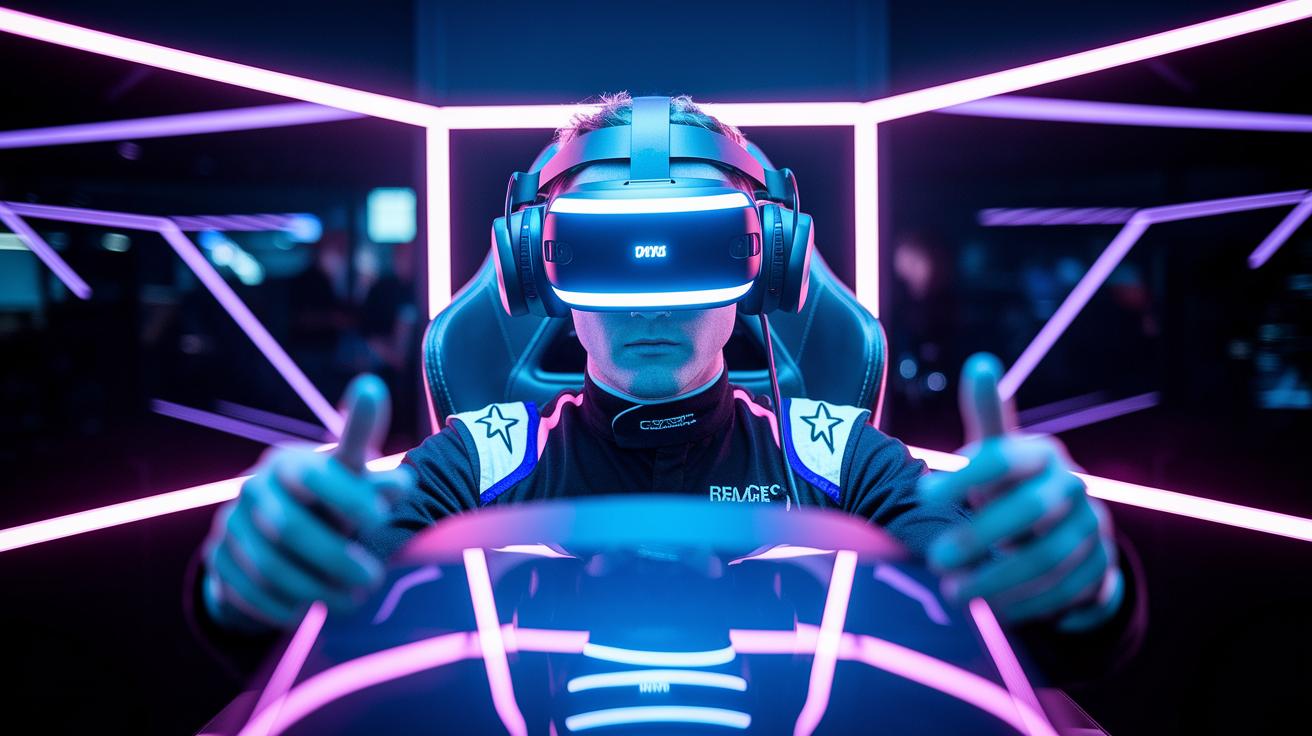
Meta Quest 2 and Quest 3 give you an awesome, all-in-one VR ride. They’re comfy, easy to use, and refresh at 90Hz so you don’t get queasy. Imagine speeding through a race, every bend hit with perfect control. I remember the thrill, like feeling a gust of wind with every twist on my Quest 3.
HTC VIVE Pro 2 really shines with its 5K picture quality and a wide 120° view. If you’re after top-tier visuals, the Pimax Crystal blows it out of the water with a nearly panoramic 200° view, twin 4K screens, and a quick 144Hz refresh rate. It’s like stepping into a super detailed, endless race course.
On the PC side, using a setup with an RTX 3080 or better means you can enjoy smooth, tethered VR action with over 90 FPS. Every detail on the track pops out. Over on consoles, the PS4 runs key titles well, but the PS5 levels up with up to 4K and smoother frame rates for those nail-biting lap battles.
And here’s a cool bonus: tools like Oculus Link and Air Link let you run PC VR games either wirelessly or with a simple USB-C cable. It’s a neat mix of ease and power.
| System | Key Specs |
|---|---|
| Meta Quest 2/3 | Standalone, 90Hz, Motorized IPD |
| HTC VIVE Pro 2 | 5K resolution, 120° FOV |
| Pimax Crystal | Dual 4K panels, 200° FOV, 144Hz |
Optimizing Your VR Racing Setup: Gear and Accessories
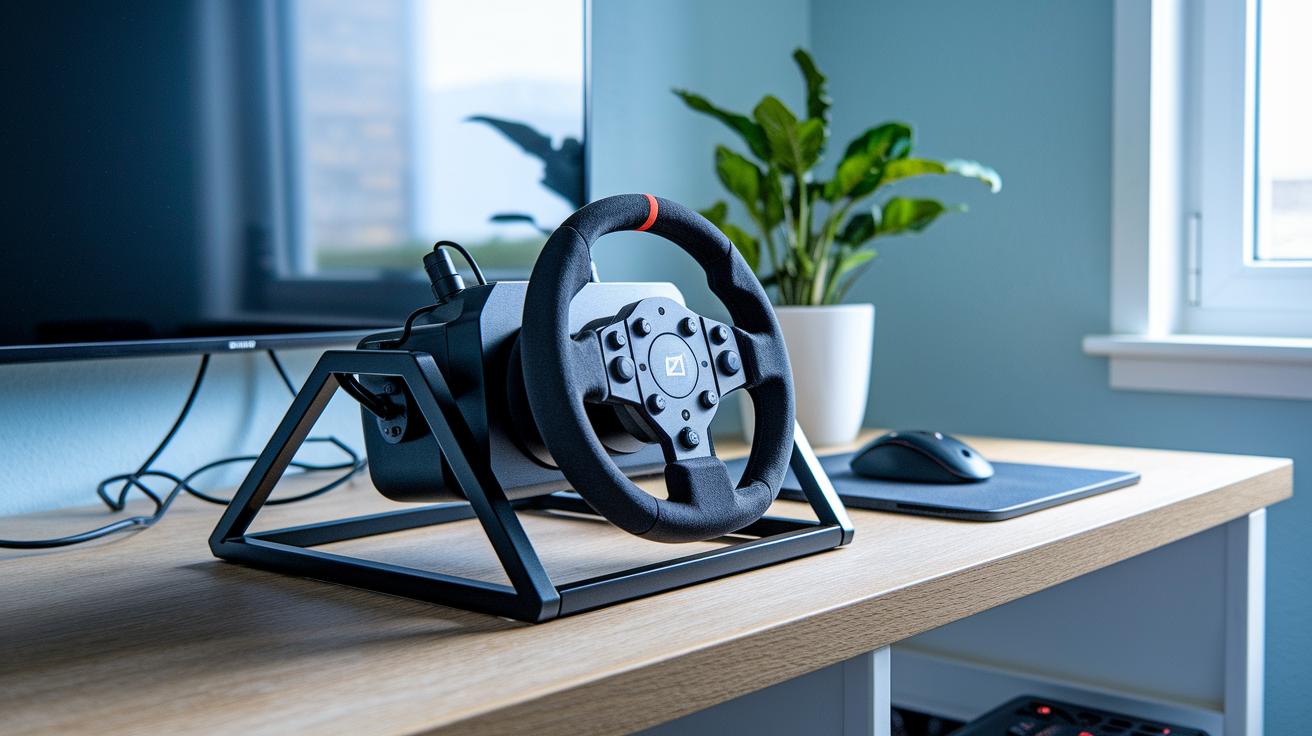
Getting your VR racing rig ready feels like getting backstage access at your favorite live show, it’s hands-on fun that instantly ups your game. Start with your PICO 4 guide: adjust the distance between the lenses until every twist and turn pops with clarity, pair your controllers so they sync perfectly, and update your headset firmware to keep things running smoothly.
Next, boost your sim rig with a few key upgrades. Think of adding a sturdy metal frame for rock-solid support, a direct-drive wheel base that gives real torque feedback (that’s when you actually feel the force), and a racing seat that keeps you comfy on long drives. This setup makes your steering fluid and your seating secure so you can enjoy every lap.
When it comes to your steering wheel, give it extra attention. Calibrate the force feedback to feel just right, line up your shifter gate neatly, and update the wheel firmware for the best performance. And don’t skip on your pedals, tweak the brake sensitivity using a load-cell sensor and adjust the throttle’s spring tension for a surge that feels authentic.
For an extra burst of realism, consider a DIY 2-DOF motion platform. It mimics the feeling of acceleration and braking, drawing you into a driving experience that's almost like the real deal.
Finally, add some handy accessories to complete your setup. Upgraded VR straps, racing gloves for a better grip, and high-bandwidth wireless adapters help keep everything tight and connected. Each piece works together to make every lap feel like a genuine thrill ride.
Upcoming and Free VR Racing Games to Watch
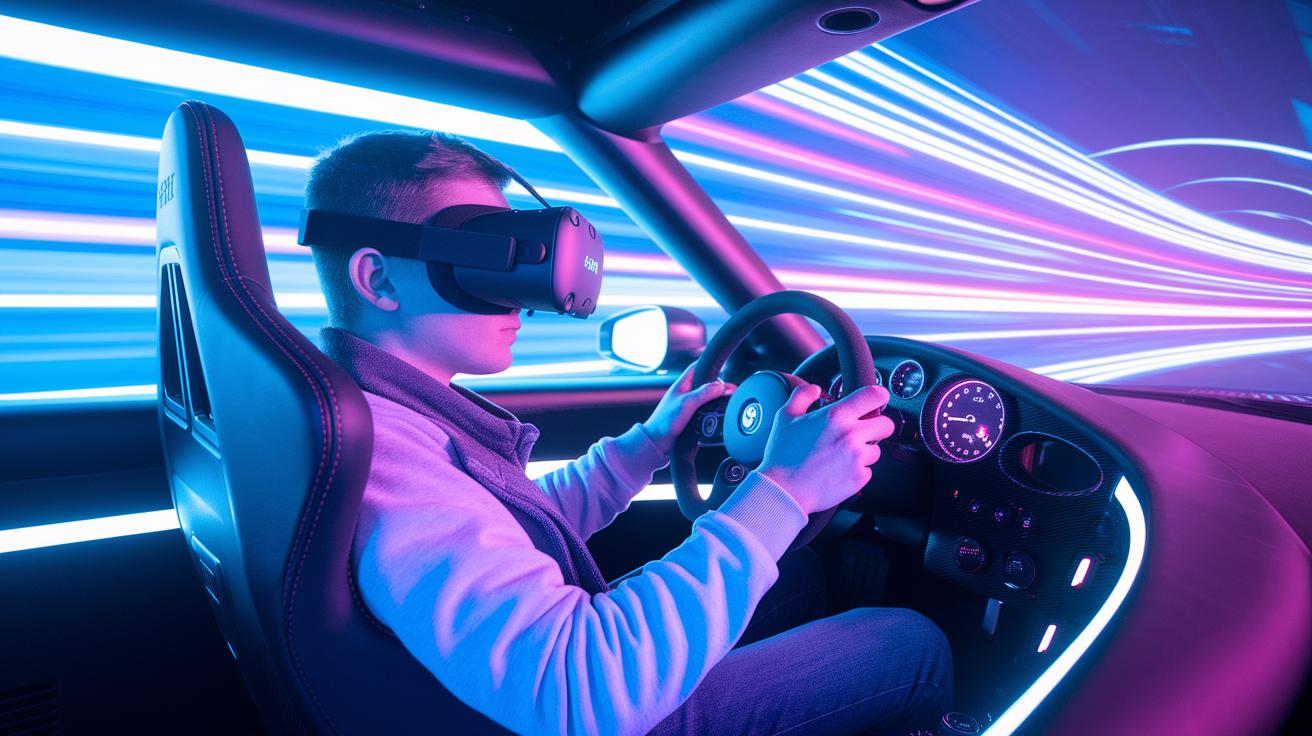
These days, game reviews are changing fast, with lots of free demos and updates coming through. Take Dart Racer Demo, for instance, it gives you a taste of raw speed with its futuristic drag race mode that really tests your reflexes.
Games like V-Speedway, Racemaker VR, Downhill Bike, and TrailBouncer keep things fresh by adding cool new features such as high-speed drag races and upgraded gameplay modes. And there's even more on the horizon, with plans for a Shuttle Maze arcade twist and an Omega Pilot tournament mode to keep the thrill alive.
VR Racing Game Mechanics: Controls, Feedback, and Immersion
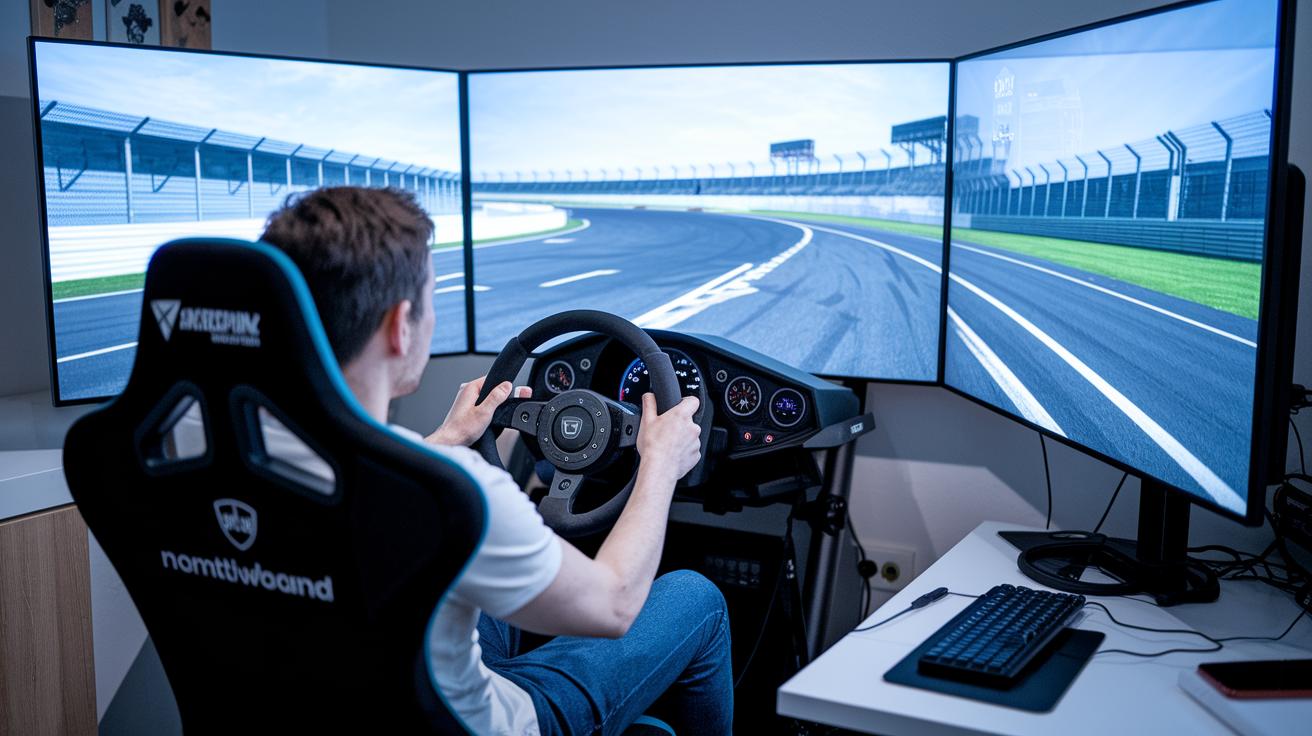
Force feedback wheels bring the thrill of a real race right into your hands. They push back with a dynamic force that feels just like tires gripping the road and a car shifting its weight around each twist and turn. Imagine holding a wheel that vibrates with the burst of an engine at full speed.
Gear shifters, whether in a classic H-pattern or a sleek sequential style, add that genuine gear-change feel to your digital ride. Shifting feels crisp and satisfying, much like moving from second to third gear during a real race. Meanwhile, load-cell brake modules make every press on the pedal feel smooth and precise, so you can stop with confidence. With pedal responses coming in almost instantly, every move is as quick as a spark on the track.
- Force feedback wheels deliver a real, tactile feel.
- H-pattern and sequential shifters mirror genuine gear changes.
- Load-cell brakes offer a steady, even pull every time.
- Super-fast pedal input means you react in a flash.
- Live telemetry lights up lap times, sector splits, and performance details.
The game also feeds you live data with in-game telemetry and driver analytics that break down your performance. You get instant feedback on things like braking and throttle control, just like having a coach by your side. And with subtle headset vibrations that mimic engine roars and little bumps from collisions, every control and cue makes the race feel as real as being on a true circuit.
Comparing VR Racing Experiences: Simulators vs Arcade-style VR Racing
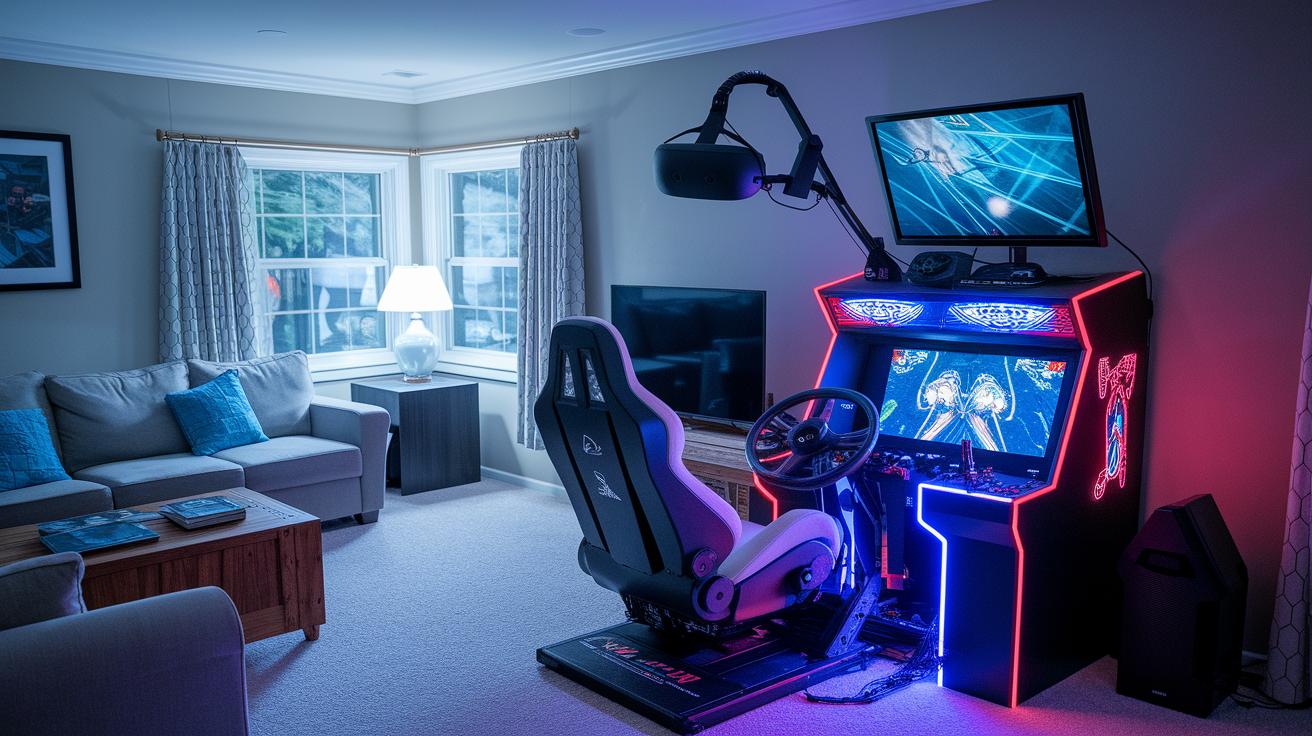
Simulators like Assetto Corsa, iRacing, and Project CARS 2 pull you into a world where every detail feels real. These games bring you the feel of genuine racing with lifelike physics, true-to-life tire grips, and tracks that look and feel authentic. Every lap is like a calculated move, with detailed setups and telemetry that make you tweak every steering adjustment and gear change as if you were on an actual circuit.
On the other hand, arcade-style racers like Touring Karts and TrailBouncer offer a fun, fast-paced vibe. These titles focus on quick reactions, power-ups, and bold, imaginative tracks designed for easy multiplayer play. The controls are simple, using a basic VR controller setup that lets you jump right into the excitement, no steep learning curve needed. It’s all about quick, friendly challenges where you and your friends can just enjoy the race without the pressure of intense simulation.
- Sim racing games feature networked leagues with live leaderboards and handy camera tools for replays and spectating.
- Arcade racers deliver split-view spectator modes and straightforward controls to keep the race lively and inviting.
No matter which style you lean toward, each brings its own kind of rush, whether you’re all about perfecting the details under pressure or prefer a playful, power-up packed sprint.
Troubleshooting and Tips for Smooth VR Racing Experiences
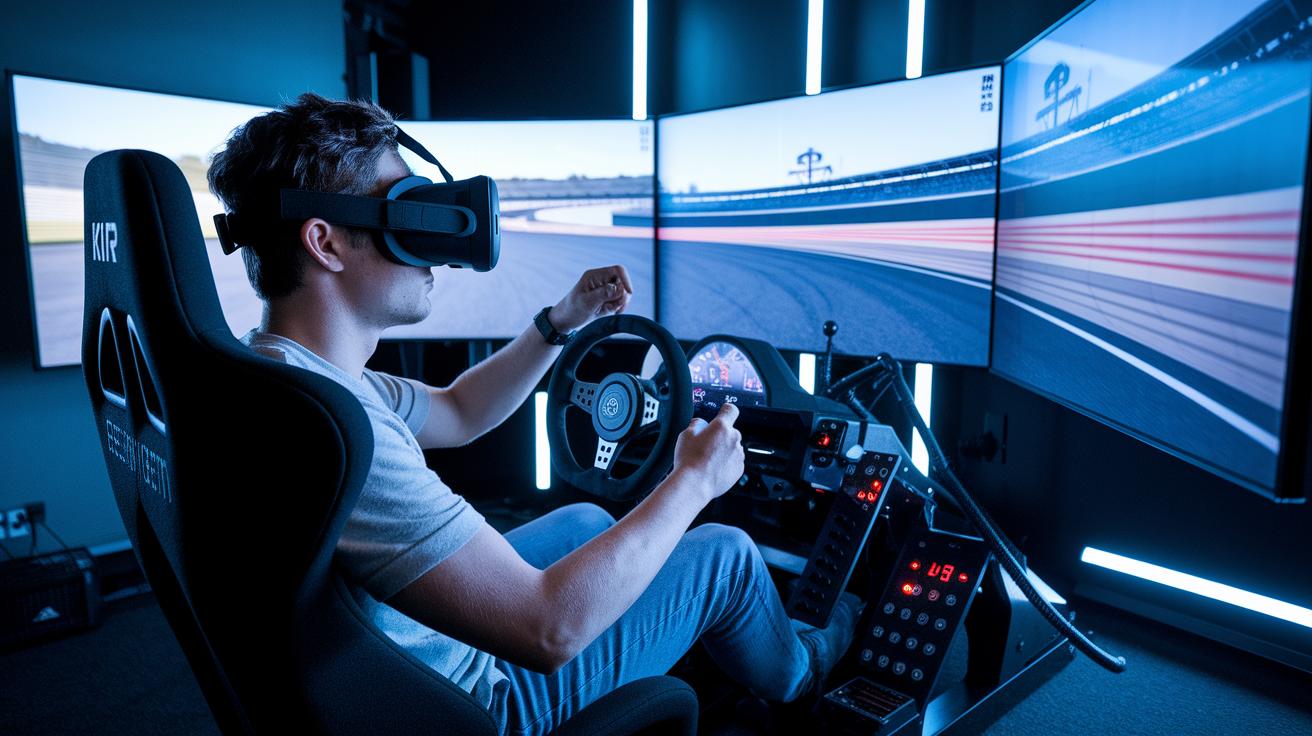
If your VR racing feels off, maybe you’re getting a bit queasy, your controller drifts, or your headset just won’t stay put, it can really take the fun out of the ride. Often, the trouble starts when your frame rates dip below 90 FPS. A simple fix is to tweak your headset’s IPD settings and enable peripheral vignetting. I remember dialing in my IPD, and suddenly, every twist and turn felt smoother and more on point.
Sometimes, a few graphics tweaks can make a world of difference too. Dropping the shadow and detail settings, or using fixed foveated rendering on Quest headsets (which means keeping the most important part of the view super clear), can help keep your visuals sharp while easing the strain on your system.
And what about your controls? Getting your peripherals just right is key. Calibrating your wheel’s center and fine-tuning the pedal sensitivity means every brake and turn will feel responsive. I updated my device drivers not long ago, and it was like night and day, everything felt immediately better.
Finally, don’t forget comfort. A well-adjusted seat, the right pedal angle, and some wrist support can seriously cut down on fatigue during long sessions. Next, here’s a handy table to remember the quick checks:
| Tip | Description |
|---|---|
| Headset Settings | Adjust IPD and enable peripheral vignetting for a more stable view. |
| Graphics Tweaks | Lower shadow/detail levels or use fixed foveated rendering to boost frame rates. |
| Peripherals | Recalibrate your wheel and set accurate pedal sensitivity for precise control. |
| Ergonomics | Adjust seat height, pedal angle, and add wrist supports to reduce fatigue. |
Each tweak adds up, making your VR racing feel as smooth and exciting as a front-row seat at a live event. Enjoy the ride!
Final Words
In the action, we navigated through key sections that covered standout VR titles, platform details, and essential gear setups. Each part offered clear tips and insights, from smooth controls to optimizing your tech for the best play. Short guides on free games and troubleshooting added extra value, giving you a solid foundation for boosting your experience. With these insights, stepping into the world of vr racing games becomes not only accessible but also incredibly fun. Enjoy every twist and turn on your next virtual ride.