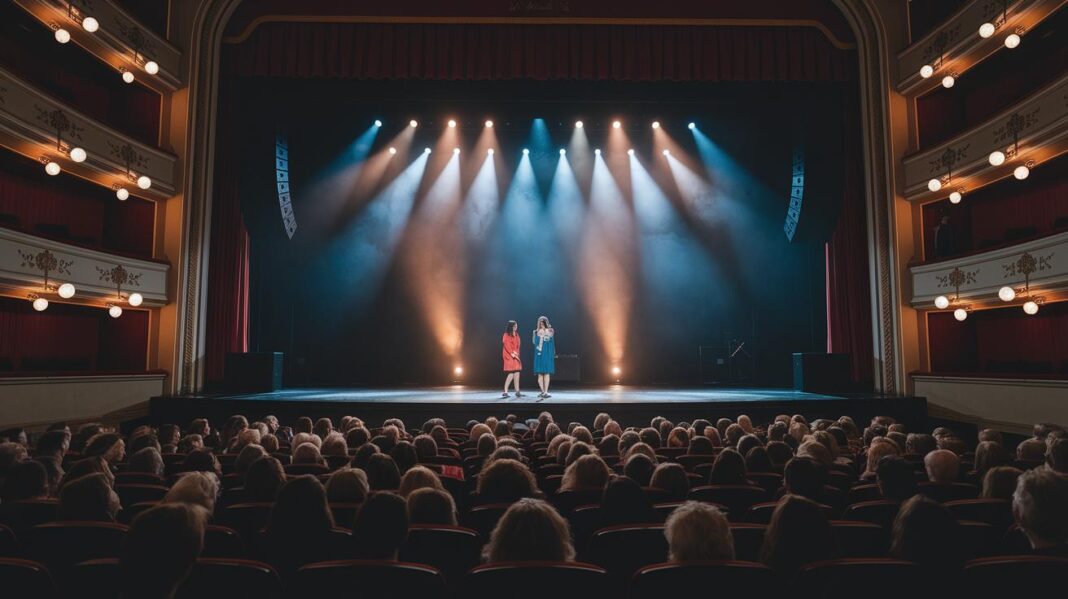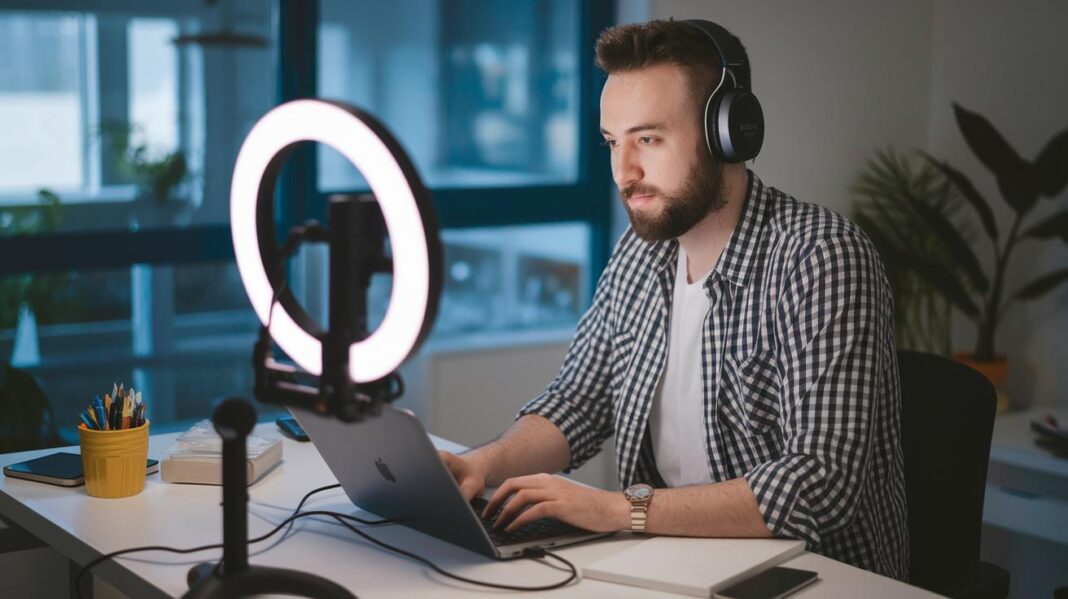
Ever wonder why some creators seem to skyrocket overnight? When you live stream, you capture real moments and chat directly with your fans. It's like giving someone a backstage pass to your show, without all the high costs.
And here’s the cool part: more creators are hopping on live streaming, and the numbers are growing into the billions. They’re reaching audiences around the world in a way that feels truly personal.
In this guide, we’re sharing an easy setup to fire up your creativity and help your content grow. Get ready to bring your ideas to life and feel the buzz of connecting with your fans in a real, fun way.
Essential Live Streaming Setup for Content Creators
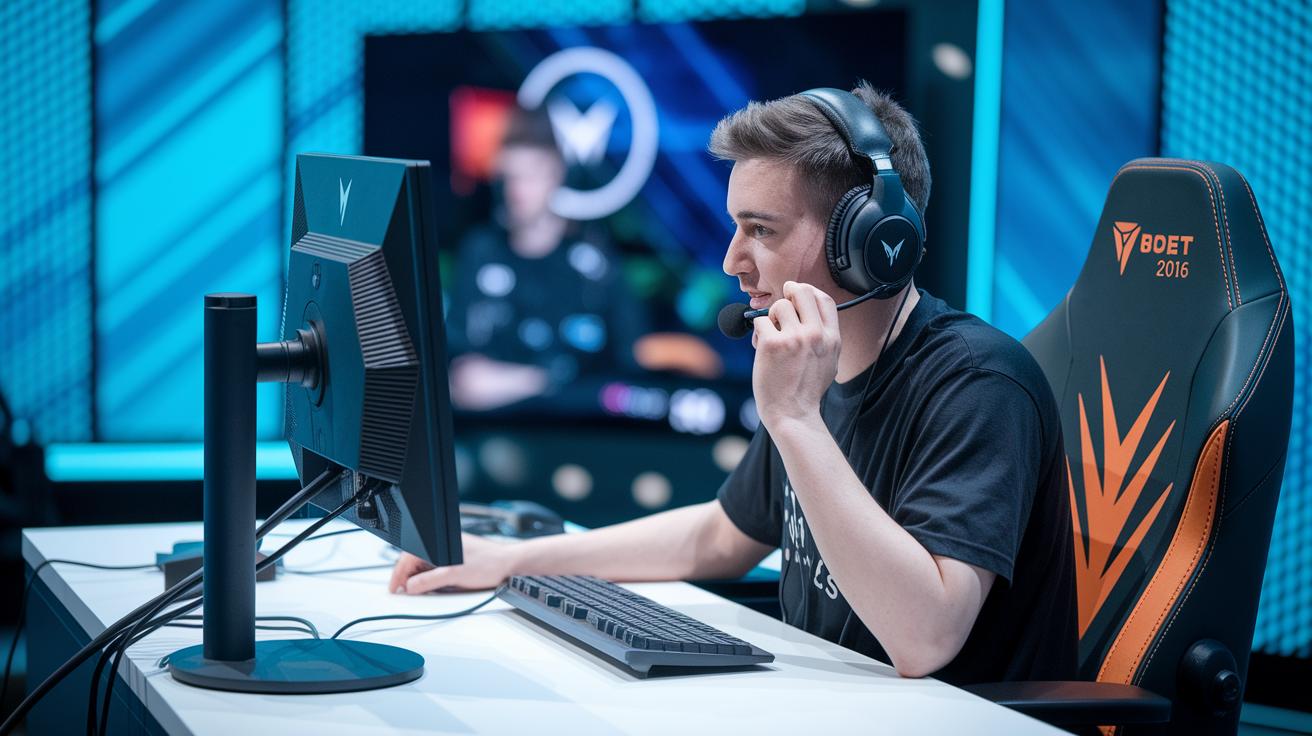
Live streaming lets you share events as they happen, whether it's a sports match, concert, class, or a sneak peek behind the scenes. It’s like giving your viewers a front-row seat with real-time chats and Q&A sessions, all without the high costs of traditional TV. In 2023, this field hit $1.49 billion with a steady 20.6% growth, and experts expect it to soar to $3.21 billion as growth climbs to 21.2%. This trend shows just how crucial live streaming has become for creators.
The perks of going live are clear:
- It connects you with a global audience.
- You get to chat and interact instantly.
- It’s way more affordable than old-school broadcasting.
- It lets people join in from anywhere, so you don’t even need a physical venue.
When prepping for your live event, the first step is setting up a dependable digital production kit. That means picking the right cameras, mics, lights, and capture cards to ensure your video and sound pop. Fun fact: the very first live broadcast in the late 1920s used pretty basic tools that eventually led us to today’s high-definition streams.
Also, think about using cloud-based production tools to make editing and processing a breeze. Multi-device streaming, which means your show reaches viewers on smartphones, tablets, and desktops at once, can really change the game. And before you go live, run a quick check on your internet speed to keep the stream smooth for everyone tuning in.
Comparing Platforms for Live Streaming by Content Creators
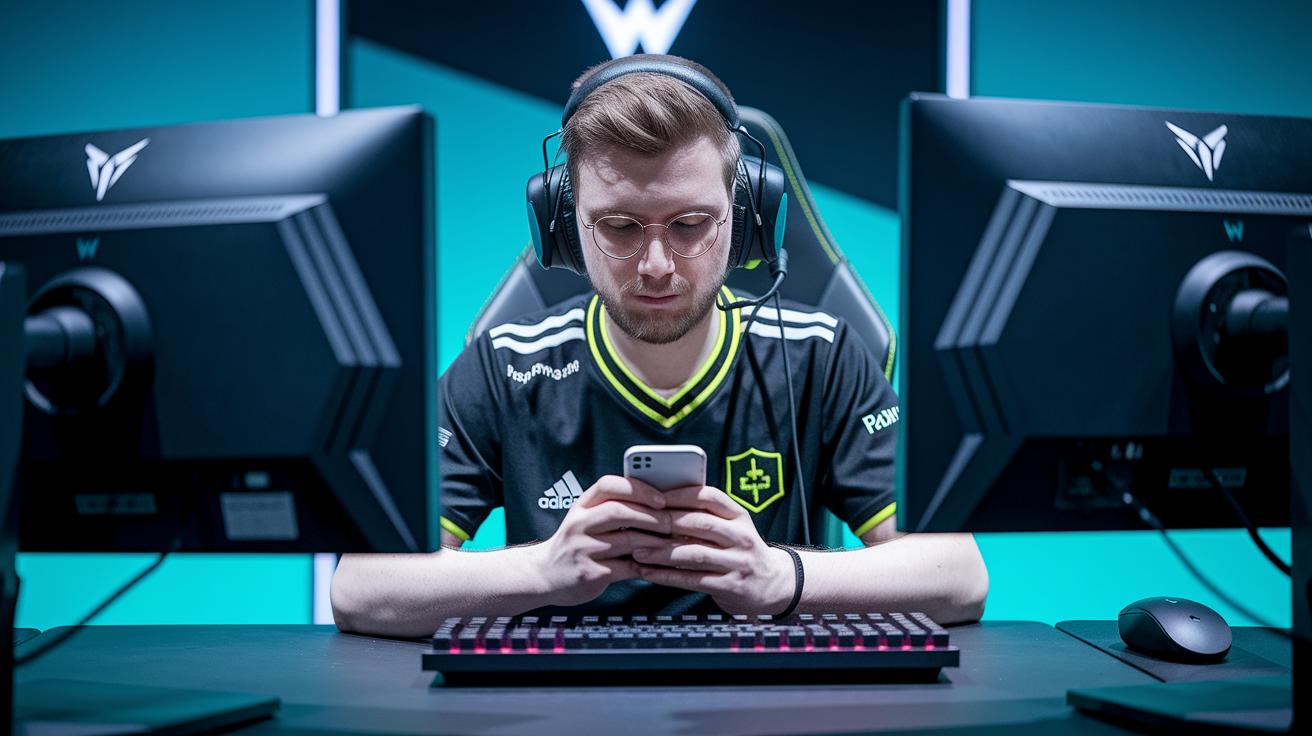
Choosing the right streaming platform can really change the game for your live show. Free platforms have plenty to offer. For instance, Twitch is bustling with energy from 7 million active streamers, and it's a favorite among gamers. YouTube Live gives you handy stats and reaches a massive 2.5 billion viewers. And then there’s Facebook Live, with up to 3 billion people tuning in each month, though your streams are capped at 8 hours. Imagine kicking off your very first live show and watching it grow from a humble start to a lively community event. Even top gamers started with simple streams that evolved into interactive experiences.
Now, if you’re after extra features, premium services might be just what you need. Vimeo Livestream stands out by offering crisp 4K visuals, a perfect choice if you want every detail to shine. Brightcove Live adds cool extras like DVR so your viewers can rewind and catch every epic moment. And if you need to mix business with pleasure, Cisco Webex has the tools to merge live streaming with professional communication apps. These premium picks are built for creators who need advanced features to boost production quality and give viewers an unforgettable experience.
Ever thought about streaming on multiple platforms at once? Multistreaming makes that possible. Tools like Restream and Streamyard let you go live on Twitch, YouTube Live, Facebook Live, and more, at the same time. This means your broadcast can adjust on the fly to match your viewers’ internet speeds, ensuring smooth playback no matter what. Plus, secure streaming keeps your content safe and your audience feeling confident.
When you’re choosing a platform, just remember a few key things: think about your content style and purpose, weigh the benefits of free versus premium features, and consider how multistreaming might help you reach a broader audience. For more tips on integrating live events and improving your production skills, check out live event production for a deeper look into turning simple streams into standout performances.
Broadcasting Equipment and Studio Configuration for Live Streaming
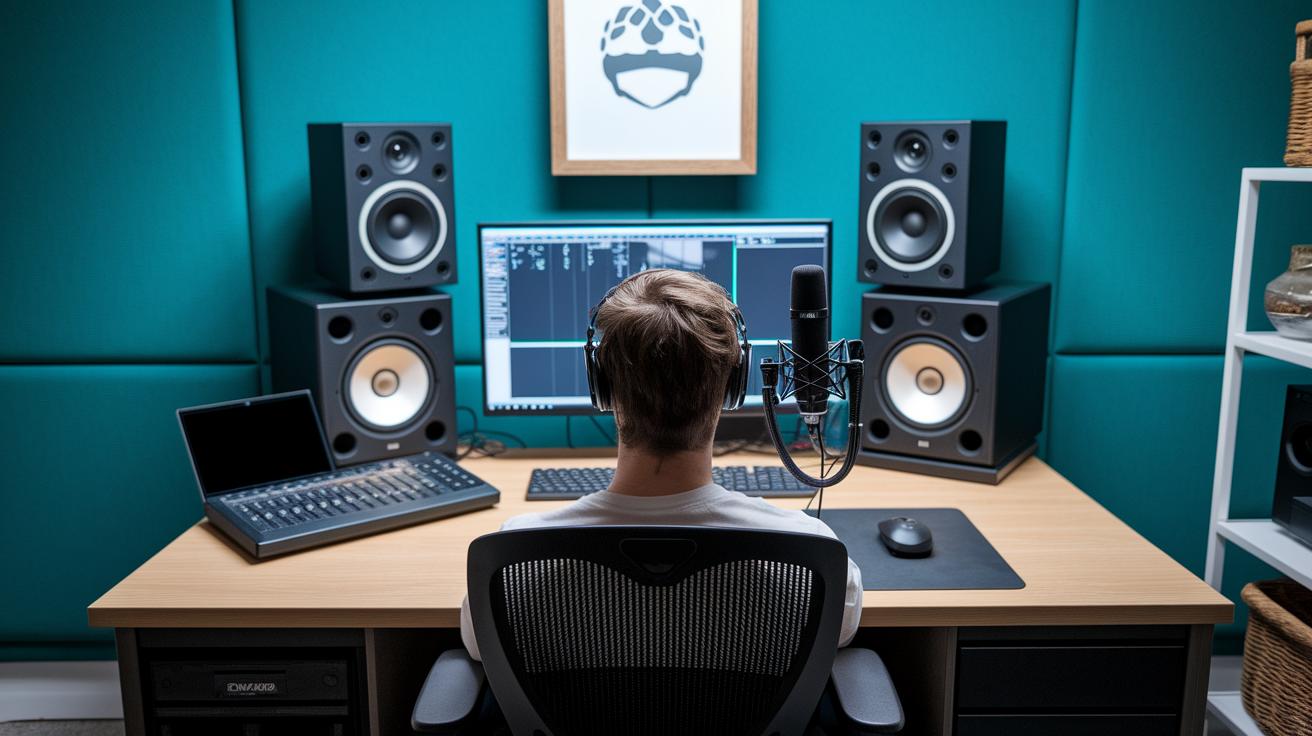
When you're gearing up to stream live, having the right tools can make all the difference. Start with quality video and sound gear that brings every moment to life. For example, pick cameras that record in HD or 4K and pair them with great mics and mixers so you catch every little sound detail. One creator once said, "Before going live, I set up my camera and did a quick five-minute audio check to make sure everything was crystal clear."
A smooth setup means saying goodbye to annoying buffering problems. Adaptive bitrate streaming adjusts your stream quality based on your viewers’ internet, so you can keep things running without lag or freezes. And don’t underestimate capture cards – these little gems convert your video signal so your computer handles it effortlessly. It's these tidbits that truly show the impact of quality video and audio in your digital content.
Lighting can totally transform your scene. Imagine LED lights that not only brighten up your space but also create a perfect balance of shadows and colors for a professional look. A well-planned studio layout with the right lights can make your stream pop. For example, angling your LEDs just right can dodge those harsh shadows and keep your scene perfectly illuminated.
And of course, the heart of your live stream is a custom-built PC made for streaming. A PC equipped with a GPU that uses hardware encoders like NVENC or Quick Sync can seriously boost your encoding performance and free up precious processing power. Plus, managing your bandwidth wisely and even setting up dual internet service providers can keep your upload speed reliable from start to finish.
Key equipment includes:
- Cameras and capture cards
- Microphones and mixers
- LED lighting
- A streaming-optimized custom PC
- A robust network setup with dual ISP considerations
All of these elements join forces to deliver a smooth, high-definition broadcast that keeps your audience completely engaged.
Software Tools and Real-Time Video Enhancement for Live Streaming
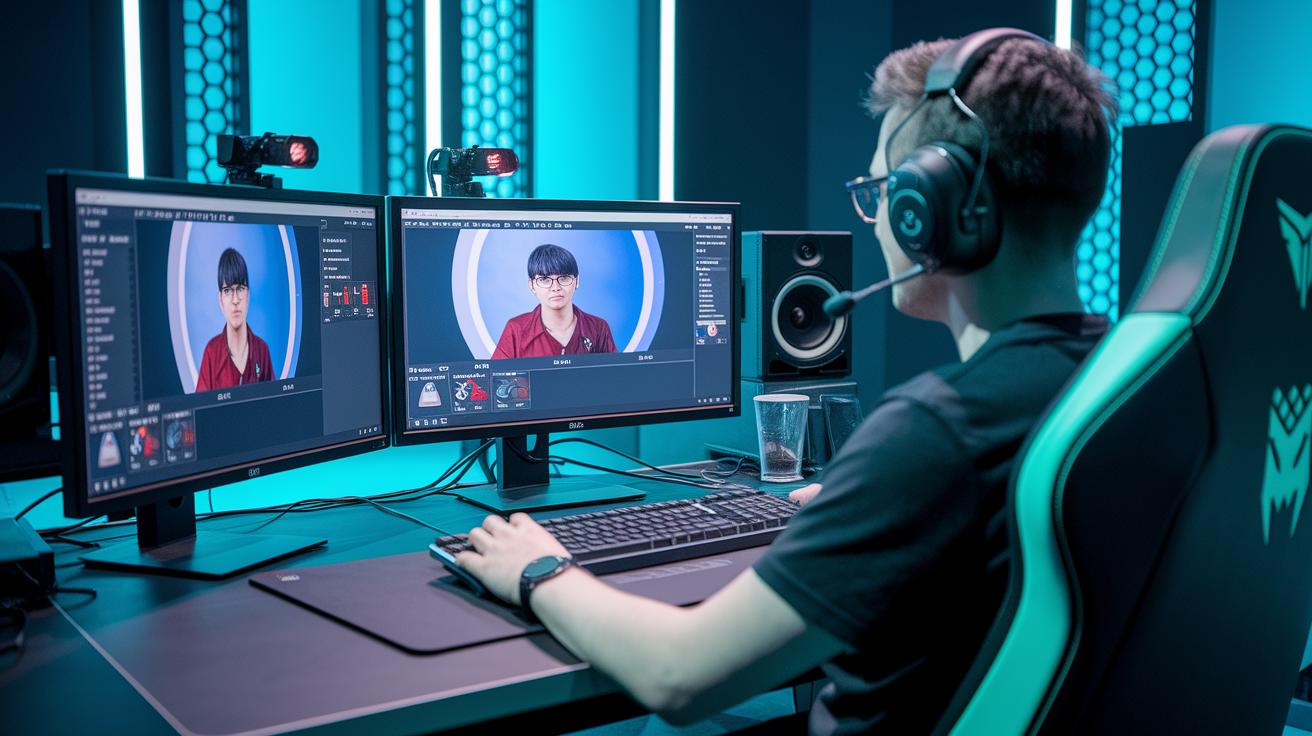
OBS Studio is a free tool that makes it simple to kick off your live stream. vMix adds extra punch with 4K support, and Wirecast is great for mixing different scenes and overlays. These desktop apps help you switch scenes smoothly and make adjustments on the fly.
If you’d rather stream directly from your browser, check out Streamyard and Restream. They let you easily bring in guests and add your own branding, perfect for live interviews and co-host sessions.
For a more advanced setup, premium options like Uscreen and Firework have you covered with extra features and detailed control over your broadcast. Sure, they come at a price, Uscreen starts at $199 a month and Firework around $2,000 monthly, but they also boost your stream with real-time video enhancements. They use chroma key, a cool green screen trick that swaps your background for custom visuals. One creator even said it makes their virtual set come alive and keeps the audience really hooked.
Cloud-based tools also play a big part by automatically adjusting your stream for different internet speeds and devices. Whether your audience is watching on a smartphone, tablet, or desktop, your broadcast stays sharp. With intuitive overlays and smooth scene transitions, these tools help you craft live shows that are both adaptable and engaging, paving the way for a standout presentation.
Interactive Audience Engagement Methods in Live Streaming
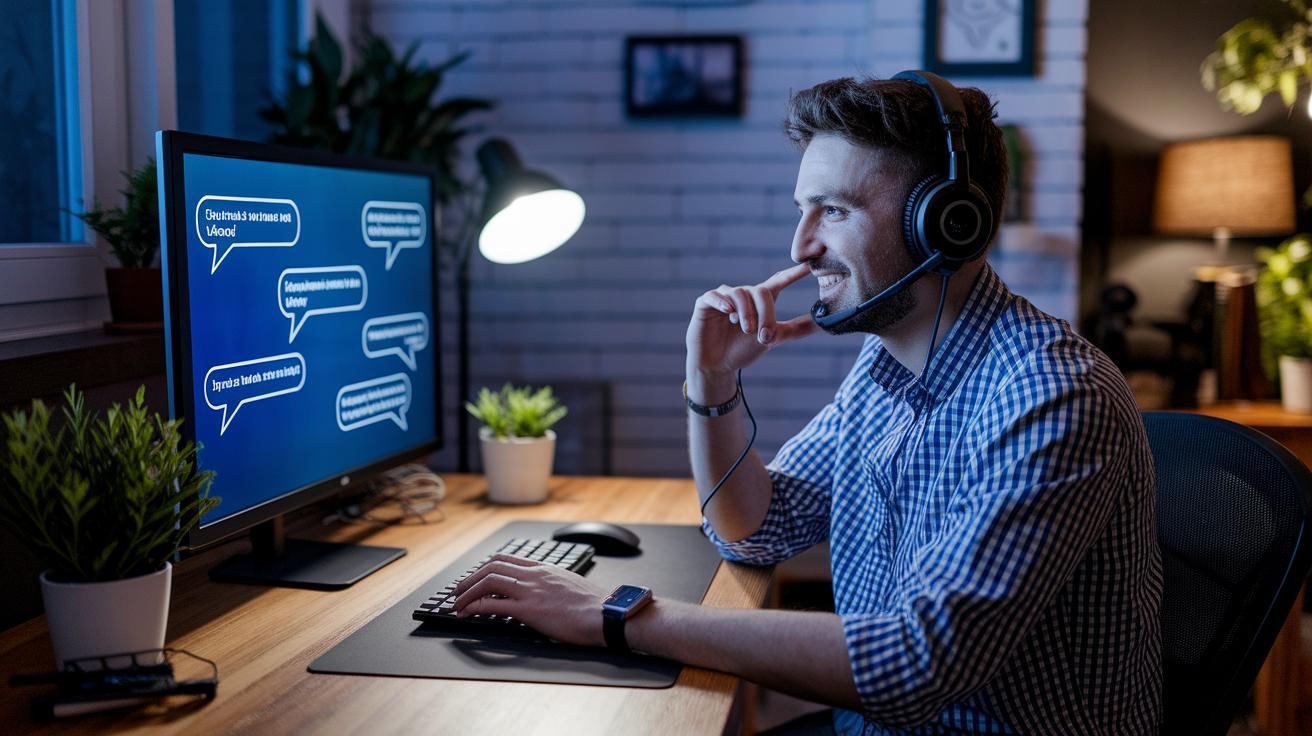
Live streaming is all about making your audience feel part of the moment. Using tools like live chat, Q&A, and polls instantly turns a simple broadcast into a lively conversation. It's like chatting with a friend during an exciting event, when viewers see their comments pop up, they know they're part of the action.
Imagine starting your stream with a quick poll that asks, "Which topic should we dive into first?" Instantly, the chat erupts with energy and ideas, setting the stage for an unforgettable experience.
Polls can be super simple, too. A question on your screen like, "What segment should we extend today? Vote now!" not only grabs attention but also lets you shape the flow of your show on the fly.
And then there are chatbots. These handy assistants work in the background to filter out spam and deliver timely notifications, like a quick reminder about an upcoming giveaway. They help keep the conversation smooth and make every viewer feel welcome, almost like having a friendly moderator right there with you.
Don't overlook the power of repurposing your content either. Short clips from your live stream can be shared later, letting the excitement live on long after the event. Platforms like VdoCipher and Kaltura even offer built-in widgets to sprinkle extra interactive magic throughout your broadcast.
Other great ideas include running live Q&A sessions, organizing fun giveaways, and setting up custom chat commands. All these tricks work together to create a dynamic, interactive experience that keeps viewers coming back for more.
Monetization Models for Live Streaming Content Creators
Live streaming is a goldmine for turning passion into a real income. One popular trick is using built-in donation systems. Platforms like Twitch and YouTube Live let viewers tip or send super chats right during your stream. Imagine casually saying, "If you're digging this, hit that tip button!" and watching the support roll in.
You can also break up your broadcast with short ad segments during natural pauses. Think of it as a quick intermission at a live show that keeps your audience engaged and adds a steady revenue stream without killing the vibe.
Subscriptions are another neat way to earn. Loyal fans can sign up every month for cool extras like behind-the-scenes peeks or early access to new videos. This steady cash flow helps you keep improving your production quality and overall experience.
For creators looking for premium options, services like Brightcove and Vimeo Livestream open up paywalls and sponsor spots. This means you can team up with brands for some extra shine, plus blend in product placements that match your style. And then there's affiliate marketing, recommending products you love and earning commissions when your viewers make a purchase.
Finally, crowdfunding platforms such as Patreon or Kickstarter let your community back big projects or special productions. Experiment with a mix of ads, subscriptions, donations, sponsorships, and affiliate deals to keep your live content fresh and continuously grow your audience.
Performance Analytics and Viewer Retention for Live Streaming
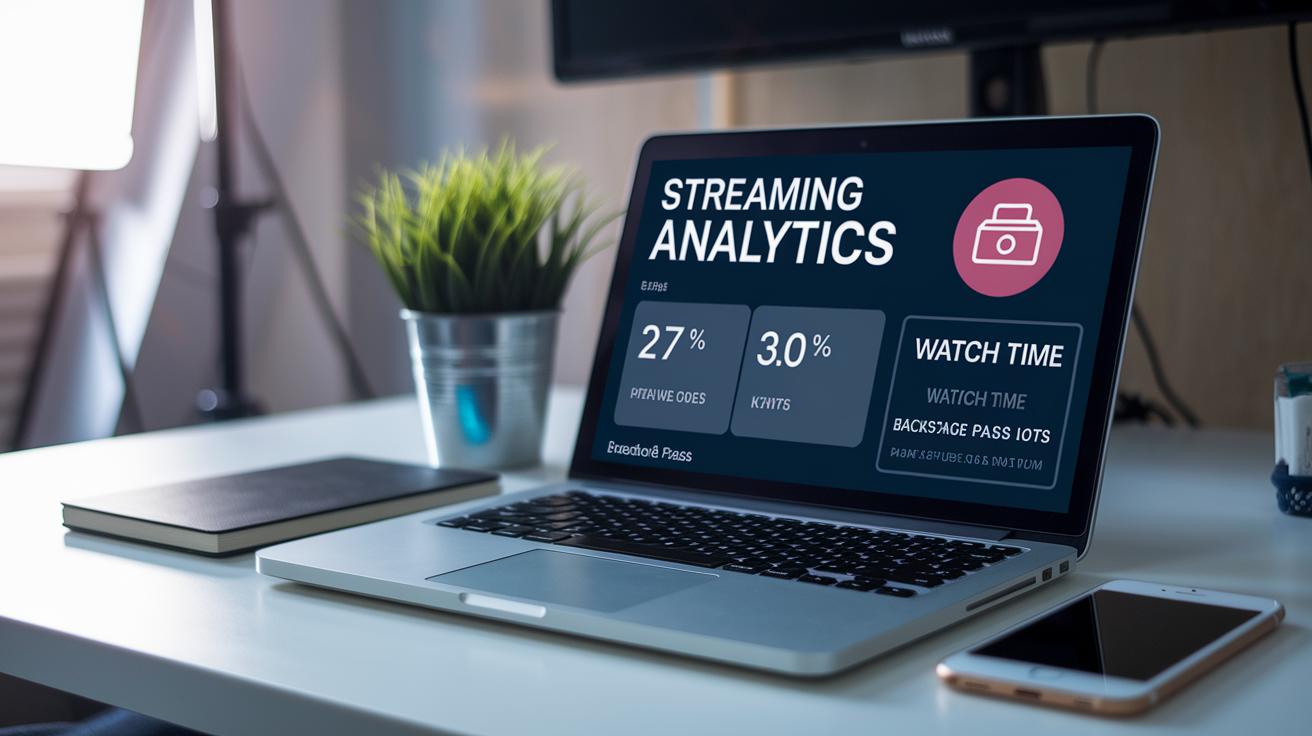
Live streaming isn’t over when your camera stops rolling. Thanks to on-demand recordings, your broadcast keeps working for you long after the live show, giving you a gold mine of easy-to-read data about your audience. Think of it like having a backstage pass that shows you exactly which moments of your stream lit up the room and where folks might have tuned out.
Imagine checking out simple numbers like watch time, peak viewers, or when viewers decide to leave. For instance, you might notice that after an upbeat Q&A session, the viewer count drops a bit. This kind of insight is like a little hint from your audience, suggesting you adjust the flow or add more exciting segments next time.
Platforms like YouTube Live serve up clear stats on how long people stick around, while Facebook breaks it down with engagement rates and viewers’ age and interests. This friendly feedback helps you plan your next live event with more interactive bits or custom calls-to-action that really connect with your viewers.
The key is to keep an eye on these simple metrics, do a bit of regular research on who’s watching, and use that on-demand data to fine-tune your approach. Even small tweaks, like extending a segment that really draws a crowd, can make a huge difference in keeping your viewers engaged and coming back for more.
Ensuring Reliability: Troubleshooting and Redundancy in Live Streaming
Building a solid live streaming setup is all about adding extra protection so your show keeps moving. Think of it like having a backup band ready to start when one musician falls behind. You layer in dual internet connections along with extra gear like backup encoders and ready-to-go stream keys. This means if one network or device fails, your broadcast can continue without missing a beat.
Next, troubleshooting is key. Tools like OBS or Restream dashboards let you check on your stream’s health, pinpointing any hiccups as they happen. It’s a lot like having a sound check right before the performance, making sure everything, from cameras to encoding hardware, runs smoothly. A quick test run before your event can uncover any weak spots so you can tweak your setup early on.
Regular system health checks keep everything on track, too. Frequently review network performance and encoding outputs, much like checking the pulse of your stage performance. And because technology can be unpredictable, plan for scalability by keeping spare hardware at hand. For example, if your main encoder starts to lag, a ready backup can jump in immediately, ensuring your audience stays in the loop with hardly any delay.
In the end, building in these extra layers and staying proactive with troubleshooting transforms your live streaming experience into something resilient and exciting, like the thrill of a live concert that doesn’t miss a beat.
Final Words
In the action, the post broke down how to set up a strong live streaming setup from equipment to troubleshooting. It touched on how selecting the right platform and tools makes live streaming for content creators both simple and effective.
The guide also showed ways to engage the audience, manage performance, and boost revenue. Every section helped build a clearer picture of turning tech into a thrilling, interactive event. Enjoy embracing these ideas and making your live broadcasts truly shine.
FAQ
What is live streaming for content creators?
Live streaming for content creators means broadcasting real-time video events on platforms like Twitch and YouTube Live. It involves engaging your audience with interactive chats and Q&A sessions while showcasing your content.
Do creators get paid for going live?
Creators earn revenue when going live through subscriptions, ads, tips, and affiliate links. Payment models vary, as each platform offers different monetization options to reward engaging live content.
Which free live streaming platforms should content creators consider?
Free live streaming platforms such as Twitch, YouTube Live, and Facebook Live provide extensive reach and interactive features. Many creators also explore Reddit communities for insights and support.
What streaming software options are available for broadcasters?
Content creators can use tools like StreamYard, Restream, Streamlabs, OBS Studio, Kick, XSplit, and Vimeo. Each offers unique features such as guest integration, overlays, and multi-platform broadcasting.
What is the best streaming service for content creators?
The best streaming service depends on your needs; consider factors like audience size, analytics, and monetization options when choosing between free and premium solutions to match your content style.
Are live streamers considered content creators?
Live streamers are content creators because they produce real-time, engaging broadcasts. Their creative efforts build interactive communities and drive dynamic digital experiences.