Ever wonder if your live stream camera is catching every epic moment? Picture a show where every glance and movement shines. Think of a broadcast filled with smooth motion and crisp images that light up your screen.
In this guide, we dive into the must-have features for an awesome live stream. We’re talking about clear resolution, great performance even when the lights fade, and quick focus that keeps up with every beat of the moment. It’s like tuning your camera to capture that electric buzz you feel during a live concert.
We’re sharing real, hands-on tips that can take your stream from everyday to unforgettable. So, are you ready to find the camera that matches your unique style? Let’s explore the top picks and see how they can make your live stream truly sparkle.
Essential Features to Look for in Live Streaming Cameras
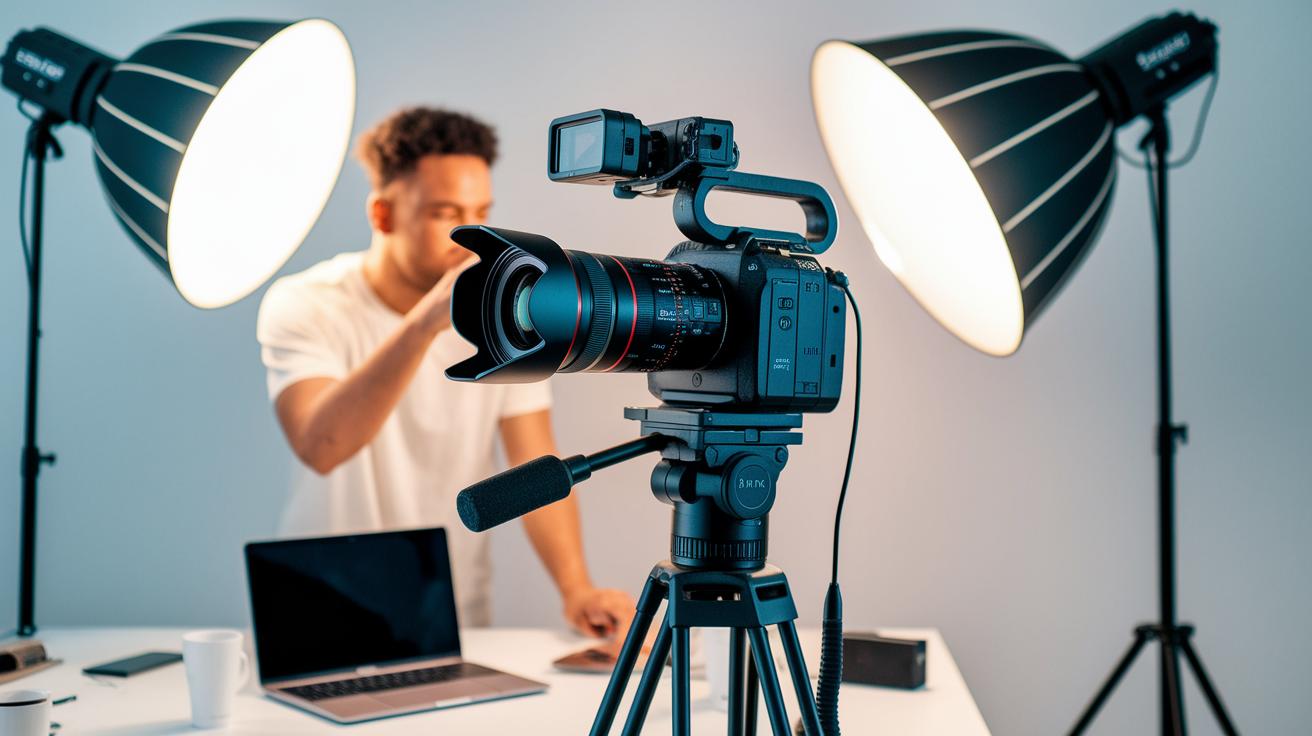
When choosing a live streaming camera, make sure it can shoot at least 1080p at 30 fps, though 60 fps is even better for smoother motion. For example, checking the resolution is like picking your favorite show in HD; more pixels mean sharper images during fast action or sports.
Also, give attention to the sensor. Bigger sensors like APS-C or full-frame perform great in low-light situations. Pair these with wide-aperture lenses (f/1.8 or wider) to capture more light, perfect for that soft stage glow or indoor lighting.
Next, strong autofocus is key. Cameras with phase-detection points lock focus quickly and accurately, just like a film crew that keeps every shot crisp even when things move fast.
Finally, look for a range of connection options. HDMI, USB-C, Wi-Fi, or LTE can make setup a breeze. Think of HDMI as your reliable bridge that sends your broadcast video smoothly from camera to streaming setup.
Evaluate these essentials when shopping for a streaming camera:
This quick guide will help you pick a streaming camera that delivers high-quality, reliable live broadcasts every time.
live streaming camera recommendations: Stellar Choices
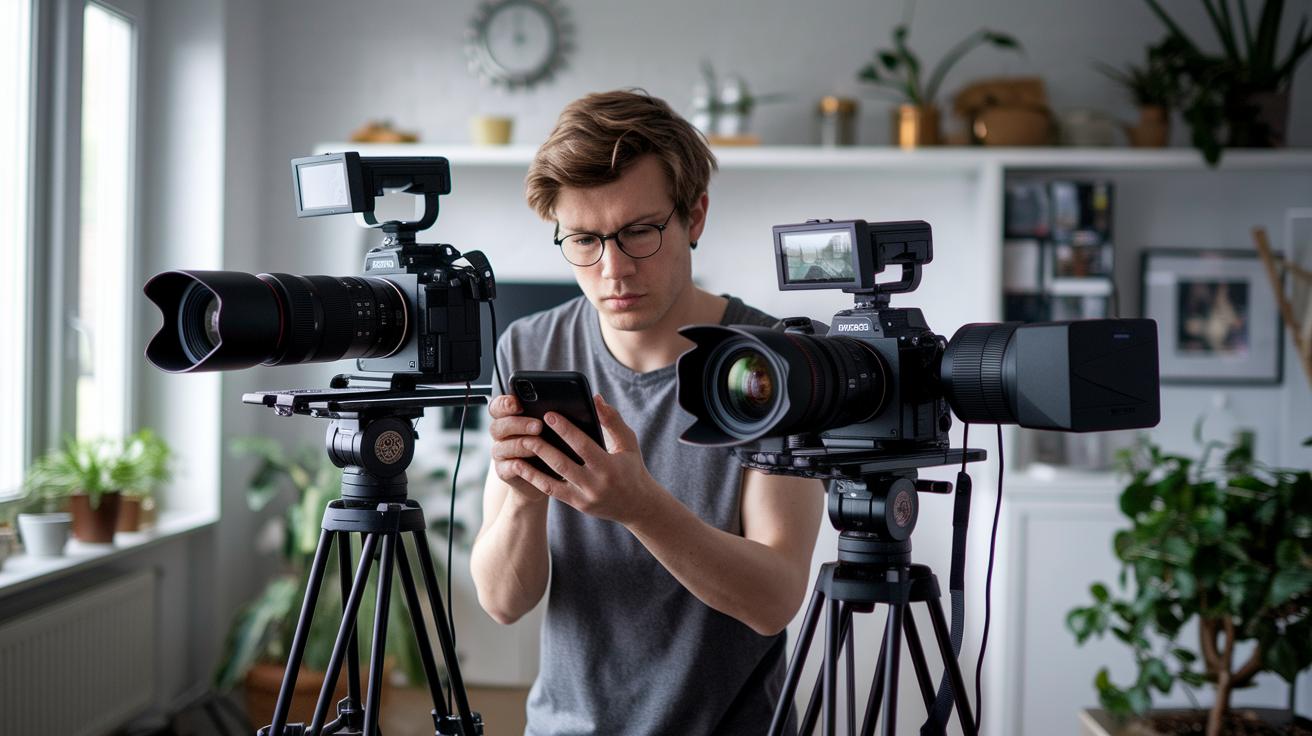
Sony A7 III
If you’re ready to take your live streams up a notch, the Sony A7 III is a fantastic choice. It shoots sharp 4K video at 30 or 60 frames per second, and with its 693 autofocus points, everything stays clear, even during fast, exciting moments. Imagine streaming a live game where every quick play pops on screen. Its fast, steady focus and high resolution make it perfect for high-end live broadcasts that capture every real-time detail.
Panasonic Lumix GH5
The Panasonic Lumix GH5 is built to handle long, demanding sessions without breaking a sweat. It records uninterrupted 4K footage, so you can stream extended events like multi-hour conferences or music festivals without worrying about overheating. Picture streaming a whole festival where every beat and note is captured seamlessly. And if you’re juggling multiple cameras, you can even blend in live event production techniques to keep your show running like clockwork.
Canon EOS R
For those who want natural, lifelike colors on their livestream, the Canon EOS R is a great contender. Thanks to its Dual Pixel autofocus and impressive 4K output, it brings out warm skin tones and ambient lighting perfectly, ideal for panel discussions or live interviews. Imagine hosting a live conversation where every smile and gesture is rendered in stunning detail. Its mix of processing power and true-to-life color makes it a stellar choice for authentic, vibrant streams.
Blackmagic Pocket Cinema Camera 6K
If you’re after a touch of cinema in your livestream, the Blackmagic Pocket Cinema Camera 6K is your go-to. With 13 stops of dynamic range and the ability to shoot 4K DCI at up to 60 fps, it delivers beautifully detailed images, even in low light. Think of it as having a mini film studio in your hands, turning any live broadcast into a visually rich, immersive experience.
Budget-Friendly and Entry-Level Streaming Cameras for Beginners
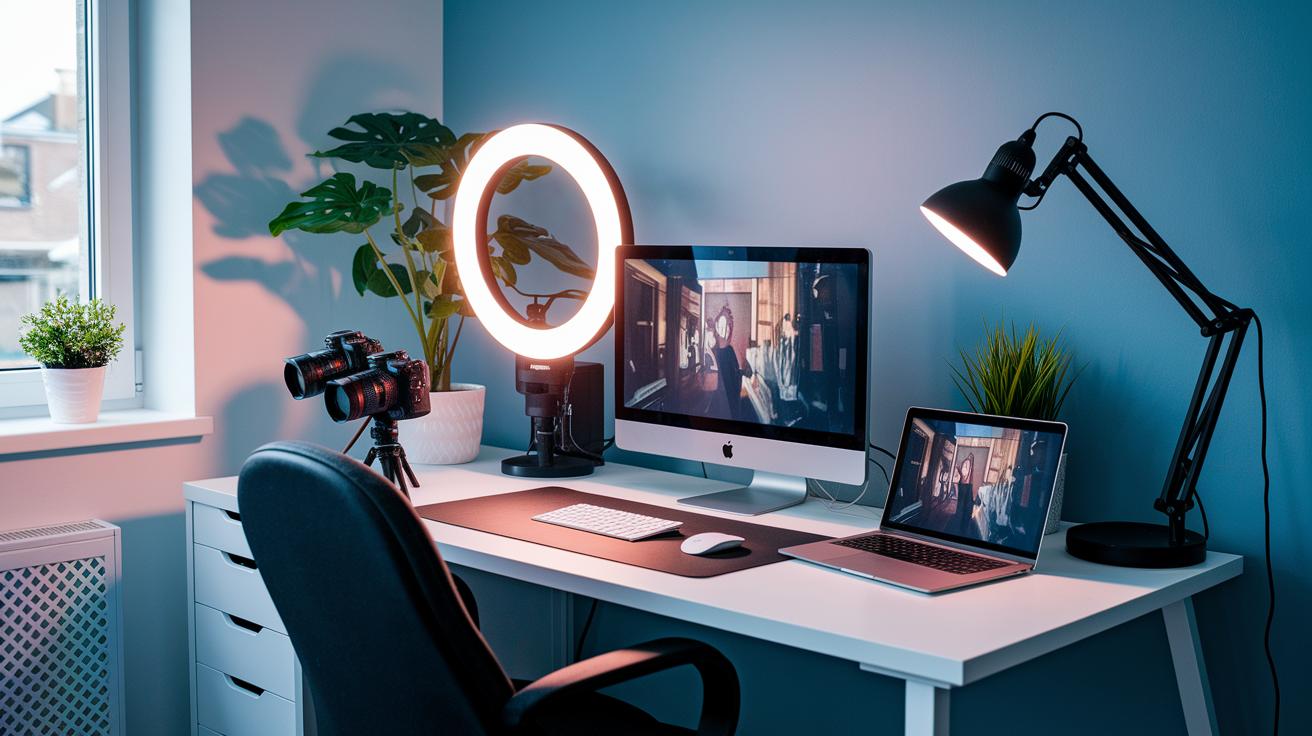
When starting out with your streaming journey, having the right camera can make all the difference. Let's dive into a few top picks that balance quality and price without the tech headaches.
Imagine plugging in a camera that just works. The Logitech StreamCam brings you crisp 1080p video at 60 frames per second, all through a simple USB-C connection. It’s like snapping your favorite gadget into action, fast, clear, and no fuss at all. This camera is a great fit if you're watching your budget yet still want smooth, professional-looking streams.
For those who want to keep things cost-effective while adding a little creative flair, the Logitech C922 Pro is a strong contender. It offers 1080p at 30 fps and even has a neat feature to swap out your background on the fly. Think of it like having a mini-studio at your fingertips. It’s user-friendly and perfect if you’re just starting out and eager to try different settings without the complexity.
If you’re looking for an extra boost in lighting control, the Razer Kiyo X has you covered. It comes with built-in, adjustable lighting that works like adjusting your TV’s brightness, simple and effective. The enhanced color vibrancy means your stream looks lively even under less-than-ideal light, making it an awesome option for home setups on a tight budget.
And if you need something that travels with you, the Mevo Start is built for on-the-go streaming. It streams in 1080p, lasts up to 6 hours on battery, and even supports LTE connectivity so you can broadcast live wherever you are. With its wide-angle view, it's like having a portable broadcasting station that lets you capture the excitement of any live event without a hefty upfront cost.
Connectivity and Audio Integration in Live Streaming Setups
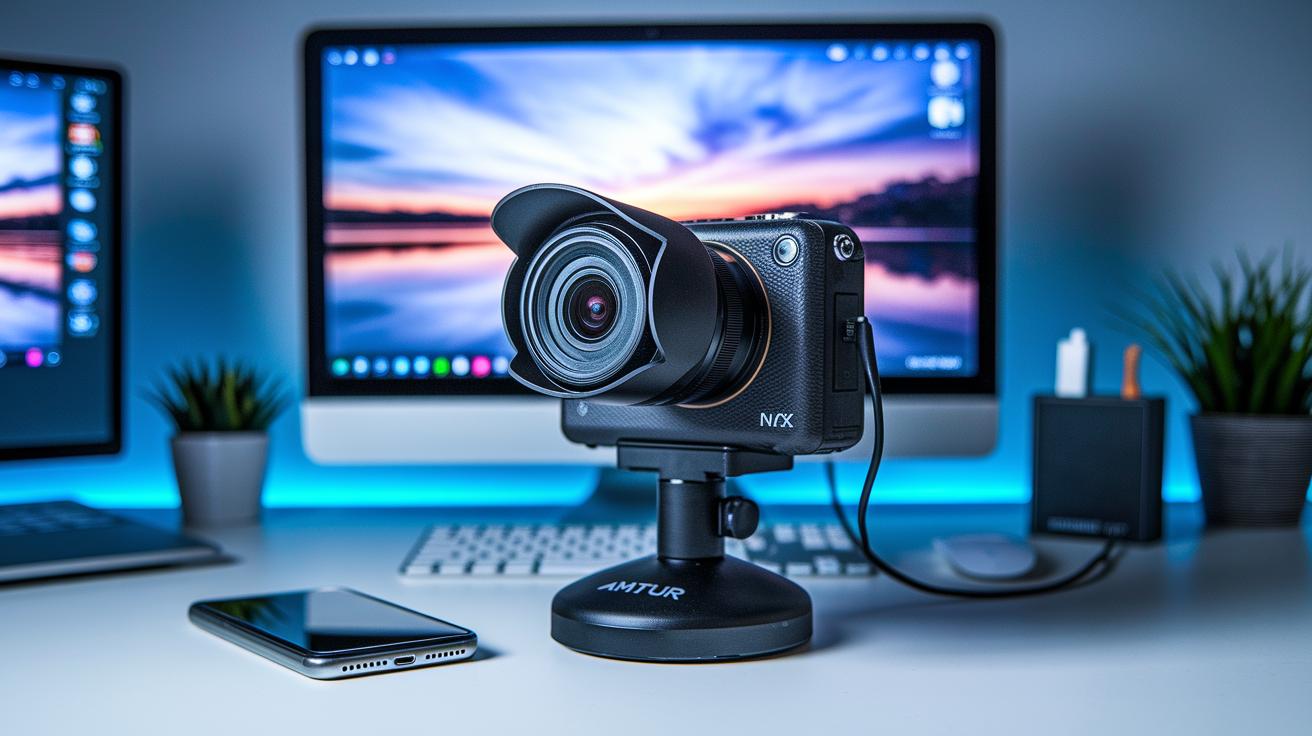
Good live streams need smooth connections from your camera to your PC. Many modern cameras now have HDMI or USB-C ports that let you plug in easily, just like your favorite game controller. It's a simple, reliable way to get your broadcast up and running with minimal fuss.
If your camera only has HDMI, you'll need a capture card. This handy device converts the HDMI signal to a USB feed for your computer. Think of it like using an adapter to connect that one special cable, easy and effective in making everything work together.
Don't forget about audio. Cameras with 3.5 mm or XLR mic ports let you upgrade from basic built-in mics. You can hook up an external audio device, such as a dedicated audio interface, to capture clear, broadcast-quality sound. It's like turning a simple sketch into a full-color portrait.
Wireless gear, like Wi-Fi and LTE devices, also makes your setup a breeze. They offer seamless connectivity, so you can stream in a variety of environments without extra hassle.
- Make sure every connection is tight before you start streaming.
- Check your audio inputs to ensure the best sound quality.
These tips help you keep your live stream crisp, professional, and full of energy every time.
Power and Portability: Battery Life and Form Factors
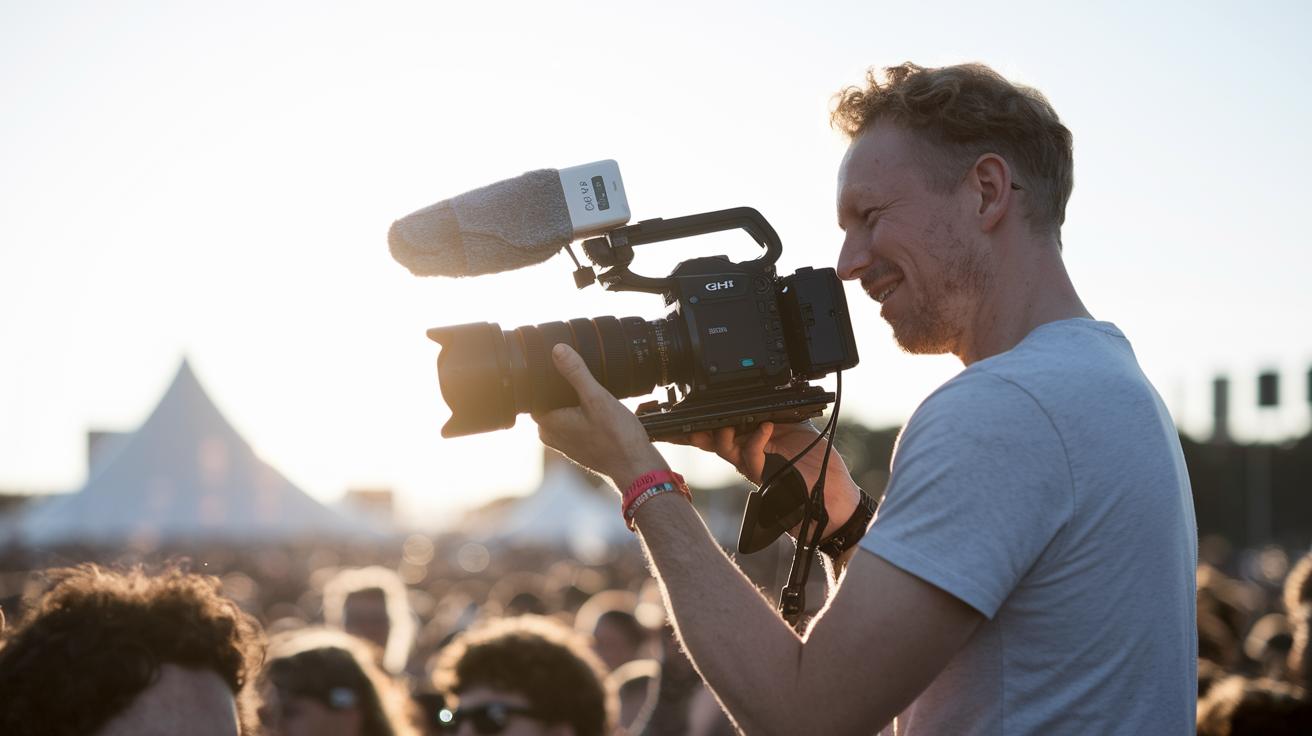
When you're setting up your live stream, a battery that lasts can really save the day during long events. Take the Panasonic GH5, for instance, it can go on for hours on one battery and even lets you hook up extra power if you need it. Imagine you’re at a lively festival and your camera never stops, like having a trusty buddy who never runs out of energy.
The Mevo Start is another cool option, offering up to 6 hours of battery life and even letting you stream over LTE. Picture recording an all-day outdoor event with a small, handy unit that lets you move around freely without worrying about finding an outlet.
Many USB webcams and mirrorless cameras need power banks or AC adapters to keep up when you’re on the move. This means you can pack together a portable streaming kit that fits right in your backpack. Here are a few easy tips to manage your power:
- Use extra batteries or AC adapters with your mirrorless camera.
- Pair the Mevo Start with a portable charger to keep it running longer.
- Check the GH5’s power settings so you can quickly switch power sources when needed.
These simple steps help keep your stream smooth, making sure your broadcast stays live when every moment counts.
Tips for Optimizing Your Live Streaming Camera Workflow
Before you hit record, make sure your internet is up to the task. Streaming in 1080p60 needs a steady upload of 5–8 Mbps. Think of it like tuning a radio, if the signal isn’t strong, your video might drop out or lag.
Next, it’s time to get your colors right. Adjust your white balance and color settings to avoid that plain, washed-out look. Imagine tweaking your TV settings to make every shade come alive. You want every color to feel natural and vibrant.
Using manual exposure can really come in handy. Auto settings might seem easier, but they often cause sudden flickers when the light changes. By taking control manually, you'll keep your visuals steady even when things shift quickly on stage.
And don’t skip on updating your firmware. Keeping your camera’s software current adds cool features and helps it run more smoothly, kind of like updating apps on your phone to squash annoying bugs.
Plan your camera angles and cable routes well before you go live. A little foresight now can save you a ton of headaches during the show. Map out your angles, secure your cables, and test your audio connections ahead of time.
Here are some quick tips:
- Verify your upload speed is between 5–8 Mbps.
- Adjust your white balance so colors stay crisp.
- Use manual exposure for steady lighting.
- Keep your camera’s firmware updated for the best performance.
- Plan your camera positions and secure your cables, testing all connections before you start.
For more technical setup details and advanced tips, check out this guide: how to live stream events – https://vasthysfriends.com?p=1804
Final Words
In the action, we covered key specs and smart tips, from smooth 1080p or even 4K capture and robust autofocus to practical connectivity and battery endurance, that are just as exciting behind the scenes as on stage. Small details like audio integration and streamlined workflows can transform an everyday stream into an engaging live event.
This guide ties it all together with clear, on-point live streaming camera recommendations that help you build a setup to match your unique style. Enjoy every moment of creating unforgettable digital experiences.
FAQ
Live streaming camera recommendations reddit
Live streaming camera recommendations on Reddit typically share user experiences and insights about performance and features. They help you decide which models best suit your streaming needs.
What is the best 4K camera for live streaming?
The best 4K camera for live streaming delivers crisp image details while handling smooth motion. Look for reliable autofocus, clear sensors, and versatile connection options to enhance your broadcast.
What is the best camera for live streaming church services?
The best camera for streaming church services offers excellent low-light performance and clear, stable visuals. It captures every moment, ensuring your broadcast feels warm and inviting.
What are the best webcams for streaming and video conferencing?
The best webcams for both streaming and video conferencing provide consistent HD quality, easy plug-and-play setup, and reliable connectivity, making your live sessions clear and engaging.
What is the best camera for streaming on Twitch?
The best camera for streaming on Twitch produces smooth motion, vibrant colors, and clear visuals. Its advanced autofocus and reliable output keep your interactive sessions dynamic and immersive.
What should I look for in a streaming camera for a PC setup in 4K?
A streaming camera for a PC setup in 4K should offer true 4K resolution, user-friendly controls, and dependable connectivity. This ensures your live content is detailed and fluid.
What kind of camera is best for live streaming?
A top live streaming camera offers high-definition capture with smooth frame rates, reliable autofocus, and multiple connection options. It’s designed to meet various streaming environments efficiently.
What do most streamers use for cameras?
Most streamers choose cameras that blend quality and ease of use. They often favor top-quality webcams or mirrorless models, which deliver clear visuals with minimal fuss.
Is it better to use a webcam or a camera for streaming?
Choosing between a webcam and a dedicated camera depends on your needs. Webcams offer simple plug-and-play benefits, while dedicated cameras provide superior image quality and advanced settings.
Do I need a 4K camera for streaming?
Whether you need a 4K camera depends on your goals. While 4K offers sharper details, many creators successfully stream with 1080p gear that balances clarity with ease of use.
What are the features of the Logitech C920 HD Pro Webcam?
The Logitech C920 HD Pro Webcam is praised for reliable 1080p streaming and straightforward setup, making it a solid choice for daily video calls and live broadcasts.
What does the Elgato Facecam Pro 4K60 Webcam offer?
The Elgato Facecam Pro 4K60 Webcam delivers stunning 4K resolution at high frame rates, ensuring smooth visuals and impressive performance for professional live streams.
What makes the Logitech Brio series webcams stand out?
The Logitech Brio series webcams stand out by offering high-definition quality, advanced image processing, and versatile connectivity. They’re ideal for both immersive streaming and crisp video calls.
What are the benefits of the Elgato Facecam MK.2 Webcam?
The Elgato Facecam MK.2 Webcam features refined imaging technology for sharper visuals and a quick setup. It’s a smart pick for creators seeking clarity without complications.
How does the Razer Webcam Kiyo Pro enhance live streaming?
The Razer Webcam Kiyo Pro stands out with its adjustable lighting and accurate color capture. Its design helps maintain consistent brightness and quality during your live streaming sessions.