Ever wonder if a lesson can feel as exciting as a heart-pounding movie scene? Digital storytelling brings everyday topics to life by mixing photos, sound, and videos into one interactive experience.
When you use digital storytelling in class, a quiet subject suddenly buzzes with color and sound, just like watching a live concert. It makes learning fun, sparks creativity, and builds tech skills without the hassle.
Imagine your classroom lighting up with energy as simple ideas transform into engaging stories. Digital storytelling not only grabs attention but also ignites young minds, inviting everyone to join in the adventure of learning.
Digital storytelling for educators: Ignite Minds
Digital storytelling blends photos, sound clips, podcasts, simple charts, infographics, comic-style art, and video documentaries to spark digital skills and creativity in class. It’s a natural way for students to share ideas using tools they already love, turning routine lessons into lively, multimedia adventures. Imagine a history report transformed into a dynamic digital story full of interviews, quick snapshots, and catchy sound bites that really bring the past to life.
This hands-on approach gently guides learners through researching, thinking on their feet, and reflecting on who they’re talking to. It turns everyday projects into engaging digital experiences where students sharpen their skills at checking sources, organizing information, and picking the right tech to connect with their peers.
Try these seven simple steps to start your digital storytelling journey:
- Set clear learning goals and decide on your story’s purpose.
- Check out examples of awesome digital stories.
- Pick the right mix of multimedia tools and formats that tell your tale best.
- Assign roles like writer, editor, or cameraman so everyone gets a part.
- Sketch out a storyboard and write a script to map your ideas.
- Record, edit, and polish your media until it feels just right.
- Share your creation, get feedback, and talk about what worked and what could be even better.
Begin with a small change, perhaps convert a familiar lesson into a digital story. For example, take an ordinary geography talk and reimagine it as a short video with maps, friendly voiceovers, and creative captions. This little shift not only builds confidence but also turns standard assignments into interactive, unforgettable learning experiences.
Selecting Digital Storytelling Tools for Educators
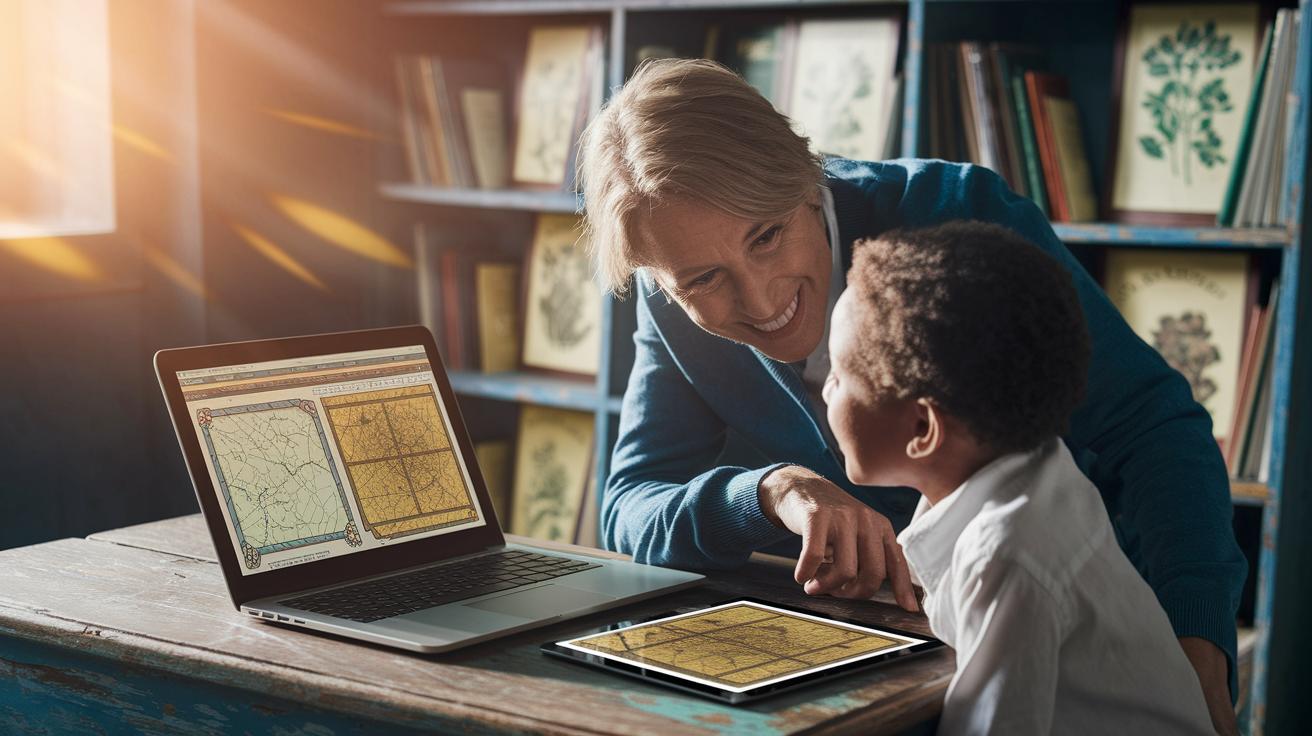
Teaching today is a lot like hosting a live show. There are plenty of free digital storytelling tools out there, split between websites and apps, and they can make your lessons feel interactive and exciting. Websites help you map out your ideas and organize your story, while apps give you a simple way to edit your work on everyday devices. This means you can choose what fits your teaching style and your students' comfort with technology.
| Tool Name | Category | Key Feature |
|---|---|---|
| ACMI Generator | Website | Education themes & Storyboard Generator |
| Adobe Slate | App | Magazine-style design automatically applied |
| iMovie | App | Intuitive video editing with everyday devices |
| StoryMapJS | Website | Interactive mapping for narrative journeys |
| SoundTrap | Website | Online audio recording and editing |
When you're choosing the right tool for your class, think about how easy it is to use. Look for interfaces that get you started fast without long training sessions. Tools that work on both computers and smartphones help everyone join in the fun. And if you ever need a hand, online support communities like Creative Cow are there to help you out. By keeping these tips in mind, you can pick digital storytelling tools that make lesson planning simpler and spark creativity among your students.
Multimedia Story Creation Strategies for Educators

Plan your digital story like you’re drawing a comic strip. Start with simple sketches that map out each important moment in your lesson, much like a movie scene. You might say, "I drew rough panels to see how my story would flow." Mix and match different media, photos, digital books, sound clips, podcasts, charts, infographics, graphic stories, and video docs, to make a timeline that feels fun and creative. This way, every piece works together and lets students share their ideas in a real, hands-on way.
Then, think about how to blend everything into one smooth narrative. Layer a friendly voiceover on your charts for extra personality or line up sounds with visuals to highlight key points. You could even create an interactive timeline where the audience clicks through each part as images and sounds build the story together. One student once said, "When the narration meets dynamic visuals, the story really comes alive." This mix turns a basic presentation into an engaging, immersive experience that both entertains and teaches.
Interactive Digital Storytelling Projects and Lesson Plans
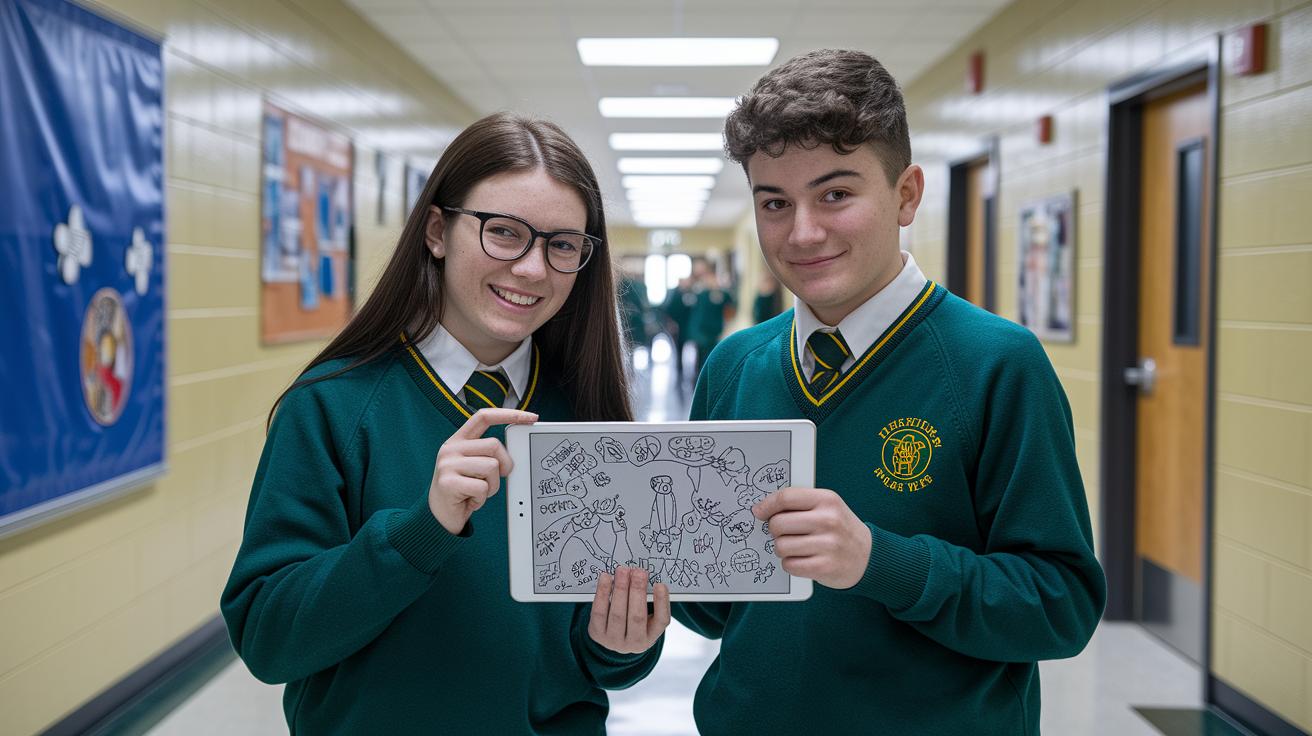
Annotated Photography
In this project, students grab their smartphones or tablets and explore their school or neighborhood to take colorful, lively photos. They then use easy markup tools to doodle and add fun comments directly on the images. Imagine snapping a picture of a bustling hallway and writing, "This is where ideas spark every day!" Each caption adds a personal spark to the photo, turning everyday scenes into vibrant stories that feel truly alive.
Expert Interview Podcast
Here, students get to be like mini radio hosts. They prepare smart questions and practice speaking clearly before recording special chats with local experts or community figures. Using simple audio tools, they capture the conversation, then edit it to highlight the best moments and smooth out any pauses. One student shared, "I felt just like a radio host bringing important voices to our class." It’s a fun way to build interviewing skills and show how changing your tone can make a story pop.
Anthology Story Project
In this project, everyone teams up to create a digital magazine-style story. Students bring essays, photos, and audio clips together to form one exciting narrative. Roles are assigned to suit each student’s strengths, helping everyone learn from each other. The team builds a storyboard and sets a clear project schedule, merging all the parts into a final anthology that looks and feels like a dynamic digital publication. Teachers guide the process, giving the final thumbs-up on quality and style. For extra inspiration on engaging interactive media, check out https://vasthysfriends.com?p=1862.
Integrating Digital Storytelling into Curriculum Design
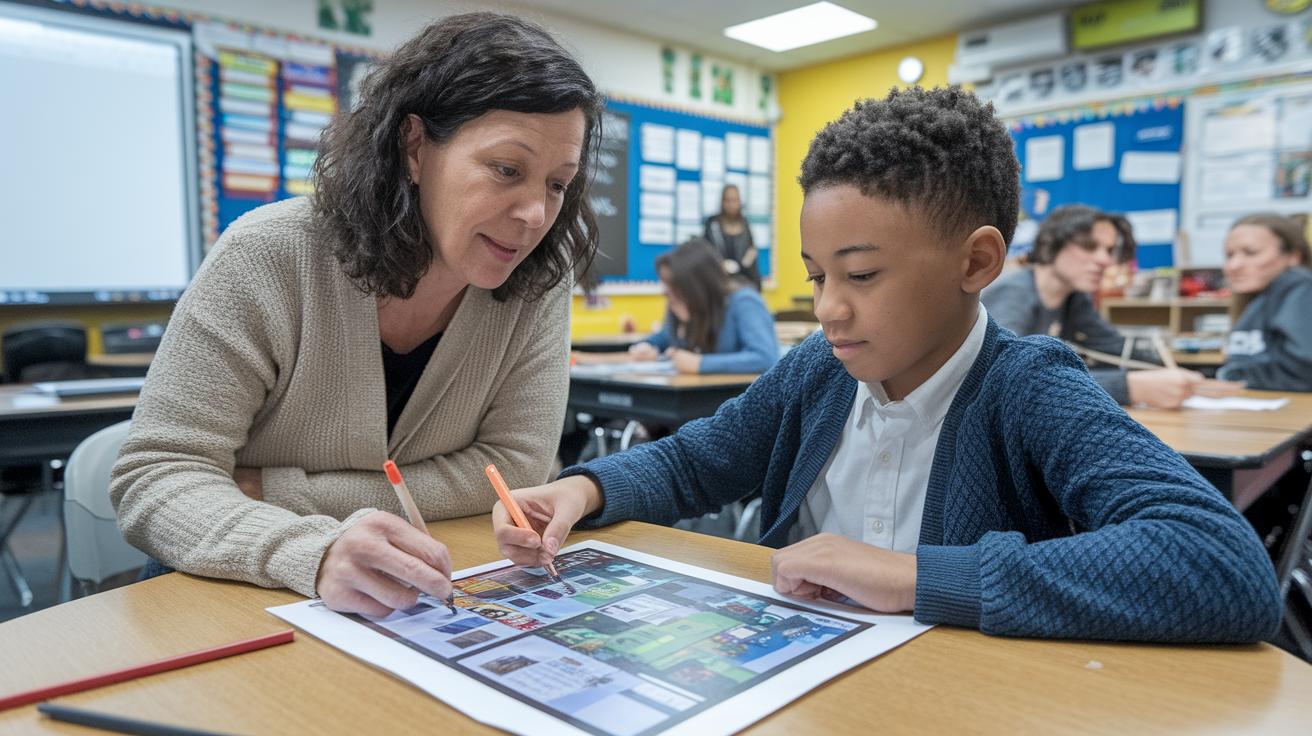
Digital storytelling is a fun and creative way to hit both your classroom goals and the curriculum standards. Start your project by picking out the main goals you want your students to hit, then link those to the topics in the curriculum. For instance, if you're aiming for students to dig into historical events, try turning a history report into a short film that hits the standards and piques their interest. This way, every creative effort nicely backs up what your students need to learn.
Next, teachers can guide students through the story creation step by step with tools like narrative maps and scaffolding support. Think of a story map as a simple chart that shows the route of ideas, just like planning a fun field trip. You might ask students to jot down their research and then sketch out how one part of their story flows into the next. With clear rubrics explaining what makes a good digital story and short tech tutorials for each step, students feel prepared and excited to create. One teacher mentioned that breaking down the process into easy, step-by-step parts really helps make storytelling achievable for everyone.
Finally, it's important to use smart assessments and tech tools to keep everything on track with your curriculum. Simple, tested methods like rubrics for story elements, technical accuracy, and research detail help you see what’s working and what might need a tweak. Students can also share their work in peer reviews or do a quick self-check, which builds a strong connection between creative expression and learning goals. When you mix clear guidelines with easy-to-use digital tools, the project becomes a well-rounded lesson that teaches both the subject matter and the art of storytelling.
Best Practices and Assessment for Digital Storytelling in Education
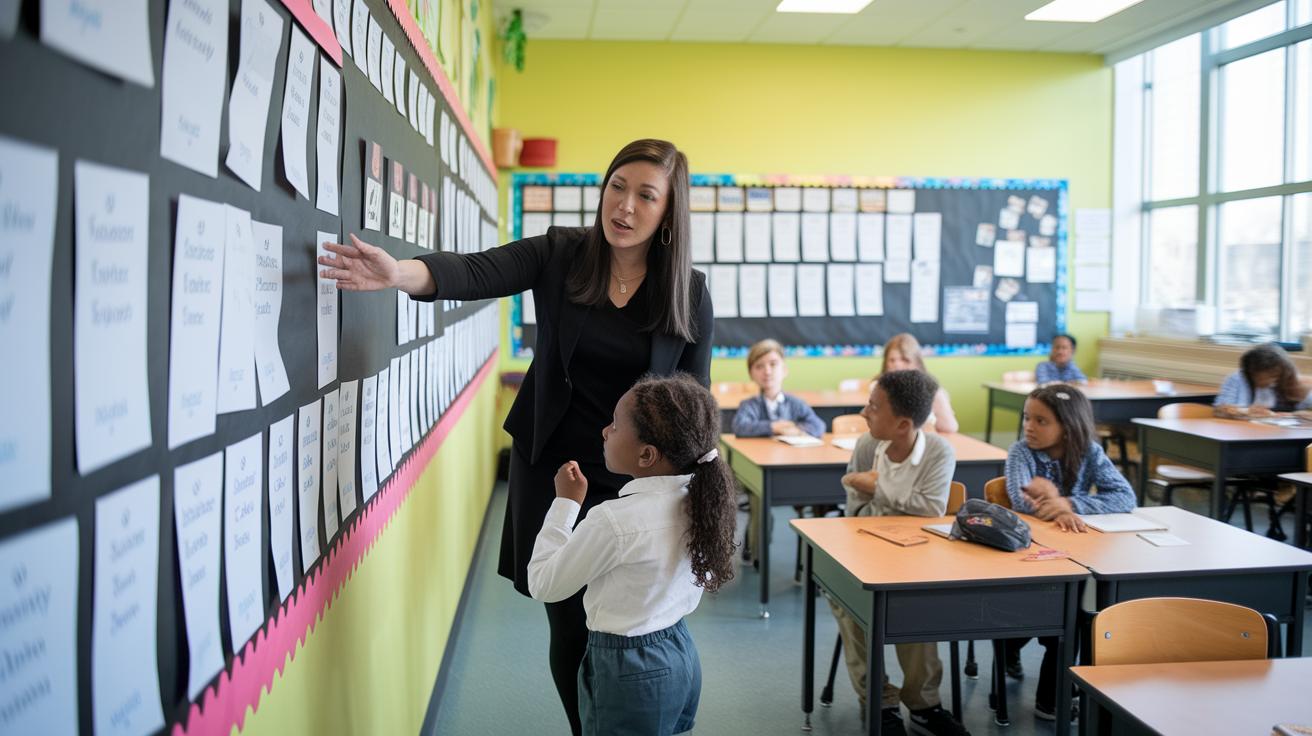
When you take charge in your classroom like a creative director, you set the tone for a fun and high-quality project. Begin by making a project plan that outlines what the project is all about and when each step should be done. It’s like signing up for a show where everyone knows their part from the start. This plan gives students the freedom to be creative while keeping them on track. Don’t be afraid to try different ideas and use tech support if any hiccups pop up along the way.
Think of assessment as a friendly chat that happens throughout the project, not just a final grade. Use simple checklists that look at key parts of storytelling, media skills, and the accuracy of the content. For example, you might share a checklist that says, "This project really shines in clarity and creative expression," to boost motivation. Let students give feedback to each other and check their own work so they can see what went well and what could be better. And when everything is finished, put on a public showing to celebrate their efforts, making them feel proud and ready to explore their creative side even more.
Case Study Examples of Educator-led Digital Storytelling

One teacher mixed ideas from a classic history book and an insightful podcast to create a digital storytelling adventure. Students dug into their community by collecting old photos, recording local voices, and layering interactive maps with expert audio clips. They ran into a few bumps, like syncing different media and fixing tech gaps, but these challenges sparked lively peer reviews and creative problem solving. One student even said, "I never thought digital tools could help us understand local issues better."
In another exciting twist, an English class reimagined a classic literature lesson as a graphic novel. Kids sketched key scenes, added dialogue, and experimented with storyboarding, all while sharing their thoughts in group critiques. Teachers noticed how much more engaged students were, and how their fresh visual take on old stories boosted critical thinking. These small group discussions even led to new ideas that reshaped classroom strategies.
Final Words
In the action, the post walked us through lively steps to transform everyday lessons into vivid digital narratives. It showed how to mix photos, audio, and video, choose smart tools, and build projects that truly connect.
Your classroom can become a hub of creative thought and fun collaborative experiences. Embrace digital storytelling for educators to spark curiosity and build lasting connections while keeping teaching as engaging as your favorite live show.
FAQ
What is free digital storytelling for educators?
Free digital storytelling for educators means using no-cost digital tools and resources to create engaging multimedia narratives in the classroom. It helps teachers creatively share lessons and boost student involvement.
Where can I find digital storytelling for educators PDF resources?
Digital storytelling for educators PDF resources provide step-by-step guides and sample projects. They offer clear instructions to transform traditional lessons into dynamic digital narratives.
What do digital storytelling examples for educators show?
Digital storytelling examples for educators show projects like explainer videos, podcasts, and interactive maps. They illustrate how teachers can present course content through creative storytelling techniques.
Is there a digital storytelling for educators PPT available?
Digital storytelling for educators PPT files present visual outlines that detail key steps, strategies, and tool recommendations. They serve as quick, accessible references for planning digital storytelling projects.
What are the best digital storytelling tools for teachers?
The best digital storytelling tools for teachers include user-friendly apps and websites that support multimedia creation. They simplify editing, help design engaging projects, and fit well with various classroom needs.
Where can I access free digital storytelling websites for educators?
Free digital storytelling websites for educators offer accessible online platforms that host creative digital tools. They provide easy-to-use features for teachers looking to integrate multimedia narratives into their lessons.