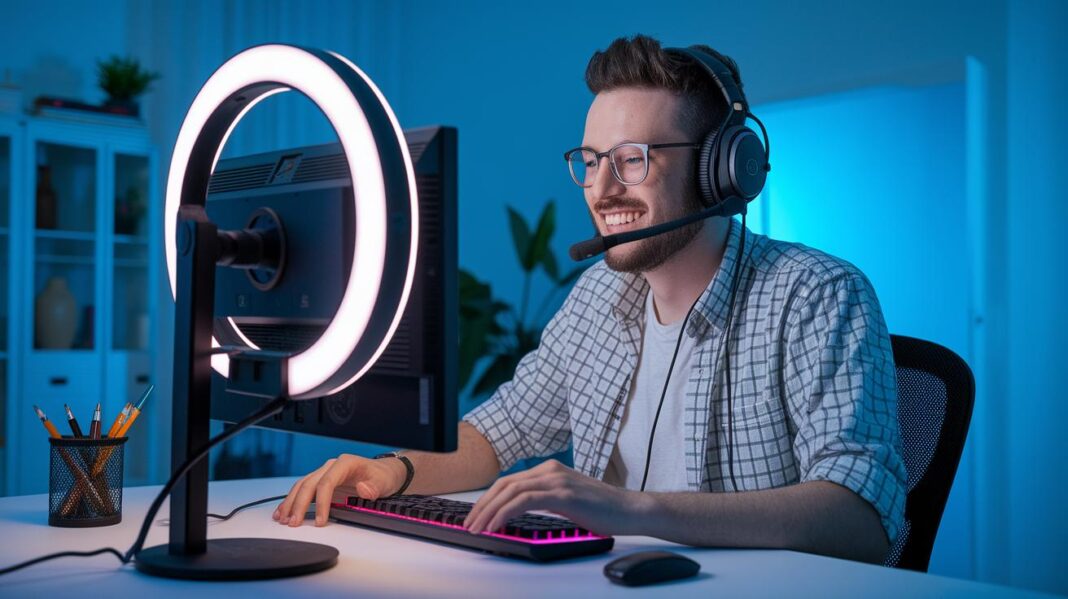
Have you ever noticed how some live streams capture every viewer's attention while others barely get noticed? A smart plan and the right equipment can turn your broadcast into an event that truly pops. Nearly 80% of viewers go for live video over plain text, so getting your stream set up properly is a must.
In this guide, we share five simple steps to help you create a smooth and engaging live experience. Think of it like setting up your own mini-show where every part works together to keep your audience hooked. Stick with us, and you’ll learn how to arrange your setup, interact with your viewers, and even sort out problems before they become a headache.
Essential Live Streaming Best Practices for Successful Broadcasts
Live streaming well starts with a clear plan. Before you go live, set your goals like planning your adventure. Whether you're hosting a fun gaming session, a chatty talk show, or showing off cool art tutorials, being clear about your aim makes every moment feel spot on. And here’s a fun fact: about 80% of viewers dig live videos more than text posts, so nailing your strategy matters just as much as your on-camera vibe.
Think of your best practices as five trusty building blocks: setup, engagement, troubleshooting, promotion, and analytics. First, make sure you have solid gear and test your streaming software so your broadcast is smooth and top-notch. Next, get in the mix with your viewers using lively chat and fun on-screen graphics that feel like a backstage pass. Then, run through quick checks to catch any tech hiccups before they spoil the fun. For promotion, craft catchy titles and stir up some buzz on social media to draw in the right crowd. Finally, use analytics as your personal guide to see what rocked and what can be even better next time.
Coming up, we'll dive deeper into each of these areas. You’ll get hands-on tips for setting up your tech, tricks to boost live interaction, and clever ways to handle pesky technical issues before they derail your show. Stay tuned, and get ready to boost your live streaming skills with practical ideas that can light up your digital stage.
Technical Setup and Equipment for Live Streaming Best Practices
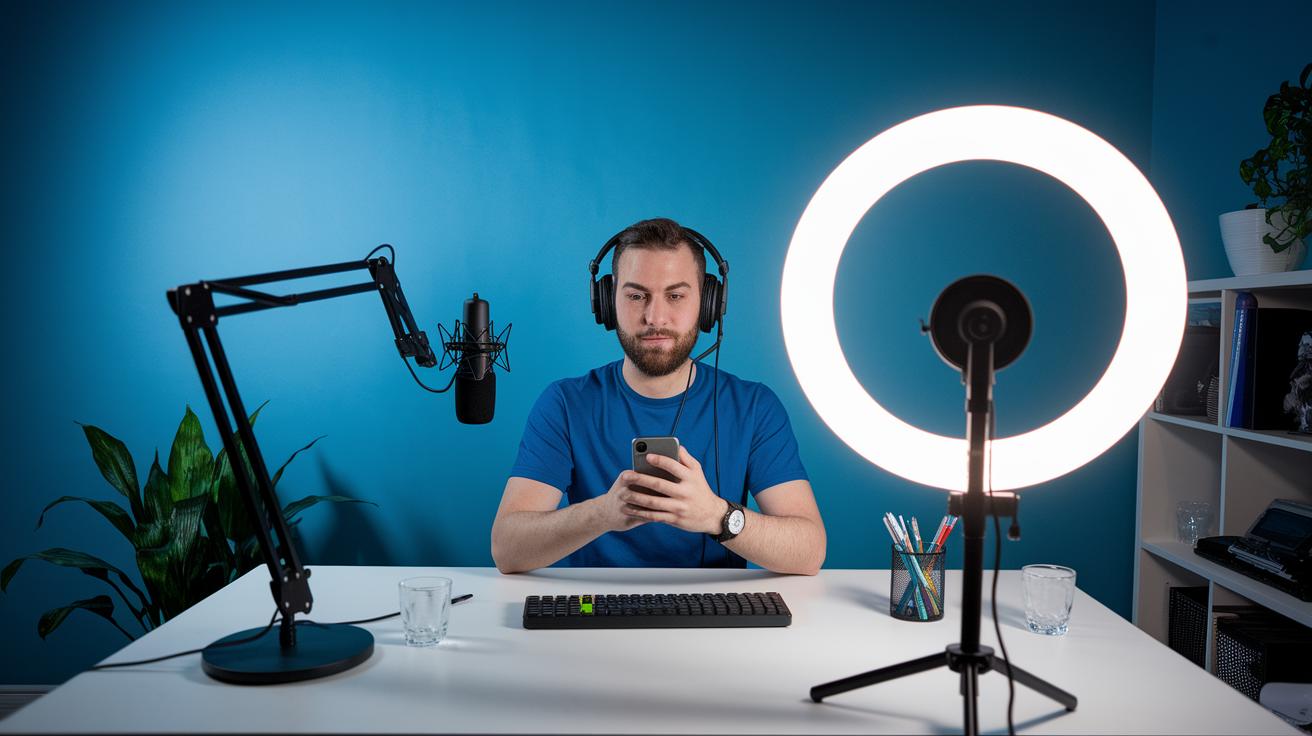
For a great live stream, your setup has to be on point. Clear video, crisp audio, and reliable gear are what make your broadcast pop. Make sure you have a good camera, a clear mic, and proper lighting to make everything look and sound amazing. And knowing your streaming software, like OBS Studio or Restream Studio, helps you fix any hiccups right as they happen. It all starts with the right technical readiness.
Internet and Bandwidth Requirements
Next up is your internet connection. A solid wired connection is key to keeping your stream smooth and steady. For high-def streaming, you’ll need an upload speed of at least 5 Mbps. Wired connections beat wireless ones by reducing delays and buffering, which keeps your broadcast sharp. Simple fixes like updating your router’s firmware and using quality cables can give your stream a real boost.
Production Equipment Checklist
To meet today’s broadcast standards, make sure your gear is in top shape. If you’re curious about deeper details, check out this live event production guide. Here’s a quick checklist to keep you covered:
| Equipment Category | Specs to Look For | Why It Matters |
|---|---|---|
| Camera | Full HD or 4K sensor | Sharp, clear visuals |
| Microphone | Condenser with pop filter | Clean, clear audio |
| Lighting | Softbox or LED ring light | Even, natural lighting |
| Computer | Multi-core processor, 8GB+ RAM | Smooth encoding and streaming |
| Streaming Software | OBS Studio or similar | Easy control and custom overlays |
Before you hit go-live, run through all of your gear one more time. A quick test of every component and a practice run of your stream flow can catch issues early and even boost your confidence.
Audience Engagement Tactics in Live Streaming Best Practices
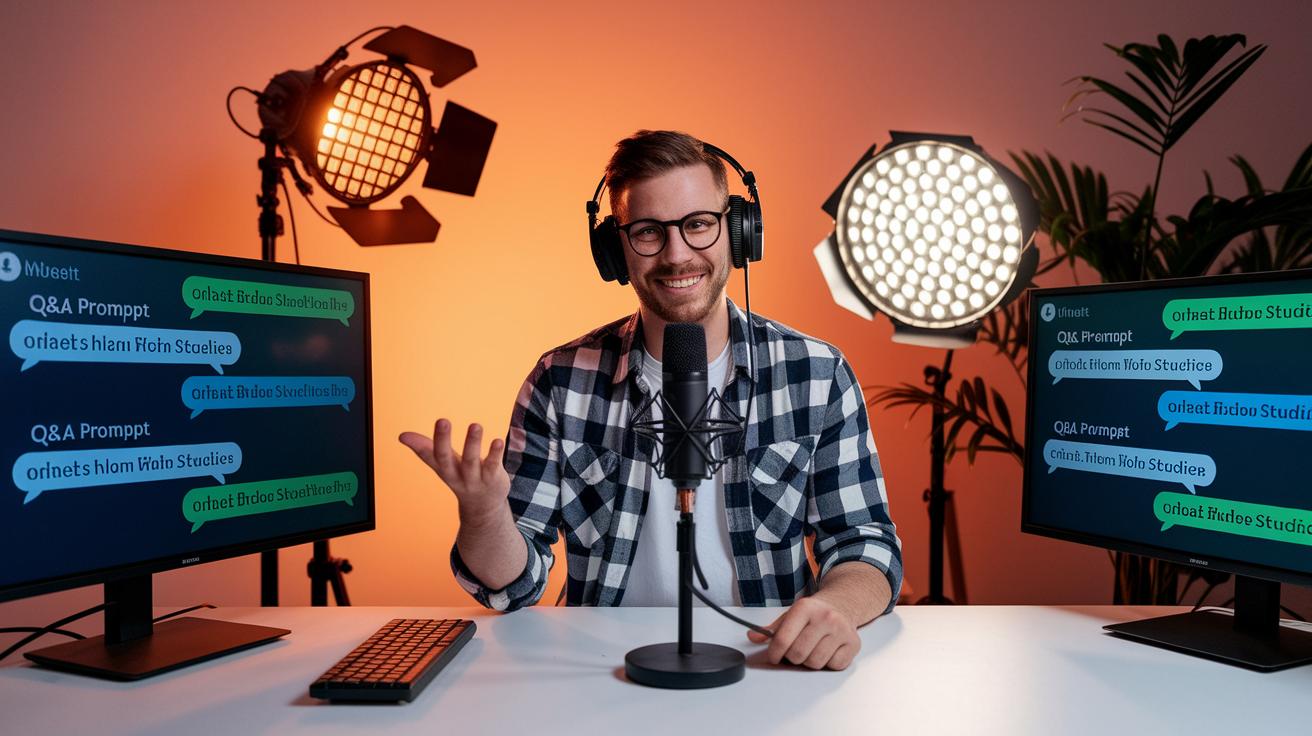
Live streaming lets you connect with your audience right then and there. It creates a warm, friendly space where viewers feel like they're part of a lively get-together. Picture your viewers as guests at a fun party, each chat, question, or smile adds to the electric vibe.
Here are some cool ways to mix things up during your stream:
- Live Q&A sessions
- Polls and surveys
- Real-time shout-outs
- Interactive overlays
- Screen sharing for demos
- Guest integrations
- Audience challenges or mini-games
Think of these techniques like handy tools for making your stream feel personal. Imagine hosting a live Q&A where you answer questions as they pop up, making every viewer feel like a close friend. Polls and surveys are a bit like deciding which song to play next during a hangout, they break up the flow and invite everyone to join in. Shouting out to viewers shows that their support truly matters. And when you use interactive overlays, share your screen, or invite a special guest, your stream gets an extra burst of creativity. Even simple challenges or mini-games add a playful twist that keeps the energy high.
These ideas don’t just boost chat, they help build a genuine bond with your viewers. When people feel really involved, they stick around, join in more, and end up spreading the word. In the end, it all adds up to a shared live experience where everyone is connected, having fun, and feeling the buzz together.
Troubleshooting and Quality Assurance in Live Streaming Best Practices
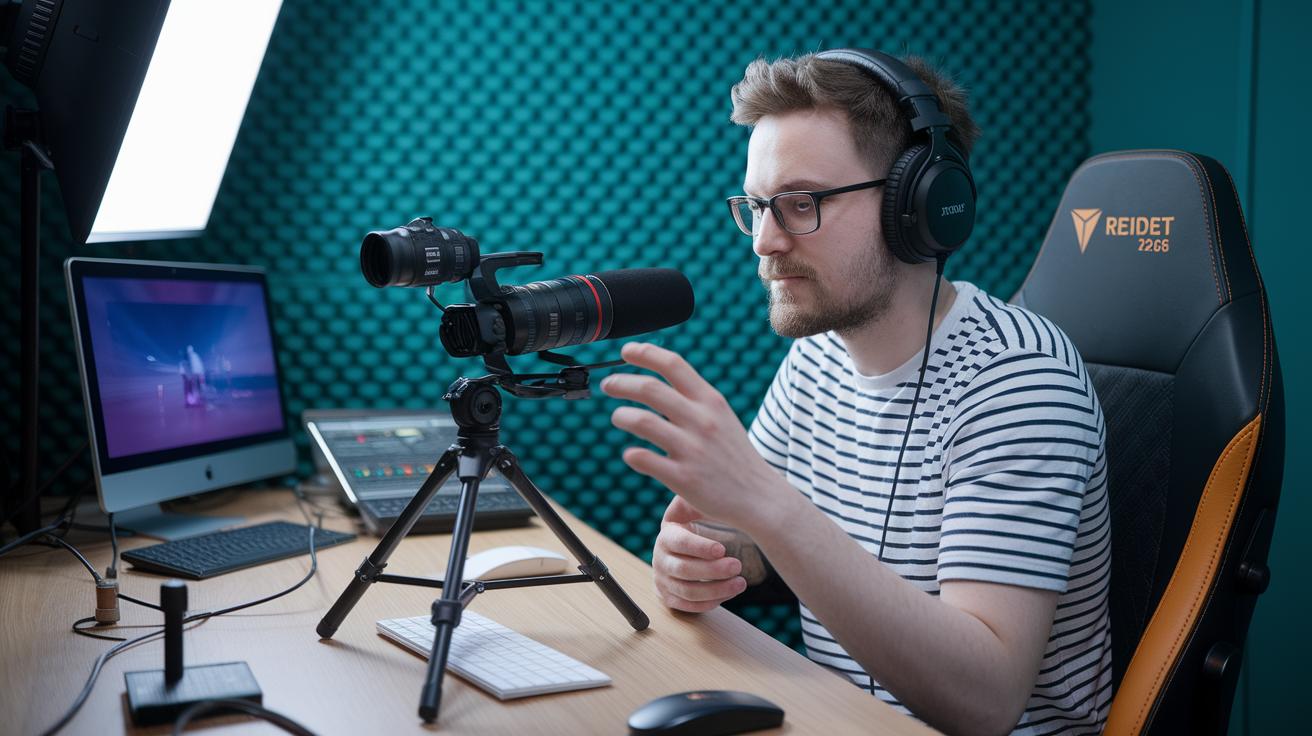
Before your show goes live, it's a smart idea to check your gear and internet connection. Give each piece a quick trial run, say something like, "Camera Test – Check live feed clarity before the show begins." This means you test your cameras, microphones, and lights while keeping an eye on stream details like how often keyframes appear and picture grouping. Fixing little issues before anyone notices keeps the vibe high and your viewers tuned in.
It’s also key to have a backup plan ready. If your main encoder fails, a backup encoder or local recording can be a real lifesaver. This lets you quickly handle any hiccups and keeps your audience engaged without missing a beat. And if you run into trouble, just follow this simple checklist:
- Check that all your hardware is connected and powered up
- Make sure your internet is steady with low delay
- Look at your encoder and software logs for any red flags
- Switch to an alternate stream or use a restore point if needed
Promotional Strategies and Platform Recommendations in Live Streaming Best Practices

Before you go live, getting the word out is the first step toward an epic broadcast. Try using social media posts, emails, and even teaming up with influencers to spark excitement. Picture sharing a fun teaser or a behind-the-scenes clip that has viewers buzzing with anticipation. With almost 70% of brands planning to boost their influencer budgets next year, it’s clear that building this pre-event hype really works.
Picking the perfect platform and making sure your stream pops up online is just as important. Whether you're streaming intense gaming on Twitch, hosting a lifestyle chat on Facebook Live, or engaging professionals on LinkedIn Live (learn more), choose the space that fits your style. Create a stream title and description that grab attention like a headline for your favorite concert, something clear like "Live Expert Tips on Creative Streaming" to draw in the right crowd. Adding the right keywords helps your event shine in search results.
Everything should work together, from your promotional plan to your platform choice. When each piece lines up with your event goals and your audience’s expectations, you lay the groundwork for a lively, engaged crowd. This thoughtful approach not only boosts attendance but also builds a community that's excited for your next live stream.
Post-Event Analysis and Content Repurposing in Live Streaming Best Practices
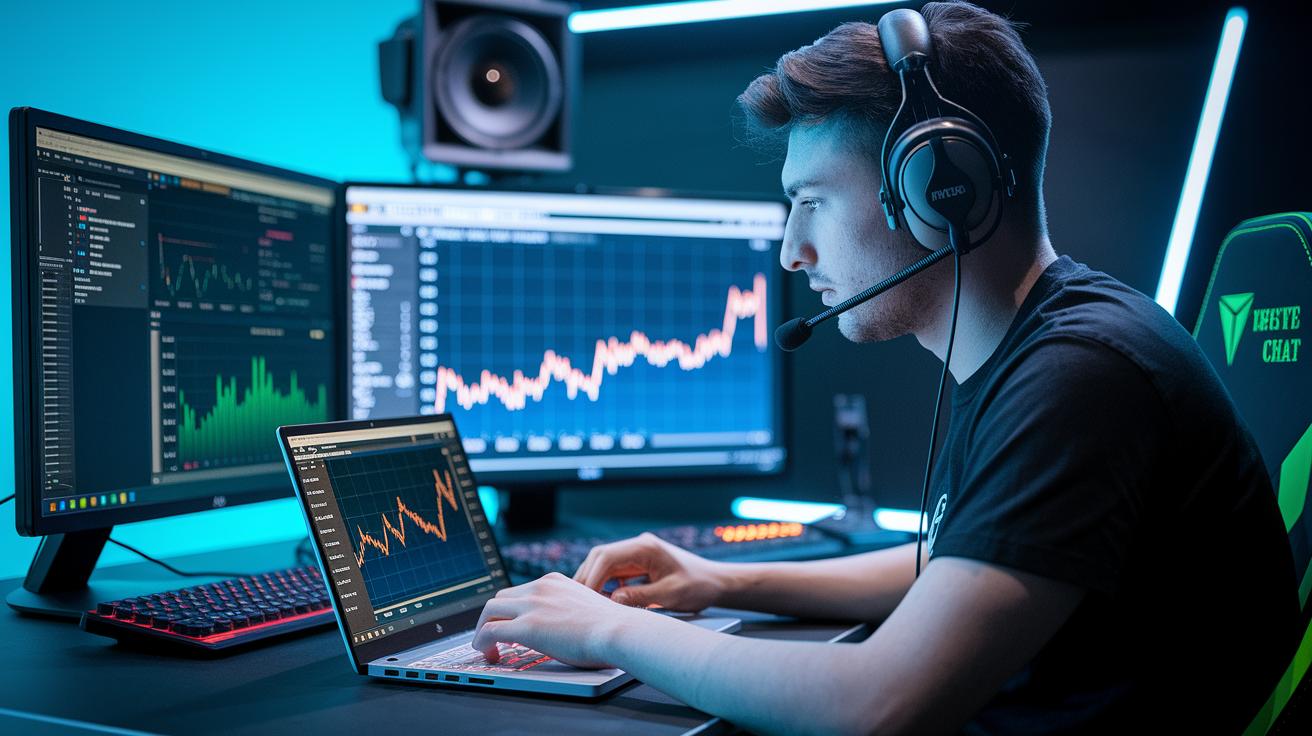
Once your live stream wraps up, dive headfirst into your analytics. Check out simple numbers like how many people tuned in at once, the highest peak of viewership, total plays, and how active the chat got. Think of these as a report card for your event. If you notice a spike during a Q&A, for example, it shows your viewers really dig that live interaction.
And don’t forget to follow up with your audience. Send a quick thank-you note or a casual social post letting them know you appreciated their time, and ask for a bit of feedback. It’s just like catching up with a friend after a great hangout, and it helps keep your community excited for more.
Next, consider giving your stream a second life by repurposing the content. Turn the recorded event into an easy-to-read blog post, share bite-sized clips on social media, or create a highlight reel of those unforgettable moments. This not only keeps your content lively but also gives you insight on what resonates with your audience. By reusing the best parts of your stream in fresh ways, you transform one live session into a lasting resource that continues to spark engagement.
Case Studies Demonstrating Live Streaming Best Practices
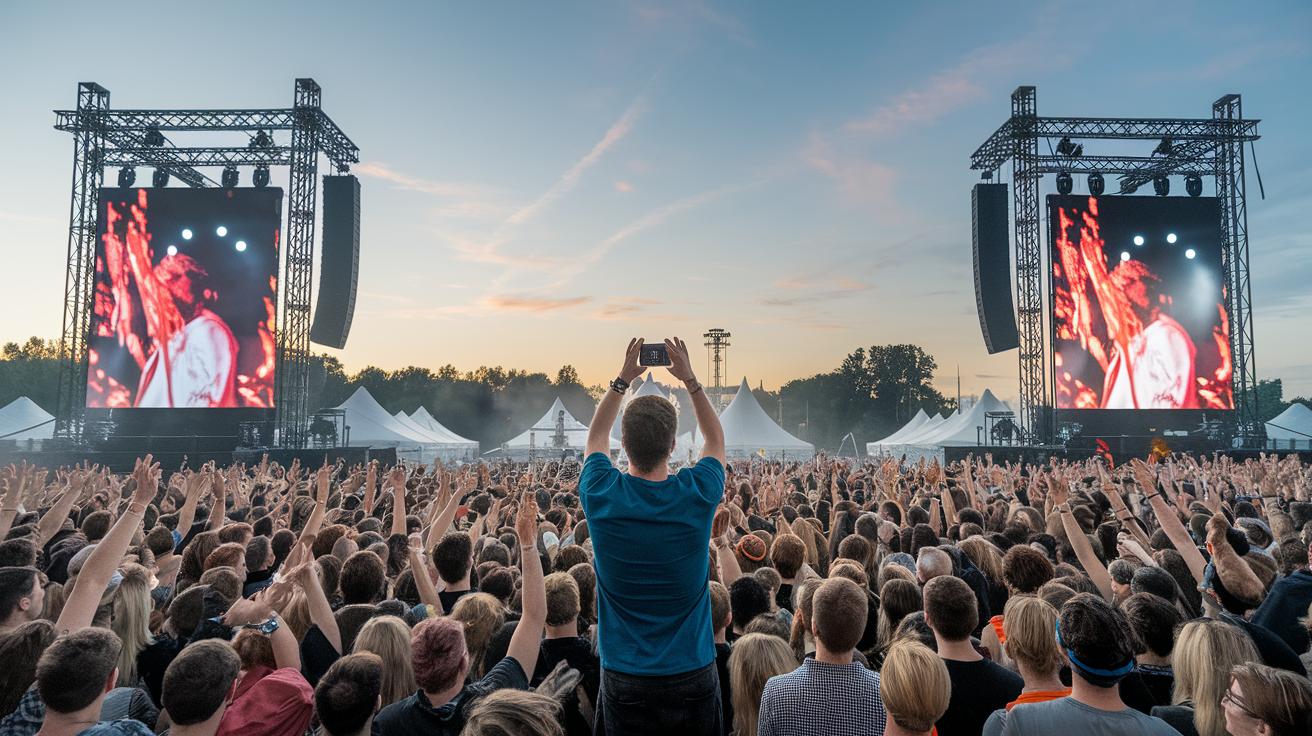
At Lollapalooza, streaming from multiple channels in high definition brought the festival's energy to life for fans everywhere. Imagine watching from several angles, with every clear detail making you feel right in the middle of the excitement. This approach not only cranked up the vibe but also raised the bar for professional live broadcasts.
SXSW lit up the screen by blending interactive fun seamlessly into its live sessions. Picture joining in as live polls, surveys, and Q&A segments pop up right when you need them, letting you shape the experience on the spot. Ever felt the rush when you get to decide what happens next? That’s the thrill of a live event done right, keeping conversations buzzing and everyone tuned in.
For the New Year's Eve Ball Drop, smart planning meant the show went on no matter what. Dynamic overlays and a backup stream were on standby so that if one part stumbled, another picked up the pace instantly. This clever setup ensured the countdown stayed smooth and the celebration rolled on uninterrupted around the globe.
Final Words
In the action, this article outlined a clear plan for a smooth broadcast. We walked through technical setup, engaging viewers, quick fixes, promotion tips, and post-event review, all key to strong live streaming best practices.
Each step was explained in bite-size parts to keep things simple and show you how to create electrifying live sessions. Stay curious, keep experimenting, and enjoy every moment of your stream. Let every broadcast bring excitement and real connection to your audience.
FAQ
What do free live streaming best practices include?
Free live streaming best practices offer no-cost tips that cover optimal technical setups, audience interaction tweaks, and quick-fix ideas for common challenges to boost your broadcast quality.
What is StreamYard?
StreamYard is a cloud-based streaming tool that makes it easy to broadcast live with multiple participants and interactive visuals, helping you run smooth, engaging sessions.
How can I watch a live stream on YouTube?
Watching a live stream on YouTube means heading to the live section or clicking a broadcast link, allowing you to join real-time events with just one click.
What does live streaming on YouTube involve?
Live streaming on YouTube involves broadcasting video in real time, interacting with viewers via chat, and engaging your audience instantly throughout the session.
What is Twitch all about?
Twitch is a leading platform for live streaming, especially popular with gamers, where you can watch or broadcast creative content while interacting in real time.
What YouTube terms are needed to enable live streaming?
Enabling live streaming on YouTube means your account must meet specific criteria, including verification and adhering to community guidelines, then activating the live feature in your settings.
How do I go live with a stream?
Going live means starting a real-time broadcast by setting up your gear, launching your chosen streaming platform’s live mode, and inviting your audience to join the experience.
How can I live stream on YouTube without 1,000 subscribers?
Live streaming on YouTube without 1,000 subscribers is possible once you verify your account and meet eligibility requirements, allowing you to activate live streaming in your channel settings.
Which protocol is best for live streaming?
The best protocol for live streaming is often RTMP, as it offers a solid, widely supported connection ideal for transmitting smooth, high-quality video with minimal delay.
How can I professionally live stream?
Professional live streaming means using high-quality equipment, a reliable wired internet connection, well-tested streaming software, and engaging directly with viewers during the broadcast.
How do I prepare for a 24-hour live stream?
Preparing for a 24-hour live stream means planning your content schedule, arranging timed breaks, thoroughly testing your tech setup in advance, and having backup gear ready just in case.
What are the best settings for live streaming?
The best settings for live streaming include using a minimum 5 Mbps upload speed, optimized resolution and bitrate, accurate encoder configurations, and a stable, wired network to keep your broadcast smooth.