Ever wonder if you can get professional live streaming without emptying your wallet? You really can. There are budget-friendly options that deliver amazing live events with clear video, friendly support, and all the features you need.
Imagine setting up an event like a live concert, where every detail is sharp and smooth. Whether you're ready to host a big celebration or just dipping your toes into the scene, smart choices can still bring you top-notch broadcasts.
We’re diving into platforms that offer reliable streaming while keeping the costs low. So why not explore how clever spending can light up your live events and bring out the magic without breaking the bank?
Comparing Top Affordable Live Streaming Platforms
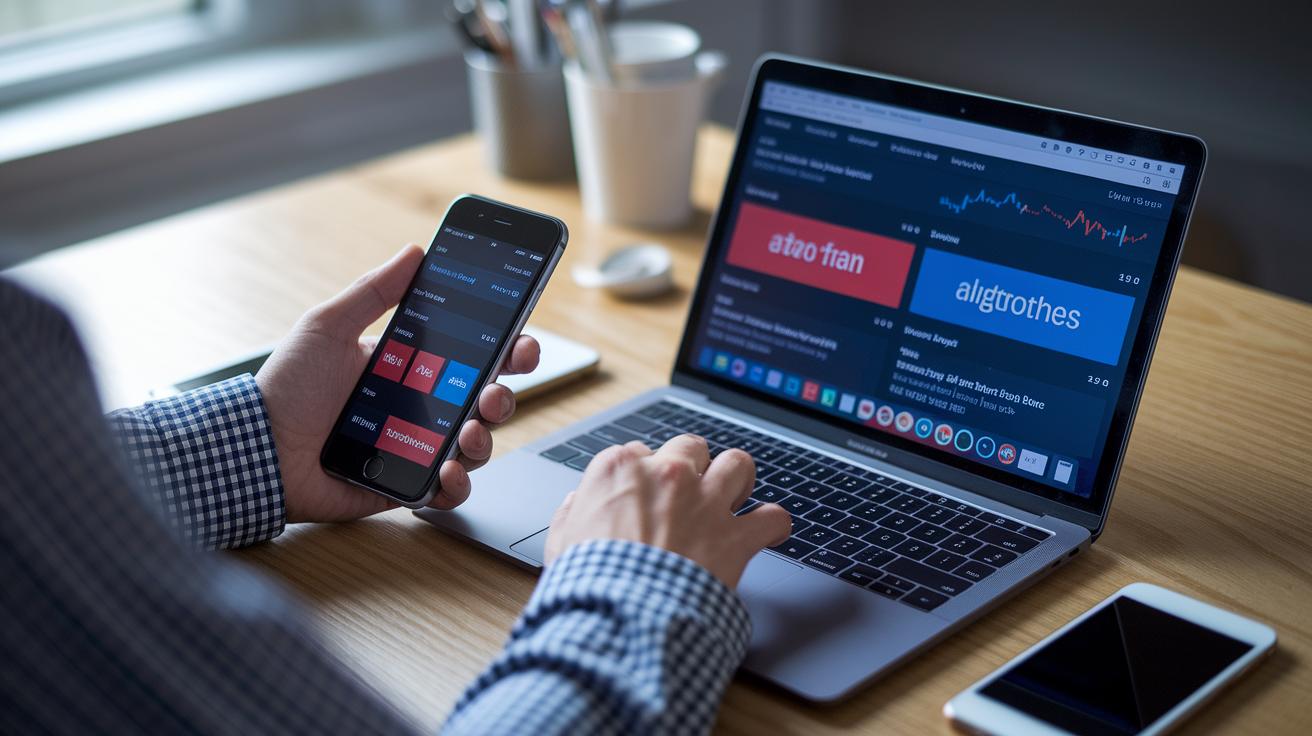
Finding the right streaming platform can really boost your live event without emptying your wallet. When you're keeping an eye on every dollar, you deserve a service that gives you clear, crisp video and all the essential features you need. For anyone getting ready for a big event, it’s all about balancing cost, storage, and the must-have extras.
| Platform | Starting Price | Bandwidth/Storage | Key Features |
|---|---|---|---|
| Dacast | $39/month (annual) | 2.4 TB / 500 GB | Live streaming, VOD, white-label branding, 24/7 support |
| SermonCast | $29/month | 30 GB hosting / 40 GB bandwidth | Cost-effective, simple streaming setup |
| StreamingChurch.TV | $79/month | Not specified | Church-specific features, unlimited streaming |
| Vimeo Premium | $12/month (annual) / $20/month | 100 GB | Custom URLs, auto captioning, collaboration tools |
| YouTube Live | Free | Based on platform limits | Zero fees, basic branding options |
Paid platforms often offer cool extras like custom branding, more storage, and round-the-clock support, which can be a lifesaver if things get a bit glitchy during a broadcast. On the flip side, free services are great if you’re just starting out or hosting a smaller event, even though they usually come with limits on things like customization and data control. In the end, your choice depends on your budget and how professional you want your stream to look. If features like white-labeling and extra bandwidth matter to you, a small monthly fee might just be the perfect investment to keep your show running smoothly.
Essentials for Affordable Live Streaming Solutions: Hardware and Software
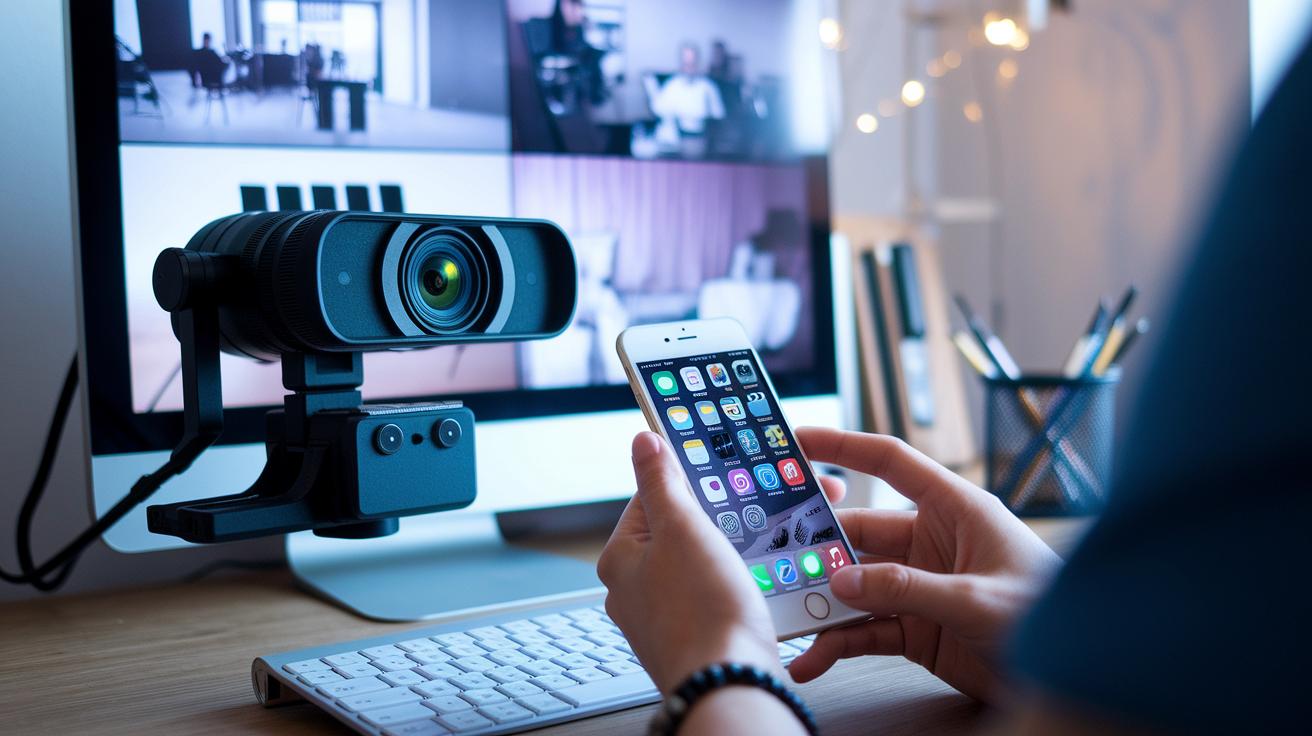
Getting the right mix of gear and software is a must for keeping your live streams both affordable and awesome. When you use quality devices, you capture crisp video and clear sound without stressing your wallet. And with user-friendly software that ties everything together, mixing inputs and adding cool overlays, you can keep initial costs low while still putting on a top-notch show.
Here are some great picks to consider:
- Smartphone (iPhone/Android): Comes with a built-in 1080p or 4K camera; super portable and simple to use.
- Logitech C920 webcam: Around $70 with 1080p resolution; consistently delivers clear visuals.
- Entry-level DSLR (Canon EOS M50): Priced at about $579; offers professional-quality video.
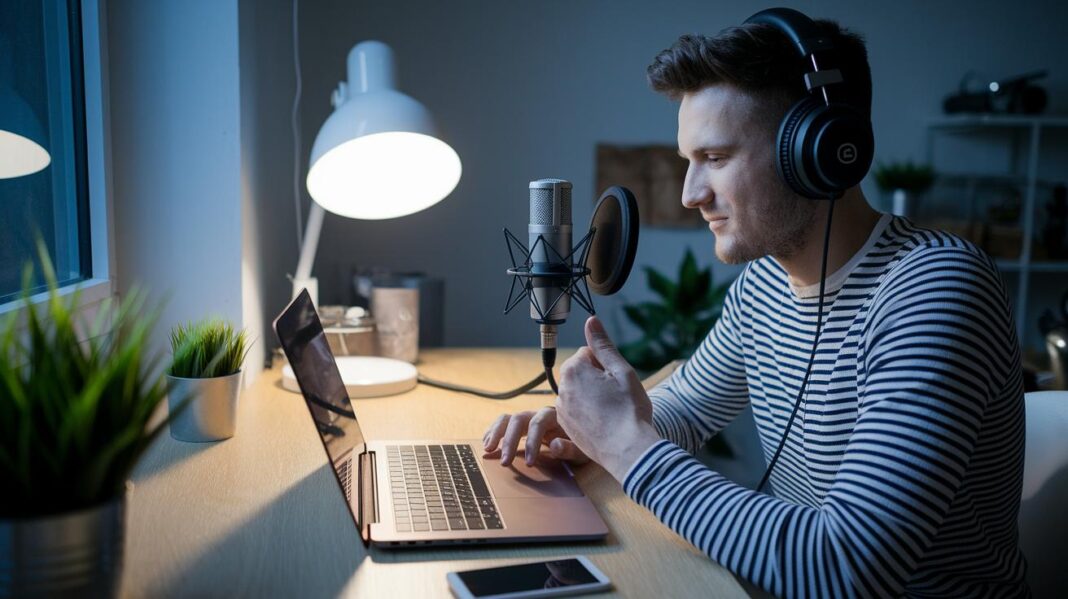
- USB mic (Blue Snowball): Around $50; boosts audio clarity for a balanced sound.
- Lavalier microphone: Costs roughly $20; perfect for picking up sound discreetly when you're on the move.
- OBS Studio: A free encoder that lets you mix scenes; works on multiple platforms with customizable overlays.
- Streamlabs OBS: A free, easy-to-use program ideal for beginners easing into live broadcasts.
Starting with basic equipment like your smartphone and free software is a smart way to test the waters. As your audience grows and you get more comfortable, gradually upgrading to dedicated cameras and better audio tools will make your presentations shine. This step-by-step approach lets you boost your production quality without a huge upfront investment, keeping the magic alive and your budget intact.
Guide to Affordable Live Streaming Solutions Setup
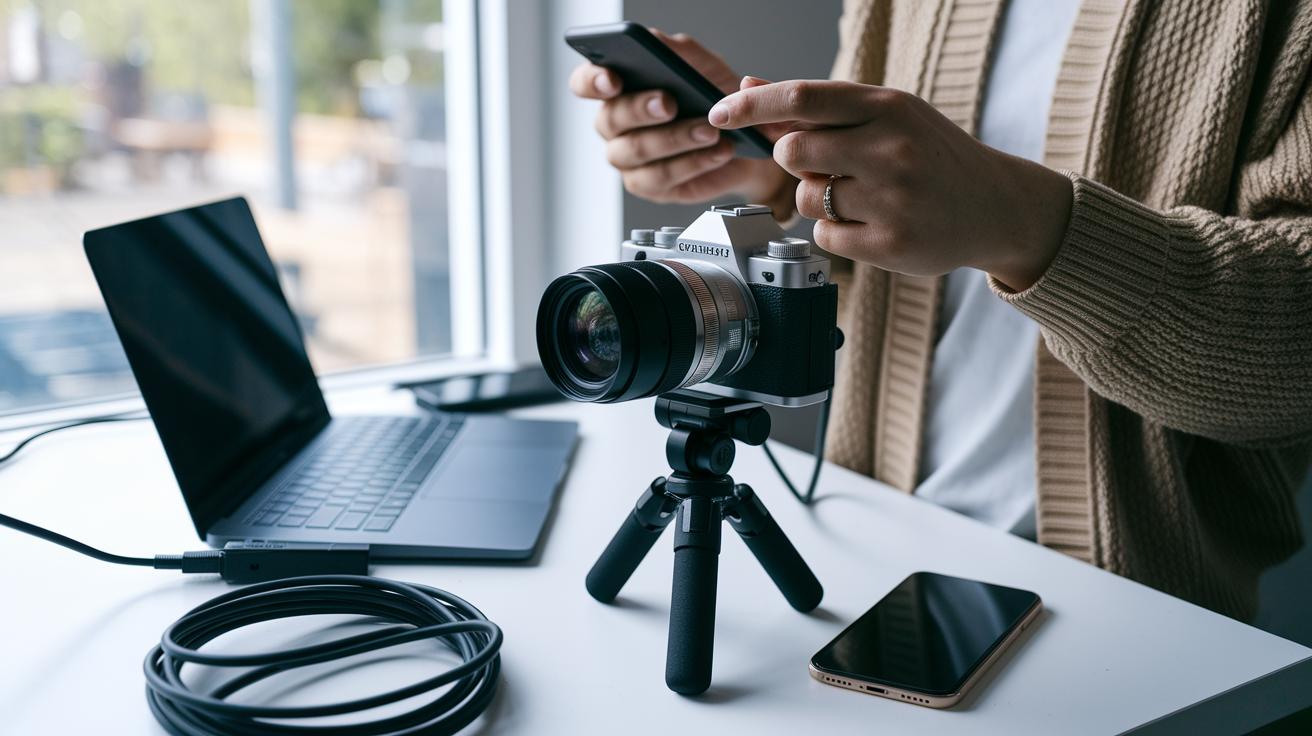
When everything is set up right, your live broadcast feels smooth and fun, not a glitch in sight. A smart, budget-friendly plan means putting each part in place carefully without spending too much. These simple, money-saving tips help you get the best out of your setup even when funds are tight. Tuning your gear, software, and network means your audience enjoys clear video and crisp sound without any annoying interruptions.
Hardware Configuration
First, make sure your camera is held steady. Use a budget tripod or mount to keep it stable and secure. Hook up your microphones, whether they’re built-in or an affordable USB option, to capture clear sound. Try using clip-on LED lights to brighten your space without splurging. And it’s always a good idea to have a backup, like a power bank or surge protector, so unexpected power issues don’t steal the show.
Software and Encoder Configuration
Next, download free streaming tools like OBS Studio or Streamlabs OBS to mix your video and audio easily. Set up different scenes so you can quickly switch between camera angles, slides, or on-screen graphics. Look for your RTMP key in your streaming platform’s settings and pop it into the encoder. Aim for settings around 2,500–4,000 kbps at a 720p resolution and 30 frames per second to strike a balance between quality and your internet speed.
Network Optimization
Lastly, use a wired Ethernet connection to cut down on buffering. Test your upload speed and try to keep it above 5 Mbps. Also, reduce the number of devices using your network during your stream, and consider going live during off-peak hours to avoid congestion. For more tips, check out digital media solutions.
Cost-Saving Strategies in Affordable Live Streaming Solutions
If you're just dipping your toes into live streaming, free services like YouTube Live and Facebook Live can be a great way to start without worrying about subscription fees. They're perfect for beginners, though you might notice they come with only basic viewer stats and limited options for custom branding.
On the other hand, if you’re planning something bigger or more professional, paying a small fee for a platform can unlock cool extras, like custom branding and detailed analytics, that really make a difference.
Ever heard of adaptive bitrate streaming? It’s a nifty feature that adjusts your stream’s quality based on the current internet speed. So, if the network slows down, your stream might drop from high quality to a smooth 720p, helping you cut down on data use while keeping viewers happy.
Plus, using built-in archiving in free platforms can help you dodge extra storage charges. And if you time your streams during off-peak hours, you might just see better stability. All these smart moves work together to let you air top-notch content without breaking the bank.
Measuring Performance of Affordable Live Streaming Solutions
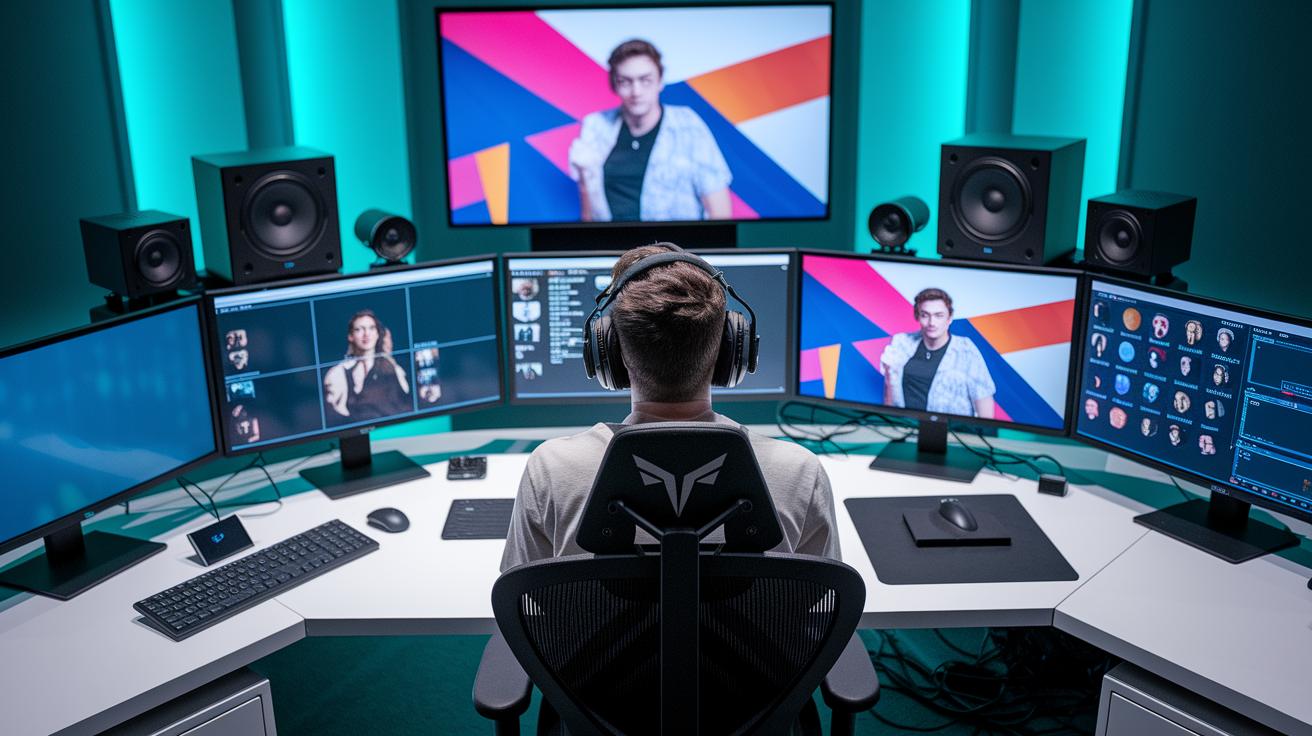
Keeping an eye on key numbers is one of the easiest ways to see if your live stream is hitting the mark. Instead of spending extra time and money, just watch metrics like viewer count, watch time, and chat participation. These numbers give you a real feel for how gripping your stream is and tell you if your audience is sticking around.
Many popular platforms let you tap into free data. For instance, YouTube Live and Facebook Live offer simple stats like how many viewers are tuned in and how active the chat gets. Zoom provides breakdowns of attendance along with feedback from polls and Q&A sessions. Some services, like Dacast and BoxCast, even offer live dashboards that display details like viewer numbers, locations, and total watch time.
Take these free insights and use them to shape your next live session. Look for moments when viewers are extra engaged and spot any drop-offs so you know when to tweak your content or tech setup. With solid data in hand, you can try out new ideas to keep your live stream fun, engaging, and wallet-friendly.
Choosing Wallet-Friendly Broadcast Systems for Affordable Live Streaming Solutions
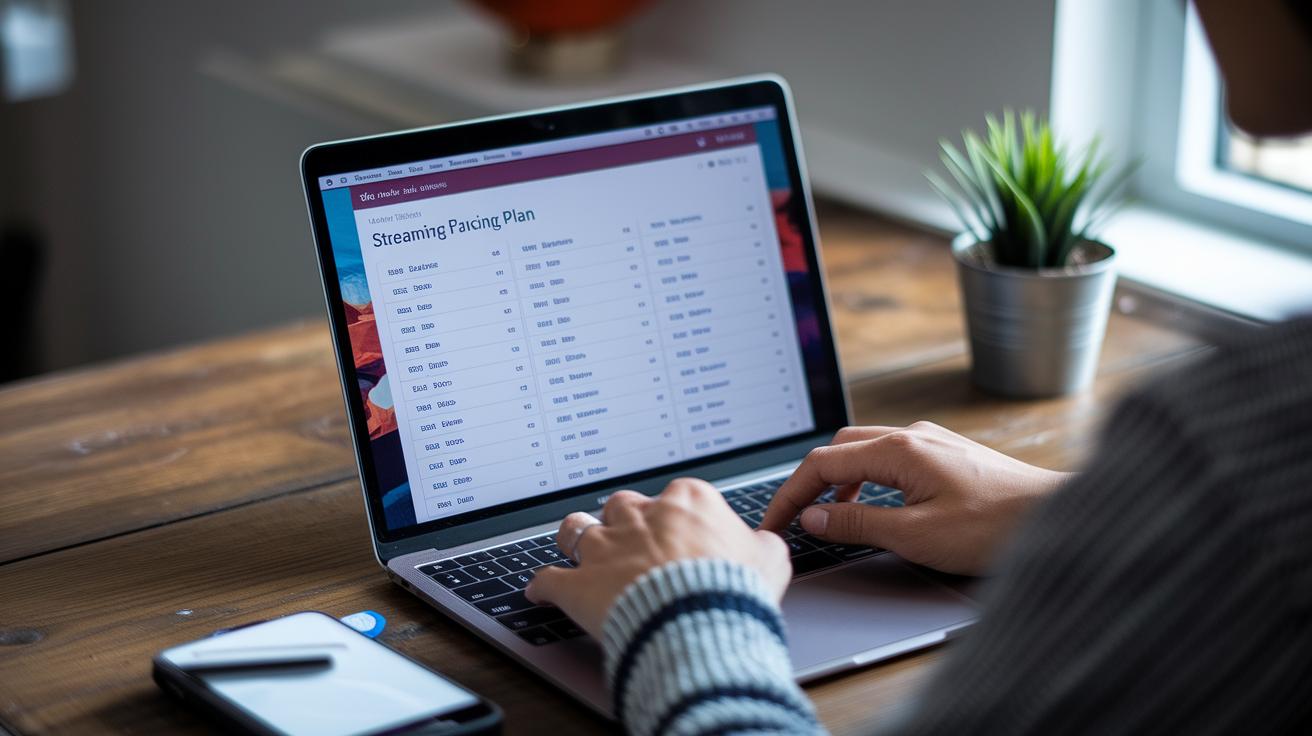
Many streaming platforms have pricing plans to suit different needs. If you’re hosting a small event or a basic live show, you can often start with plans that run about $0 to $20 a month. But if you're after extras like custom branding, DVR for replaying your moments, tools to help make money, and a tighter security setup, plans in the $29 to $79 range might be your best bet.
There are also one-time investment setups. For example, MyChurchWebsite offers a complete system for around $3,500, so you won't need to worry about monthly fees. I remember hearing about a local community group that switched from a free service to a paid plan for a smoother, more secure broadcast experience. They noticed fewer technical hiccups and a better overall show quality.
When checking out different systems, don’t just compare the price tags. Think about how the system will grow with you:
- Cost: Is the monthly fee sustainable as your project grows?
- Features: Does the system include handy extras like analytics and secure streaming?
- Scalability: Will it work just as well for a small crowd and then seamlessly support bigger events later on?
A small organizer even shared that moving to a paid plan boosted their viewer engagement by 35% during live shows, proving that a little investment can go a long way.
Final Words
in the action, we broke down cost smart platforms alongside clear hardware and setup tips. The guide showed how simple, everyday tools can power compelling live broadcasts while still keeping an eye on the price tag. We shared smart strategies to trim costs without losing quality and explained effective ways to monitor performance.
Every section painted a picture of how live events can shine on a modest budget. With affordable live streaming solutions, the future of digital entertainment looks exciting and accessible for everyone.
FAQ
Q: What are the best affordable live streaming solutions?
A: The best affordable live streaming solutions balance cost, storage, and features while earning positive reviews on platforms like Reddit. They cater to diverse needs, whether you’re a beginner or seeking advanced options.
Q: How does Sling TV perform as a live streaming service?
A: Sling TV delivers a cost-efficient package with flexible channel options. It appeals to users wanting a simple, varied channel lineup without high monthly expenses.
Q: What free live TV streaming services are available?
A: Free live TV options, such as YouTube Live and Facebook Live, let you broadcast without monthly fees. They’re great for casual use and basic viewing without extra costs.
Q: What does DIRECTV Stream offer for live TV streaming?
A: DIRECTV Stream provides a mix of live channels and on-demand content through a flexible plan. It’s designed for viewers who need a broad range of programming at a reasonable price.
Q: How does Hulu + Live TV rate in terms of affordability and features?
A: Hulu + Live TV blends live channels with a rich on-demand library. It delivers local channels and an intuitive interface, making it a strong choice for those seeking quality at a moderate price.
Q: Which live TV streaming service is the least expensive?
A: The least expensive live TV streaming service typically falls within the $10–$20 per month range. Options like Philo provide basic live channels for budget-minded viewers.
Q: What is the $20 a month streaming TV service?
A: The $20 a month streaming TV service usually refers to a platform offering both live and on-demand content. It targets users looking for a balanced mix of channels and features without a high cost.
Q: Which streaming service costs around $10 a month?
A: Streaming services around $10 a month offer essential live TV with a straightforward channel lineup. These options are perfect for users who prefer basic viewing without extra bells and whistles.
Q: How do YouTube TV, Fubo, Hulu, Philo, and Paramount+ compare?
A: YouTube TV, Fubo, Hulu, Philo, and Paramount+ each bring a unique mix of channels, pricing, and extra features. They cater to different viewer needs—from sports enthusiasts to fans of general entertainment.