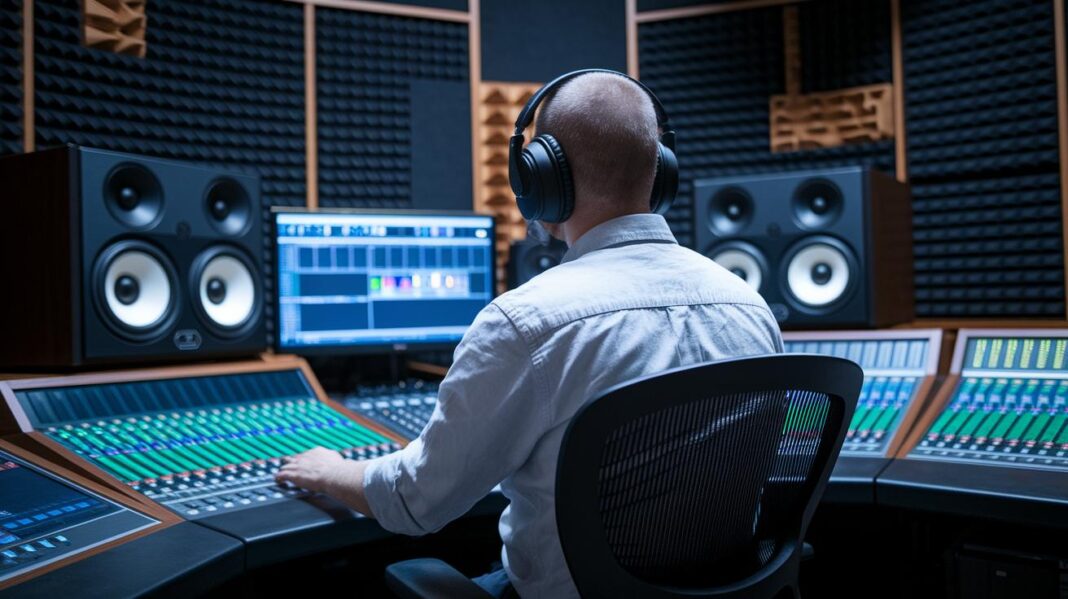
Ever notice how your favorite songs can sometimes feel a bit flat? Imagine stepping into a room where sound wraps around you from every direction, just like being at the front row of an electric live show.
In this piece, we break down how immersive audio works. We’ll share some cool tricks that make every note sparkle and every beat feel alive.
You'll quickly see how sound moves all around you, turning ordinary listening into a full-blown experience. So get ready to enter a world where you don't just hear music, you feel it deep in your bones.
Immersive Audio Fundamentals: How Three-Dimensional Sound Unfolds
Imagine stepping into a concert where sound flows all around you, not just from the left or right but from above, below, and every angle in between. Immersive audio takes you beyond the usual stereo and surround sound. It creates a three-dimensional space that fills the room with life, just like the electric buzz of a live performance.
Traditional stereo gives you a simple left-to-right feel, and surround sound adds a few more speakers into the mix. But immersive audio changes the game by positioning sounds on both horizontal and vertical planes. Think of it as moving from a flat painting of sound to an entire moving scene that surrounds you completely.
Speaker systems that deliver immersive audio often use many channels. For example, a 7.1.4 setup uses seven speakers at ear level plus four placed overhead, creating a soundstage that wraps around you. It’s much like being at a live show where the music hits every corner of the room. Headphones, too, can bring this magic to life. They use clever tricks, like binaural cues and head-related sounds, to mimic a full 3D environment, making it seem like the sound is bouncing right around your head.
And now, thanks to major streaming platforms like Apple Music, Netflix, Disney+, and Tidal, immersive formats like Dolby Atmos and Apple Spatial Audio are turning everyday listening into an adventure. Every track or movie feels richer and more alive, as if you’re right in the middle of a vibrant, immersive scene.
Immersive Audio Processing Steps: From Capture to Playback
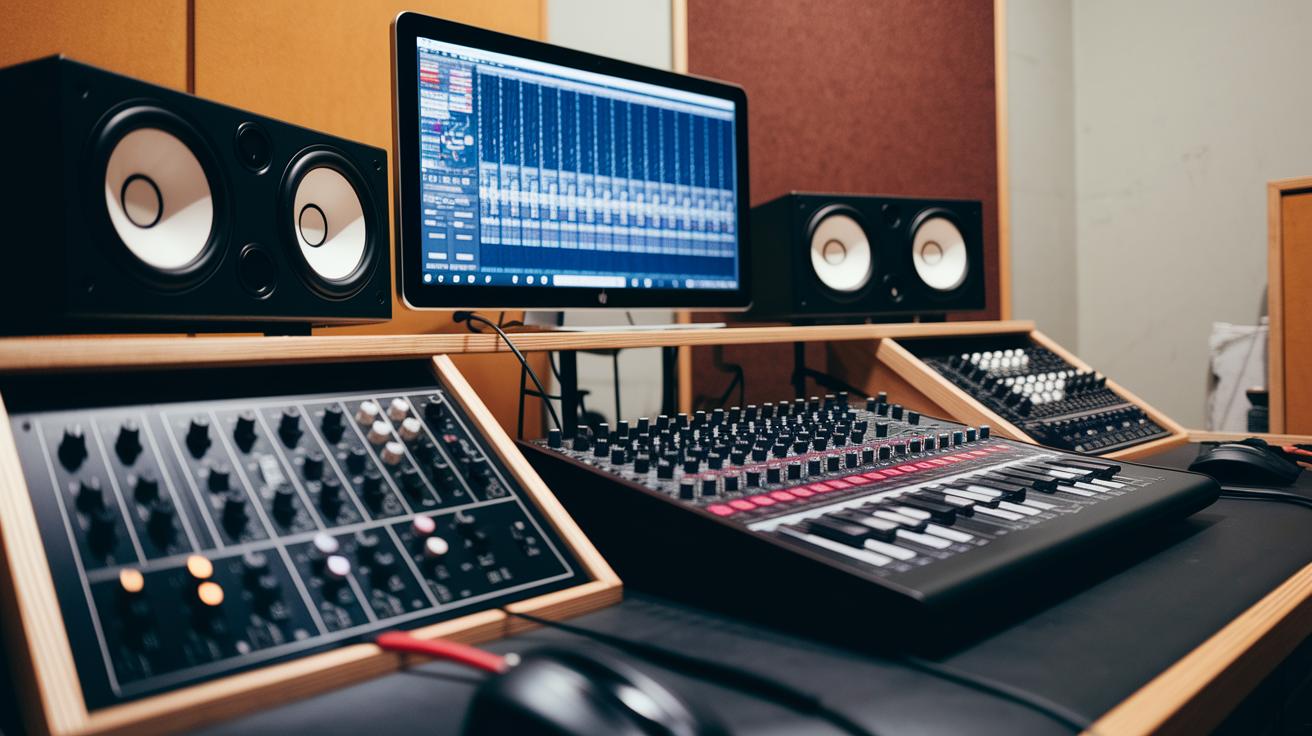
The journey kicks off by recording sound in your digital studio. Every subtle beat and whisper is caught with sharp clarity. This step turns plain sound into something vibrant by adding layers of space that make the experience pop.
Capture: Hit the record button on your digital audio workstation and snag every detail of the live performance.
Encoding: Transform your recorded sound into a neat data package. Each sound gets a little tag that tells you where it sits, how loud it is, and even how it moves.
Mixing: Blend these tagged audio bits with base channels to create a layered mix that perfectly places each sound in its spot.
Rendering: Let a real-time renderer step in to turn all that data into sound feeds for your speakers or headphones. Think of it as the magic trick, it mimics how sound naturally hits your ears. (That’s thanks to head-related transfer functions, which is just a fancy way of saying it makes the sound feel real.)
Routing: Pass the processed sound through an audio interface that neatly organizes multiple channels for your immersive setup.
Playback: Finally, send the multichannel mix out to your speakers or headphones so you can dive into a full 3D sound field that pulls you right into the moment.
At every step, clever computer algorithms team up with digital sound molding to craft an illusion of space. For example, during rendering, smart software mimics how sound bounces around so it seems to come from all angles, just like being at a live concert. Meanwhile, digital synthesis smoothly blends every little signal, capturing everything from soft echoes to rapid shifts in sound. This perfect mix of technical smarts and creative flair turns a simple recording into a vivid, immersive sound experience that surprises and engages, making it all feel as real as if you were there in person.
Immersive Audio System Architecture: Key Components and Setup
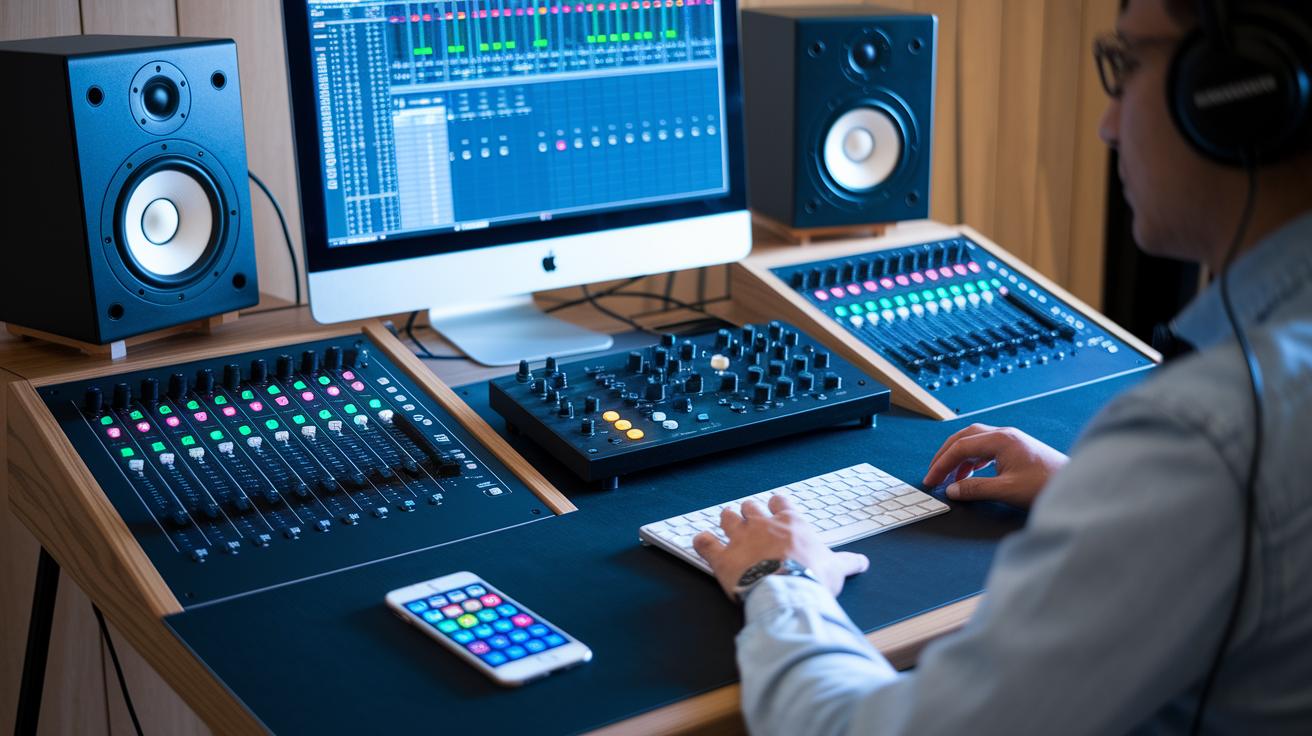
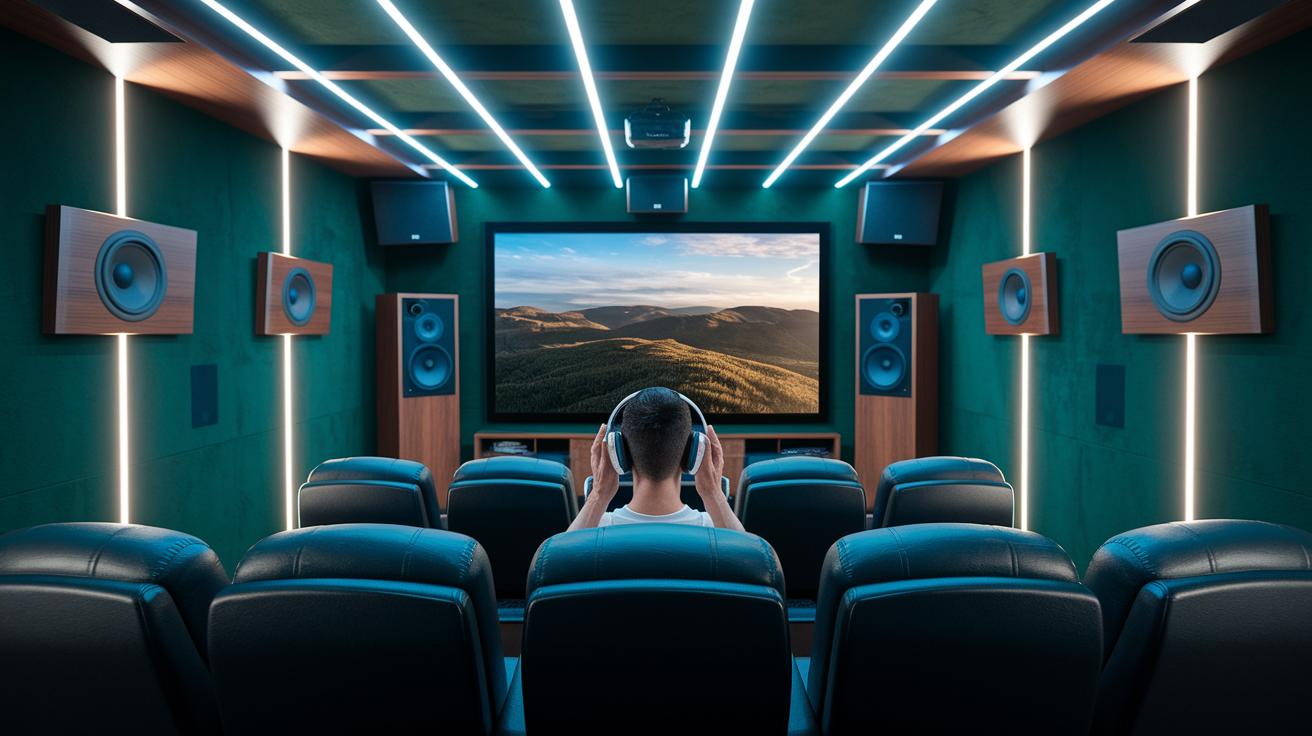
Picture stepping into a room where every low buzz and soft whisper lands just right. Immersive audio setups mix digital audio workstations like Pro Tools or Logic Pro with sturdy hardware and smart software. The system sends audio across many channels into interfaces that can handle over a dozen outputs. This is key for a Dolby Atmos 7.1.4 setup, with seven speakers at your ears and four above, laid out to make sound swirl naturally around you.
Developers often use virtual monitor controller software to easily switch between audio interfaces and adjust each speaker on its own. For example, a mic picks up a live beat, feeds it into a DAW, and then the controller fine-tunes every output with the right EQ. Calibration tools come in next to check that every channel has a balanced blend of frequencies and proper phase alignment, ensuring the mix sounds even and real.
Below is a quick look at the main components of an immersive audio system:
| Component | Role |
|---|---|
| DAW | Hosts and processes multiple tracks to create a 3D sound mix |
| Audio Interface | Sends multichannel signals to support many speakers |
| Speaker Array | Delivers sound with seven ear-level and four overhead channels |
| Monitor Controller | Switches between interfaces and adjusts each speaker’s settings |
| Playback Device | Broadcasts the final immersive audio to speakers or headphones |
Each part plays its own special role. From splitting up audio in the DAW to carefully tuning the speaker array, every piece works in sync to offer clear, lifelike sound that makes music and movies truly come alive.
Immersive Audio Standards and Formats in Practice
Dolby Atmos
Imagine stepping into a room where every sound finds its perfect spot. Dolby Atmos uses a setup with seven speakers at ear level and four positioned overhead. This means sounds, from a rooster crow high above to a subtle whisper right beside you, feel real and alive. Each sound comes with its own tag that tells it exactly where to go, creating an audio scene that's as detailed and immersive as a live concert.
Auro 3D
Auro 3D adds a cool twist by introducing an extra layer of speakers above you. It builds on the usual surround sound by incorporating a dedicated height channel that makes sounds seem to rise over you. You get a true sense of space, almost like watching a 3D movie where every note and nuance hovers in the air. The careful placement of these sounds creates a perfectly balanced, three-dimensional soundscape that pulls you right into the experience.
Apple Spatial Audio
Apple Spatial Audio offers an engaging feel right from your headphones. Using head-tracking and binaural rendering (a way to simulate 3D sound on earphones), it makes your audio scene shift naturally as you move. Whether you’re streaming Apple Music or watching a show on Apple TV+, the sound surrounds you from every angle. It adapts with your movement, making the listening experience feel personal, dynamic, and just plain fun.
Tools and Techniques for Immersive Audio Production
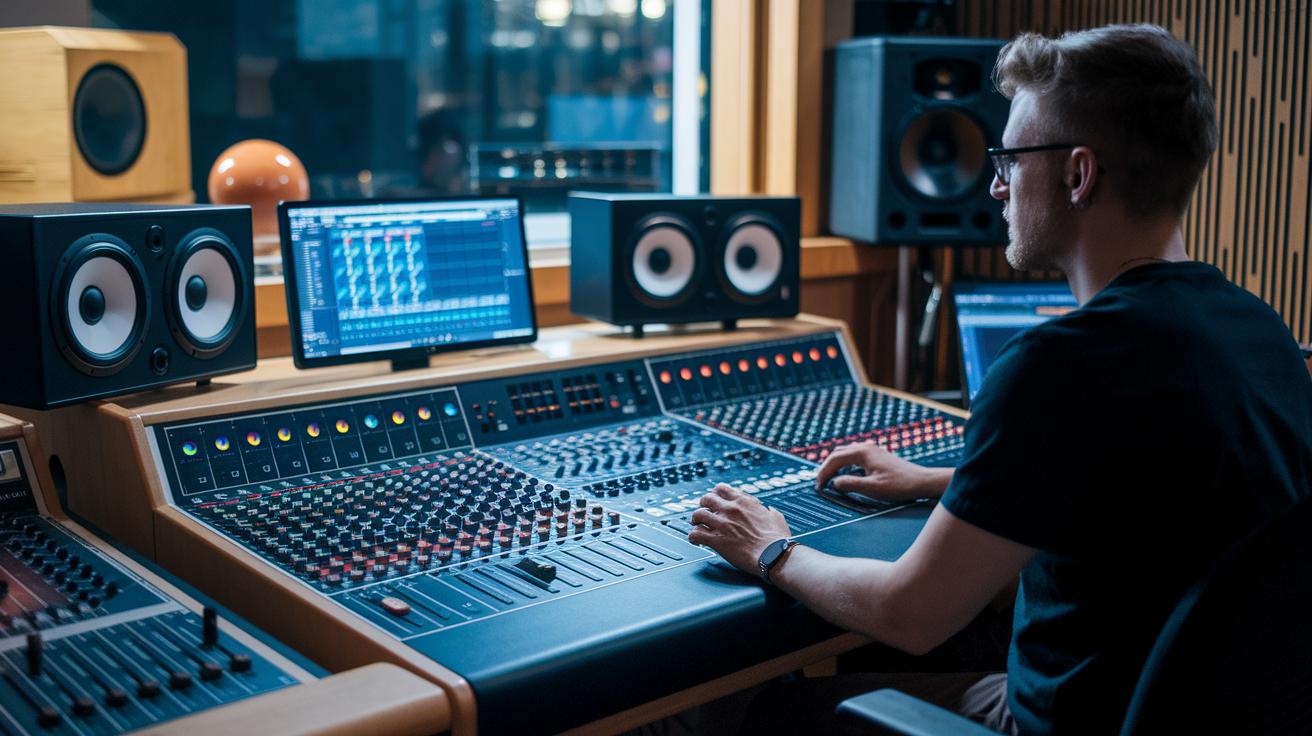
When you’re diving into immersive audio, picking the right digital audio workstation (DAW – that’s the software you use for recording and mixing) and controller tools is a must. Tools like Nuendo and Pro Tools give you a mixing board that lets you build your own three-dimensional sound space. And with virtual monitor controllers, like the Ginger Audio Sphere, you can handle up to eight connections, switch outputs, and tune your speakers quickly. Think of it like setting up a mini theater where every sound gets its perfect spot, making everything crystal clear.
Spatial mixing and mastering take your sound to a whole new level by filling it with depth and atmosphere. Simple techniques like managing deep bass, layering reverb to open up the space, and balancing sound levels help create a rich audio scene. Binaural monitoring even lets you feel every instrument as if it were right next to you. Imagine a gentle reverb that adds a soft, extra layer behind a solo guitar, sort of like being in a cozy room with sound wrapping around you. And if you’re up for it, exploring advanced immersive sound design techniques can really push your creativity further.
Finally, calibration and monitoring bring it all together, making sure each channel sings in harmony. Using smart calibration tools, you can fine-tune each speaker separately, kind of like adjusting colorful stage lights until the whole scene feels just right. Quick listening sessions and live tweaks help catch any little issues early on. Picture an engineer carefully setting each channel so that every beat and whisper is captured perfectly. This way, every sound fits together, bringing your mix one step closer to an experience that feels almost like real life.
Consumer Playback of Immersive Audio: Devices and Platform Support
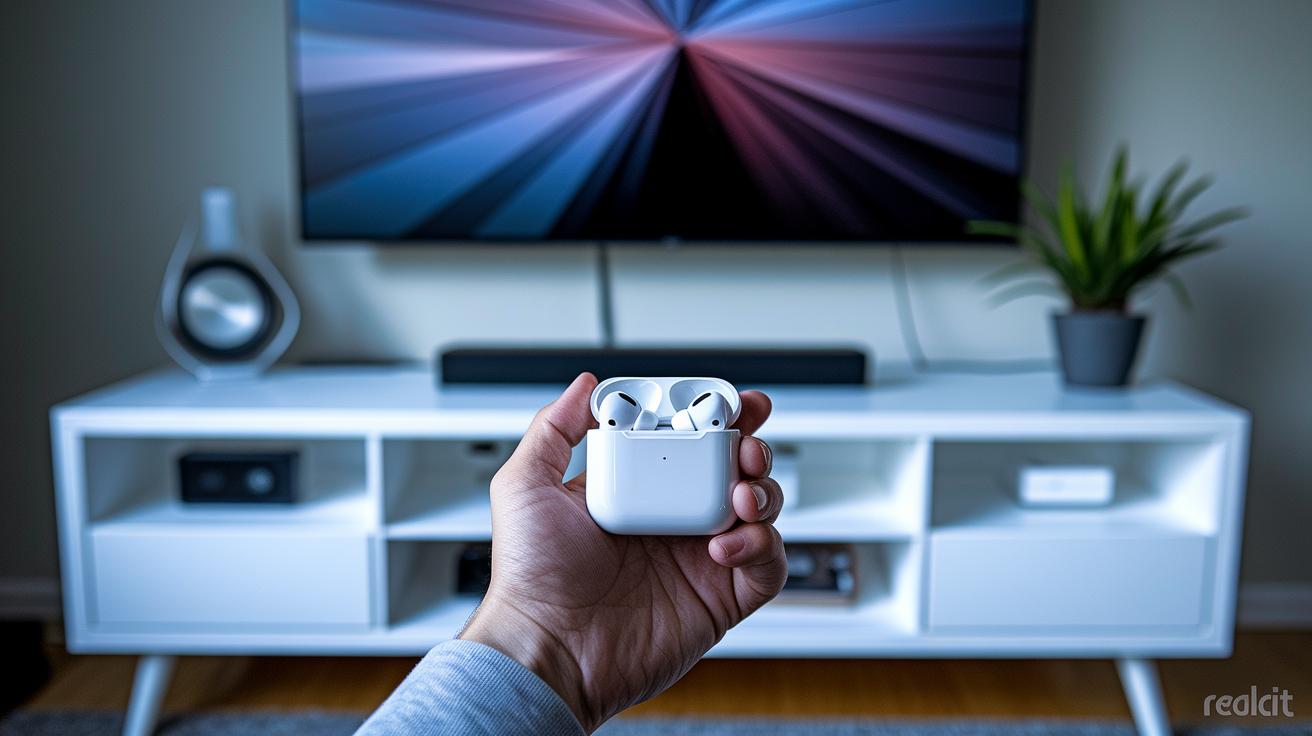
Imagine you're in a room filled with sound from every angle. Today’s gadgets let you feel the music or movie like never before. Whether you're rocking HRTF-compatible headphones like AirPods Pro, which mimic the natural way you hear sound, or enjoying an immersive soundbar, smart speaker, or a full home theater with extra height channels, it’s all about creating a surround-sound vibe that fills every corner of your space.
Streaming platforms have made it super easy to dive into this rich, spatial sound. Services such as Apple Music and Tidal now serve up Dolby Atmos tracks, so your favorite tunes or movie scenes don’t just come from the left or right. Instead, you get sound swirling from above and around you. It really feels like the audio dances with the visuals on your screen. Sometimes, broadcasters even add in special spatial cues that sync perfectly with the action you see.
Your devices are tuned to deliver the best sound possible. Regular firmware updates help fine-tune the room’s acoustics by adjusting algorithms and calibrating based on your specific space. Calibration tools let you manage each speaker’s level so that everything works in harmony, like tuning a mini orchestra right in your living room.
Final Words
In the action, we unraveled the magic behind three-dimensional sound, from the initial capture and mixing, to the precise processing methods and speaker setups that create a truly immersive experience. Small explanations showed the contrast between traditional audio and the dynamic new approach used in immersive formats, while production techniques and playback devices round out the story. With every step, the details exhibit how immersive audio works, inviting us all to feel the thrill of sound in a way that transforms every listening moment into an engaging celebration.
FAQ
Q: How immersive audio works in music and how does immersive audio work?
A: The immersive audio in music works by placing sounds in three dimensions—horizontally and vertically—using advanced encoding, rendering, and playback techniques to create a rich, enveloping listening field.
Q: What are immersive audio headphones and what is Bose Immersive Audio?
A: Immersive audio headphones use binaural cues and head-related transfer functions to mimic a 3D soundstage on your ears, while Bose Immersive Audio provides a refined system that captures realistic spatial cues for an exceptional experience.
Q: What are immersive sound speakers?
A: Immersive sound speakers feature multiple channels—including ear-level and overhead units—to project audio across a three-dimensional space, effectively enveloping listeners in a dynamic and engaging sonic environment.
Q: How does immersive audio compare to Dolby Atmos?
A: Immersive audio versus Dolby Atmos differs in that Dolby Atmos is a specific format employing object metadata and structured layouts, while immersive audio broadly covers various methods for creating a spatial, room-filling sound field.
Q: What makes an immersive audio experience?
A: An immersive audio experience surrounds you in a three-dimensional sound field, making music or film feel lively and engaging by precisely placing and moving sound objects around you.
Q: Does Spotify support immersive audio?
A: Immersive audio via Spotify is currently unsupported, as the platform only streams traditional stereo content rather than offering immersive, three-dimensional audio formats.
Q: What is the difference between spatial audio and immersive audio?
A: Spatial audio typically refers to headphone-based 3D simulation using binaural techniques, whereas immersive audio encompasses both headphone and multi-speaker systems that create a full, room-wide three-dimensional sound experience.