Ever seen a plain screen suddenly light up like magic right in front of you? Digital signage takes your regular TV and turns it into a smart display with a simple app and a plug-in device. It’s like a little magic trick that makes your images and messages jump off the screen. In this post, we’ll show you how digital signage makes your visuals unforgettable, saves you time, and gives your space a fresh, new vibe. Step into a world where your message shines right when and where it really matters.
Defining Digital Signage: What It Is and How It Works
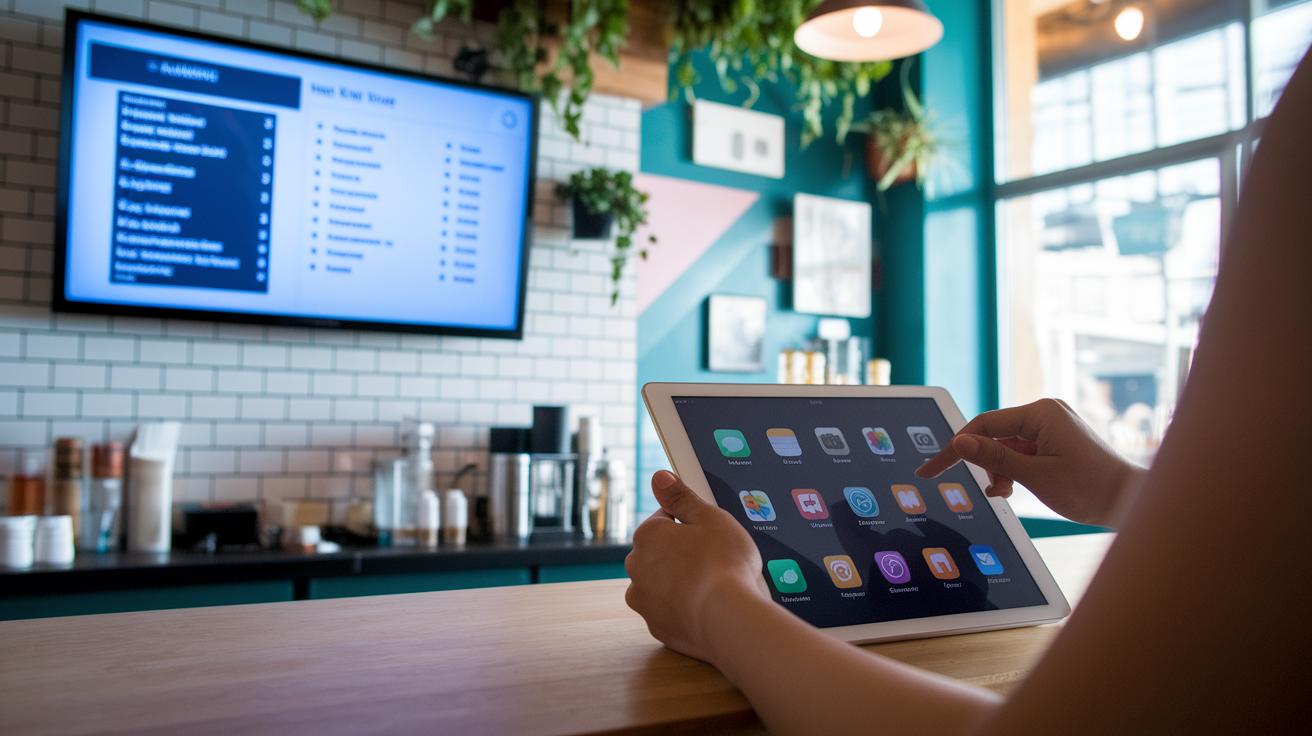
Digital signage transforms any TV or supported device into a smart display that you can run from the cloud. Using a free Look app or the mediaDROID+ HDMI player, you can get a digital screen up and running in minutes. Simply install the free app, plug in the mediaDROID+, or load the Look app on your device, and you're ready to bring your visuals to life.
Cloud-based platforms like mediaCLOUD (check out digital media solutions – https://thezeff.com?p=169) make it a snap to design and manage content with an easy drag-and-drop tool. Imagine uploading your images, videos, or text directly into the Look CMS and then choosing just the right time and place for them to shine.
Say you're setting up a digital menu board for your restaurant that updates every day. Just drag a new template into place, and you're all set. The platform even offers ready-made templates for different industries, saving you a bunch of time and effort. With real-time scheduling, you know your message always reaches your audience at the perfect moment.
Playback logs and proof-of-play features keep you in the loop about what's being shown and when. And the best part is its cross-platform design, it works on Android, Windows, Mac, iPad, and any browser. This means your display stays fresh and engaging, no matter which gadget your audience is watching on.
Essential Hardware and Software Components for Digital Signage
Picking the right gear makes your display pop like a live concert. When your hardware and software work as one, it feels like magic.
Hardware Components
Screens come in all shapes and sizes, from bright LED panels to fun, interactive touchscreens, that make your visuals come alive. The mediaDROID+ is a neat plug-and-play device that turns any TV into a dazzling digital sign. The Look App runs on things like TVs, Raspberry Pis, and LG webOS devices. Plus, you can choose between Wi-Fi or a wired connection to keep everything running smoothly. Imagine switching on your device and suddenly watching a dull screen light up with vivid images, it’s that simple.
Software Platforms
Modern cloud tools like mediaCLOUD and Look CMS handle your content behind the scenes. They let you drag and drop elements to create cool layouts, use an AI Wizard for smart design tips, and schedule content by time, day, or location. With proof-of-play logs, playback reports, and a local cache that keeps the show going even if the internet falters, it's like having a backup drummer who never misses a beat.
| Component | Function | Example |
|---|---|---|
| mediaDROID+ | Activates digital signage instantly | HDMI plug-and-play device |
| Look App | Displays content on multiple devices | TVs, Raspberry Pi, LG webOS |
| mediaCLOUD | Cloud CMS for scheduling, analytics, and continuous playback | Interactive drag-and-drop tools |
Top Digital Signage Use Cases Across Industries
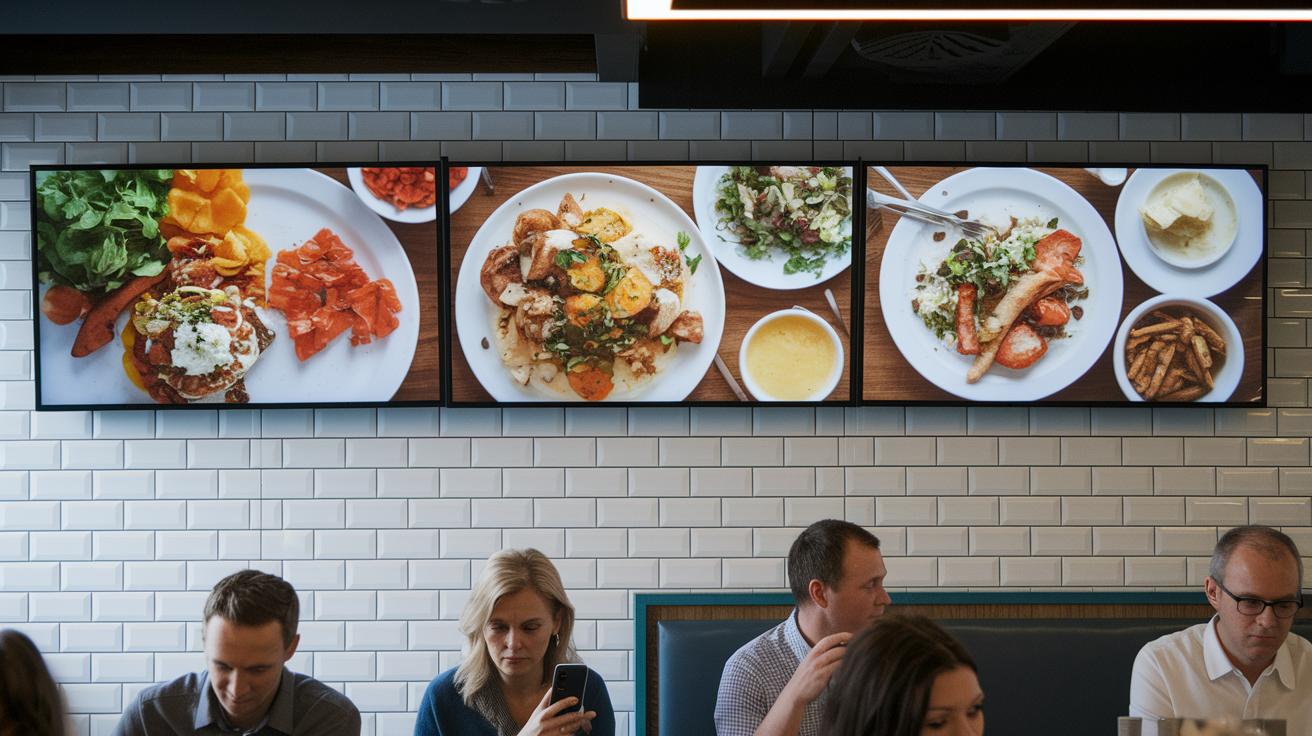
Digital signage is an awesome tool that turns any display into a lively chat spot. It goes way past plain old screens by bringing in real-time updates and cool visuals that catch your eye. Think about checking out digital menus at your favorite restaurant or spotting an engaging product display in a store, it's a whole new way to connect.
- Restaurants – digital menus, special promos, and fun interactive order screens
- Retail – eye-catching product displays, maps to help you find things, and digital menus
- Corporate – warm welcome messages at the lobby, quick news updates for staff, and campaigns stretched over several screens
- Healthcare – clear boards for patient info and timely health alerts
- Education – quick updates about classes, alerts about campus events, and handy notifications
- Events – easy-to-read guides, instant live updates, and detailed session schedules
One of the coolest things about digital signage is its ability to be fully customized. Whether you’re aiming for a high-energy vibe in a restaurant or a calm, clear message in a hospital, you can easily tweak the colors, layouts, and visuals to match the setting. It’s like choosing the perfect outfit for an occasion, each screen becomes a perfect fit for its audience.
Key Advantages of Digital Signage Over Traditional Signage

Digital signage makes managing your content feel effortless, way more so than old-school static posters. You can schedule updates by date, time, or even location, switching things up as quickly as you can blink. Imagine setting a lunchtime promo that lights up right on cue, with logs showing every moment it’s playing. It’s like tuning a live performance perfectly to match the crowd’s energy.
And the savings? They’re pretty awesome too. When you move away from costly printed flyers or menus, you’re not stuck paying for constant reprints. Picture a restaurant swapping out its digital menu board for evening specials in a snap, no extra cost, no hassle. This smart efficiency helps you invest more in creating a truly vibrant display experience.
Digital boards also bring your content to life with dynamic visuals that grab attention. A smooth flow of bright images and quick changes keeps viewers totally engaged. Even if the internet takes a little break, offline playback from a local cache ensures your message never misses a beat, like a backstage crew that always nails the cue.
Planning and Deploying a Successful Digital Signage Network
Begin by getting clear on your objectives and taking a good look around your space. Think about what you really want, whether it’s to boost customer interaction or make internal chats smoother. Next, choose plug-and-play players and displays that match your venue perfectly, like picking the right piece for a puzzle. Then, get your cloud-based system up and running, and design a content plan that reflects your brand’s vibe. It’s much like drawing a blueprint before you start building. Testing things out with a pilot run can help catch any hiccups early on.
After that, smooth out your setup by assigning user roles and using live GEO maps to keep an eye on your network’s health. Adjust permissions so every team member only sees what they need, keeping everything secure. Watch the screens in real time and scale your operations with partner programs that grow with you. Picture a scene where a manager tweaks the schedule while technicians respond to live alerts, everyone playing their part perfectly. This organized method keeps your displays running smoothly and lets you expand your network without missing a beat.
Cost Models and Pricing Options for Digital Signage Solutions
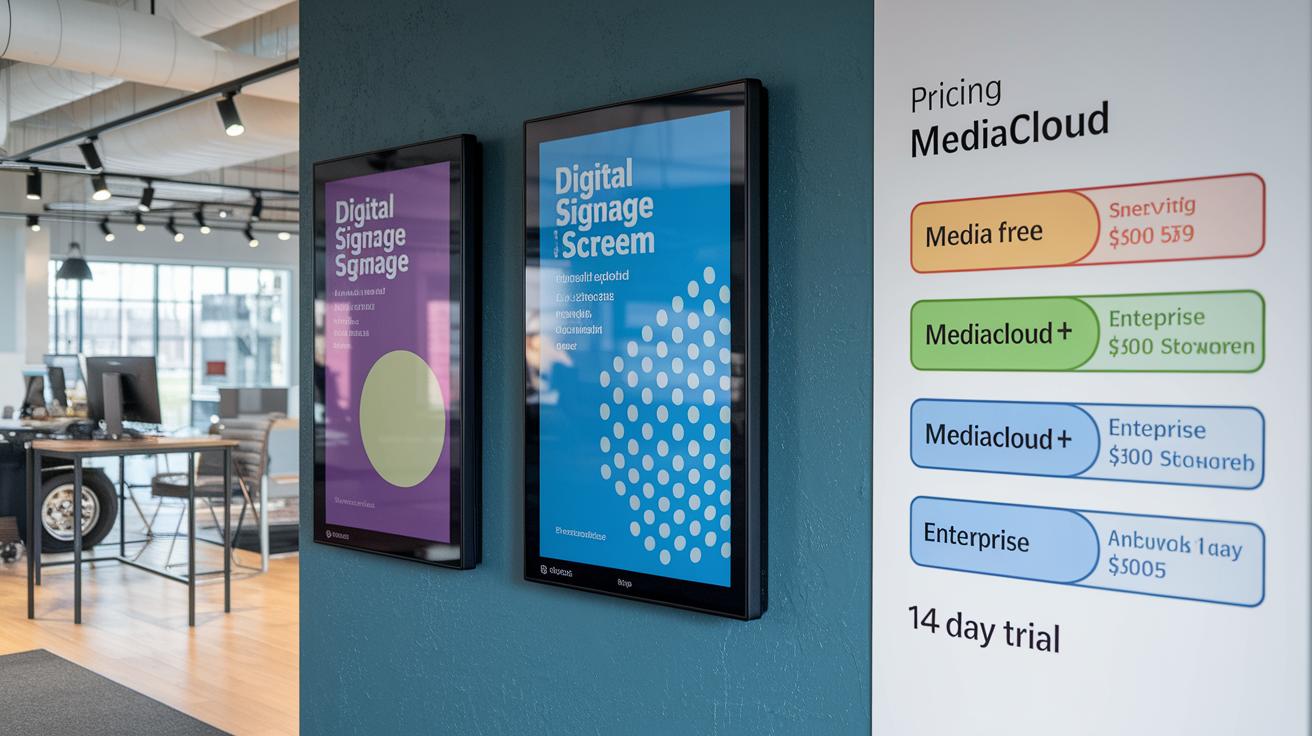
When it comes to digital signage, your pricing should bend to your needs without breaking the bank. We offer plans that fit a range of budgets and goals. So, if you’re just starting out, you can try a simple free option, and as your project grows, you can upgrade to a plan packed with cool features.
Our free plan lets you run up to 3 screens with basic templates – great for a small setup. Need more details like advanced tracking and proofs-of-play to see how your displays are doing? We’ve got a flat rate plan for that. And if you’re managing larger displays, our enterprise plan steps it up with dynamic pricing, 24/7 support, seamless POS/IoT integrations, plus a trial period where you don’t even need to put in a credit card.
| Plan | Monthly Cost | Key Features |
|---|---|---|
| mediaCLOUD FREE | $0 | Up to 3 screens; basic templates |
| mediaCLOUD+ | $3/screen | Proof-of-play; analytics |
| Enterprise | Dynamic Pricing | 24/7 support; POS/IoT integrations |
Choosing the right plan can boost your visual appeal and really show off your display’s return on investment. Plus, you get a smooth start with a 14-day free trial that lets you explore all the features without any risk.
Choosing the Right Digital Signage Software: Must-Have Features
At the core of your digital signage system is the CMS. It should be both simple and powerful. Imagine a drag-and-drop design that lets you easily shuffle images, text, and videos to share your story.
It should come loaded with smart tools like built-in AI that creates branded visuals and multi-zone support that divides your screen into interactive spots. This keeps your display as fresh and exciting as the vibrant glow of a live performance. Plus, smart scheduling options help you deliver content based on the time of day or location. That way, every message lands perfectly for its audience, much like a well-timed beat in your favorite song. Picture a digital menu board that changes automatically when the lunch rush ends, quick, efficient, and effortlessly neat.
Next, clever analytics and interactive features can take your digital signage from good to amazing. An intuitive dashboard offers real-time updates on views, playbacks, and overall performance, so you always know how your content is doing. Designers especially appreciate the offline failover feature, which means that even if internet connectivity drops, your display keeps running smoothly, almost like magic.
Also, built-in social media apps and adaptive visual design ensure your screens stay updated and perfectly formatted no matter where they're shown. Think of it as having a smart assistant who not only sets your reminders but also adds a stylish twist to your day. This blend of easy management and rock-solid performance is exactly what every digital signage system should offer.
Maintenance and Troubleshooting Best Practices for Digital Signage
Keeping your digital sign working smoothly is just like tuning up a guitar before a big concert. With remote management tools, you can easily update firmware and refresh content without breaking a sweat. Automatic alerts let you know instantly if something's off, helping your display stay bright and engaging.
Of course, don’t skip regular on-site checks. Calibrate your screens every now and then to keep them crystal clear and vibrant. Having local cache backups works like a safety net when connectivity hiccups occur. A quick physical inspection helps catch small signs of wear before they turn into bigger problems.
When surprises pop up, remote troubleshooting really saves the day. IoT sensor alerts send you a heads-up if content or network speed slips out of line. And with 24/7 vendor support in your corner, you can fix glitches quickly, ensuring your digital sign remains reliable no matter the time or how busy things get.
Emerging Digital Signage Trends and Technology Innovations

Digital signage is surfing on a wave of smart technology powered by AI. Imagine using a cool tool like the AI Wizard that automatically crafts stunning visuals for you. And think about interactive screens that let you tap to take surveys, browse through catalogs, or follow clear directions, just like chatting with a friend at a fun event. Every touch turns a regular display into a lively experience full of surprises and useful details.
On the hardware front, things are getting even more exciting. New setups now work with devices like Raspberry Pi and LG webOS, turning plain screens into smart, connected canvases. Eco-friendly digital kiosks are popping up in city streets, and urban panel networks are growing by the day. With video wall arrays and real-time social media feeds, these displays continuously reshape themselves to keep you in the loop. In short, digital signage is not just smart, it’s a dynamic art form that informs, excites, and adapts in the moment.
Digital Signage Case Studies and Success Stories

At one popular diner, the owners wanted to mix things up and boost sales during the busy hours. They swapped out tired, static posters for bright, live digital displays that refreshed in real time. The change felt like bringing a little live concert energy into the dining room. In fact, the average check jumped by 20%! Imagine seeing a daily special flash on the screen and instantly grabbing your attention as you settle in.
At a large theme park, long wait times were dampening the mood and testing everyone's patience. The park decided to add digital signs that offered interactive maps and real-time updates about ride availability. This smart move helped families navigate easily and even cut wait times by about 15%. Picture a family finding that shorter line just when they needed it, turning a long wait into a fun, stress-free day.
In a busy urban setting, a high street boutique was having trouble drawing people in, even though it sat right in the heart of the city. The owner turned to a digital signage system that filled the windows with live product demos and flash sales. The eye-catching displays turned the storefront into a mini light show that invited passersby inside, boosting foot traffic by 12%. It’s like watching your favorite song come to life, irresistible and full of energy.
Final Words
in the action, we explored transforming everyday screens into interactive hubs using cloud tools and plug-and-play devices. We broke down hardware essentials, smart software features, and creative use cases that bring vibrant visuals to life. The outline also covered real-time scheduling, cost models, and ongoing maintenance for a smooth display experience. Embrace the power of digital signage as it sets the stage for fresh connections and imaginative content that keeps audiences coming back for more.
FAQ
Frequently Asked Questions
What do you mean by digital signage?
The term digital signage refers to converting displays, like TVs, into screens that show dynamic content managed from the cloud, using tools such as apps or HDMI players for real-time visuals.
What is an example of digital signage?
An example of digital signage is a restaurant digital menu that updates in real time, showing specials or promos, effectively engaging customers with interactive visual content.
What is digital signage software and are there free options?
Digital signage software manages and schedules content on your displays from the cloud. Many providers offer free versions, allowing you to get started with basic templates and editing features.
How can I turn my TV into digital signage?
You can transform your TV into digital signage by installing a compatible app or using a plug-and-play HDMI device that connects to a cloud-based content management system.
Which companies and devices support digital signage, including Samsung and Raspberry Pi?
Several companies offer digital signage solutions that work with various devices, including Samsung displays and Raspberry Pi setups, ensuring flexible and scalable hardware options for different business needs.
How much does it cost to install digital signage?
The cost to install digital signage varies widely; many platforms offer free basic plans, while advanced solutions may charge a monthly fee per screen based on the features and level of support.
What is a digital signage player and what does it do?
A digital signage player is a device that connects to your display to stream content from a cloud CMS. It ensures your visuals update in real time and logs playback for effective performance tracking.
Is there an easy and affordable digital signage option for small businesses?
Yes, many digital signage solutions are designed for ease of use and budget comfort, offering free apps or low-cost subscriptions that simplify content creation, scheduling, and management for small businesses.