
Ever felt like some websites are secret clubs you can’t get into? Digital accessibility changes that by designing sites for everyone, no matter their abilities. It works like smart tech that adjusts to your needs, making text larger, buttons easier to tap, and information simpler to read. Whether you’re on a phone or a computer, the experience becomes smoother and more welcoming. In the end, accessible design means every click counts and helps both users and businesses feel like they belong.
Digital Accessibility Empowers Inclusive Online Experiences

Digital accessibility means designing websites, tools, and tech so that everyone can use them easily, even those with visual, auditory, motor, or thinking challenges. Imagine a site that automatically adjusts its layout and text size, almost like it senses your needs. This smart design ensures that whether you’re on a smartphone or computer, every feature shines as brightly as stage lights at a live show.
But it’s not just about the gadgets and gizmos. It’s about doing the right thing and making sure no one is left out. When digital spaces are built for everyone, it feels as warm and inviting as a friendly chat backstage. Picture someone using a screen reader to navigate an online tool, that thoughtful design turns a tricky task into a smooth, engaging experience. Inclusive design is not a passing trend; it’s a core value that brings us all together.
On top of being the right choice, digital accessibility is a smart legal and business move. Skipping on these standards can lead to legal issues under laws like the ADA and other international rules. When companies invest in accessible digital solutions, they not only dodge legal headaches but also reach more users and boost their reputation. In simple terms, accessible design makes our online world fairer and more amazing for everyone.
Digital Accessibility Standards and Legal Compliance
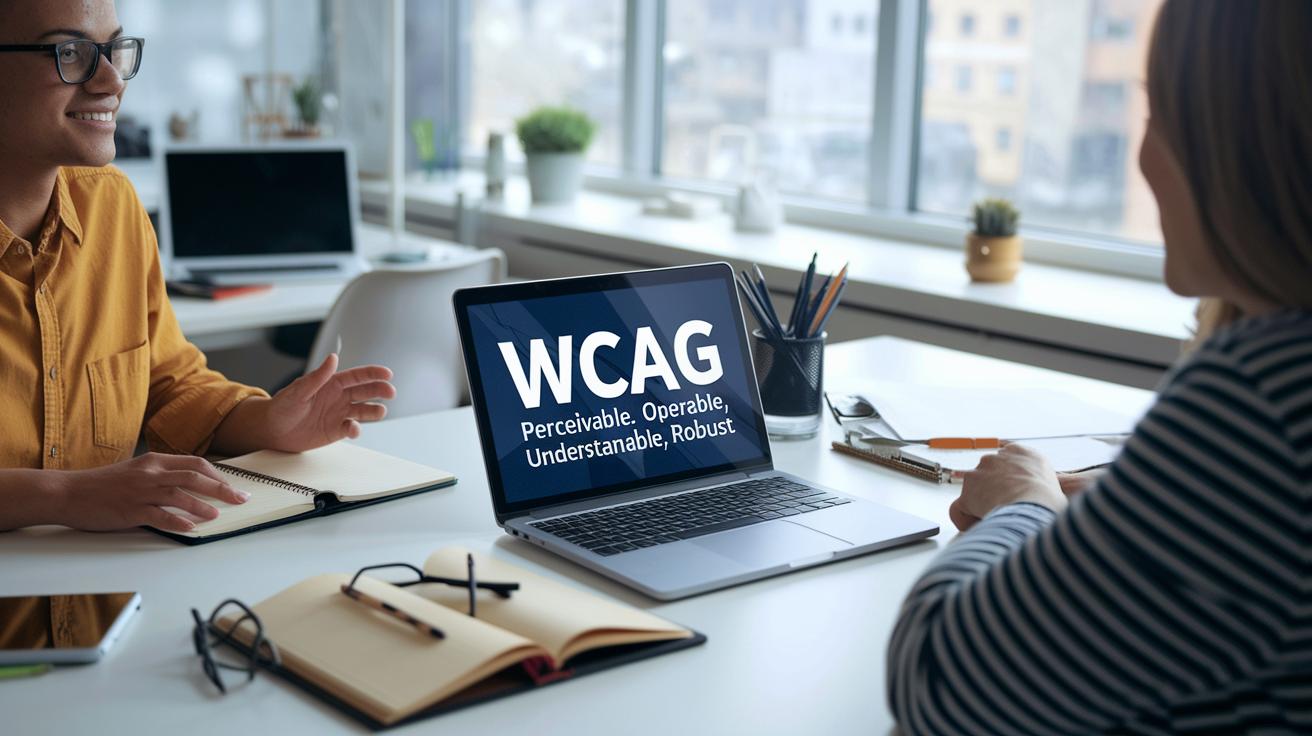
At the heart of making digital spaces welcoming are the WCAG principles: perceivable, operable, understandable, and robust. Think of it like setting up a friendly room where everything, from the text you read to the interactive forms and videos, feels clear and easy to use. Perceivable is making sure even a dim sign can glow when necessary, while operable means every door opens smoothly with the right key. Understandable ensures instructions are so simple anyone can follow them, and robust design means the site works perfectly on different devices and with helpful tools like screen readers.
Legal commitments are just as important in creating inclusive digital spaces. Laws like Title II of the ADA, US DOJ consent decrees, EU accessibility law, and the UK Equality Act 2010 set clear rules for building accessible online content. These regulations don't just protect users with disabilities; they guide designers and developers to make smarter, more thoughtful choices. It’s like companies are promising that no one gets left out of the digital conversation.
Bringing these guidelines to life means mixing quick automated tests with careful manual checks. Automated tests are like fast scans that catch common issues in the code, while hands-on reviews let experts use just a keyboard or a screen reader to spot anything hidden. Together, these methods help clear any barriers, making sure every feature meets legal standards and feels as smooth and natural as tuning an instrument before a live performance.
Implementing Inclusive Design in Web Accessibility

Inclusive design makes sure that every user feels welcome when exploring a website. It’s like setting up a friendly party where everyone can join in. By using simple words and clear instructions, websites become easier for people with different abilities to enjoy. Think of it as a bright room where signs and guides help you feel right at home.
When you're building a website, try these friendly tips:
- Use plain language so that everyone immediately knows what to do.
- Make sure people can navigate with a keyboard and see which button they’re on.
- Always include descriptions for images and offer transcripts for videos.
- Pick colors and fonts that are easy on the eyes, especially for those with visual challenges.
- Use clear HTML tags and ARIA landmarks to help screen readers understand the page.
- Add “skip to content” links so visitors can quickly jump to the main parts.
- Properly label graphs and charts so that complex information is easy to understand.
Mixing these tips together turns a regular webpage into a welcoming space where every visitor can find what they need. It’s like setting the stage just right so that every seat in the house has a perfect view. In truth, designing with care not only makes things better for users but also brings in a wider crowd ready to enjoy the show.
Assistive Technologies and Inclusive Tools for Accessibility
Assistive technology is key to making the digital world open for everyone. Tools like screen readers convert on-screen text into speech or Braille, so those with visual challenges can follow along effortlessly, imagine listening to a website read out just like your favorite radio show.
Screen magnifiers help out by enlarging text and images for folks with low vision. It’s like adjusting the focus on a projector to reveal rich, clear details hidden in busy pages.
Captioning and transcription tools add another layer of accessibility. They turn spoken words from videos and audio clips into clear text, ensuring that people who are deaf or hard-of-hearing can catch every detail.
Speech recognition software takes the experience further by letting you control your digital world with your voice. You talk, and it turns your words into actions on your screen, bringing a natural, interactive feel to browsing.
These tools are built to work smoothly across desktops, mobile devices, and various document types. Developers use both automated tests and hands-on checks to make sure every feature responds naturally to everyone’s needs.
By continually fine-tuning these technologies, creators build digital spaces that are open, welcoming, and truly accessible for every user.
Testing Web Accessibility: Procedures and Tool Comparison

Testing your website's accessibility is a bit like prepping for a live show. You start by using quick automated tools that scan your site's code for issues, much like a speedy sound check before a concert. These tools flash warnings about potential problems in pages, videos, and forms. But to truly gauge how easy your site is to use, you need to get hands-on with manual testing. Imagine testing with just your keyboard or letting a screen reader guide you, that’s when the real feel of the site comes through.
| Tool | Type | Key Features |
|---|---|---|
| WAVE | Automated Tool | Shows you visual hints for accessibility issues |
| Axe | Automated Tool | Relies on rule-based tests to catch code errors |
| Lighthouse | Automated Tool | Collects performance data along with accessibility scores |
By combining these fast scans with a personal, hands-on review, you get a full picture of how accessible your site really is. Automated tools quickly spot common issues, while manual checks catch the subtle details that only real user experiences reveal. This balanced approach helps smooth out any hidden bumps, making your digital space as welcoming and flawless as an unforgettable live performance.
Creating Accessible Digital Content Across Media

Creating digital content that's accessible means building every type of media so anyone can enjoy it, no matter how they browse online. Think about videos with clear captions and transcripts, it's like seeing every word light up on the screen so nothing gets lost. Written pieces should use simple words, obvious headings, and a clean layout to make documents and PDFs a snap to follow. And don’t forget images, give them alt text that tells you what they're about, plus use links that explain what will happen if you click on them. Even social media graphics should be bold and clear, with easy-to-read fonts and extra text clues for those who need it.
Regularly checking your content is like a soundcheck before a live show, every detail is reviewed to make sure it all works perfectly. New material should go through these checks early to catch any hiccups, so every viewer, listener, or reader gets a smooth experience. With thoughtful planning and a bit of testing, your online world transforms into a welcoming space that works beautifully for everyone.
Building Expertise: Resources and Career Paths in Digital Accessibility

For more than twenty years, experts and organizations have been sharing their know-how in digital accessibility through consulting, testing, training, and online courses. They’ve created free tools like webinars, factsheets, and even live conferences during a few memorable seasons between Spring 2017 and 2019. These sessions are packed with hands-on tips that help you learn both the basics and the more advanced ideas of designing for everyone. Imagine discovering how a smooth-running screen reader works or diving into interactive lessons on accessible videos, each step boosts your confidence and skills.
The world of digital accessibility is growing fast, with new jobs from entry-level roles to remote specialist gigs, plus certification programs for accessible design. Lots of companies are on the lookout for people who can make websites, documents, and digital tools easy for everyone. This focus on including everyone means that if you have skills in accessibility, you'll be in high demand. Whether you're just beginning your journey or looking to sharpen your expertise, there’s a treasure trove of online training and resources waiting for you.
Final Words
In the action, we saw how accessible design reshapes our digital spaces, offering clear steps for inclusive development. We explored the value of design strategies, legal guidelines, and assistive tools that make websites, videos, and documents work for everyone. Emphasizing digital accessibility throughout the process, the post brought real-life insights into improving user experience and compliance. The conversation leaves us with a sense of optimism and excitement for crafting digital experiences that everyone can enjoy.
FAQ
What is a digital accessibility course?
A digital accessibility course teaches you how to design websites and tools for all users, including people with disabilities. It covers guidelines, legal matters, and hands-on design strategies.
What are some digital accessibility examples?
Digital accessibility examples include adding alt text to images, providing transcripts for videos, and ensuring clear navigation. These practices help make digital content usable by everyone.
What do digital accessibility standards entail and what are the 4 key principles?
Digital accessibility standards focus on the WCAG guidelines, making content perceivable, operable, understandable, and robust. They help create digital experiences that work well for every user.
What digital accessibility tools are available?
Digital accessibility tools range from screen readers and magnifiers to testing software like WAVE and Axe. These tools identify and fix issues, ensuring websites meet best practices.
What digital accessibility jobs and certifications are available?
Digital accessibility jobs include roles like specialist and consultant, where you design inclusive digital products. Certification programs verify your skills and improve your career opportunities in this field.
What is a digital accessibility checklist?
A digital accessibility checklist is a guide that outlines key tasks such as using proper alt text, clear language, and keyboard navigation. It helps ensure your digital content follows accessibility guidelines.
What do digital accessibility services mean?
Digital accessibility services mean expert support for testing, auditing, and improving websites and digital products so they work seamlessly for people with different abilities and comply with legal standards.
What does a digital accessibility specialist do?
A digital accessibility specialist reviews digital products to spot barriers and suggests fixes. They work on design improvements and ensure all content meets accessibility standards for an inclusive user experience.
Who needs digital accessibility?
Digital accessibility is needed by everyone—from businesses and government agencies to non-profits. It ensures that all digital content is usable, meeting legal requirements and benefiting every user.