Ever thought your event could grab viewers just like a live concert?
Live streaming might sound tricky at first, but when you break it down into simple steps, it becomes really easy.
In this guide, we'll show you how to plan your stream, choose the right gear, and test your setup so you can broadcast with confidence.
Picture it like setting the stage for a thrilling show that draws in an excited crowd.
Get ready to turn your live stream into a performance as engaging as a front-row seat at your favorite event.
Step-by-Step Guide to Live Stream Events
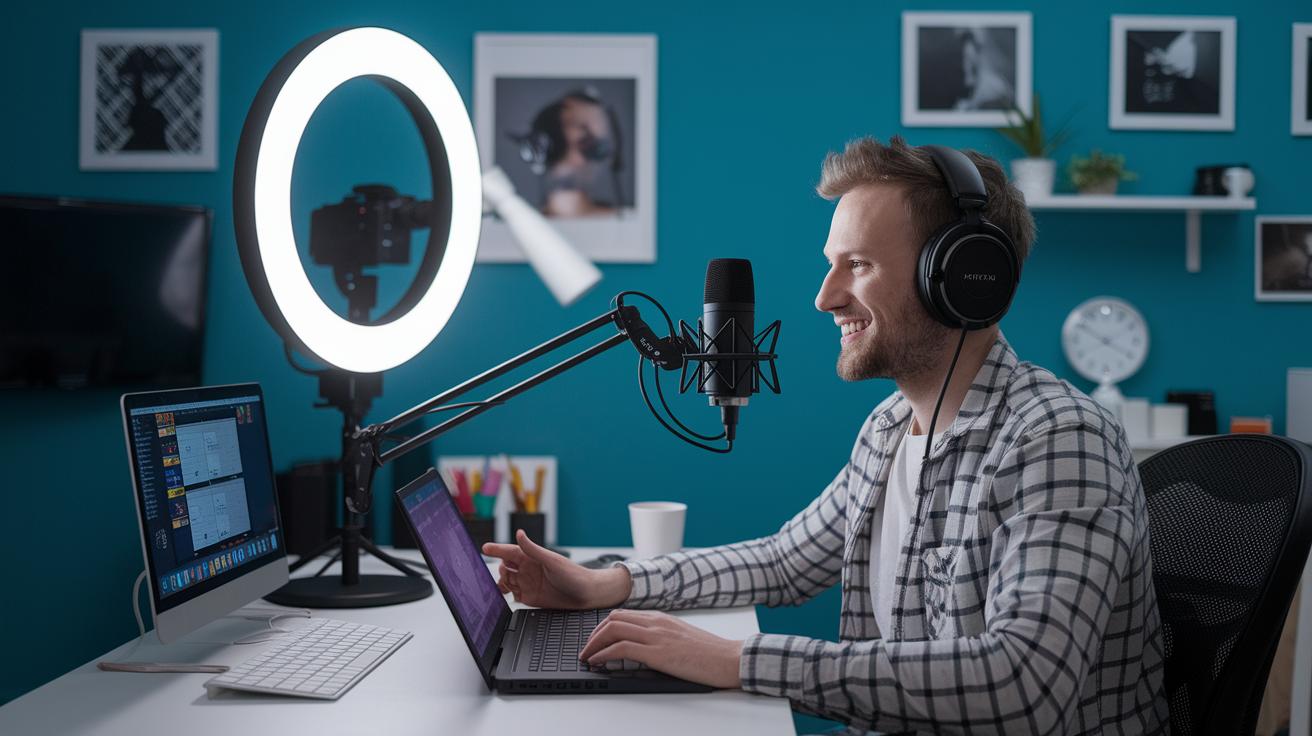
Getting your live stream off the ground is a fun ride, broken down into six simple steps that take you from planning to a smooth broadcast. Picture it like setting the stage for an electrifying live concert, where every detail sparkles. Did you know that 80% of viewers would rather watch live video than read, and 82% choose live streams over social posts? That’s the magic of going live.
First, decide what you want to achieve. Are you building your brand or hoping to make money? Set a clear goal, say, attracting 500 live viewers, and let that guide you.
Next, pick the perfect date and time for your event, then send out invitations early. Think of it like dropping a movie trailer that stokes excitement and gets everyone buzzing.
Then, choose a streaming platform that fits your crowd. Whether you opt for a free, popular site or a service packed with advanced features, make sure it matches your needs.
After that, get your broadcast gear in order. Grab a quality 4K camera, an external mic, and the right lighting to set a professional scene that feels just right.
Before the big day, run a full test. Do a rehearsal to check every connection and setting, so when it’s showtime, everything works perfectly.
Finally, launch your stream with a bang and spread the word on social channels. Start with a strong hook to grab viewers right as you go live and keep the energy high throughout.
Following these steps helps you craft a broadcast that not only looks and sounds professional but also captivates your audience like a front-row seat at a live concert.
Essential Equipment for Live Streaming Events
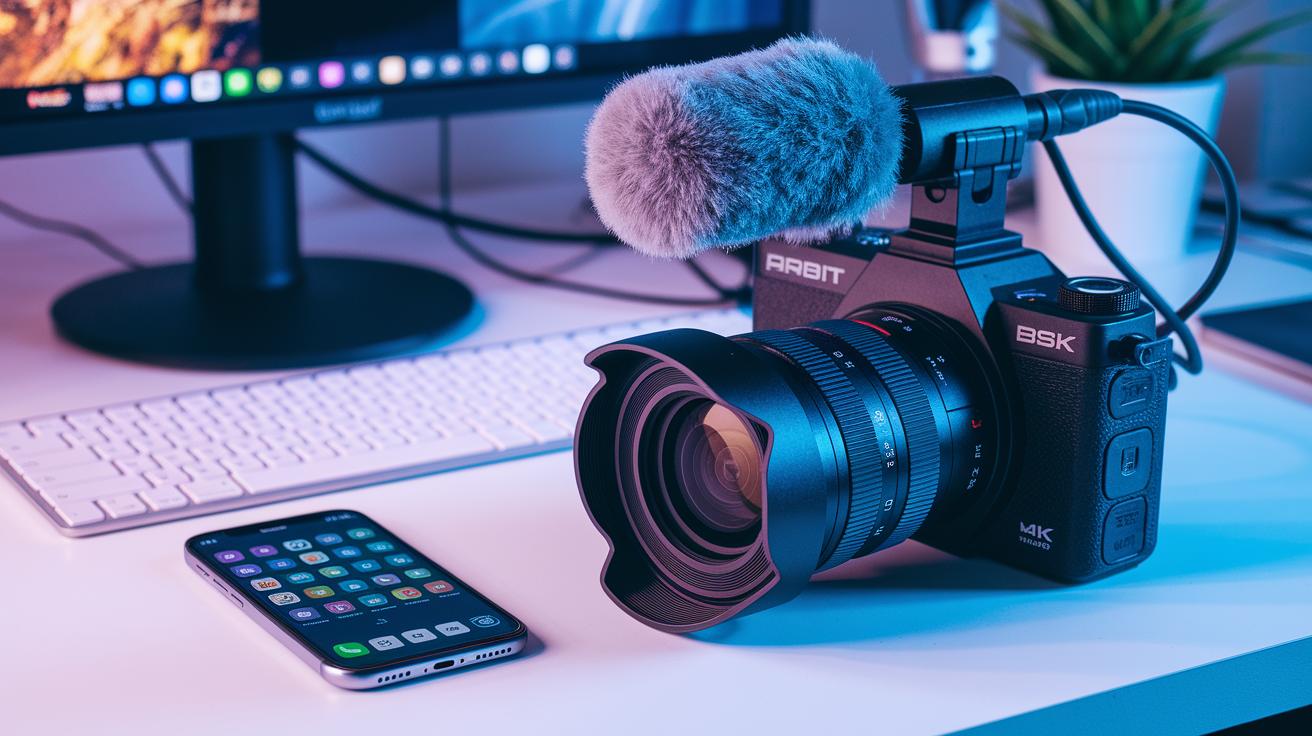
Kicking off an awesome live stream really starts with having the right gear. A top-notch 4K camera captures every detail in clear, sharp quality, making your broadcast pop on any screen. An external microphone catches every word without any distracting static, so your audience won’t miss a beat. Plus, a capture card turns your camera’s feed into a format your computer can work with, keeping your transitions smooth and steady.
Good lighting can completely change the game too. With a professional lighting kit, you can brighten up your space and create a vibe that feels like you’re in a high-end studio. Additionally, live streaming software lets you add full HD graphics and creative layouts, giving your broadcast a polished, dynamic look that feels truly live.
| Item | Purpose |
|---|---|
| 4K Video Camera | Captures clear, high-resolution video for your live stream |
| Capture Card | Converts the camera’s output into a computer-friendly format |
| External Microphone | Records crisp audio so every word is heard clearly |
| Professional Lighting Kit | Enhances visual quality and sets the perfect mood |
| Live Streaming Software | Adds HD graphics and dynamic layouts for a polished broadcast |
Choosing the Right Live Streaming Platforms
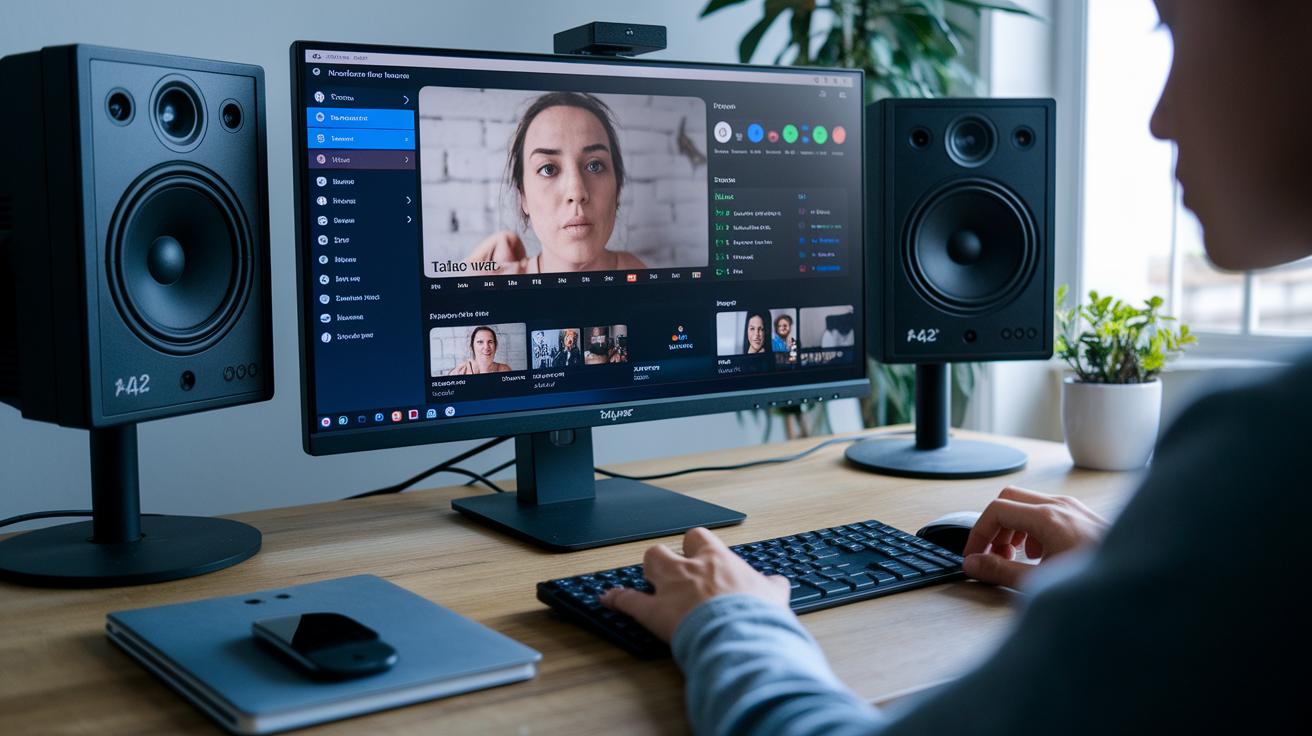
Choosing a live streaming platform is like picking the perfect tool for the job. Some are free and super simple to use, think YouTube Live or Facebook Live, which makes them perfect for smaller events or if you’re just getting started. On the flip side, paid services might run you a few thousand dollars but they pack cool extras like higher viewer limits, multistream options (broadcasting on several channels at once), and detailed analytics. And sometimes you even get unique setups; for example, with Riverside, you can log in, pick a studio, tweak your settings, and jump right into broadcasting. This way, you can find one that fits your tech skills and your streaming dreams.
Before you decide, take the platform for a spin. Test its streaming stability, try out interactive features like live chat and polls, and see how easy it is to navigate. Check if it can handle the crowd you’re expecting and any sudden rush of viewers. You might want to use a checklist, like the one on event solutions, to compare performance, cost, and features. A quick trial run helps make sure that your chosen platform is ready to shine, whether for everyday broadcasts or those big, unforgettable events.
Configuring Live Streaming Software and Encoders
Software Setup
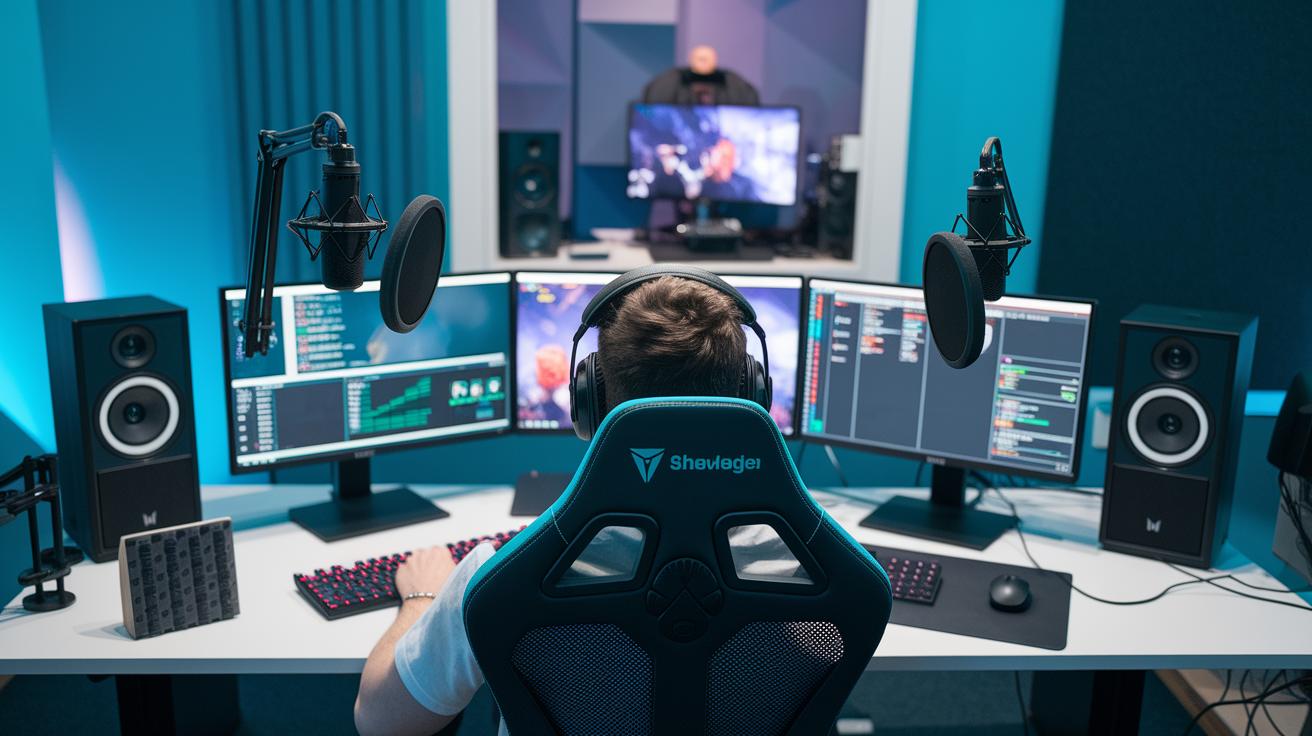
To get your stream rolling, start by installing your favorite streaming app, something like Restream Studio works great because it lets you stream on two platforms at once. Once it’s in, set up your scenes and add cool graphic overlays that match your vibe. Imagine it like putting together your favorite playlist: choose the best scenes, add some neat graphics, and arrange them in a way that flows naturally. It’s like the electric buzz when the lights dim and the show begins.
Encoder Configuration
Next up, connect your camera and microphone to your encoder so you capture crystal-clear video and crisp sound. Adjust settings like bitrate, codec, and resolution to fit your streaming platform perfectly. For a full HD look, set your resolution to 1920×1080 and tweak the bitrate to keep everything running smoothly. These little adjustments help turn your live stream into a polished, professional broadcast that keeps your viewers glued to the screen.
Network and Bandwidth Requirements for Event Streaming
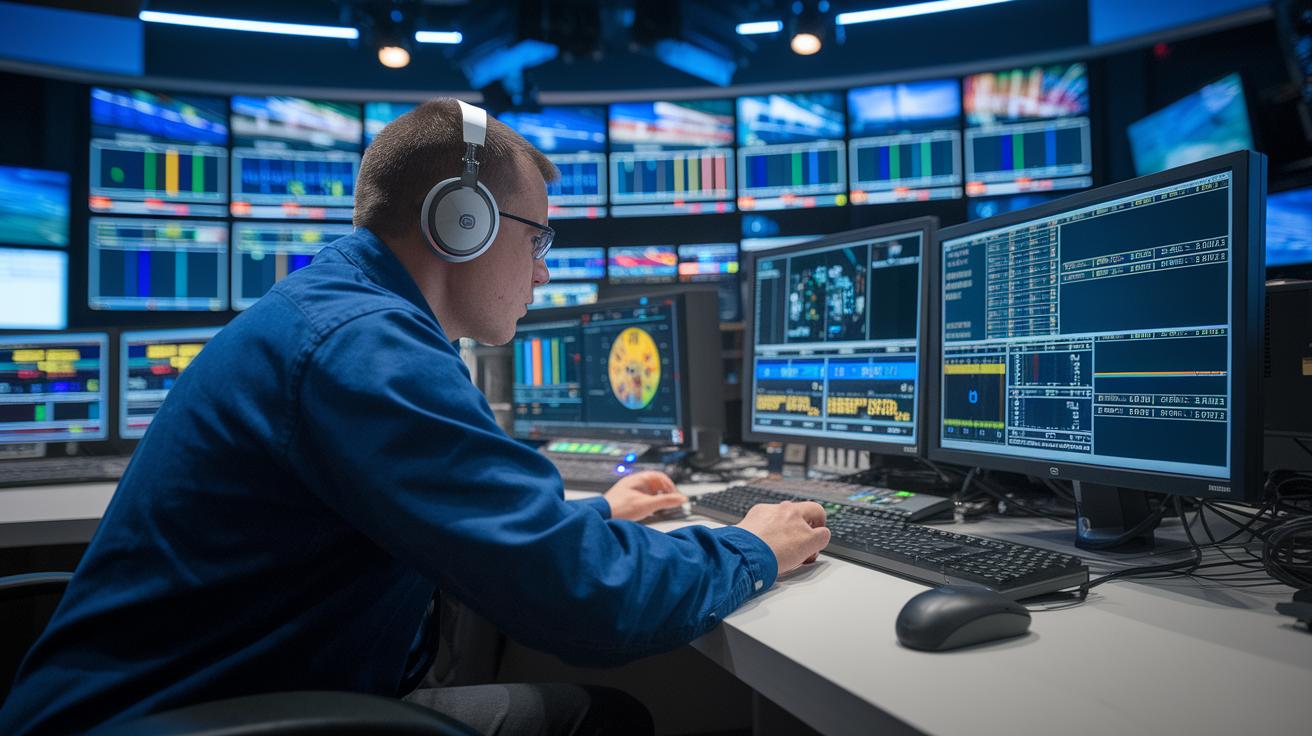
When you're streaming a live event, you need speed and reliability. Make sure your upload speed is at least 5 Mbps for 1080p or 15 Mbps for 4K. Think of it as having a super-strong power line keeping every image clear. Testing the connection at the venue beforehand can really save you from nasty surprises.
Wired Ethernet is your best friend compared to Wi-Fi because it gives you a more steady connection. And if you want extra peace of mind, consider cellular bonding as a backup. This means having a mobile data connection ready if your main line has hiccups, kind of like an emergency generator that kicks in when needed.
During your event, keep an eye on your bandwidth. Simple monitoring tools can show if your connection is dropping or if data is being used unexpectedly. Doing this helps you catch any problems early so your live stream stays smooth and exciting.
Production Techniques and Best Practices for Live Show Streaming
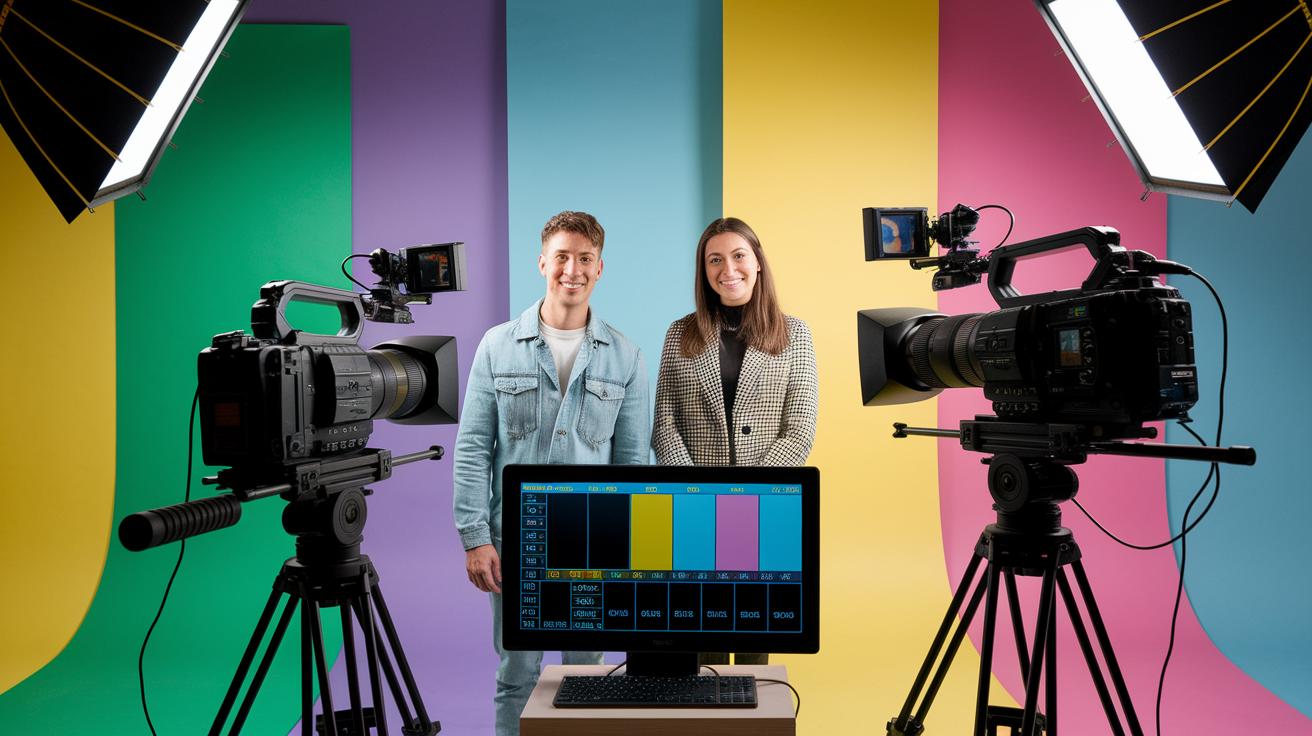
Imagine a setup where several cameras work together in perfect sync. In a hybrid production, each camera captures a different angle, while a live switcher lets you change views on the fly. It’s like switching channels on TV during your favorite moments. Picture one camera focusing closely on the speaker while another picks up the audience’s reactions, then the live switcher seamlessly mixes the shots to keep things exciting.
Next, think about adding on-screen overlays and smooth transitions to polish your production. Simple graphics like titles, lower-thirds, or custom logos highlight important details and guide your viewers through the show. Instead of jarring cuts, use soft transitions to lead into new segments. For example, start with a lower third that reveals the next topic or act, then transition with a gentle swipe effect that mimics the natural flow of a live event. This approach not only looks sharp but also keeps everything clear and engaging.
And don’t forget, interacting with your audience is the real secret to a great live broadcast. Get everyone involved through live chat moderation, interactive polls, and Q&A sessions where viewers can share their thoughts. A “stream starting soon” screen a few minutes before going live helps viewers join early and settle in. This little buildup sets the stage for an awesome, interactive experience that feels both energetic and personal.
Security and Accessibility in Live Event Broadcasts
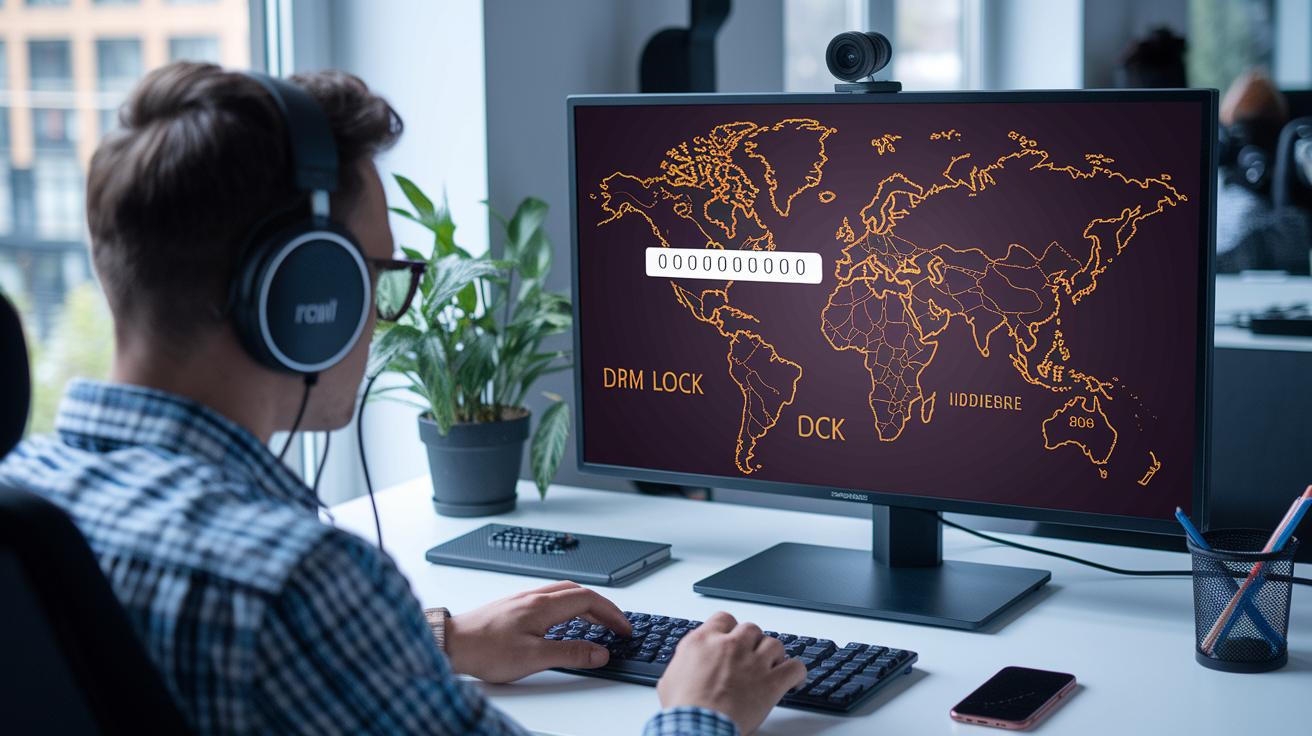
Keep your live stream safe by adding a password, using geo-blocking, and protecting your content with DRM. Think of a password as a digital key that only lets the right people in. Geo-blocking works like an invitation only for certain locations, and DRM stops unauthorized use of your copyrighted material.
Don't skip the legal side. When you share music or video, you need the proper licenses. It’s like having a safety net that keeps your creative efforts risk-free and in line with the rules.
Also, adding real-time captions and support for multiple languages makes your event welcoming for everyone. This way, folks who are hard of hearing can join in, and your show can reach audiences who speak different languages.
Post-Event Analytics and Audience Engagement for Live Streamed Events
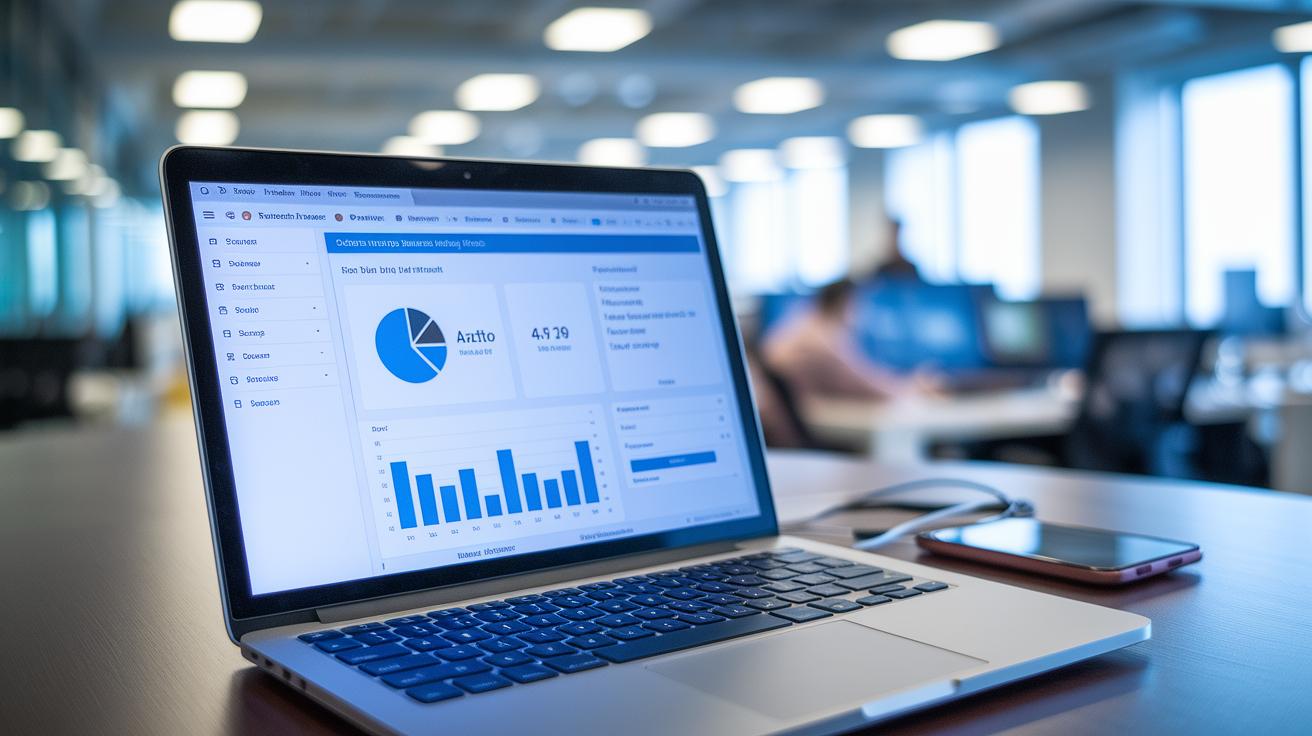
When it comes to checking how your live event did, start by tracking simple numbers like the number of unique viewers, the total watch time, how many people joined in, and any actions they took. For instance, you might say, "We had 1,000 unique viewers with an average watch time of 18 minutes." This gives you a clear look at how much your audience really enjoyed the show.
After the live event wraps up, download the recording so you can use it again. You might turn it into a cool highlight reel or a catchy clip for social media. Also, don’t forget to ask your viewers for their thoughts. One quick survey might reveal something like, "85% of participants loved the interactive Q&A," which shows exactly what worked well.
Next, take that data and let it guide your follow-up plans. Checking these numbers regularly helps you spot trends, maybe a boost in conversions or a special segment that had everyone engaged. Fun fact: 27% of professional streamers go live several times a week, proving that steady, consistent engagement keeps audiences coming back for more.
Now, use what you learned to plan your next event. First, pin down the segment that got the most reactions, then plan to add more content like that to keep up the energy. Finally, set new goals that build on the wins from your recent show. It’s all about keeping that momentum alive!
Final Words
In the action, we broke down each part of a live stream, from setting your goals and checking equipment to choosing the right platform and fine-tuning production details. We spotlighted the steps for nailing your network setup and keeping viewers engaged, along with securing the stream and reviewing performance afterward. This guide on how to live stream events gives you clear, easy tips for creating a standout broadcast. Enjoy putting these techniques into practice and sharing memorable, interactive experiences with your audience.
FAQ
Frequently Asked Questions
- How do I live stream an event on YouTube?
- The process to live stream on YouTube involves setting up your broadcast in the YouTube Studio, connecting your encoding software, and then promoting your event so your audience can join in.
<dt>How can I live stream an event for free?</dt>
<dd>Free live streaming is possible on platforms like YouTube Live and Facebook Live. You only need basic equipment such as a smartphone or computer along with a reliable internet connection.</dd>

<dt>How do I live stream events on my phone?</dt>
<dd>The mobile live streaming process requires a smartphone, a steady internet connection, and an app like Facebook Live or the YouTube app, which guides you through a straightforward setup.</dd>

<dt>What is the easiest way to live stream an event?</dt>
<dd>The easiest method uses user-friendly platforms that require minimal gear—often just a device and internet. These platforms provide built-in tools and clear instructions for a smooth broadcast.</dd>

<dt>How do I live stream an event on Zoom and Facebook?</dt>
<dd>To live stream on Zoom or Facebook, use their dedicated live streaming features. Each platform offers simple settings that allow you to broadcast your event directly to your audience with ease.</dd>

<dt>What is the best way to stream live events and create a live streaming event?</dt>
<dd>The ideal approach is to plan ahead by outlining your goals, selecting the right platform, setting up proper equipment, and testing your setup. This preparation yields a smooth and engaging live broadcast.</dd>

<dt>What equipment do I need to live stream an event?</dt>
<dd>Essential equipment includes a high-quality camera, a capture card if you are using an external camera, an external microphone for clear audio, good lighting, and reliable streaming software for a polished broadcast.</dd>

<dt>How can I watch a live stream on YouTube?</dt>
<dd>The method to watch a live stream on YouTube is to open the app or website, search for the live event, and click on the stream. You will then enjoy the broadcast on your device with proper internet access.</dd>