Have you ever thought that your daily photos and videos might weave a story that really sticks with you? Digital storytelling lets you mix pictures, sounds, and words into a fun narrative that pulls you in.
Imagine all your personal moments, like bits and pieces in an easy-to-read digital scrapbook. We break down how simple tools can help you turn everyday memories into stories worth sharing.
Soon, you'll see how digital storytelling transforms ordinary events into engaging, shareable experiences that speak right to us all.
Digital Storytelling Explained: Definition and Overview
Digital storytelling is a fun, creative way to share your stories using digital media. It mixes pictures, music, voice recordings, video clips, text, animations, and interactive bits into one cool, engaging narrative. Imagine capturing a two-minute story on your phone where every element, like soft background tunes or everyday snapshots, adds a special layer to your message.
In digital storytelling, pictures and sounds work together to grab your attention. People use everyday tools like pens, computers, or mobile devices to gather and arrange all the parts of their story. Think of it like making a digital scrapbook where every piece, whether it’s a quick voice note or a well-chosen image, adds a unique chapter. Plus, you’re in full control of the timing and flow, so the process feels both personal and easy.
You can find digital storytelling in all kinds of places, from schools and hospitals to museums, libraries, businesses, and public training sessions. It isn’t just used to record events; it also shares lessons and highlights important ideas. By blending creative ideas with basic digital skills, anyone can turn a simple story into a vibrant, multimedia experience that really connects with its audience.
Key Components of Digital Storytelling

Getting your goals straight is the first step in shaping a digital story that really sticks. When you plan, you think about things like the flow of the story, how fast it moves, and how the images and sounds all work together. For instance, you might scribble a note like "List the main story points before picking your pictures" so that every part has its reason. This kind of planning guides your choices and keeps everything on track.
At its core, digital storytelling is all about mixing different media into one engaging package. Creators combine paintings, sounds, words, and even interactive bits using everyday tools like a pen, a smartphone, or a computer. You might hear, "Pair vibrant images with perfectly timed audio to really drive your point home." It’s like crafting a lively slideshow where every part plays its tune. You even have neat tools like Pano to 360 that turn wide panoramic shots into cool 360-degree scenes without any hassle. This blend of elements is what makes interactive media so captivating.
Another vital part is picking the right narrative style. You have to choose whether you're telling your story in a straight line or leaving it open for a bit of exploration. A handy suggestion might be, "Stick with a clear progression for a solid message, or go for an open style if you want to spark curiosity." This decision lets you completely control how your story unfolds and gives you a chance to try out different storytelling techniques.
Digital Storytelling Applications in Education, Marketing, and Beyond
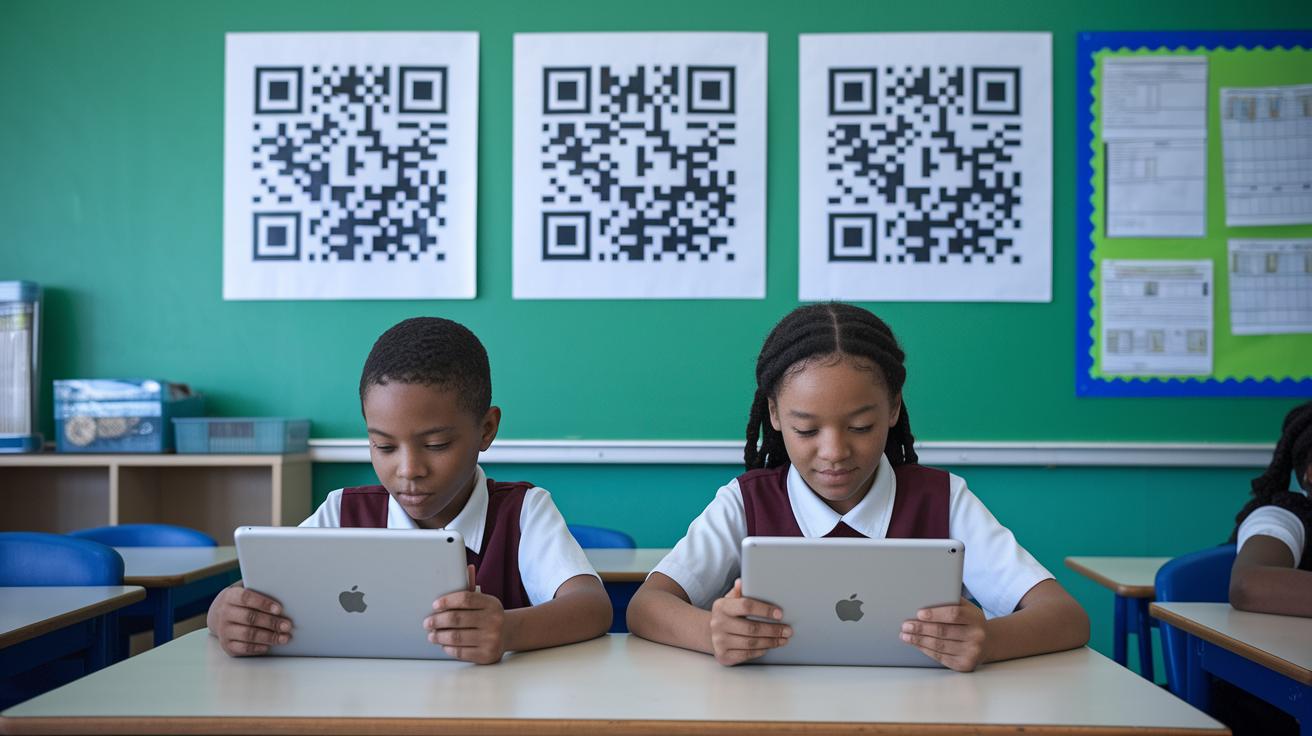
Digital storytelling is sparking creativity everywhere, connecting people in fun and unexpected ways. Schools, community groups, museums, libraries, and businesses are all jumping on board to share stories using videos, emails, social media posts, and even QR codes. It’s like turning everyday messages into mini digital adventures that bring moments to life.
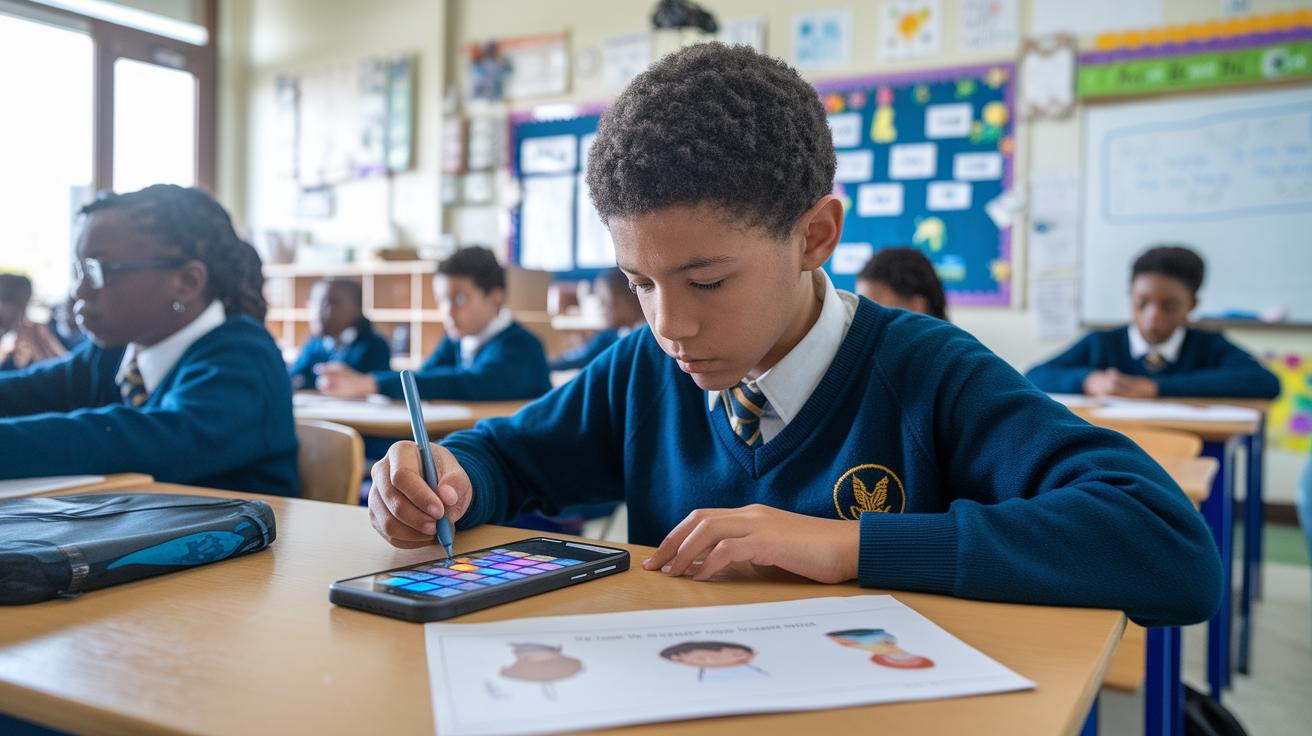
In schools, digital storytelling turns lessons into cool, hands-on experiences. Take Hungary, for example: primary school kids teamed up to create folk-hero stories, and these were even featured in an online exhibition. It’s a fresh way for students to see their schoolwork come alive and connect it with the real world.
Businesses are getting in on the action too. They use digital storytelling to build their brands, share engaging content for marketing, improve employee training, and even highlight patient stories in healthcare. It’s all about using modern tools and visuals to strike a chord with people.
| Sector | Example Use Case |
|---|---|
| Education | Virtual exhibits in primary schools |
| Community Programs | Engaging autistic youths and migrant children |
| Museums/Libraries | Hosting online exhibitions |
| Business | Marketing campaigns and employee training programs |
Benefits of Digital Storytelling for Engagement and Learning

Digital storytelling lets you share your own story while sharpening your digital skills. It’s like creating a mini-movie of your life where you mix voiceovers, images, and music. You get to decide how fast or slow things move, which builds your confidence and helps you express your true self. For instance, you could say, "I captured my everyday moments and turned them into a digital diary," and notice how everyday events can become creative masterpieces.
Using a mix of sounds, pictures, and words makes your story come alive. It’s a bit like being at a live concert where every beat and light helps you feel the moment. This fun blend not only grabs attention but also makes the message stronger and easier to remember for everyone watching.
By combining creative freedom with interactive elements, digital storytelling makes learning fun and boosts how engaged your audience feels.
Digital Storytelling Tools and Resources

Creators have a fun arsenal of digital tools at their fingertips that help bring their ideas to life. Imagine the electric buzz of snapping photos on your smartphone or recording a voiceover on your computer, the basic building blocks of a story. Simple editing software weaves these moments together, while cool tools like ThingLink and slideshow editors add that extra spark to the final piece. And here’s something really neat: Pano to 360 lets you turn a panoramic image into a 360° photosphere using just your phone, no signup required. Even research articles, open and free, lend a hand by explaining how these digital gadgets work so you can choose the best one for your creative journey.
When it comes to free versus paid options, many creators like to start with no-cost storytelling apps to test the waters of their imagination. Free tools pack in solid features that let you edit and share your work without spending a dime. Then, as your story grows, paid platforms enter the scene with advanced editing tricks and extra interactive features. It’s smart to explore the free stuff first, and once you’re ready to level up, you can dive into premium software that perfectly matches your evolving storytelling vibe.
what is digital storytelling: A bright concept

Digital storytelling is all about planning every little detail so your story truly connects. It kicks off with simple goals and knowing exactly who’s going to watch. Each choice you make, whether you're setting up the structure or sketching out visuals, adds a fun, clear vibe that keeps your audience following along.
Step 1: Define Your Objectives and Audience
First, set some clear goals and figure out who you want to reach. For example, you might write down, "I want to show how everyday moments spark creativity." This little note helps guide every decision you make.
Step 2: Select a Narrative Structure
Next, choose the style of your story. Decide if it should follow a straight line or take a more laid-back, open approach. A simple note like, "I’ll tell events in order for clear impact," can remind you to keep things straightforward.
Step 3: Storyboard Your Visuals and Voiceovers
Now, plan your images and words side-by-side. Try jotting something like, "Pair this photo with a short voiceover that explains what it means." This way, every picture feels important and tells its own part of the story.
Step 4: Balance Pacing and Multimedia Elements
Mix your audio, images, and text so that they all flow smoothly together. A quick reminder, like, "Smooth transitions keep the audience hooked," helps you remember to pace your story just right.
Step 5: Test Across Devices and Iterate
Finally, share your work using QR codes or links and test how it looks on different screens. Honest feedback lets you tweak and polish your story until it’s just right.
Following these easy steps makes your digital tale clear, engaging, and perfectly tuned to capture your audience’s attention.
Emerging Trends in Digital Storytelling

Digital storytelling is taking a fresh twist with fun, interactive ways to pull you right into the action. Storytellers mix tech with art to create worlds where you can really feel part of the story. It’s like stepping into a live adventure where every moment is suddenly more vivid and personal.
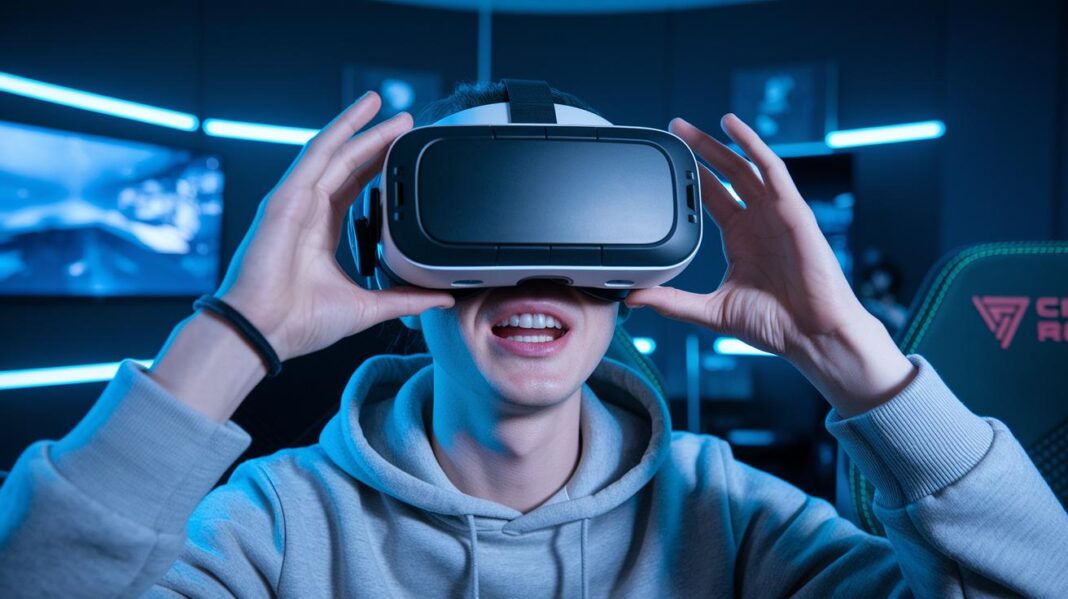
Take virtual reality, for instance. Pop on a VR headset and you’re not just watching, you’re right there, feeling the excitement of every scene as if you were in the heart of it all.
Then there’s the magic of 360° photospheres on smartphones. With just your phone, you get to spin around and explore every angle of a story, making you a true part of the experience.
And let’s not forget about web-based storytelling. Using interactive HTML5, creators let you tap, swipe, and decide what happens next, turning the story into a little adventure of your own.
Lastly, collaborative, cloud-based platforms are helping creative minds from all over the world team up. This means stories are more diverse, mixing global ideas to offer something really unique.
Final Words
In the action, this article walked through how digital storytelling blends images, sound, and text to create dynamic experiences. We broke down its planning, design, and narrative structures, showing examples in education, business, and more.
By exploring tools, techniques, and emerging trends, you now see what is digital storytelling and how it connects communities while sparking creativity. Here’s to pushing boundaries and enjoying every step of your creative process!
FAQ
What is digital storytelling?
Digital storytelling means creating stories by mixing images, text, voiceovers, and music. It offers a creative way to share experiences using simple tools, turning ideas into engaging multimedia narratives.
What are some examples of digital storytelling?
Digital storytelling examples include projects like student video slideshows, interactive classroom presentations, and virtual museum exhibits. These projects often use downloadable guides or PDFs to help craft compelling narratives.
How is digital storytelling used in education and by students?
Digital storytelling in education helps students produce creative projects using multimedia elements. It builds digital skills, lets them express ideas vividly, and sparks deeper engagement with course material.
What are the key elements and types of digital storytelling?
Digital storytelling typically includes components like visuals, text, voice, background music, and pacing. It can take different forms, such as linear narratives or open-ended stories, with some models outlining seven core elements.
What does digital storytelling PPT refer to?
Digital storytelling PPT is a presentation format that outlines the process, tools, and examples of creating digital stories. It serves as a valuable resource for educators and creators looking to introduce multimedia storytelling techniques.
What is another term for digital storytelling?
Another term for digital storytelling is digital narrative. This emphasizes sharing creative stories through multimedia, engaging audiences by using various digital tools and formats.