Ever noticed how a great music video can suck you right into the action? These days, creators mix eye-catching visuals with clever storytelling to build an experience that feels totally live. Using cool tricks like 10-bit color capture (a method that grabs a wide range of hues) and smart camera setups, they turn everyday moments into bite-sized mini-shows. In short, by blending these techniques, every beat and scene pops off like a concert you never want to end.
Achieving Immersive Aesthetics in Music Video Production
Immersive music videos bring striking visuals together with deep, engaging stories. Filmmakers use cool tools like 10-bit color capture to keep every shade lively and careful 3D camera setups to make scenes feel naturally deep. Think of it like setting up a stage for that special moment; matching the distance between lenses and syncing shutter speeds creates a show that feels unforgettable.
Creative storytelling and smart tech go hand in hand when fast camera moves give way to clear, punchy scene cuts. Picture the moment when the beat drops. Instead of a blur of motion, a sharp transition grabs your attention, almost like a quick jump in time. Plus, using effects that handle round images and wrap pixels just right keeps the story flowing perfectly. These techniques tie together art and tech, making each beat and scene feel connected.
| Key Technique | Description |
|---|---|
| Accurate 3D Imaging | Fine-tuning two camera lenses to mimic how our eyes see depth. |
| HDR Capture | Using 10-bit color to make every light and dark shade pop just right. |
| Smooth Motion Handling | Swapping fast, dizzying moves for crisp, clear scene transitions. |
| Smart Effects | Applying special filters that manage round images and pixel wrapping. |
| Audio-Visual Sync | Matching visuals with musical cues so you feel like you’re at a live show. |
| Clear Storytelling | Linking tech tricks with narrative flow for a seamless viewing experience. |
By mixing these techniques, filmmakers can create music videos that dazzle visually and resonate emotionally. It’s a journey into a world where every beat feels as immersive and real as a live, unforgettable performance.
Cinematography Strategies for 360° and Stereoscopic Music Videos
Spherical cinematography brings some pretty unique challenges that push beyond traditional filming methods. Imagine capturing a scene that wraps all around you, every angle has to be just right. Even a tiny tilt can let go of that immersive vibe. Picture filming a live event where the camera smooth pans across the room, only to see a slight head tilt later throw off the whole feel.
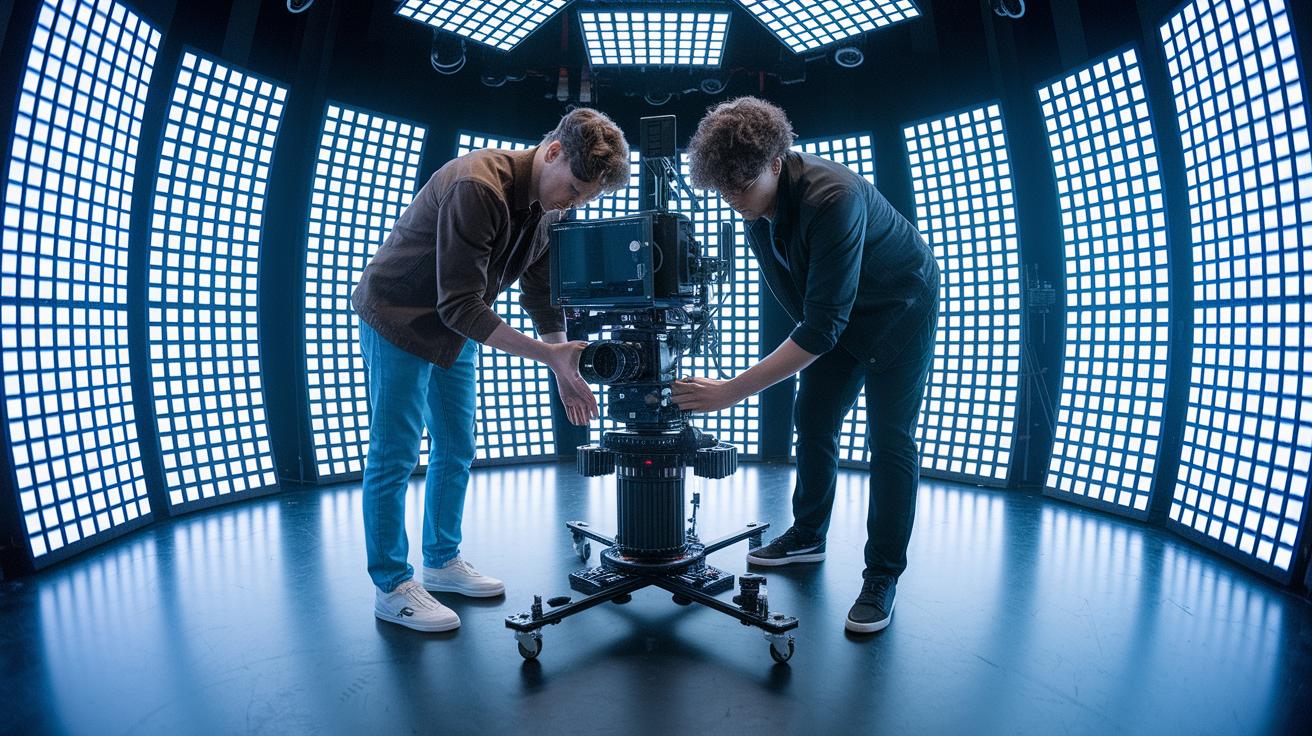
When it comes to stereoscopic visuals, it’s all about getting the gap between the two lenses exactly right. Matching the natural spacing of our eyes helps keep the experience comfortable. Dual-lens rigs with synced shutters make sure both horizontal and vertical views line up perfectly. Imagine two cameras working side by side at a concert, capturing every beat in true depth with no warped edges. That perfect balance keeps the viewing experience smooth and inviting.
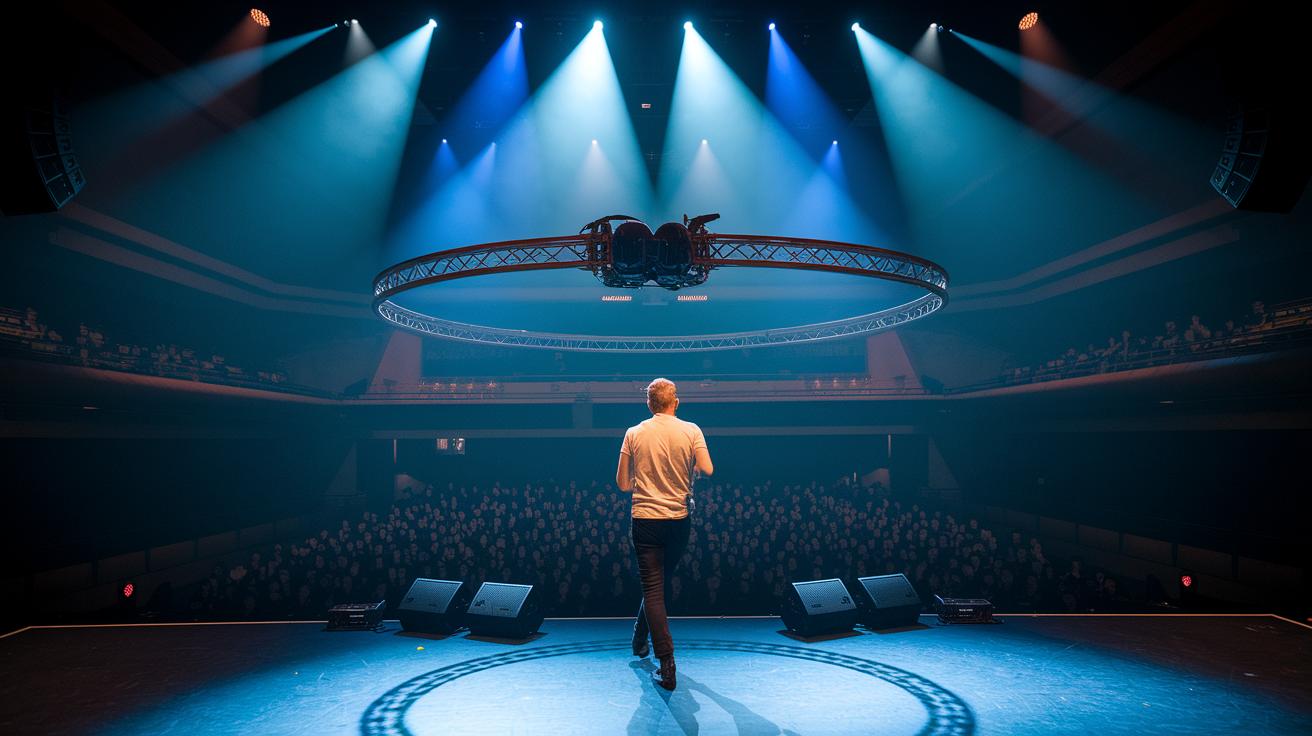
For smooth, cool motion, filmmakers steer clear of fast, jerky pans. Instead, they use path-based rigs like a Circle SOP to let the camera move gracefully. Picture a camera gliding steadily around a performer on stage, always keeping the star front and center. This calm, deliberate move prevents sudden shifts and lets you really feel the live energy of the moment.
The best approach is to blend all these ideas into one seamless workflow. By nailing the stereoscopic setup and pairing it with smooth, controlled camera moves, immersive music videos can draw you in and keep you comfortably engaged through every vibrant scene.
Integrating AR and VR for Augmented Visual Effects in Music Videos
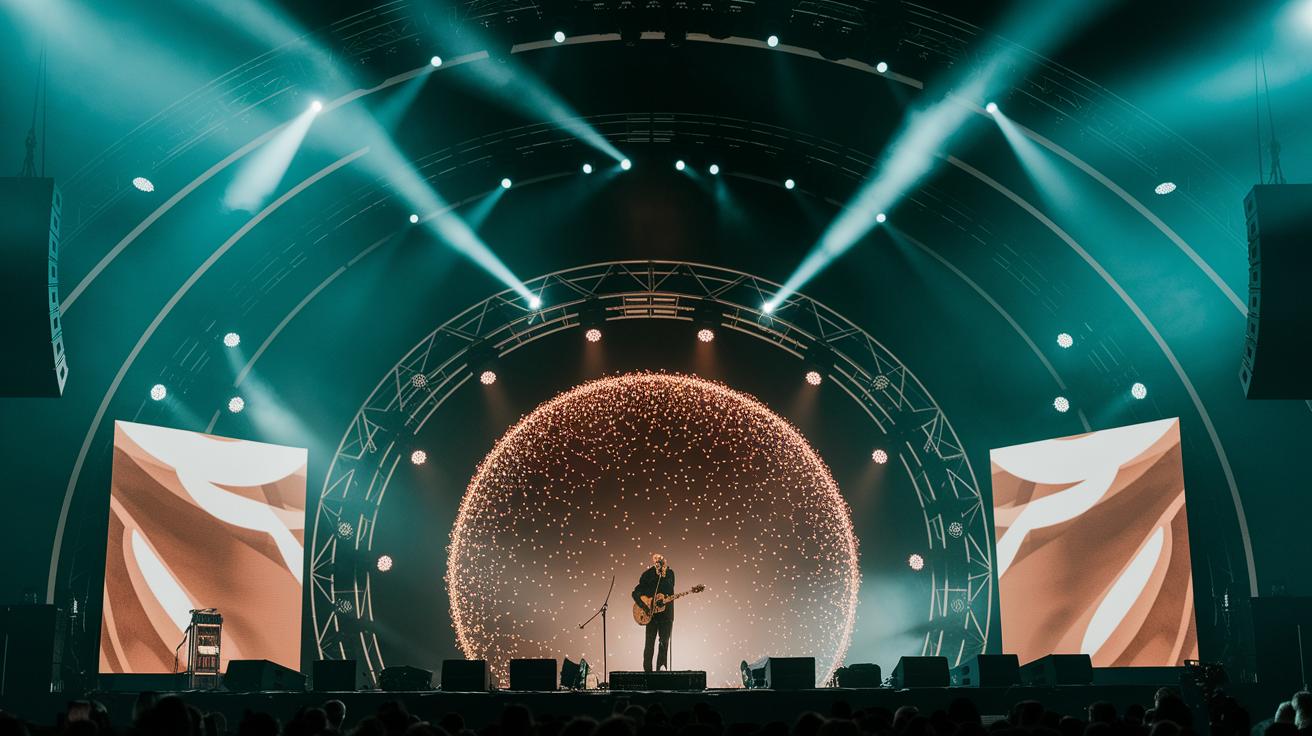
AR and VR bring a fresh twist to music videos by blending digital magic with live performance vibes. These cool tools let artists mix imaginative digital scenes with real-time recordings, creating a richer, more interactive viewing experience. They make sure every visual detail, from spherical projections to pixel wrap-around, is spot on, much like layering a digital dream over a live, pulsing beat.
Building Particle Effects
Using TouchDesigner, a particle-spewing sphere sets the stage for a burst of digital energy. Artists adjust normal settings in a Point SOP and fine-tune forces in a Particle SOP to get the particles moving just right. Picture a sphere that sends out countless tiny dots, dancing around like sparks from a firework. And with a Delete SOP in place, those particles don’t clash with the main sphere or the camera, keeping everything neat and flowing. It’s all about balancing controlled creativity with a touch of spontaneity.
Environment Mapping
Around these lively particle effects, a large geometry dressed with a Constant material forms a textured backdrop, much like an environment map in PBR. This creates an immersive setting that wraps around the scene, adding depth and context. Imagine a vast digital dome where dynamic textures light up the mood, similar to stage lights that change as the music flows.
Real-time layering compositing then pulls all these elements together seamlessly. By mixing live AR bits with pre-made interactive layers, artists ensure sound and visuals stay perfectly in sync. This smooth integration keeps every transition sharp and responsive, making the fusion of digital and live elements truly captivating.
Expert Post-Production Workflows for Immersive Music Videos
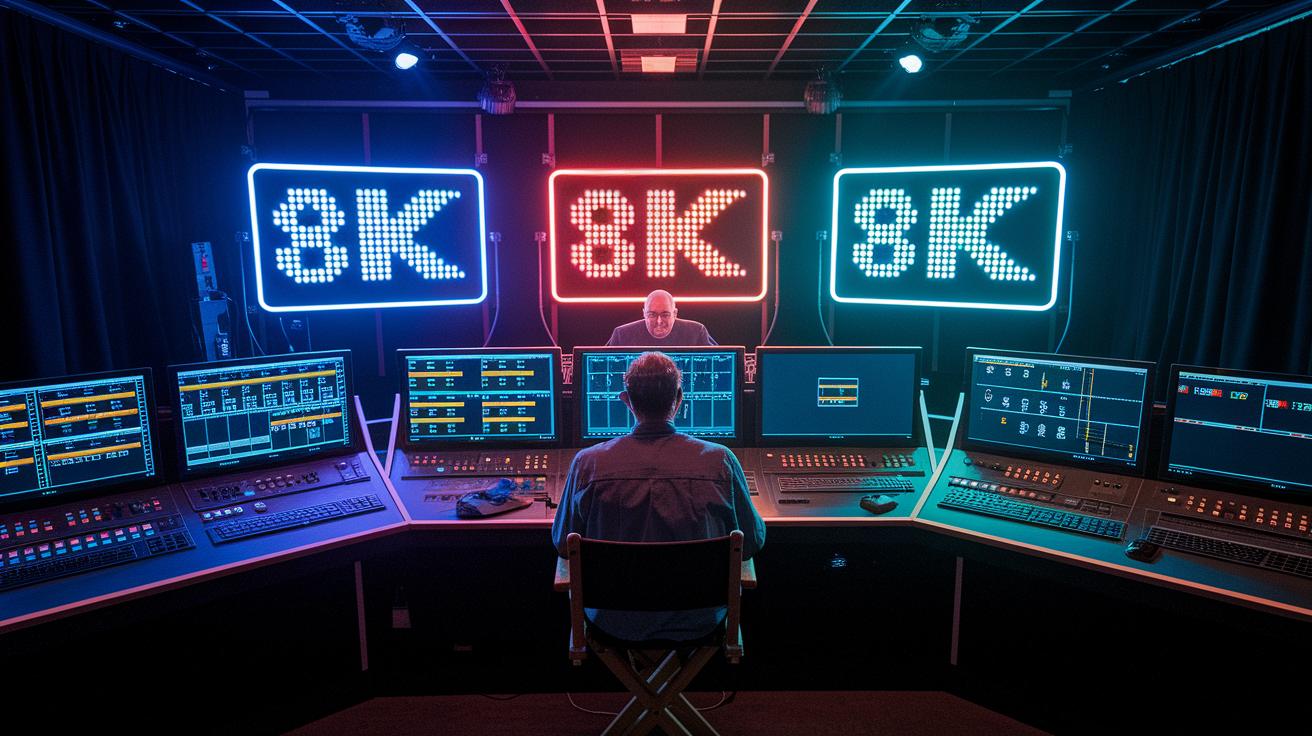
Step into a world where music videos come alive with a backstage feel. Filmmakers mix top-notch visuals with smart digital tools to create an experience as thrilling as watching your favorite band light up the stage.
They work in a super-clear 10-bit color space, capturing every subtle shadow and shine even if the final output is in 8-bit. Picture yourself checking every frame on a head-mounted display, catching each tiny color shift and keeping the vibe just right.
Managing heaps of high-res footage can be wild, like trying to organize a massive music festival. That’s why a smooth editing workflow is a must, it lets teams handle massive 8K×8K visuals at 90 frames per second without missing a beat.
Then there’s Python scripting in TouchDesigner, which automates those boring, repetitive tasks. Custom UI widgets pop in to help tailor the process, letting creative sparks fly while AI-powered effects kick in exactly when needed. This means less time on the small stuff and more time perfecting the show.
Quality checks wrap it all up. Constant reviews on head-mounted displays, careful color tweaks, and smart network tweaks ensure every frame feels as alive and electrifying as a live concert.
Audio-Visual Synchronization and Surround Sound in Immersive Music Videos
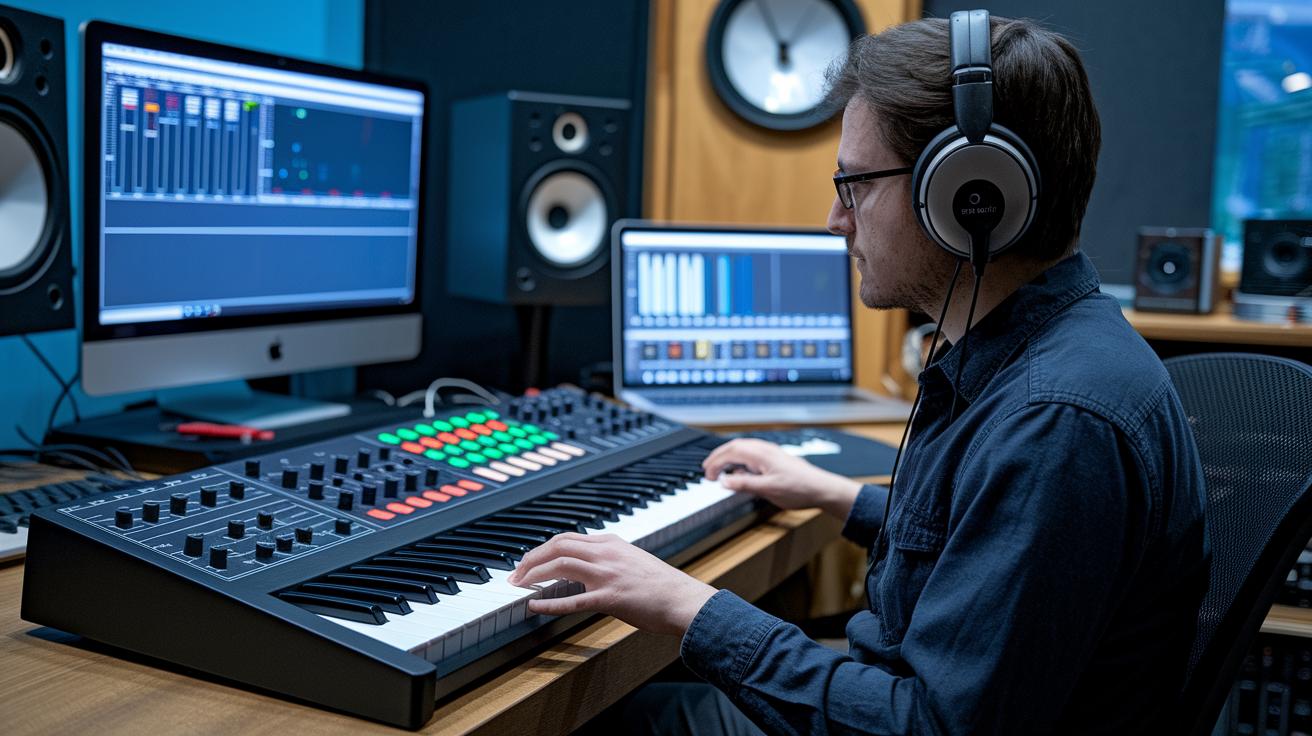
Audio serves as the heartbeat of an immersive music video. It sets the mood, ties every scene together, and makes every moment feel alive.
When putting together these videos, producers use smart tools like Keyboard In and Timer CHOPs in TouchDesigner. They adjust things like object opacity to create smooth scene changes that match the beat, just like stage lights rising or dimming exactly with the music. For instance, when a key melody plays, a visual slowly emerges to match the shift, keeping you totally engaged.
Mixing in surround and spatial sound adds another layer of magic. High-quality audio processing makes sure that sound cues align perfectly with on-screen actions, so every beat seems to fill the room. You feel the music coming from different directions, creating a true 360-degree experience.
By blending musical cues with visual transitions, these videos create a smooth, immersive environment. It’s a vibe where every beat is not only heard but also seen, making the experience feel completely alive.
Equipment and Software for Advanced Immersive Music Video Techniques
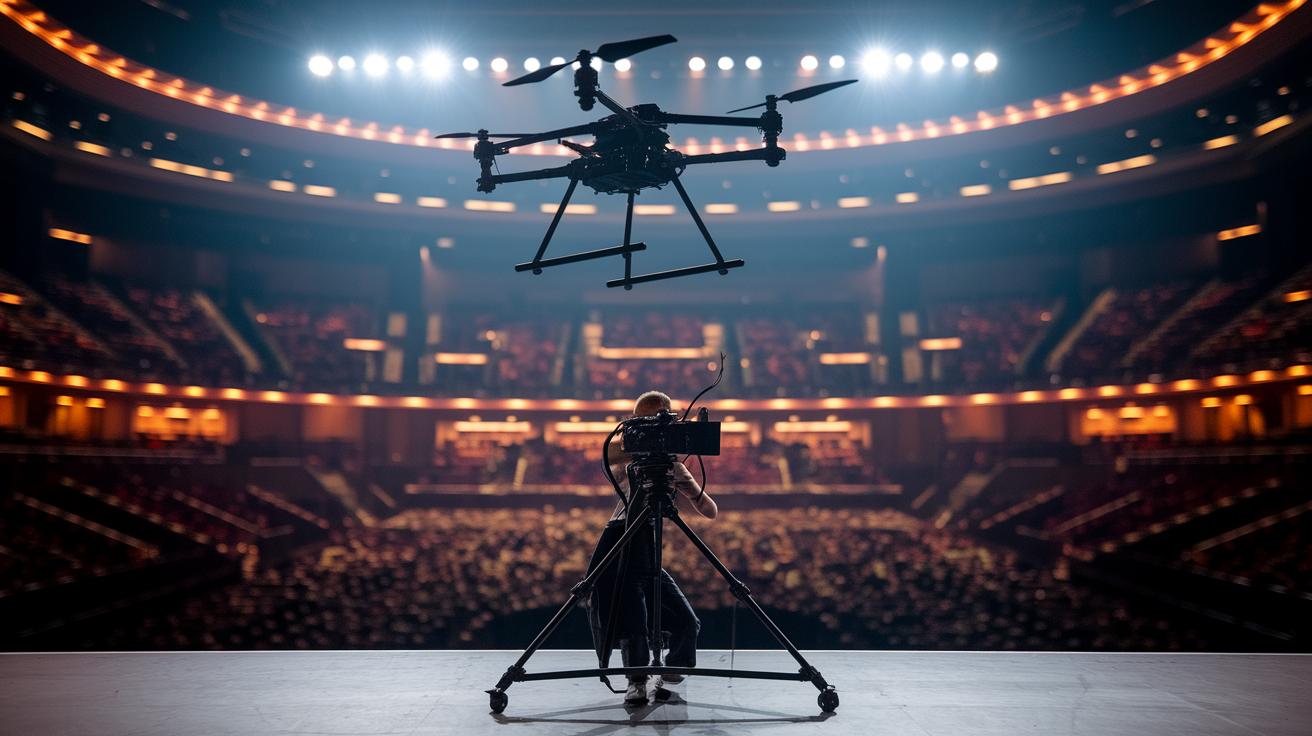
Today’s filmmakers mix the best hardware with smart software to bring music videos to life. Imagine setting up a digital stage where tools like TouchDesigner let you smooth out camera paths with Circle SOP, keep track of moving elements with Null COMP, and dodge collisions using Delete SOP. It's like building a magical stage for your vision. And with dual-lens 360° rigs, you capture scenes in a lifelike way with synchronized shutters and adjustable eye settings.
Then there are the drone rigs, which glide over sets to grab those breathtaking views, and high-end compositing suites that blend live footage with digital art seamlessly. Plus, network optimizers work hard behind the scenes to handle huge data streams, think uncompressed 8K×8K per-eye frames at 90 fps with around 362 Gbps bandwidth, by refining codecs and compressing in real time. The use of environmental spheres with Constant material gives the backdrop a real-world feel.
| Equipment | Function | Notes |
|---|---|---|
| TouchDesigner | Procedural visual control | Uses Circle SOP, Null COMP, and Delete SOP |
| Stereoscopic Rig | Dual-lens capture | Synchronized shutters with adjustable IPD presets |
| Drone Rig | Aerial cinematography | Delivers smooth, high-angle shots |
| Compositing Suite | Layer merging | Merges real footage with virtual elements |
| Network Optimizer | Data management | Handles large bandwidth and real-time compression |
This setup creates a smooth production pipeline that is both efficient and creative. By mixing these specialized editing tools with cutting-edge camera tech, filmmakers achieve spot-on motion tracking and blend real and digital worlds perfectly. Every piece works together to create dynamic digital backdrops, fluid aerial shots, and seamless merges of live and virtual imagery. It’s a robust system that handles huge data demands while fueling creative storytelling, all with the spirit of live performance excitement.
Case Study: "Tenebris" Immersive Music Video in TouchDesigner
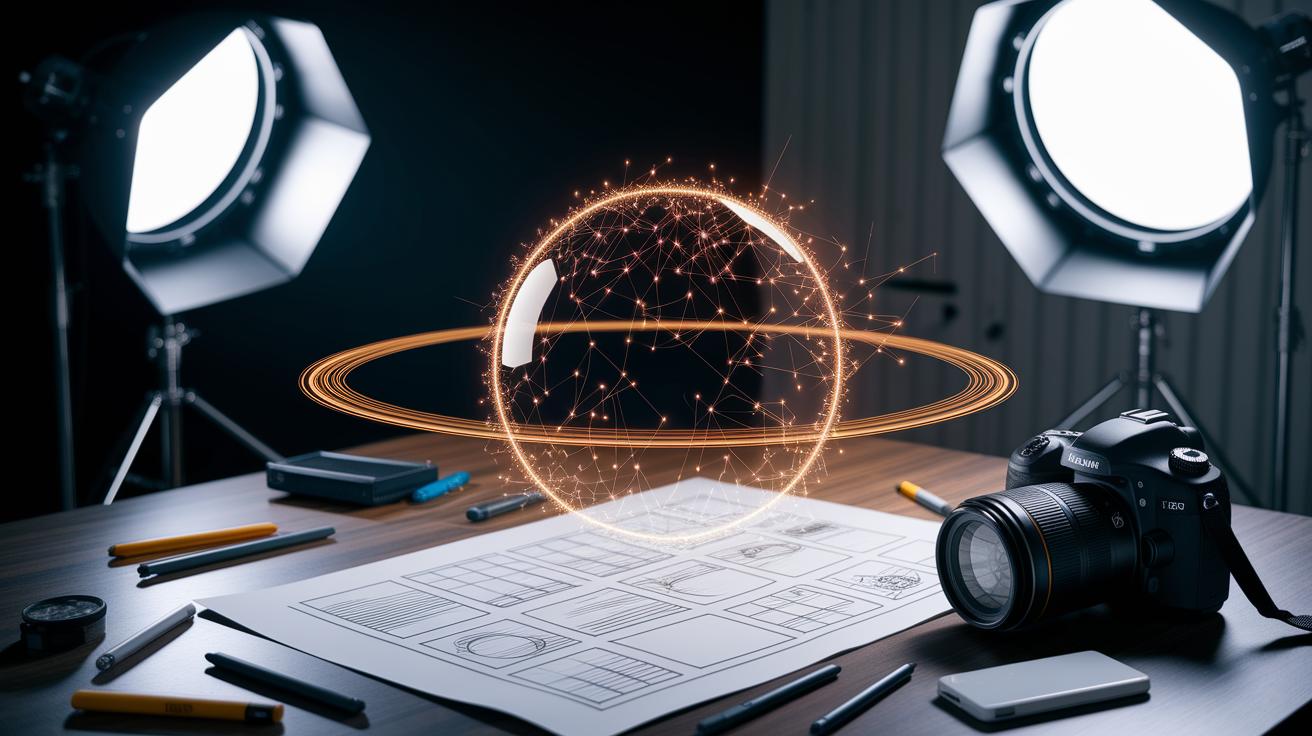
The Tenebris project got rolling with a hand-drawn story outline that set a clear path for the whole experience. This simple sketch acted like a backstage plan, guiding every visual choice and keeping the narrative lively and easy to follow.
Next, the magic really kicked in with eye-catching particle effects. The team used basic tools, Point SOP (a tool for placing points in space) and Particle SOP (which turns those points into moving, dynamic elements), to build a buzzing sphere that felt like a glowing orb sending out sparks. They even tracked its movement with a Circle SOP and a tracking tool so the camera stayed locked on the action. Picture a pulsing ball of light, almost like the heartbeat of a show.
Smooth transitions between scenes came next, all synced perfectly with the music. Clever controls adjusted the opacity of different objects, so each shift landed just right with every beat. Constant team feedback helped fine-tune these effects until every part, from the particle dance to scene changes, blended into one vibrant, immersive journey.
Future Trends in Immersive Music Video Production
The way we create music videos is evolving fast. Filmmakers are now using something called 6DOF volumetric video, which captures scenes in complete depth so you feel like you’re truly inside the moment. Gone are the days of simple 360° clips; now every angle feels real, just like being part of a live show.
Then there’s the exciting twist of AI-enhanced effects. Imagine editing on the fly, where smart systems help adjust visuals in real time. With a mix of AI-assisted compositing and live capture, creators can tweak scenes instantly, making the whole process quicker while boosting the immersion factor.
And just when you think it can’t get any cooler, artists are blending spatial sound, touch feedback, and bright, dynamic visuals into one seamless experience. This future of multisensory storytelling turns a music video into something you can see, hear, and even feel – all at once, drawing you into a world where every sense is part of the performance.
Final Words
In the action, this post highlighted how creative visuals and crisp audio sync come together to redefine storytelling in live digital shows. It broke down essential technical details like stereoscopic capture, HDR color grading, and head-turning motion design, all while featuring AR/VR integrations and a real-world case study.
This exploration of immersive music video production techniques shows a clear, practical path toward engaging storytelling. The insights shared spark a positive vibe and keep the creative spirit buzzing.
FAQ
What are some immersive music video production techniques for YouTube and in general?
The YouTube immersive music video production techniques involve using high dynamic range capture, smooth motion cuts, and synchronized sound to create depth-filled visuals and engaging narratives that grab viewers’ attention from the start.
What is Apple immersive video projection?
The Apple immersive video projection refers to using advanced projection methods that display video on multiple surfaces, creating a realistic feel that pulls viewers into the action with clear, bright visuals.
What are spatial video, spatial video samples, and spatial video players?
Spatial video involves capturing footage that surrounds the viewer. Samples and players let audiences experience rounded, all-around perspectives that enhance engagement with the content in a fresh, interactive way.
What techniques are used in music videos?
The techniques used in music videos include creative camera moves, rapid editing, motion graphics, and smart audio-visual sync. They create an appealing visual rhythm that goes hand in hand with the beat.
What are the 5 types of music videos?
The five types of music videos often include narrative storytelling, live performance, concept-driven visuals, animated or lyric videos, and experimental formats that push creative boundaries in visual expression.
What is immersive video content?
Immersive video content means creating videos that engage viewers on multiple sensory levels. It uses 360° filming, interactive graphics, and rich audio to invite audiences into a more complete viewing experience.
What makes a music video interesting?
A music video becomes interesting through creative visuals, smart editing, and a compelling narrative. Unique effects and interactive elements also add extra layers of excitement that keep the audience involved.