
Ever wonder how your live stream can hit a new high with just the right numbers? Real-time stats let you peek behind the scenes to see when your broadcast is buzzing or might need a quick boost.
It’s like checking the pulse of a live show, each number tells a small part of your audience’s story. In this guide, we break down moments like peak views and lively chat, showing you exactly when your stream is on fire.
Get ready to use cool data to create moments that truly captivate your viewers.
live streaming analytics and metrics Ignite Engagement
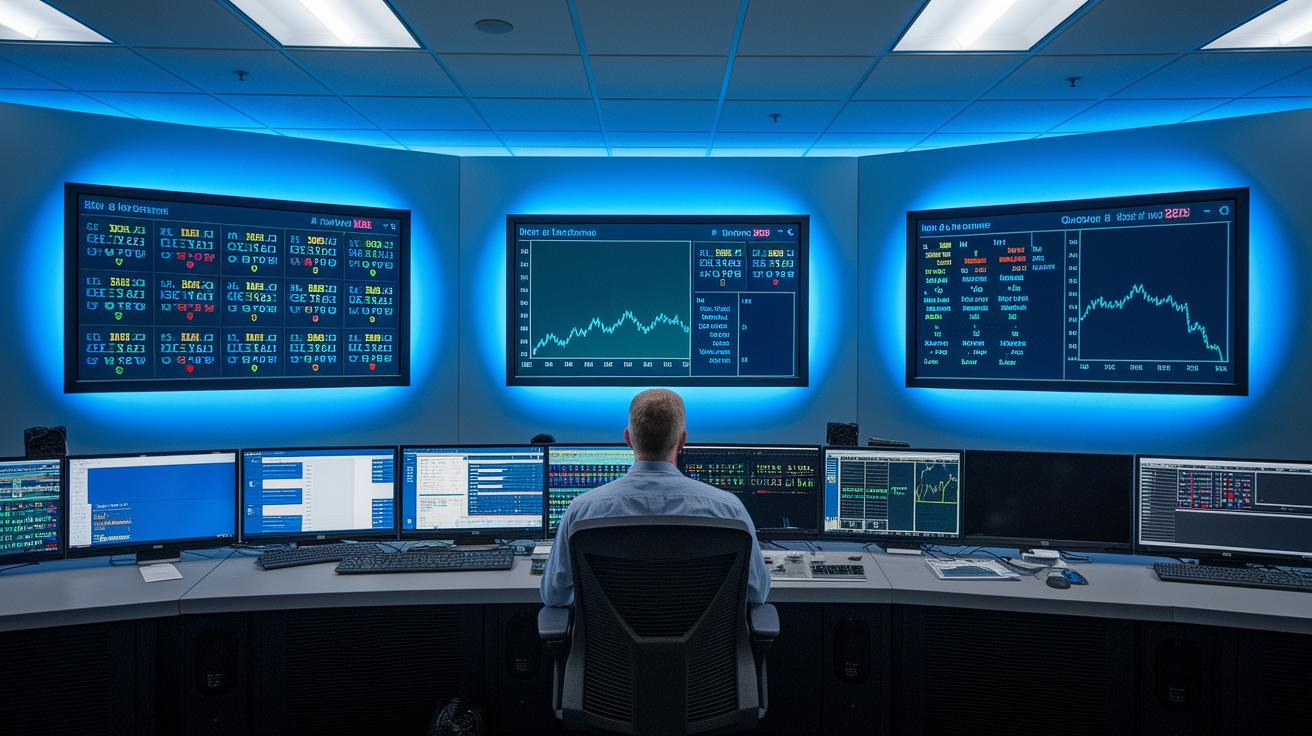
Live streaming analytics is all about watching numbers flow in real-time and figuring out what really makes a broadcast pop. It’s like standing backstage and feeling the buzz of a live event as you check out how viewers connect with your content. If you’re not sure where to start, you can always check our guide on how to live stream events for some friendly tips.
Five key numbers help paint the picture:
- Currently Watching: This shows how many people are tuned in right now, giving you a quick snapshot of the live vibe.
- Peak Views: This number records the highest number of viewers at one time, spotlighting that moment everyone remembers.
- Unique Visitors: This counts every individual viewer, so you know exactly how many different eyes caught your stream.
- Average Time Watched: Here, you see how long people stick around in the stream on average, hinting at how engaging your content is overall.
- Live Chat Participation: This tracks comments and interactions live, letting you know if viewers are buzzing with excitement.
Real-time data like this is a real game changer. When you see a sudden drop in viewers or spot any technical hiccups, you can jump in and fix things on the fly. It’s like having an insider tip during a live performance, you know exactly when to tweak the sound or adjust the lights, keeping the show smooth and engaging.
These metrics aren’t just numbers, they’re a clear guide to both the technical side of your broadcast and how your audience is really feeling. Using these insights, you can fine-tune your stream as it happens and plan even smarter for your next live event.
Key Tools and Platforms for Live Streaming Analytics

Choosing the perfect analytics tool for your live stream is all about finding a platform that not only gathers important data but also shows it off in clear, easy-to-read dashboards. You want a tool that delivers real-time insights, letting you catch issues and feel the energy of engagement as it happens. Think of it like watching your favorite team's game live, you need instant updates on every play.
When you’re on the hunt, look for tools that simplify critical metrics such as packet loss, buffering rates, and live chat activity. Each platform has its own way of displaying data, making it super easy to tweak your stream on the fly for the best experience.
- Resi Analytics: This tool offers strong encoder management with smooth support transitioning from video on demand to live streaming. It delivers live data on domains, devices, and source locations to keep you in the know.
- YouTube Analytics: With comprehensive dashboards that break down views by device and region, it gives you a clear peek at audience behavior.
- Facebook Live Insights: Provides a real-time look at live chat and technical details like buffering and packet loss, ensuring your stream stays smooth.
- Twitch Analytics: Focuses on engagement-driven metrics, which is perfect for interactive or gaming streams that demand a lively audience vibe.
- Vidyard: Combines detailed metric reporting with interactive dashboard views, so you can easily monitor viewer retention.
- Kaltura: Offers an in-depth look at streaming performance, including encoder management and technical tracking to help fine-tune your broadcast.
Real-Time Live Streaming Analytics and Monitoring

Real-time analytics give you immediate insights into how your audience is interacting and how your stream is performing. With key numbers like live viewers, peak views, unique visitors, average watch time, and active chat participation, you can quickly sense when something is off. Ever noticed that eerie silence in the chat just when you expect the buzz to peak? That’s your cue to switch up your content delivery and reconnect with your audience.
| Metric | Purpose |
|---|---|
| Concurrent Viewers | Shows the number of people watching in real time |
| Peak Views | Highlights the highest number of viewers during the stream |
| Unique Visitors | Counts each individual viewer to reflect overall reach |
| Average Time Watched | Calculates how long viewers stay tuned on average |
| Live Chat Participation | Measures the level of interactive engagement in real time |
Using these quick insights, you can adjust your streaming settings on the fly. For instance, if you see a sudden drop in unique viewers or notice viewers are staying longer than usual, it might be time to fine-tune your broadcast settings to keep everything running smoothly.
Analyzing Post-Stream Dashboards and Viewer Engagement
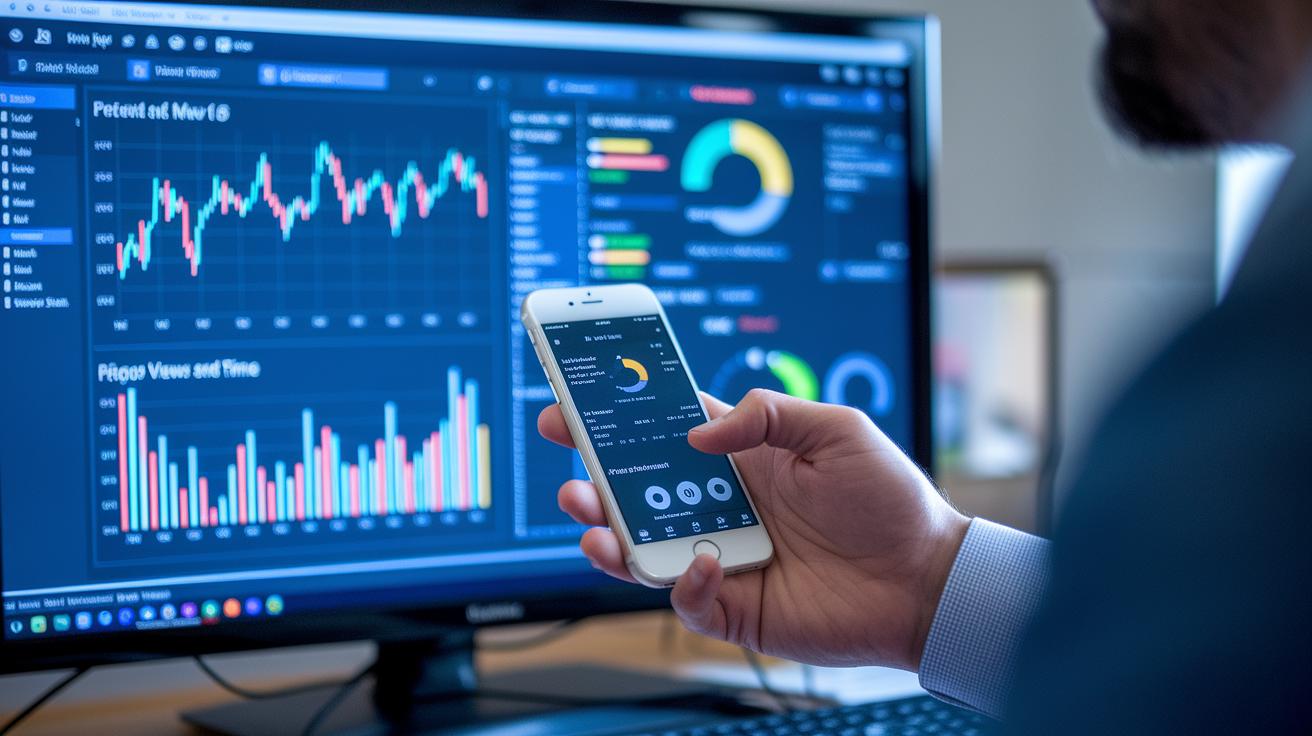
Post-live dashboards are like your backstage pass to see how your stream does after the show ends. They break down the total views, hours watched, and even tell you how much of your content people stick with. It’s a clear look at how much your audience really cares about what you’re sharing.
Tracking how long people stay and where they start to lose interest is a big deal. You get to see when viewers tune out, helping you spot the exact moments that need a little extra spark. For example, checking the total hours and percent of the stream watched tells you if your content kept them hooked from start to finish.
It’s also smart to cut out the beginning and ending bits that sometimes skew the numbers. By setting aside those extra segments that aren’t really part of the main action, you get a truer picture of how engaging the heart of your stream really is. This cleaner data makes it easier to compare different streams and see improvements over time.
Then there are heat maps that turn your engagement data into a burst of colors. This simple, visual tool shows you, at a glance, which parts of your stream lit up viewers’ interest and which parts didn’t. A bright, warm color might mean a hit segment, giving you ideas on how to make future streams even more exciting.
Technical Quality Metrics and Performance Assessment in Live Streaming

Let's dive into network performance. This part covers packet loss, server strain, and how much bandwidth you’re using, basically, the nuts and bolts that keep your stream flowing. Tracking packet loss is like noticing when a song skips a beat; it shows you the small chunks of data that aren’t making it through. Meanwhile, watching your server’s load is a bit like checking out a buzzing venue where every seat counts, you want to know if things are too packed. And bandwidth? It tells you if your network has enough room to serve your live audience without lag. Even one tiny hiccup here can turn an otherwise smooth show into a choppy mess.
Now, let’s chat about playback quality. This is all about keeping your stream looking and sounding great. Imagine those little pauses between your favorite song’s verses, that’s similar to buffering. If you notice too many of these pauses, it might signal an underlying issue. The adaptive bitrate system is your trusty sidekick here; it adjusts the video quality on the fly to match the network conditions, so you don’t get stuck with a blurry picture when things get tough. Error logs act like a personal diary, capturing any glitches that pop up so you can track them down later. And latency? Think of it as the delay between the live action and when your viewers actually see it. This is super important if you want your audience to feel like they’re part of the moment. Together, these metrics ensure you can spot any performance bumps early on and keep your broadcast as smooth as a live performance should be.
Tracking Audience Behavior and Engagement Metrics

Social and interactive metrics are the heartbeat of any live stream, giving you quick clues about how much your audience is digging it. When comments, likes, shares, and even live poll data (real-time viewer voting) start spinning, you can tell the excitement is real. Think of it like the sudden buzz when everyone claps during a surprise moment on stage.
Now, individual viewer info like IP addresses, session timestamps, and watch histories can show you exactly who’s tuning in. This kind of data breaks your audience into groups, highlighting which folks get most into your content, like watching a crowd break into cheers at an amazing twist.
Immediate feedback, such as live chat reactions and detailed tracking during your stream, offers a cool loop for tuning your performance on the fly. By keeping an eye on these interactive signals, you can switch up your style as the event unfolds, ensuring every live stream feels fresh, fun, and perfectly in tune with what your viewers love.
Optimizing Live Streaming with Analytics Insights

Begin by setting clear goals using numbers from your previous live streams. Check key measures like how many viewers tuned in at once, average watch time, and live comments or likes. It is much like reading a scorecard after a game to see what worked and what might need a tweak. Imagine you saw a big peak in your last stream; you can use that to set a new goal for your next broadcast.
Next, try making small, steady improvements. Use simple tests to compare two ideas and watch for any odd spikes or drops in your numbers. For instance, you might try one segment with fun, interactive parts and another with a more relaxed feel. This approach helps you understand which style your audience enjoys more.
Also, using tools that predict trends can really help when planning for busy times. These models let you foresee when a lot of people are likely to join in, so you can adjust settings ahead of time. Think of it like setting up extra seats at a show when you know the room will fill up.
A real-life case showed that comparing performance across different regions can bring big gains in streaming quality. By constantly reading your numbers, fine-tuning your schedule, and planning for peak moments, you build a clear path to hosting live events that truly connect with your audience.
Final Words
In the action, we broke down key metrics that drive live streaming success, from real-time viewer counts to technical performance details. We walked through the tools that shape precise, instant measurement and explained post-stream engagement insights that help adjust strategies on the fly.
Live streaming analytics and metrics offer a clear look at audience behavior and content quality, pushing for smarter, more engaging broadcasts. Embrace these insights and get ready for another electrifying stream.
FAQ
What are the best live streaming analytics and metrics?
The best live streaming analytics and metrics refer to measuring key figures like concurrent viewers, peak views, average watch time, and interactive chat. These insights help improve stream quality and resolve issues quickly.
How do Streams Charts on Twitter work?
Streams Charts on Twitter show real-time metrics of viewer engagement and trending topics during live sessions. They provide a clear visual display to help streamers understand audience behavior on the platform.
What does Stream Analytics involve?
Stream Analytics involves gathering and reviewing data from a live broadcast, including view counts and engagement. It helps spot issues quickly and guides streamers to make effective adjustments on the fly.
How do Stream Charts on Kick function?
Stream Charts on Kick track live metrics such as viewer counts and engagement levels. They offer simple visual feedback that lets streamers monitor performance and adjust content to keep viewers interested.
What is the Stream Charts extension?
The Stream Charts extension is a plug-in tool that integrates with live broadcast setups, delivering customizable, real-time analytics. It lets users quickly review key performance metrics through easy-to-read visualizations.
How do Stream Charts on YouTube work?
Stream Charts on YouTube display live data like views, engagement, and viewer retention rates. They offer a simple, visual way to monitor broadcast performance and assist creators in refining their content.
What are stream metrics?
Stream metrics consist of essential numbers such as concurrent viewers, total watch time, and peak views. They provide immediate insights that help manage technical quality and overall performance during a live stream.
What do live streaming statistics include?
Live streaming statistics include real-time data like active viewer counts, peak numbers, average watch time, and interactive responses. These measurements guide broadcasters in understanding their audience and enhancing streaming sessions.