Have you ever thought your live stream might be missing a little spark? With a smart plan, you can transform a basic broadcast into an event that buzzes with energy, just like a live concert.
Think of your schedule as the heartbeat of your show, setting the pace from fun teasers to interactive Q&A moments. This guide breaks down simple steps to make your stream more exciting and keep your viewers coming back for more.
Ready to see how a clear plan can turn your stream into something unforgettable?
Live Streaming Content Planning: A Step-by-Step Implementation Guide
Planning a live stream isn’t just about clicking a button. It’s like setting the stage for a live concert, first, you decide on clear, simple goals that boost your brand, spark leads, and spread the word. Think of your session as an event where every part, from fun teasers to friendly follow-ups, works together to create a memorable experience.
Next, make sure your plan fits perfectly with your brand’s vibe. It’s like putting together the perfect playlist: every step, from brainstorming content to planning the live Q&A, is tuned to what your audience loves. Reflect on previous successes, and adjust your approach to capture the real energy of a live crowd. With a solid plan, your streaming process becomes smooth and impactful, like a well-rehearsed digital performance.
Here’s a quick checklist to get you started:
- Define SMART objectives
- Identify your target audience
- Brainstorm content angles
- Select a format that fits your message
- Choose the best platform for your vibe
- Schedule a date and time that works
- Plan out your promotions
| Stage | Key Tasks |
|---|---|
| Pre-Stream | teasing, rehearsals |
| Live | moderation, live Q&A |
| Post-Stream | repurposing, analytics review |
With the right mix of planning and creativity, your live stream turns into an exciting digital event that feels just as natural and engaging as a night out with friends.
Crafting a Broadcast Schedule for Live Streaming Content Planning

First, find the hours when your viewers are the most active. Dive into your streaming stats, like YouTube’s peak times, to see when people are tuned in and ready to enjoy the show. It’s a bit like planning a neighborhood party when everyone is in a fun mood. Maybe you’ll notice weekday evenings are buzzing, so that’s the perfect time for your live streams.
Next, put together a streaming calendar using a digital planner that breaks your month into clear content slots and prep tasks. Think of this calendar as your personal production guide that keeps your creative energy flowing. Sketch out rough timelines for rehearsals, content creation, and setup, leaving some room for those unexpected hiccups. It’s like mapping out a road trip where every pit stop helps you hit your streaming goals.
Then, design each live session with a simple, clear script to steer your on-air journey. Start with a quick 5-minute welcome, dive into a 30-minute main segment full of engaging content, and finish with a fun 10-minute Q&A. This structure is like a live concert setlist guiding each note of the performance, making sure your stream stays lively and connected.
Technical Setup Guidelines and Contingency Planning in Live Streaming Content Planning
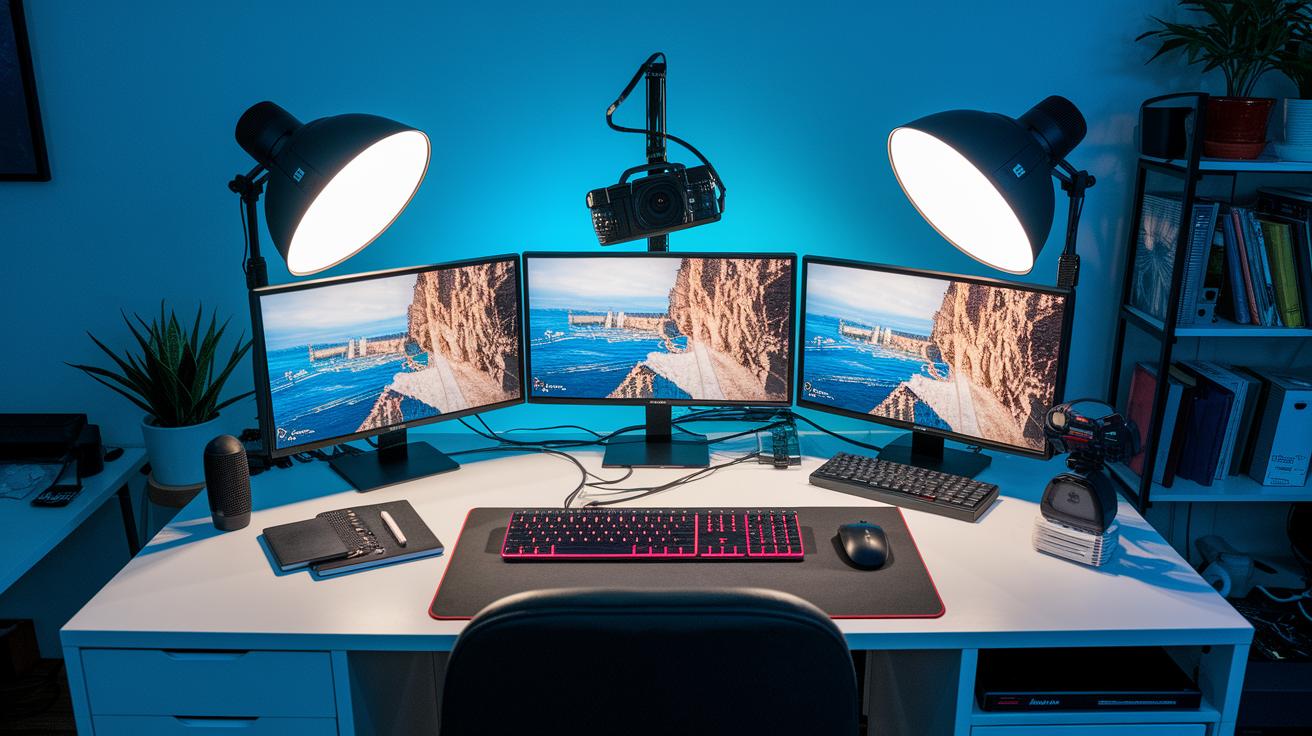
Ever watched a live stream that just felt right? That magic happens when your tech setup is solid from the start. Think of top-notch cameras, clear microphones, and handy encoder systems working together like a cool band playing a hit song. A steady wired internet connection is the unsung hero that makes sure every moment comes through crisp and smooth. Regular practice runs help you feel ready to rock a stress-free live show.
But even when everything seems perfect, surprises can pop up. That’s why it’s smart to have a backup plan. Extra gear and spare power sources are like having a spare tire on a long drive, hopefully never needed, but a real lifesaver if something goes wrong. Testing these backups ahead of time gives you the confidence to keep your stream humming, no matter what.
| Essential Equipment |
|---|
| Primary camera |
| Backup camera |
| Microphone |
| Audio mixer |
| Encoder software |
| Backup internet source |
| UPS power supply |
| Streaming software configuration |
When you’re live, be ready to handle any little glitches on the fly. Keep a close eye on your bitrate so you catch any quality hiccups early. And if something does go wrong, switch to your backup feeds quickly to keep your audience in the loop. A brief update about technical issues lets everyone know you’ve got it under control. This hands-on approach makes sure your stream stays smooth and professional, even when unexpected bumps come along.
Audience Engagement Approaches in Live Streaming Content Planning
Live chat moderation helps create a fun and respectful chat room during your live stream. When you have a moderator keeping an eye on things, they can quickly move off-track comments back into the conversation. This makes everyone feel welcome and builds trust, just like chatting with friends after a cool live show. Adding a few interactive Q&A sessions lets viewers share their thoughts in a natural, easy-going way.
Using polls in your stream is a great way to get everyone involved. Ask fun, short questions that let viewers share their opinions right away, kind of like choosing the next track on your favorite playlist. These quick polls break up the show and create unexpected moments that spark excitement all around.
Bringing in guest creators or experts is another awesome trick to stir up new energy. They add fresh ideas and help attract new viewers, making your stream feel more lively. And after the show, consider setting up special online hangouts where fans can keep the chat going, share their thoughts, and make new friends.
Promotional Planning Strategies for Live Streaming Content Planning
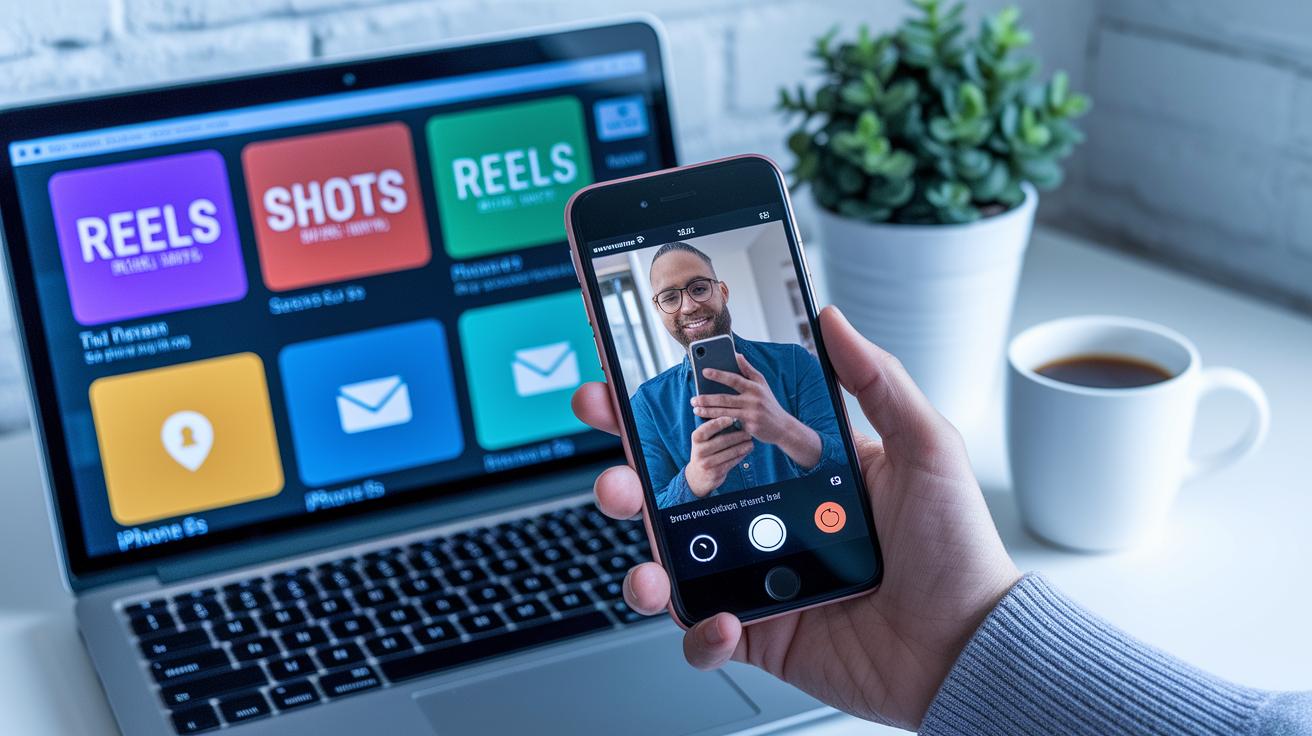
Let’s dive in and chat about social media teasers. They work like mini trailers for your live stream, grabbing attention with quick, eye-catching clips. Use formats like Reels and Shorts to spark curiosity and build excitement for your upcoming broadcast. And when you post these teasers at the same time on all your social media channels, you make sure your message hits everyone at once, just like a preview before the main event.
Email reminders are another great trick. Set up a series of friendly emails using tools like campaign management to remind your subscribers about the stream. Pair these reminders with your vibrant social media posts, and you’ve got a promo plan that feels smooth and fun. Be sure to include clear calls-to-action, whether you’re asking people to sign up or just mark their calendars, so they know exactly what to do.
Timing really makes a difference. Send out a reminder 24 hours before the event so everyone has plenty of time to plan. Then, give a nudge 1 hour before the show and a final alert 10 minutes before you go live. This way, your audience stays informed and excited right up until the moment your live stream begins.
Measuring Success: Viewer Analytics Integration in Live Streaming Content Planning
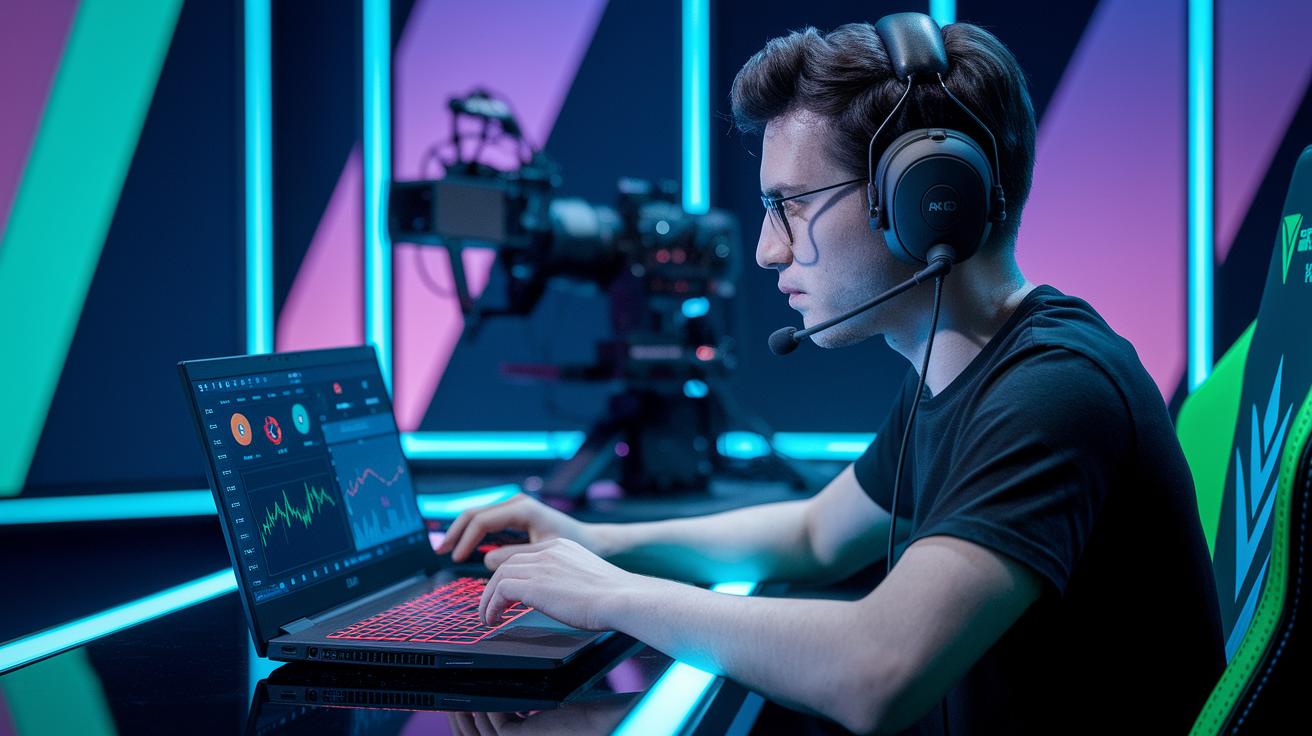
When you're living the live stream life, tracking your key numbers is like checking the heartbeat of your event. Tools such as YouTube Insights and TubeBuddy give you clear numbers on views, how long your audience sticks around, when most folks are tuning in, and how many are interacting. This data is your trusty guide, showing whether your stream hit its targets and hinting at little tweaks for next time.
Here’s a simple way to use what you learn:
- Export your analytics from your streaming platform.
- Compare this info with the goals you set.
- Ask your viewers for feedback through surveys or live chat.
- Update your content plan using these insights.
By following these steps, you turn raw data into smart ideas for your next live event. Imagine it like piecing together your favorite playlist: each number, from quiet watch time to a burst of viewers, tells you what your audience loves. With this clear, easy-to-read info, your next broadcast can be even more in tune with your fans, sparking moments that are as thrilling as the opening chord of a live concert.
Optimizing Narrative Sequencing and Creative Content Layout in Live Streaming Content Planning
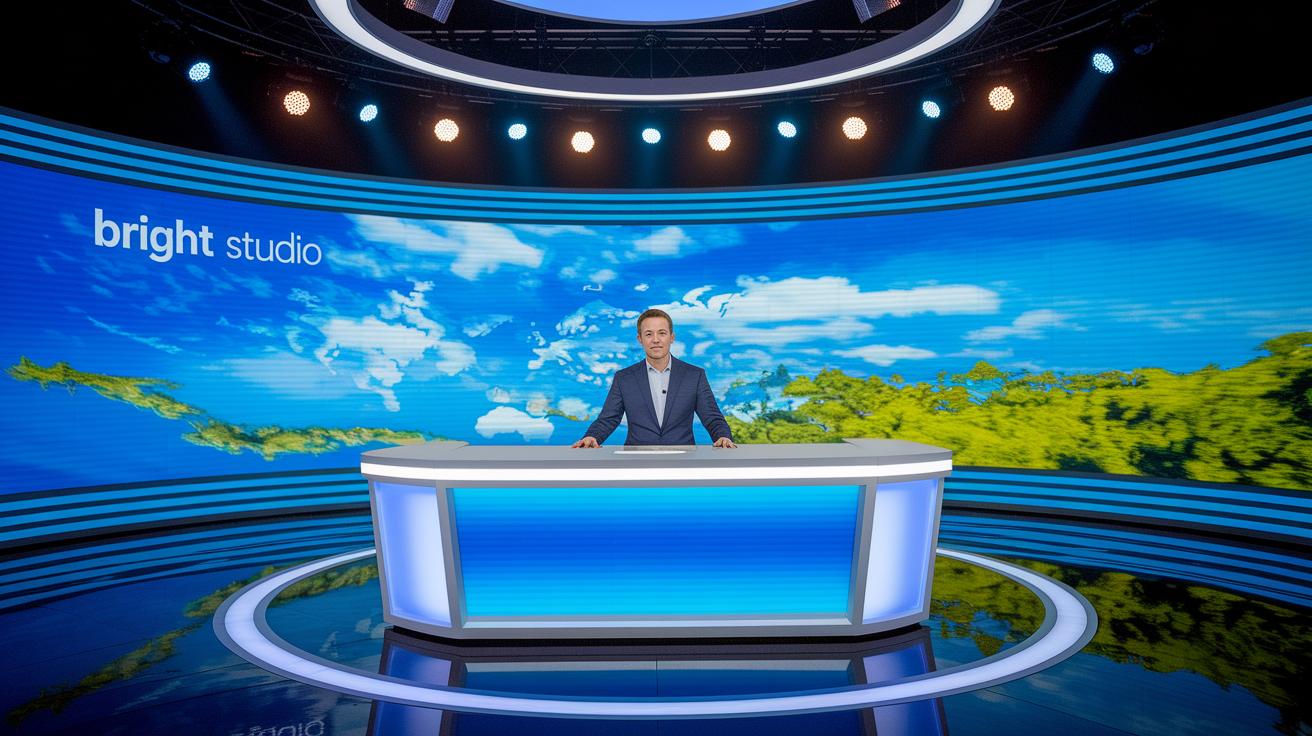
Start your live stream by laying out a clear map of your segments. Begin with an attention-grabbing opener, move into your main bits, add in live interactions, and finish with a quick wrap-up. For instance, start with an unexpected stat like, "Studies show that live streams with fun beginnings stick in viewers' minds 40% better than those that are fully scripted." This approach makes every part feel purpose-built and gets your audience hooked from the start.
Keeping the pace lively is essential for holding your audience’s interest. Mix up your formats every three to five minutes to keep things fresh. Imagine it like switching from an energetic solo act to a friendly group chat. This balance between speedy bursts and thoughtful pauses gives your stream a natural, easy-to-follow rhythm.
Bring your story to life with a mix of media. Switch between screen demos, live camera shots, and guest chats for a rich visual experience that matches your narrative. Throw in slides and graphics to highlight important points and add extra context. This creative mix makes your live stream feel interactive and layered, inviting your viewers to fully dive in and enjoy the show.
Final Words
In the action, this guide ran through setting clear goals, always placing strategy, schedule, and audience engagement at the forefront. We covered creative sequencing and solid technical setups, along with smart promotional and post-event analysis tips.
This fun, practical blueprint for live streaming content planning brings real-time excitement and lasting connections. It leaves us with a feeling that every stream can be as dynamic and engaging as a live performance. Enjoy the adventure ahead!
FAQ
Live streaming content planning template
The live streaming content planning template helps you set clear goals, schedule segments, and organize key steps so that your stream runs smoothly and keeps viewers engaged.
Live streaming content planning pdf
The live streaming content planning PDF offers an easy-to-follow, downloadable guide that lays out step-by-step instructions and examples to help you design and manage your live stream efficiently.
Live streaming content planning examples
The live streaming content planning examples present real-life layouts and schedules that show how to organize streams effectively, helping you build a solid plan that drives engagement.
Streaming tips for beginners
The streaming tips for beginners include advice like testing your equipment, planning interactive segments, and rehearsing ahead of time to create a confident, smooth live broadcast.
Livestream outline
The livestream outline provides a simple structure that kicks off with an intro, transitions into main segments and interactions, and wraps up neatly, ensuring your stream remains engaging and focused.
Best video switcher for church live streaming
The best video switcher for church live streaming lets you switch between cameras and media seamlessly, making it easier to manage multiple visual feeds during a live service while keeping the broadcast professional.
Streaming tips 2025
The streaming tips 2025 suggest embracing modern software tools, solid internet connections, and interactive features to keep your live broadcasts fresh and focused on audience participation.
OBS
OBS is an open-source software used for capturing and broadcasting live video. It offers flexible scene management and customization, making it a popular choice for beginners and seasoned streamers alike.
How to structure a live stream?
The guidance on how to structure a live stream recommends starting with a catchy introduction, moving into well-organized segments, incorporating live audience interaction, and finishing with a clear wrap-up.
What is the best content for live streaming?
The best content for live streaming centers on interactive, engaging topics like expert discussions, behind-the-scenes looks, or live Q&A sessions that actively involve viewers in the experience.
Do you need 1000 subscribers to live stream?
The advice on needing 1000 subscribers clarifies that many platforms allow live streaming with fewer followers, so requirements vary and you should check the specific guidelines for your streaming service.
How to develop a strategy for live streaming of lessons?
The tips on developing a strategy for live streaming lessons include setting clear learning goals, tailoring content for your audience, and planning interactive segments that keep students actively engaged.