Ever had your live stream lag and felt that rush of excitement suddenly vanish? It happens more often than you might think, and it can flip your whole viewing mood in a blink.
We all want that smooth, real-time feel when we catch a game or a live event, like being right there in the middle of the action. Lowering that delay is key, keeping every detail sharp and every moment alive.
In this chat, you'll find some easy tweaks to cut down on the lag and deliver a seamless streaming experience every time.
Core latency reduction strategies for live streaming
Live streaming can have three different delay levels. Ultra-low latency, clocking in at less than 200 ms, is ideal for moments when every tiny instant matters, picture making snap decisions during a fast-paced game. Low latency, around 3 to 5 seconds, works well for many events like sports, where a small delay is acceptable yet the energy remains high. Standard latency, usually about 5 to 7 seconds, fits broadcasts like online classes or webinars where viewers don't need an immediate response.
Each level of delay shapes how interactive your stream feels. Ultra-low latency makes it seem like you're right there with your audience, while a slightly longer delay can work fine when split-second feedback isn’t crucial. Knowing which category your broadcast falls into helps you choose the best technical setup to create that immersive experience.
- Use low-delay protocols to shorten the travel time for data packets
- Adjust encoder settings by picking simpler codecs and tweaking key-frame intervals
- Use global CDNs to bring servers closer to your viewers
- Improve buffering strategies to cut down on initial startup times
- Turn on hardware acceleration to speed up processing
- Fine-tune server and network settings to smooth out the delivery
- Keep an eye on performance with real-time analytics for fast fixes
Finding the right balance between video quality and low delay is often a challenge. Cutting down on latency might mean lowering the bitrate a bit, which could change the stream's look. But striking that perfect mix keeps your broadcast both engaging and responsive.
How to Live Stream Events – https://vasthysfriends.com?p=1804
Root causes of latency in live streaming
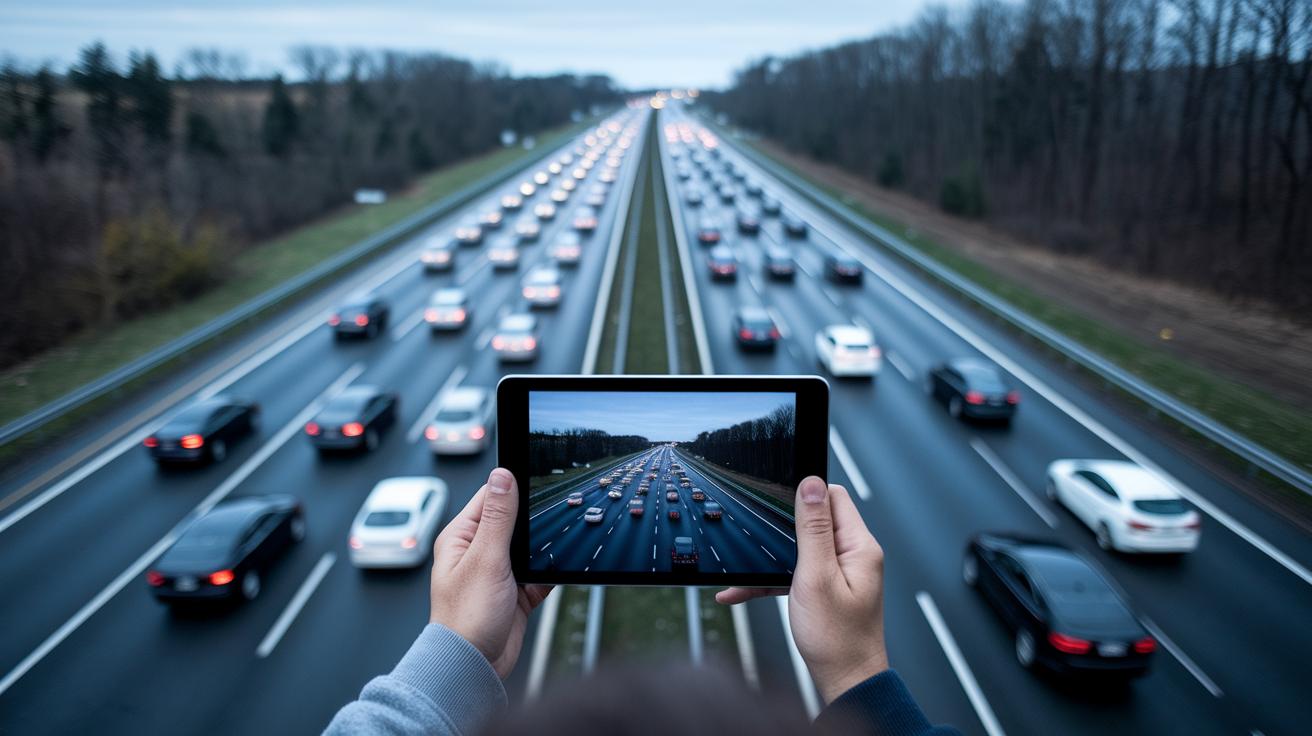
When you’re watching a live stream and things start to lag, it’s usually because of a mix of tech and real-world issues. Imagine data packets as tiny messages traveling along a busy highway, if the road gets clogged or there’s an accident, those messages can get held up or even lost. Even a small hiccup in delivery, called jitter, or missing packets can throw off the smooth flow of the stream, making live interaction feel off.
On top of that, how the stream is handled on your device matters too. Sometimes, too much data is loaded at the start to try and ensure smooth playback, but this extra buffering can actually slow things down. Inefficient protocols add extra steps, and if your device struggles to decode the data, it only makes delays worse. Plus, without smart error correction, even tiny mistakes need to be fixed, further adding to the lag.
By carefully checking where network slowdowns, jitter, buffering issues, and protocol bumps occur, experts can figure out what needs fixing. This deep dive helps them design ways to cut down on delays, setting the stage for a more responsive and exciting live streaming experience.
Accelerating video encoding and codec optimizations for low delay streaming

When you're live streaming, every second matters. Picking the right codec and tweaking your encoder settings are must-do steps to cut down on delay. For example, using a simple codec like H.264 with a veryfast preset means your system works less hard on each frame. Adjusting the key-frame interval, or GOP size, keeps playback smooth while slicing off extra lag. Sometimes, even lowering the bitrate just a bit can speed up processing without hurting quality, so each frame gets to your audience faster. Lower resolutions and balanced settings can also boost speed while keeping the picture clear.
Now, if you need even faster results, hardware offload might be the trick. Using a GPU or a dedicated chip (called an ASIC) can take the pressure off your CPU, cutting down the time it takes to handle each frame. Quick encoding moves, like pre-loading frames, help achieve processing speeds under one second. These smart techniques let live streamers deliver fast, real-time broadcasts. By mixing optimized codecs with hardware boosts and responsive encoding methods, you set up a system where speed and clarity work together perfectly for your viewers.
Network and adaptive bitrate configurations to minimize stream delay
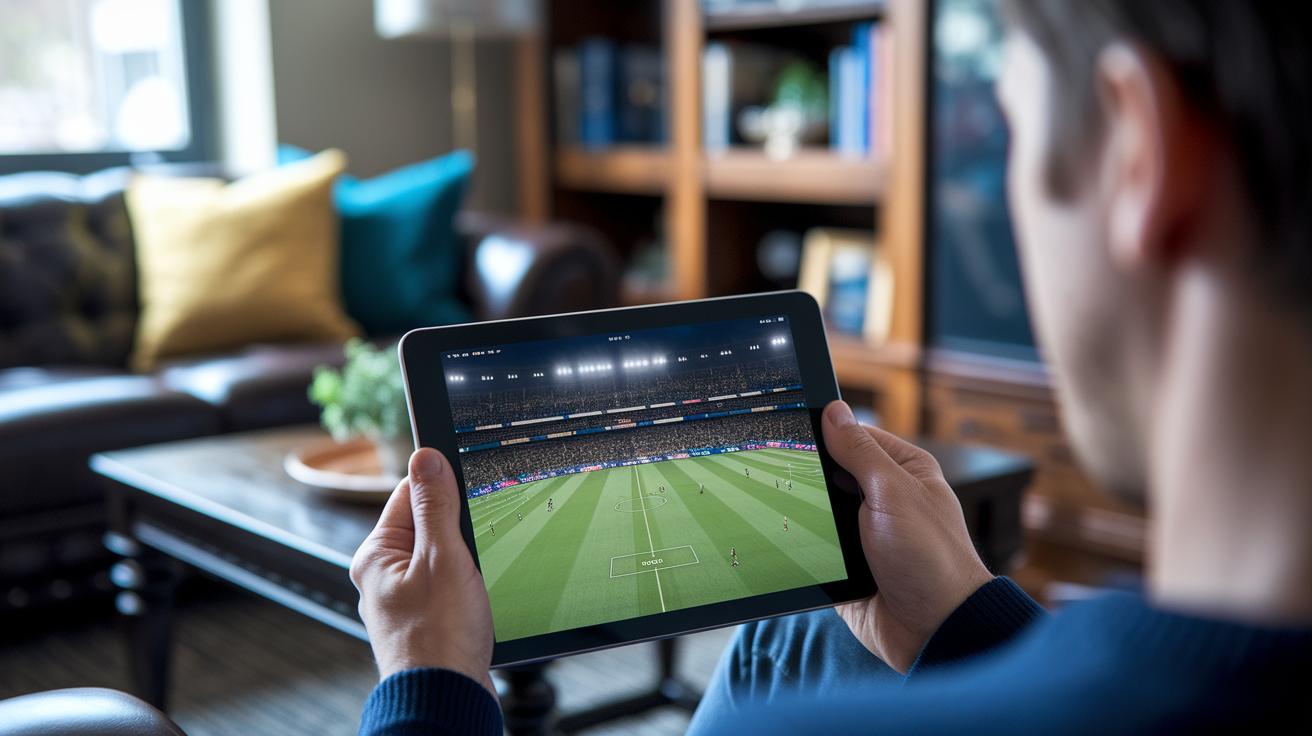
Adaptive bitrate streaming is all about keeping your video smooth, no matter what your network is doing. Technologies like LL-HLS and LL-DASH automatically adjust the video quality based on your current connection. Imagine watching a live sports match where, just when things get intense, the quality shifts seamlessly to keep every play clear. Fun fact: by changing the quality on the fly, a major sporting event can cut a 5-second delay down to less than 2 seconds at startup. It’s like magic happening right when you need it.
Next, tweaking the startup buffer and using dynamic buffer thresholds makes a big difference. Lowering the initial buffer helps you get in on the action faster while still holding a little extra to prevent any hiccups during the excitement. And when you spread your stream across multiple edge servers using load balancing, even linking to a trusted platform like live event production, it stops any one server from getting overloaded. This way, everyone gets a quick and steady delivery of data, keeping the live show fluid and uninterrupted.
Finally, real-time bandwidth monitoring tools are key. These tools watch the data flow and spot any drops immediately, so the stream can adjust its quality on the spot. With these smart adjustments, your live broadcast stays smooth, clear, and engaging, no matter what twists the network throws at you.
Protocol enhancements and ultra-low latency streaming standards

Traditional streaming methods like HLS and DASH usually come with delays of 5–7 seconds. That wait can really slow down live interactions. Low-latency protocols, on the other hand, are built to cut those delays drastically, making your live content feel almost immediate.
WebRTC is a cool example. It uses a direct peer-to-peer approach with RTP over UDP to bring streaming delays down to less than 500 milliseconds. This means you can chat or game in real time with hardly any lag, keeping the energy high and the connection direct.
LL-HLS and LL-DASH take a smart approach by breaking your stream into tiny chunks using CMAF. By sending these small pieces more frequently, they cut delays to roughly 3–7 seconds. This method works great when a brief pause is okay but you still want the overall experience to flow smoothly.
SRT and RIST are all about speed and reliability. They use techniques like ARQ and FEC to quickly fix any lost packets, dropping delays below 200 milliseconds. These protocols are perfect when you need both rapid response and steady, error-free streaming, even on shaky networks.
Striking the right balance between solid reliability and minimal delay often means making a trade-off. Ultra-low latency protocols boost interactivity, but they might not catch every error as well as traditional methods. So, picking the perfect protocol really depends on whether you need every millisecond of speed or the added security of a rock-solid connection.
Testing, monitoring, and troubleshooting live streaming latency
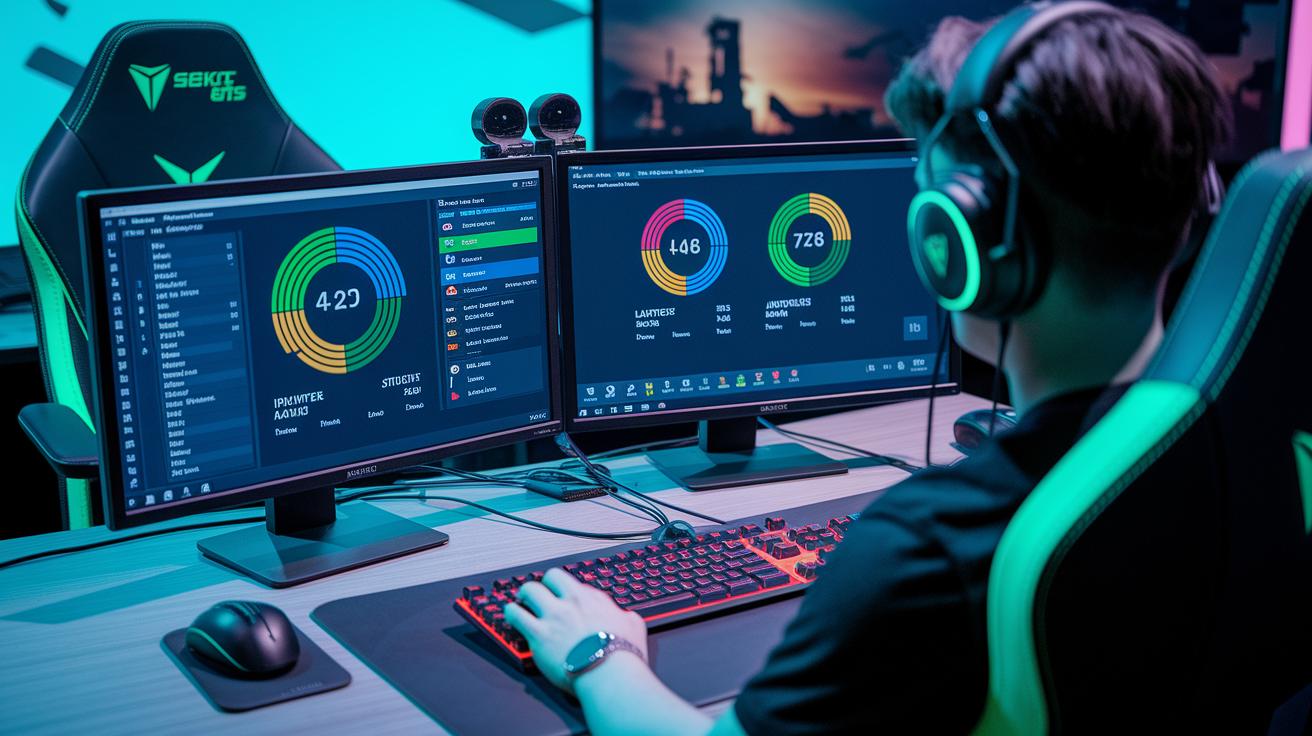
Keeping your live stream fast and smooth means checking things all the time. By comparing the source with the playback timestamps, you can see exactly how much delay there is. Network tools like iperf and ping help you understand jitter and packet loss, so you know where the hiccups happen. And when you use dashboards that track round-trip time, throughput, and buffer occupancy, you get a clear view of latency issues, letting you fix problems before they reach your audience.
Monitoring Tools & Metrics
Focus on the key numbers like round-trip time, jitter, buffer levels, and throughput. Watching these in real time gives you a clear picture of your stream’s well-being. For example, if you see a sudden jump in jitter or a drop in throughput, it might signal a bottleneck slowing things down. Automated dashboards help you catch these changes immediately, so you can jump in and keep the stream as engaging as ever.
Troubleshooting Workflow
Start by running network checks and isolating problem spots along the data route. Then, dive into the logs from both the encoder and the server, and run load tests before big events to mimic heavy traffic. Regular troubleshooting tests catch issues early, keeping delay concerns on your radar and driving continuous improvements over time.
Final Words
In the action, we broke down key tactics for reducing live streaming latency. We covered encoder tweaks, network configurations, and protocol enhancements that work together to cut delay. Each section revealed simple ways to balance quality with performance, from fine-tuning buffer strategies to using real-time analytics. The post served up clear steps and real tips that transform digital content into a smoother, engaging show.
For more on live streaming, check out How to Live Stream Events: https://vasthysfriends.com?p=1804.
FAQ
How do I reduce live streaming latency on TV and Android?
Reducing live streaming latency on TV and Android involves using optimal encoding settings, low-delay protocols, and adaptive buffering. These methods help your stream start faster and feel more real-time.
How can I reduce stream delay in OBS Studio?
Reducing stream delay in OBS Studio involves adjusting encoder settings, fine-tuning keyframe intervals, and optimizing buffering. These tweaks help deliver your content more quickly to your audience.
What does a live streaming delay refer to?
A live streaming delay refers to the time gap between capturing your video and when viewers see it. It is influenced by buffering techniques and transmission protocols used during streaming.
How can I lower latency on YouTube live streams, including when using Firefox?
Lowering latency on YouTube live streams, even on Firefox, means turning on the platform’s low latency mode and carefully configuring your stream settings to minimize transmission delays.
What is a good latency for live streaming?
A good live streaming latency generally ranges from under 200 milliseconds for interactive events to a few seconds for standard broadcasts, offering a balance between speed and video quality.
How do I fix live stream lag effectively?
Fixing live stream lag effectively involves troubleshooting network congestion, fine-tuning encoder parameters, and making smart adjustments to buffering schemes, resulting in a smoother broadcast.
What role do protocols like WebRTC and Real-Time Streaming Protocol play in low latency streaming?
Protocols like WebRTC and Real-Time Streaming Protocol help low latency streaming by enabling rapid data delivery, reducing delay and ensuring viewers receive content almost instantly.
How do Real-Time Messaging Protocol and Real-time Transport Protocol assist with live streaming delay?
Real-Time Messaging Protocol and Real-time Transport Protocol assist with live streaming delay by efficiently transmitting video data, which reduces processing time and maintains a steady, quick stream.
How can I lower overall latency on my stream?
Lowering your stream’s overall latency means choosing suitable protocols, optimizing encoder and network settings, and continually monitoring performance to keep your stream as immediate as possible.
Foundational setup reference: How to Live Stream Events