Ever thought your live stream could pop more? Upgrading your gear is like adding bright colors to a plain canvas. With a solid internet connection, clear cameras, and crisp sound, your broadcast comes to life. In this post, we'll share five smart choices that can turn an ordinary stream into a vibrant show. Get ready to see how each part works together to light up every moment like a live concert in full swing.
Core Components of Live Streaming Equipment
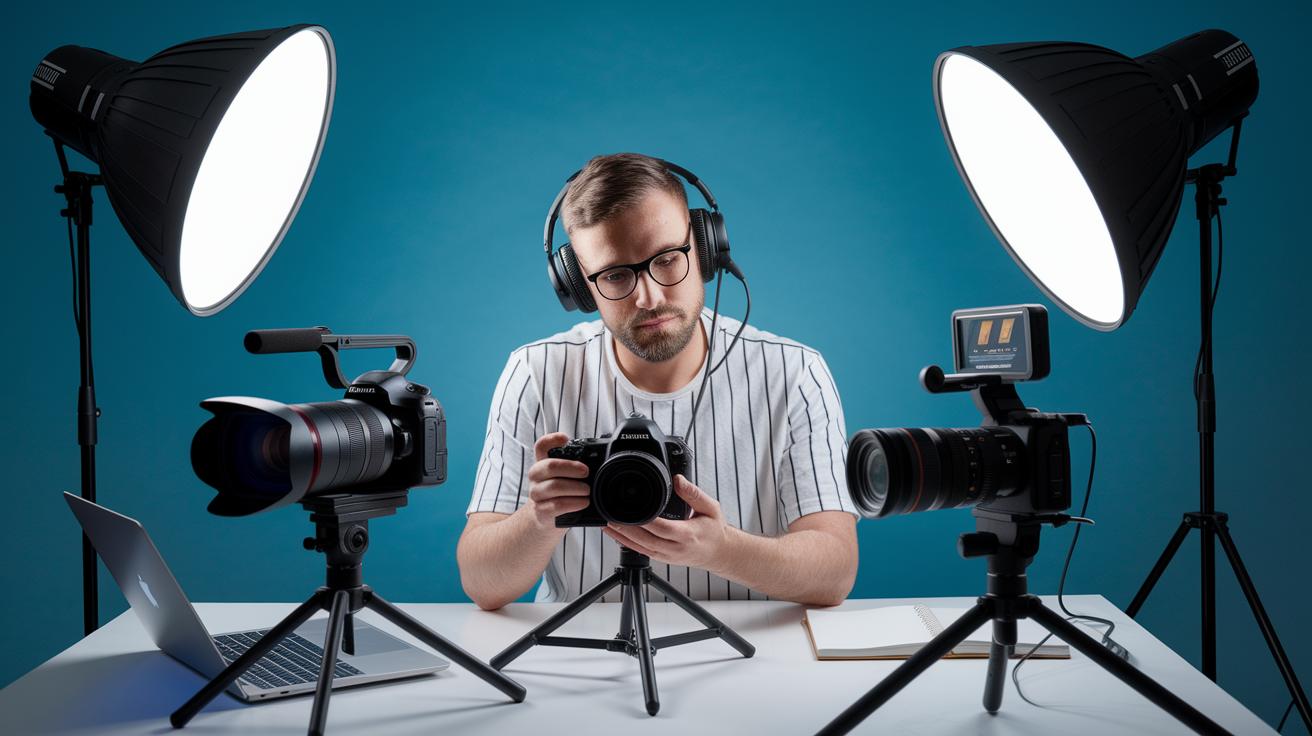
When you're getting set up to stream live, every piece of gear matters to make your event pop. First off, think about your internet connection. Using wired fiber with an upload speed of 5–10 Mbps gives you the rock-solid foundation needed for smooth HD and 4K streaming. It’s like having a backstage pass to a flawless performance every time.
Next, your computer matters. A modern PC or laptop paired with a dedicated capture card can handle lots of video and audio feeds at once. This combo beats out your average mobile device, ensuring that your broadcast stays steady, even when things heat up on stage.
Video is the heart of your live stream. Your camera can be as simple as a plug-and-play webcam or as advanced as a professional DSLR. Having a compact, high-performance camera can really transform your broadcast, making on-screen moments come alive. And if you’re heading into a big event (live event production), an upgrade to a higher-end camera setup means richer details and better performance even when the lights are low.
Then there’s sound. Clear audio is crucial because built-in microphones often pick up too much background noise. Switching to a podcast-quality microphone makes a huge difference. Pair it with an audio interface or mixer to manage different audio sources, giving your stream that polished, professional feel.
Don’t forget about video encoders. They work by compressing your video files using common formats like H.264/AAC, which cuts down on buffering and keeps your stream compatible with a ton of devices. And lastly, round out your setup with the extras, reliable LED lighting, a good background, spare cables, tripods, and even a stream deck to switch scenes easily. These add-ons help every live broadcast shine with clarity and style.
Selecting Video Cameras for Live Streaming Equipment
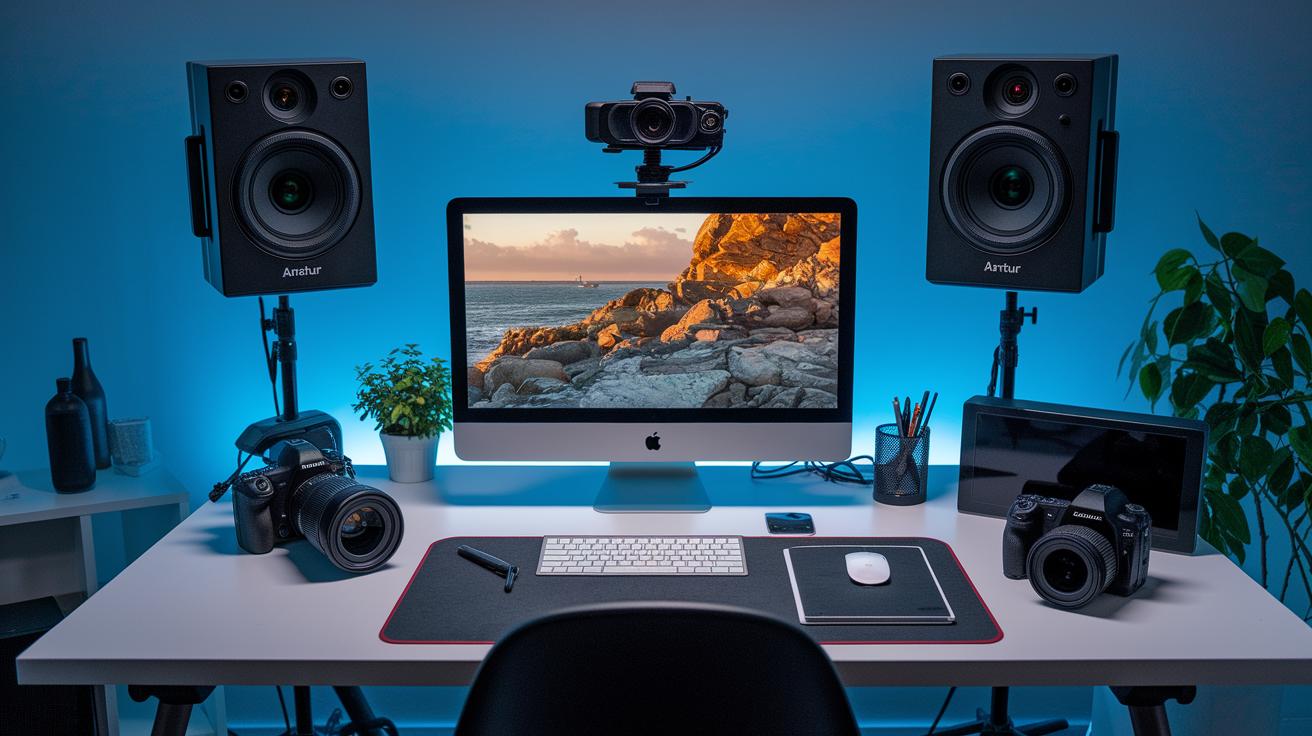
When you're setting up for a live stream, picking the right camera is like selecting the perfect tool for your show. If you're just starting out or watching your budget, an entry-level webcam is a great choice. These cameras usually offer 720p to 1080p video and work by simply plugging into your computer via USB. It's as easy as plugging in a toaster, and you can be up and running in no time.
For a bit more control and sharper images, consider a prosumer mirrorless or compact camera. These cameras offer 1080p or even 4K resolution, and let you adjust settings on the fly. Think of it like fine-tuning a guitar during a live jam session, small tweaks can make a big difference in how your audience experiences the show.
If you're aiming for a top-notch stream, professional DSLRs or camcorders will not disappoint. They perform brilliantly in low light and supply a clean 4K signal through HDMI. Some even come with smart features like auto-framing and face tracking, which help to keep the viewers engaged by always keeping the action in focus.
| Camera Tier | Key Features | Price Range |
|---|---|---|
| Entry-Level | 720p–1080p, USB plug-and-play | $$ |
| Prosumer | 1080p/4K, manual controls, HDMI output | $$$ |
| Professional | Clean 4K HDMI, low-light performance, advanced codecs, AI features | $$$$ |
No matter which camera tier you choose, each option helps you build a live streaming rig that fits both your budget and creative vision. Get ready to set the stage and let your unique style shine through your live stream!
Audio Gear Essentials in Live Streaming Equipment
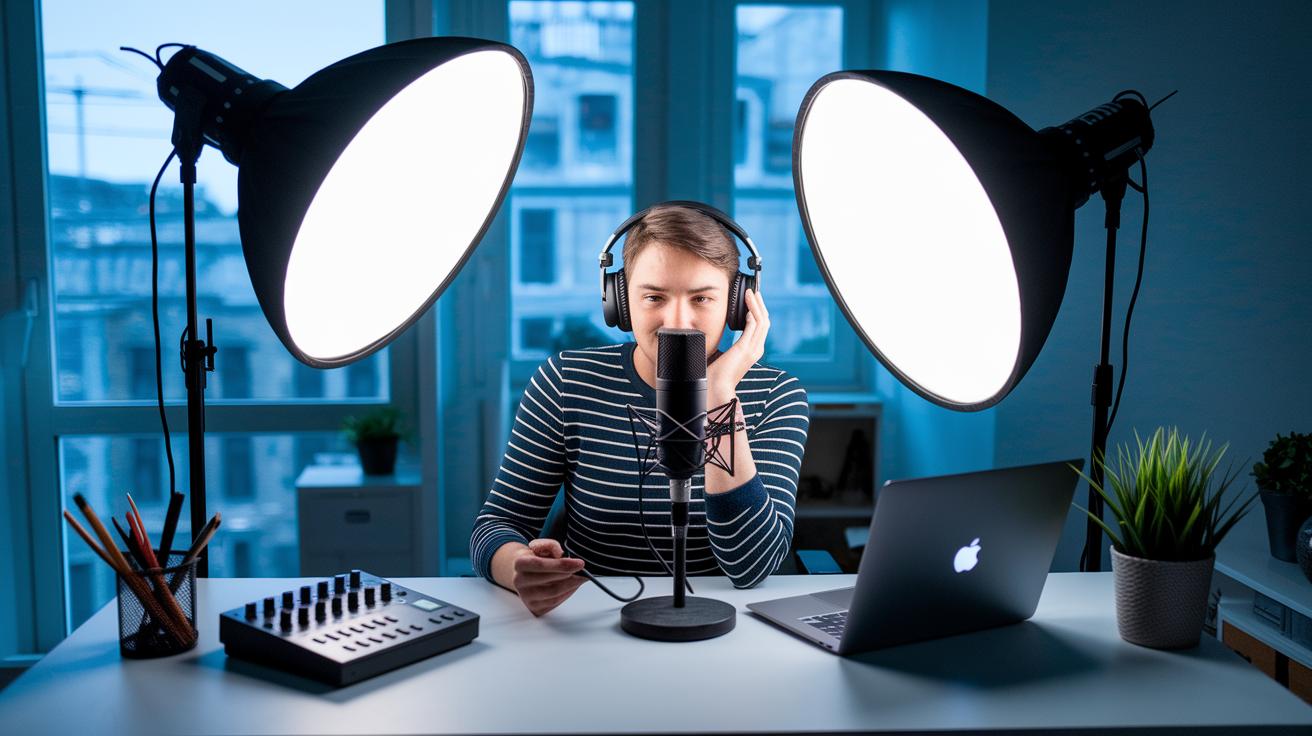
When you’re streaming live, clear sound really matters, almost as much as having crisp visuals. Built-in mics from your laptop or webcam tend to pick up lots of background noise, so using an external mic is a game changer. It’s like swapping out an old radio for one with the best tuning.
For busy, noisy settings, dynamic microphones shine. They handle loud sounds well, kind of like turning down an overpowering speaker when you just want to catch a soft melody. But if you’re indoors and want every vocal detail to come through, a condenser mic is your best friend, capturing the little nuances in your voice like recording a quiet song in a soundproof room.
Your choice of microphone really depends on your style. Lavalier mics let you move around freely without sacrificing clarity, and shotgun mics focus on one spot so your voice stands out. If you're often on the go, these options keep your message crystal clear, no matter where you are.
To really control your sound, consider using audio interfaces or USB mixers. These gadgets let you handle multiple audio feeds with ease by offering features like phantom power and gain adjustments. They help you balance your voice with background music or ambient sounds, making it simple to manage everything with precision.
| Microphone Type | Key Benefit | Best Use |
|---|---|---|
| Dynamic | Reduces background noise | Noisy rooms |
| Condenser | High vocal detail | Controlled spaces |
| Lavalier/Shotgun | Hands-free or directional pickup | On-the-move broadcasting |
If you need to juggle several audio sources, a dedicated audio mixer with multi-track recording is the way to go. It helps you fine-tune every little sound element, ensuring your live broadcast feels as smooth and engaging as your favorite live show.
Lighting Solutions for Live Streaming Equipment
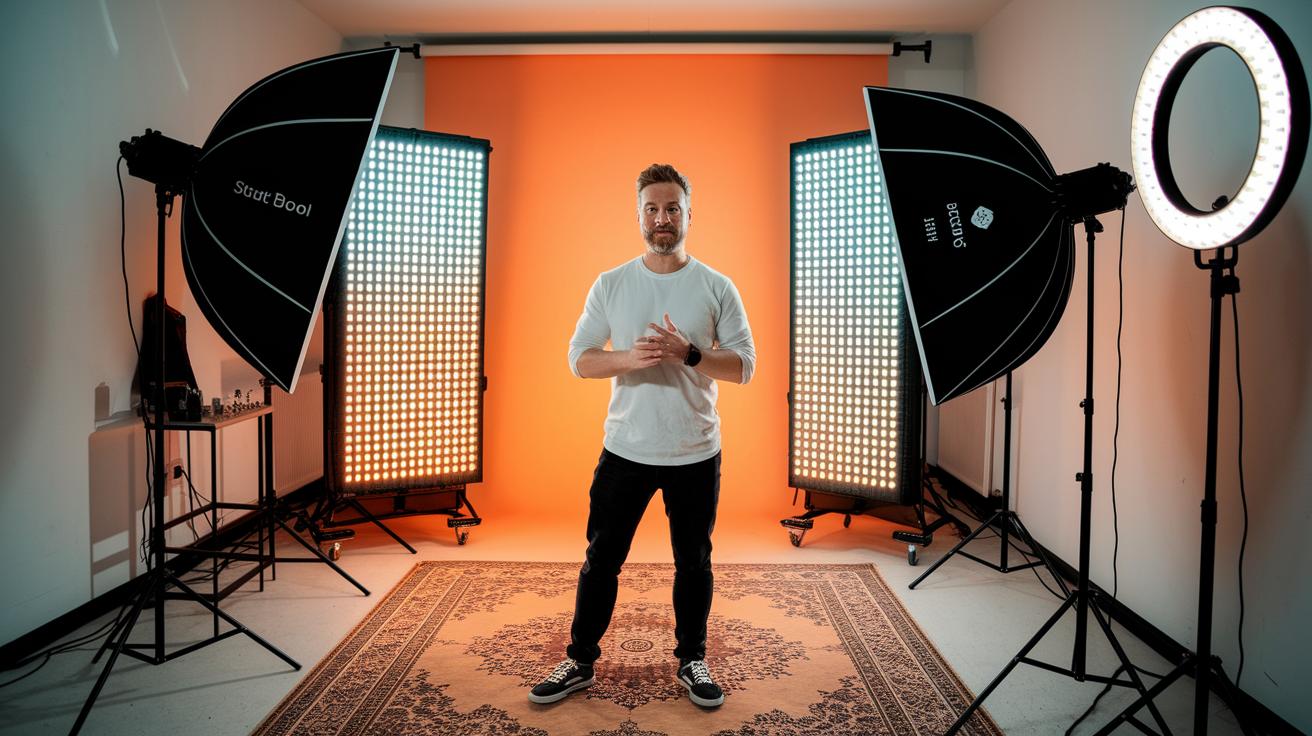
Good lighting can really make your live stream shine. When you set things up with the right lights, your host and products get the spotlight they deserve, making every moment look amazing.
LED panels, for instance, let you play around with color temperatures from 3200K to 5600K and offer dimming controls. It’s like having a magic dial that adjusts the mood for every scene. Softboxes work their magic by spreading light evenly, cutting down on harsh shadows and giving your stream a smooth, natural feel. And then there are ring lights. They light you up from the front and create those cool little catchlights that make you pop on camera, perfect for product demos where every detail should sparkle.
Budget-friendly lighting kits start around $50, so even if you're just getting started, you can look super professional. If you’re ready to invest a bit more, professional models with DMX controls can reach above $200 per panel. And don’t forget the classic three-point setup, a key light, a fill light, and a back light. This trio builds depth and clearly separates your subject from the background, keeping your broadcast crisp and engaging.
Encoder and Software Strategies in Live Streaming Equipment
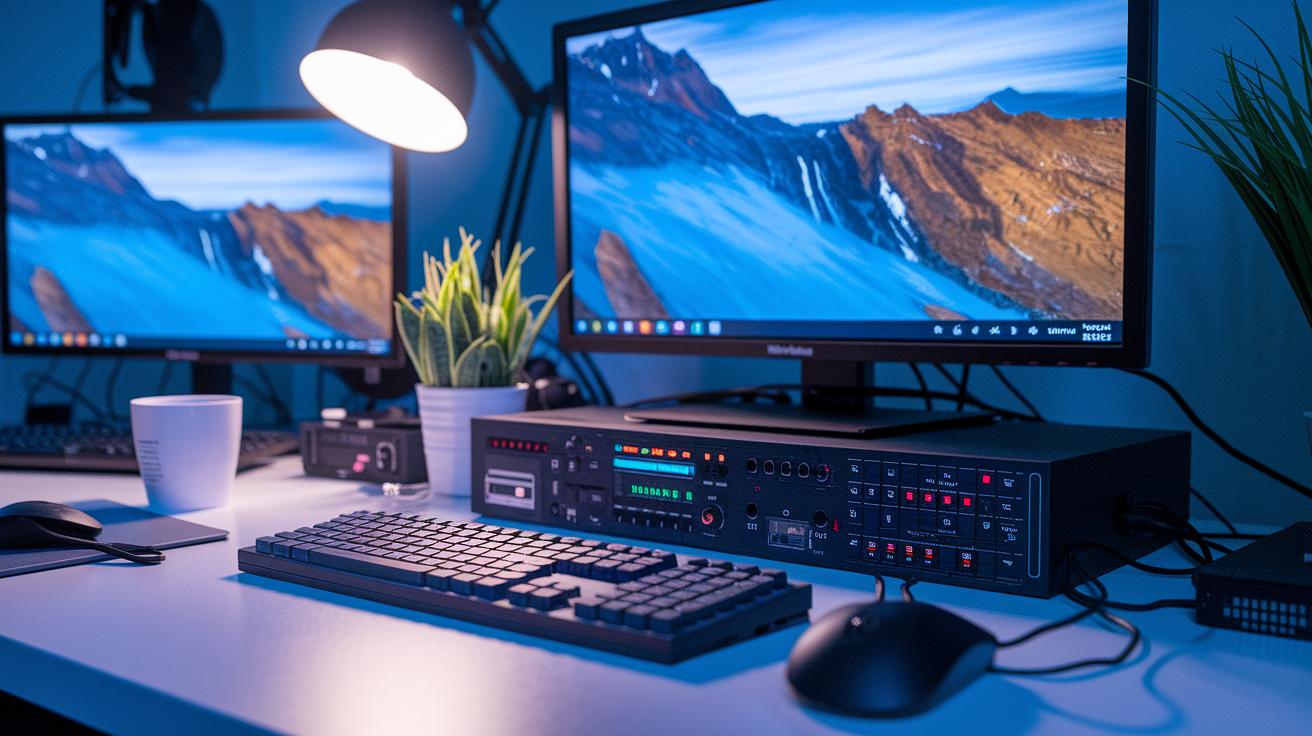
When you're live streaming, the encoder is the unsung hero that works quietly behind the scenes. Hardware encoders like the RØDE Streamer X bundle video capture, audio mixing, and control functions into one neat package. Imagine a device that handles all the heavy lifting, processing smooth H.264 video at 4–6 Mbps for 1080p30 and clear AAC audio at 128–192 kbps, so you can concentrate on engaging your audience.
On the other hand, software encoders such as OBS Studio, Wirecast, and vMix turn your computer into a creative command center. They let you piece together scenes, add on-screen elements, and manage virtual inputs, kind of like having a digital mixing board at your fingertips. With handy plugins, you can throw in special effects or animated graphics that give your broadcast an extra spark.
Capture cards also have a starring role. They take HDMI or SDI feeds and convert them for your software, whether through a PCIe card or an external USB device. This means less delay and a near real-time connection with your viewers, much like a high-speed conductor keeping every beat of your digital performance just right.
For those looking to reach audiences on multiple platforms, connecting RTMP endpoints or using cloud simulcast services is the way to go. This smart setup lets you stream everywhere at once, expanding your reach without piling on extra complexity.
Building the PC and Network for Live Streaming Equipment
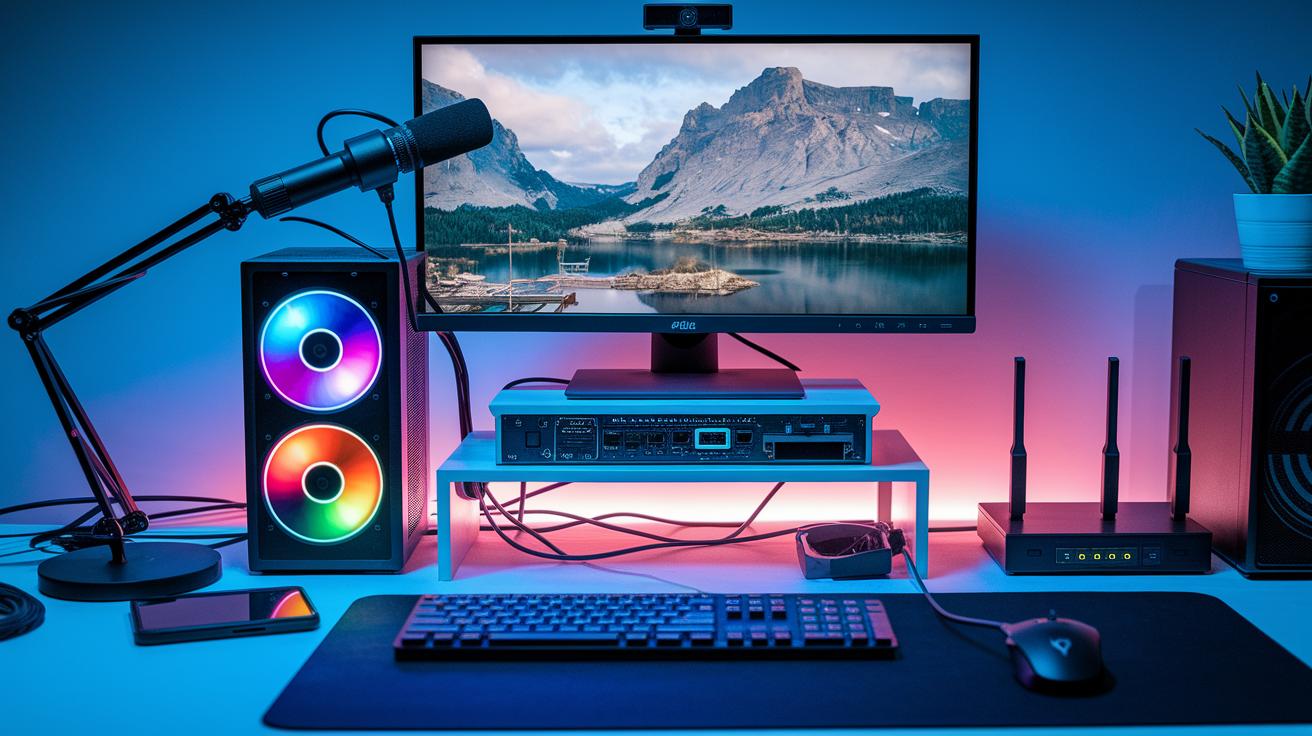
Your live streaming setup starts with a rock-solid PC, think of it as the heart of your entire broadcast. Imagine a PC built like a high-performance sports car: a quad-core Intel i5 or AMD Ryzen 5, 16 GB of RAM, speedy SSD storage, and a dedicated GPU that handles heavy video tasks with ease. It’s the kind of setup that makes every moment feel as smooth as the electric buzz of a live concert.
Capture cards and USB hubs are like trusty stagehands making sure every video feed comes in clear and strong. Make sure your USB hub is ready for USB 3.0 or has PCIe slots, so all your gear, from DSLR cameras to external mics, works together seamlessly, just like a well-rehearsed band.
Next, your network setup plays a starring role too. A wired gigabit or fiber connection is key, it’s like a steady drumbeat that keeps everything on track. For crisp 1080p streams, aim for 5–10 Mbps upload speed, and if you’re going for 4K, boost it to 25–50 Mbps. And because live shows can be unpredictable, having a backup like dual ISPs or a cellular plan means you’re always ready, even if one connection stumbles. With Quality of Service settings on your router and a solid hardware firewall with VLAN support, your stream stays smooth and secure.
When all these elements work in concert, your live broadcast not only captivates your audience but ensures every frame and sound performs at its absolute best.
5 live streaming equipment Options for Brighter Broadcast
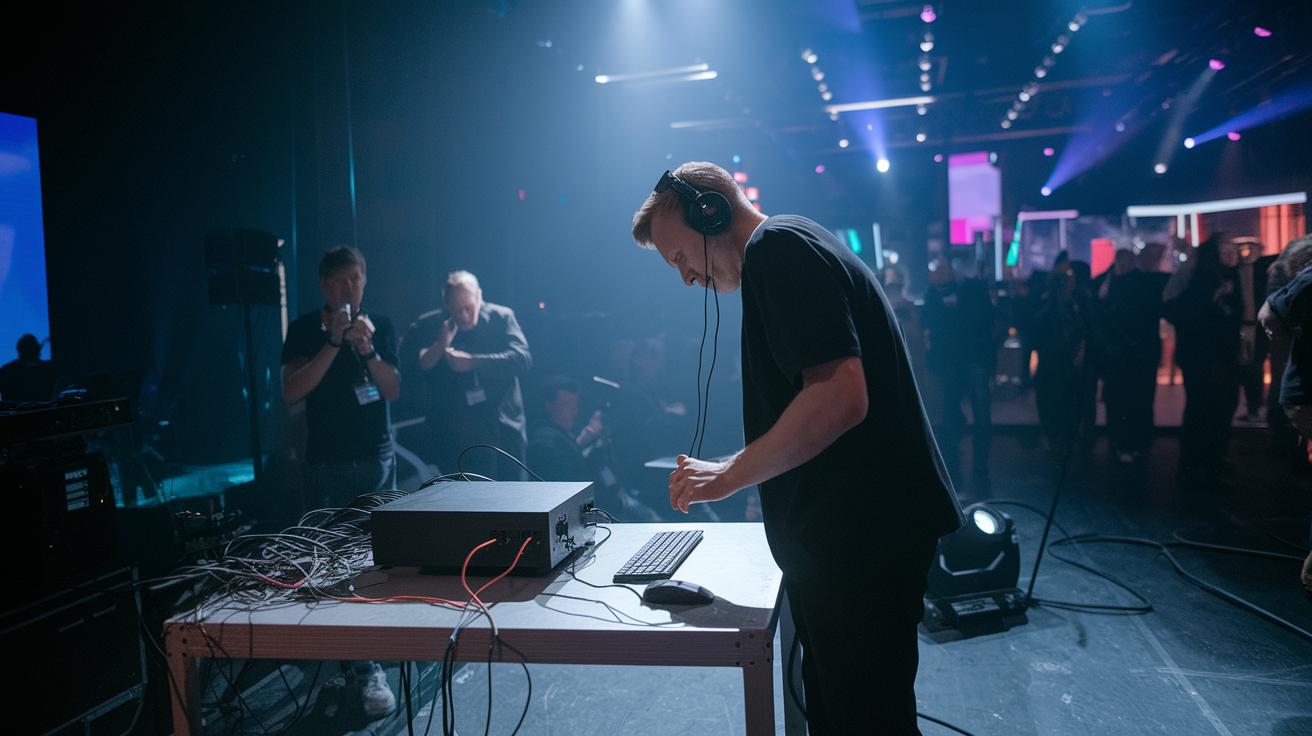
When you are out and about or need a simple setup, portable streaming gear lets you take the spotlight anywhere. Picture a handy all-in-one gadget that handles video capture, audio input, and control knobs all in one compact unit. Just plug it in with a USB or Ethernet cable and you are set to broadcast.
For a slick, professional look, top-notch mobile kits use devices like the iPhone 16 Pro paired with a gimbal for smooth shots and clip-on lens adapters that give your video a polished feel, even outside. These setups let you capture steady, clear footage like you were right there in the action.
Then there are portable hardware encoders, such as the Teradek VidiU or Blackmagic ATEM Mini. They can take in several HDMI sources and work on batteries so you get a strong H.264 stream wherever you go. Plus, wireless add-ons like handheld mic transmitters and HDMI extenders help you ditch the cables, giving you total freedom at live events.
And if you need nothing but the best, professional portable rigs pack advanced features to keep you going strong even in challenging spots.
| Option | Key Features | Price Range |
|---|---|---|
| All-in-One Units | Combined video capture, audio interface, and controls | Mid-range |
| Mobile Kits | High-end smartphone, gimbal, and LED | Entry to mid-range |
| Portable Encoders | Multiple HDMI inputs and battery-powered | $800-$1,200 |
| Wireless Upgrades | Cable-free mic and HDMI extensions | $200-$400 |
| Professional Portable Rigs | Robust features for demanding events | $2,000+ |
Final Words
In the action, this post showcased how each piece of gear works together to power your live broadcast setup, from computers and cameras to audio tools and lighting fixtures.
It broke down the steps for a solid network foundation and smart encoding choices that keep every show running smoothly. Every section highlights what you need now to upgrade your live streaming equipment and get more out of every event. Here's to pushing boundaries and enjoying the show every step of the way.
FAQ
What is required for a successful live streaming setup?
The live streaming setup requires a crisp camera, clear microphone, dependable encoder, proper lighting, and a fast internet connection. These components work together to deliver smooth and high-quality broadcasts.
What defines professional live streaming equipment?
The professional live streaming equipment includes high-performance cameras, top-notch audio gear, efficient encoders, and robust compute systems. This gear supports advanced features for crisp visuals and audio during live broadcasts.
Where can I find live streaming gear for home, church, or online purchase?
The live streaming gear for home or church settings is available through online retailers like Amazon. These kits typically include basic cameras, microphones, encoders, and lighting solutions that fit different budget needs.
What portable live streaming equipment is available?
The portable live streaming equipment consists of compact cameras, battery-powered encoders, and wireless microphones. This all-in-one gear is designed for on-site broadcasting, making it easy to stream from various locations.
What does live streaming require in terms of components?
The live streaming process requires a reliable camera, quality microphone, encoder, solid computer or capture card, proper lighting setup, and a stable wired internet connection to maintain smooth performance during transmission.
What equipment do I need to stream TV?
To stream TV, you need a capture device that accepts video signals, a suitable computer or streaming box, and encoding software. This combination converts and delivers TV content seamlessly over your broadcast.
Is there a device that offers all streaming services in one package?
The all-in-one device for streaming integrates video capture, audio mixing, and encoding capabilities. This compact unit simplifies the process and supports multiple streaming platforms, making live broadcasting more efficient.