Have you ever noticed that some live streams pull you in while others just pass you by? Your gear, setup, and a little planning can transform a regular broadcast into something truly exciting. Think of it like putting together your favorite playlist before a big show, every little detail counts. Today, I'll walk you through simple tips for dialing in your camera angles, sound, and lighting so your live stream feels smooth and lively. Ready to take your broadcast to the next level and really connect with your audience?
Core Live Streaming Tips for Technical Setup, Engagement, and Equipment
Start by deciding what you want to get out of your live stream. Whether it’s growing your crowd, building new connections, or getting more eyes on your work, knowing your goal helps steer every choice you make.
Next, sketch out your plan. You might jot down a simple rundown of segments and list the gear you’ll need as the show rolls out. Think of it like setting up your playlist before a big concert, you want everything just right.
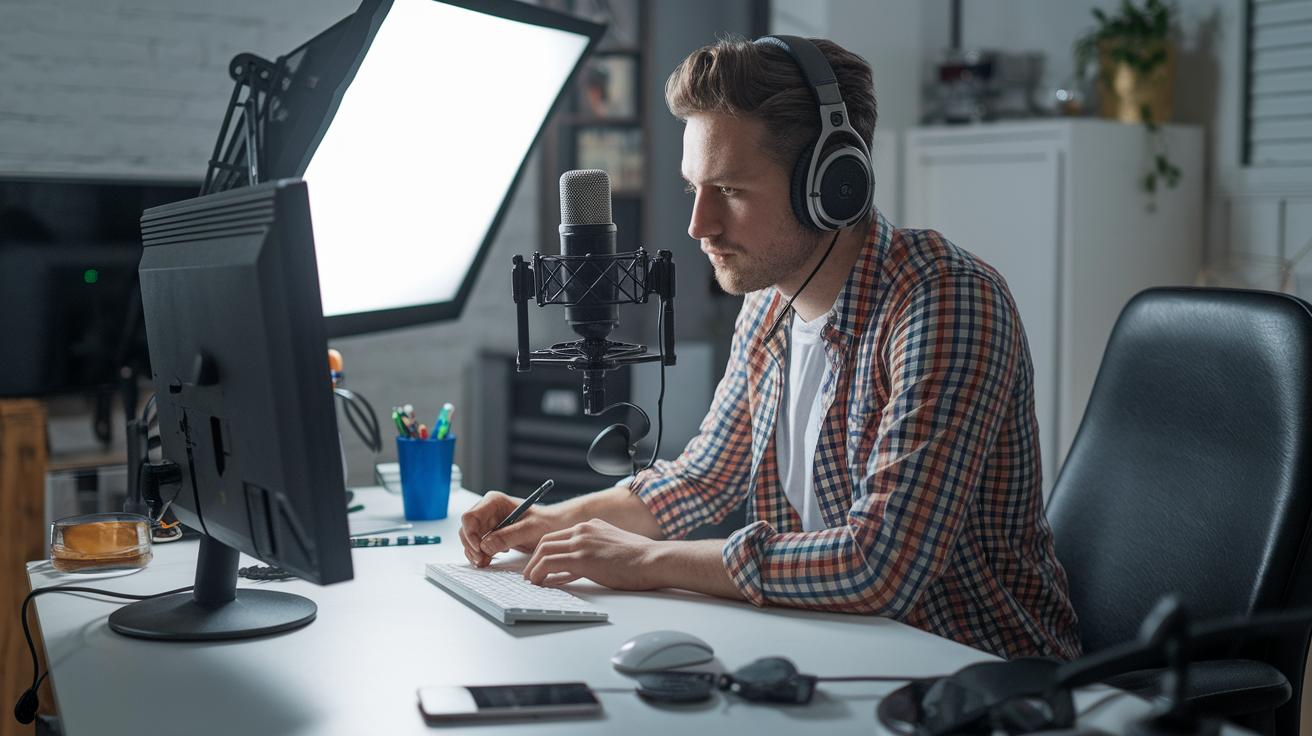
Your equipment plays a huge role too. Reliable cameras, mics, and lights can completely change the vibe of your broadcast. And using trusted streaming software such as OBS Studio or an easy-to-use browser tool keeps your production smooth and steady.
Before you hit “go live,” run a full test of your setup. Take a moment to check your equipment and test your internet speed. This simple step stops any annoying hiccups and lets you focus on sharing the moment.
By planning carefully, gearing up properly, and running tests, you set yourself up for a relaxed, energized broadcast. This preparation makes your show flow seamlessly and lets you connect with your audience, turning a basic live stream into a dynamic, memorable event.
Live Streaming Tips for Optimal Camera, Audio, and Lighting
When it comes to making your live stream look amazing, picking the right camera setup is key. Start by choosing either 720p or 1080p resolution with 30 to 60 frames per second. This gives you that smooth, professional look and keeps every move natural. A clear lens and precise focus mean your audience never misses a detail. Try positioning your camera at eye level, it feels friendly and inviting. Play around with different angles and distances, mixing close-ups with wider shots to keep things exciting and dynamic.
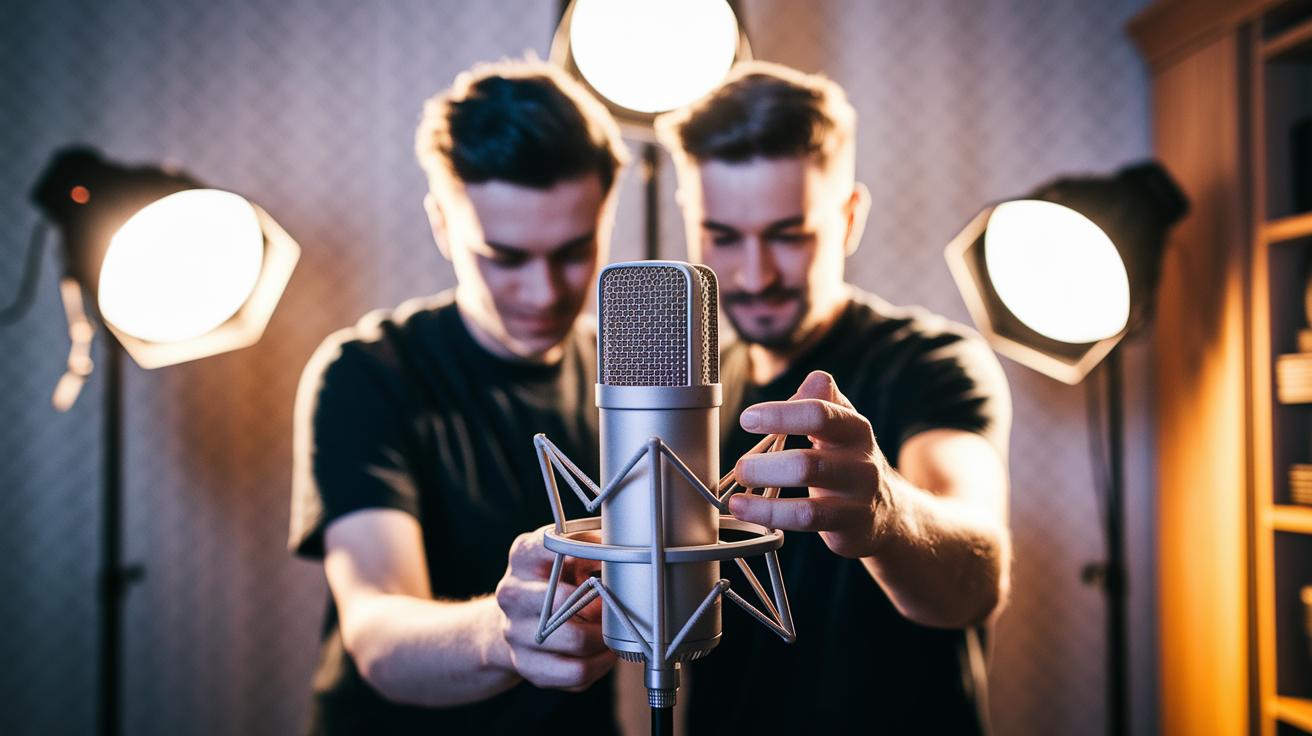
Good audio is just as important as a clear picture. Even if you're streaming on Zoom or another platform with RTMP ingest, studio-quality sound makes a huge difference. Aim for stereo audio at 192 Kbps and 48 KHz (that’s AAC encoding, which is basically a smart way to compress audio without losing clarity). Make sure your mic is close enough to pick up your voice but not so close that it grabs every background noise. Tweak your gain levels so your sound stays crisp and clear, and consider using pop filters to tame any sudden bursts of sound. Keep an eye on your audio levels during the stream so you can catch any issues before they steal the show.
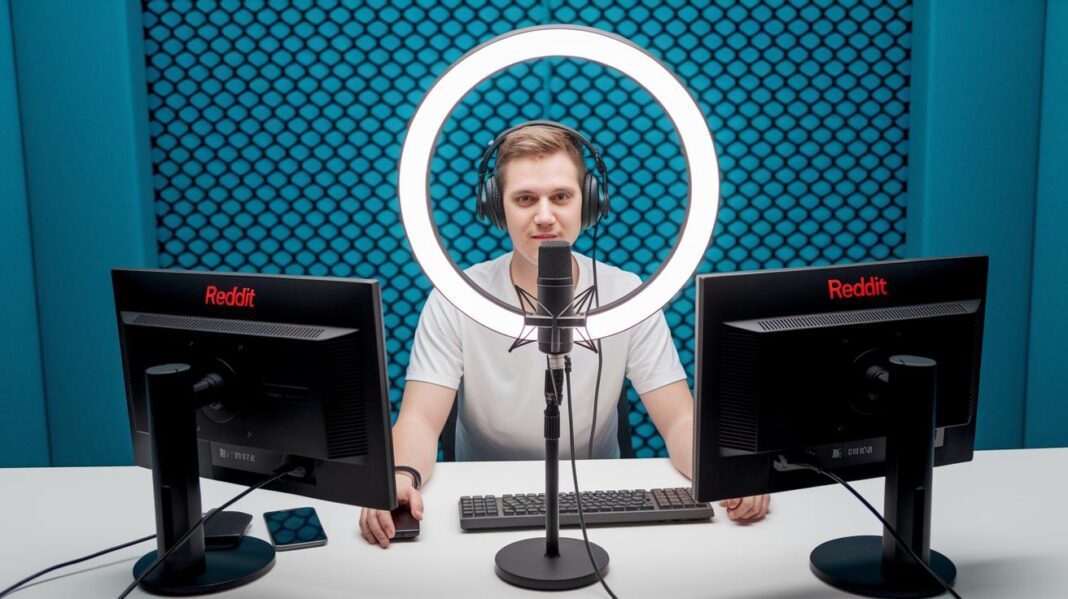
Lighting can totally transform your broadcast. Great lighting not only boosts your camera’s performance but also gives your stream a polished, professional vibe. Use a three-point lighting setup, this means having a key light, a fill light, and a back light, to craft a balanced look that really pops on screen. Make sure all your lights share the same color temperature to keep the scene looking natural, and use softboxes or diffusers if you want to soften shadows and create a warm, welcoming feel.
Live Streaming Tips for Choosing the Right Platform and Multi-Platform Broadcasting
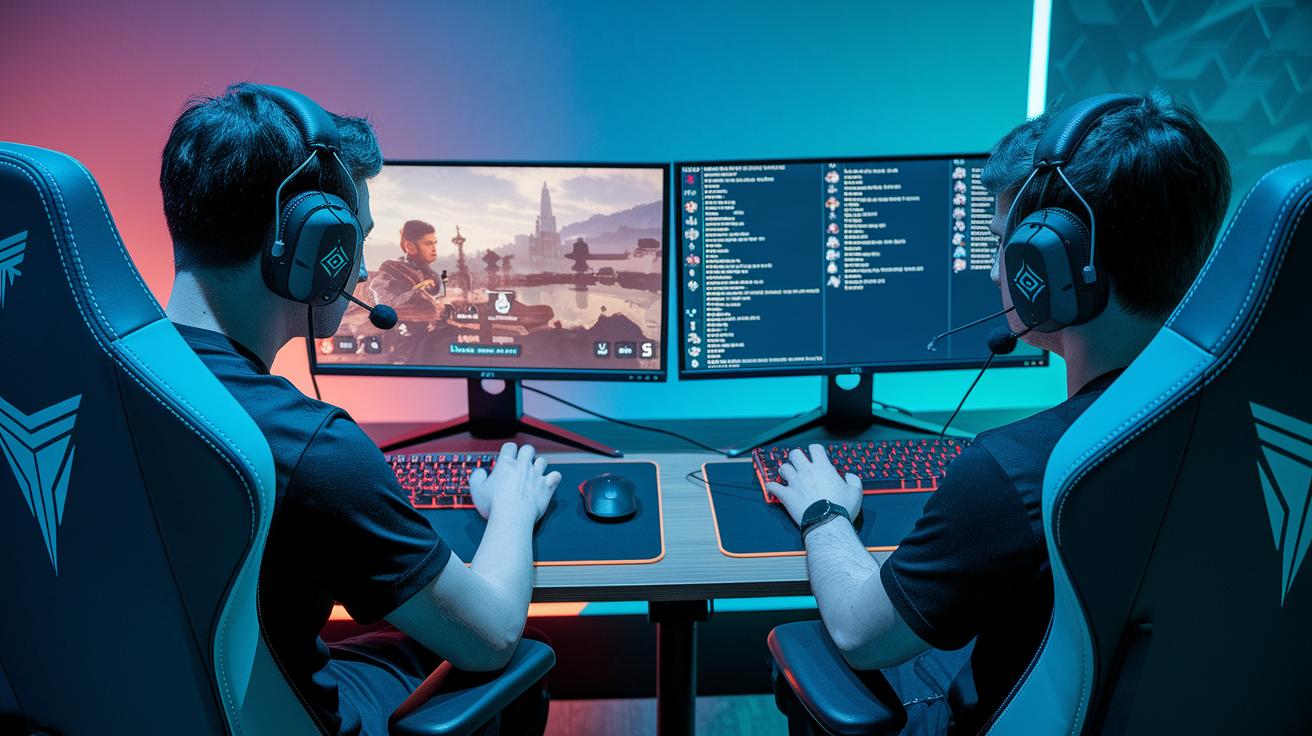
When you’re getting ready to go live, it’s important to pick a platform that really fits your style. If you’re a gamer, you might love a site with a buzzing chat feature that brings your community together. If you share travel or lifestyle stories, you’ll want a space that lets your visuals pop. And when you’re hosting a business webinar, a professional and easy-to-navigate setting is key. Think of it as finding the perfect backdrop for your story.
| Platform | Best Use Case | Key Features |
|---|---|---|
| Twitch | Gaming & interactive streams | Dedicated chat, community feel, low delay |
| YouTube Live | Varied content including real-life streams | High-quality video, easy sharing, large audience |
| Facebook Live | Travel and lifestyle content | Social sharing, targeted reach, real-time feedback |
| Instagram Live | Visual, mobile-first broadcasts | Simple to use, casual vibe, linked stories |
| LinkedIn Live | Business webinars and professional events | Professional networking, live Q&A, business reputation |
Mixing up your streaming platforms can really widen your audience. With browser-based multi-stream tools, you can broadcast on several channels at once. This helps you engage more viewers while keeping an eye on guest chats and cool on-screen graphics. It’s all about matching your content with your audience’s vibe and letting the energy flow naturally.
Live Streaming Tips for Real-Time Audience Engagement and Growth
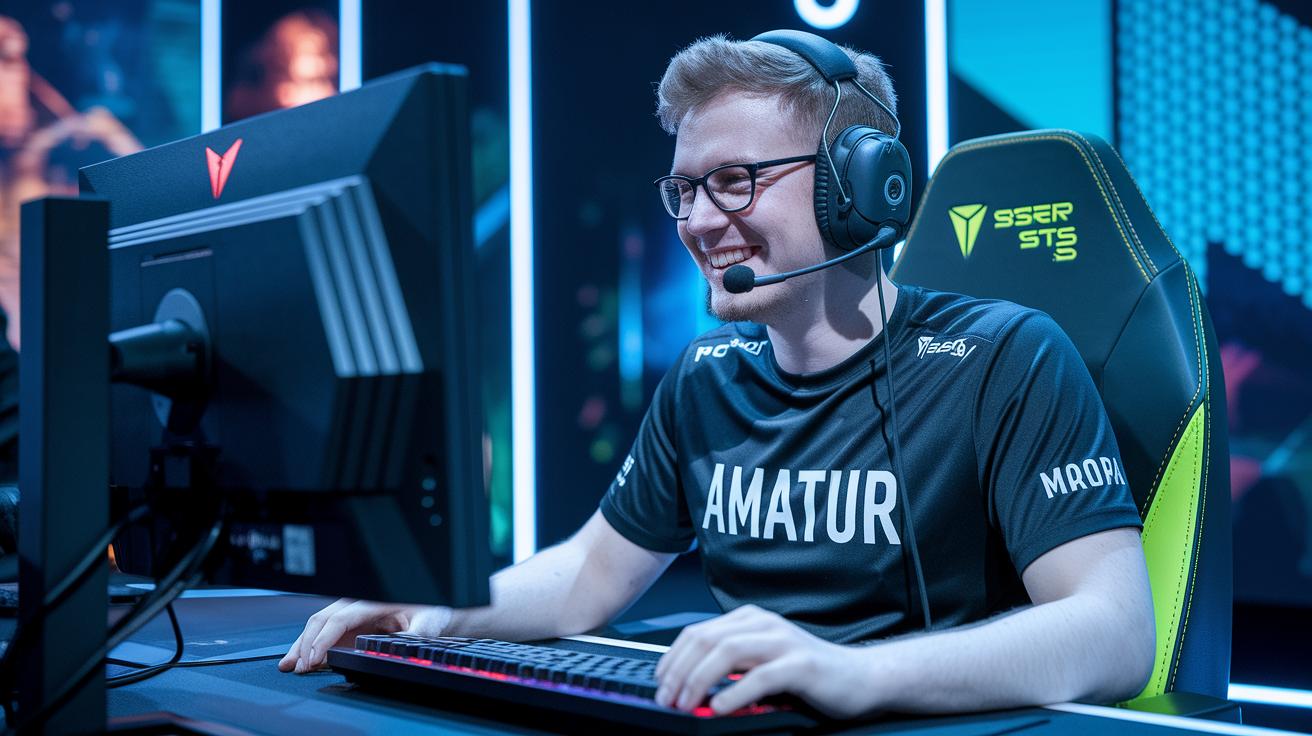
Engaging with your audience on the spot is the secret sauce to a memorable live stream. When viewers feel like they matter and are part of the conversation, they stick around and even come back for more.
Try these fun ideas:
- Live Q&A sessions
- Viewer polls
- On-screen shout-outs
- Clip highlights
- Timed giveaways
- Community-driven segments
When you mix things up with quick Q&A or snap polls, you turn your stream into a two-way convo instead of a simple broadcast. It’s like having a chat with a friend while putting on a mini show. And when you have a chat helper on hand, you get to focus on the fun parts, watching viewers react and engage.
Sharing little clip highlights on social media can create a buzz that lasts long after the stream ends. In fact, these short bursts of action can boost your engagement by over twice as much as a regular post. Plus, posts from special guests or team members before the show can spread the word even further, making your event feel like a collective celebration.
By inviting your viewers to join the flow of the conversation, you build a warm, genuine community vibe. Each lively interaction helps your audience feel more connected, turning every broadcast into an experience everyone looks forward to.
Live Streaming Tips for Troubleshooting and Ensuring Broadcast Stability

Ever been in the middle of a live stream when your connection suddenly drops, leaving you in the dark? It can feel like a buzzy concert losing its rhythm, awkward pauses, choppy audio, or video that just won’t keep up. That’s why a few solid tech checks are your best friend. Test your network speed, play around with your bitrate settings, and make sure all your equipment is properly set up. A little prep now can catch problems before they even start, saving you from a rocky broadcast.
And when things do go sideways, having a backup plan can really save the day. Keep a secondary internet connection or a mobile hotspot ready to jump in if needed. You might even want to set up a quick chat or walkie-talkie app for your team, so everyone stays in the loop if issues pop up. With these easy fallback strategies, you’ll smoothly dodge digital hiccups and keep your audience hooked, even when the unexpected happens.
Live Streaming Tips for Performance Tracking and Monetization
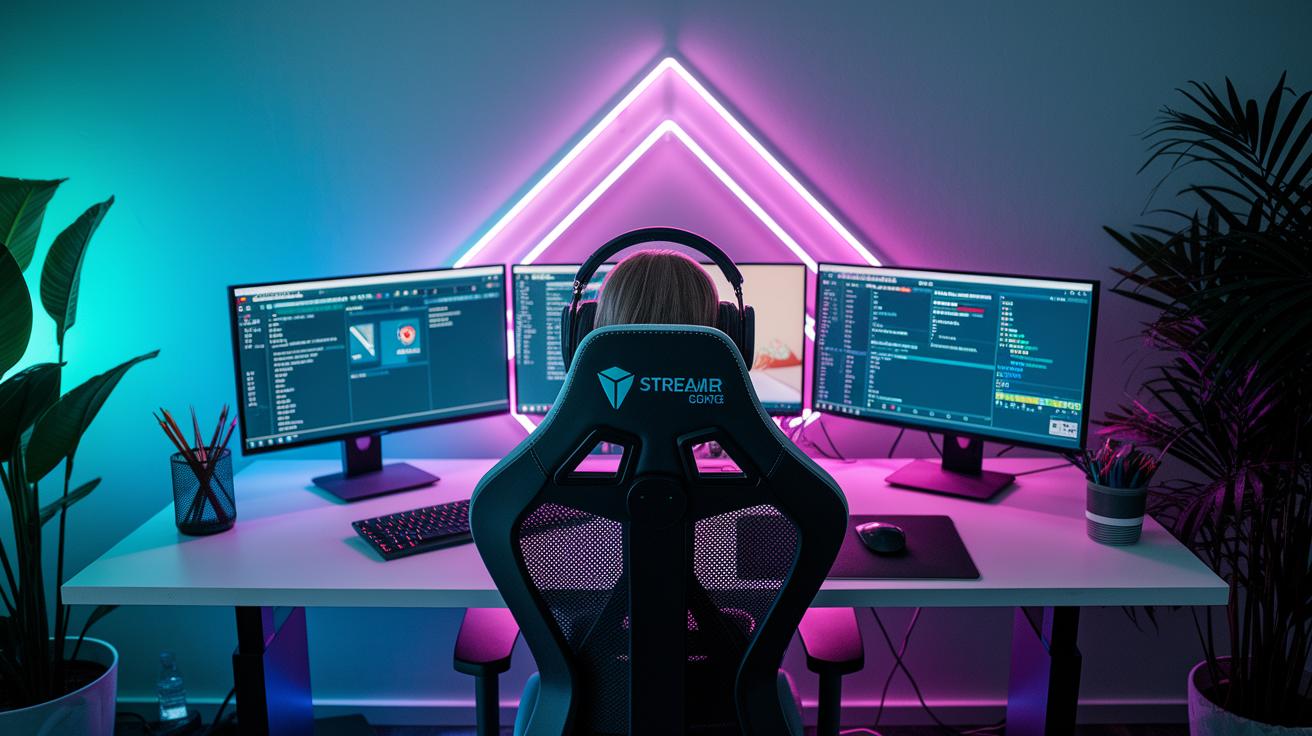
Tracking how your live stream performs is key to understanding what really clicks with your viewers. Keep an eye on simple stats like how many people watch at once, the number of chat messages, total minutes watched, peak views, and new followers. Your platform’s own analytics give you a clear look at these numbers, and using extra dashboards can reveal more trends. Check these tools regularly so you know what excites your audience, you might notice, for instance, a spike in chat activity that tells you to lean more into that type of content next time.
There are plenty of ways to turn those insights into extra income. Setting up donation alerts or creating subscription tiers can open up direct income streams while making your viewers feel like a community. You could also try using affiliate links or featuring sponsored segments to diversify your earnings. And don’t forget to repurpose your streams into on-demand clips or highlight reels, they not only extend your content’s lifespan but can also drive long-term engagement. Combining smart performance tracking with these monetization techniques keeps your streaming both engaging and profitable.
Final Words
In the action, we saw a clear picture of live streaming tips, from setting sound goals with a solid plan, ensuring your tech setup is on point, to keeping your broadcast stable and engaging. The guide did a great job pairing technical advice with creative solutions, offering easy ways to boost your performance and even generate revenue.
Remember, when you mix preparation with a little creativity, everything clicks. Stay curious and keep exploring effective live streaming tips for a smoother, more reliable broadcast.