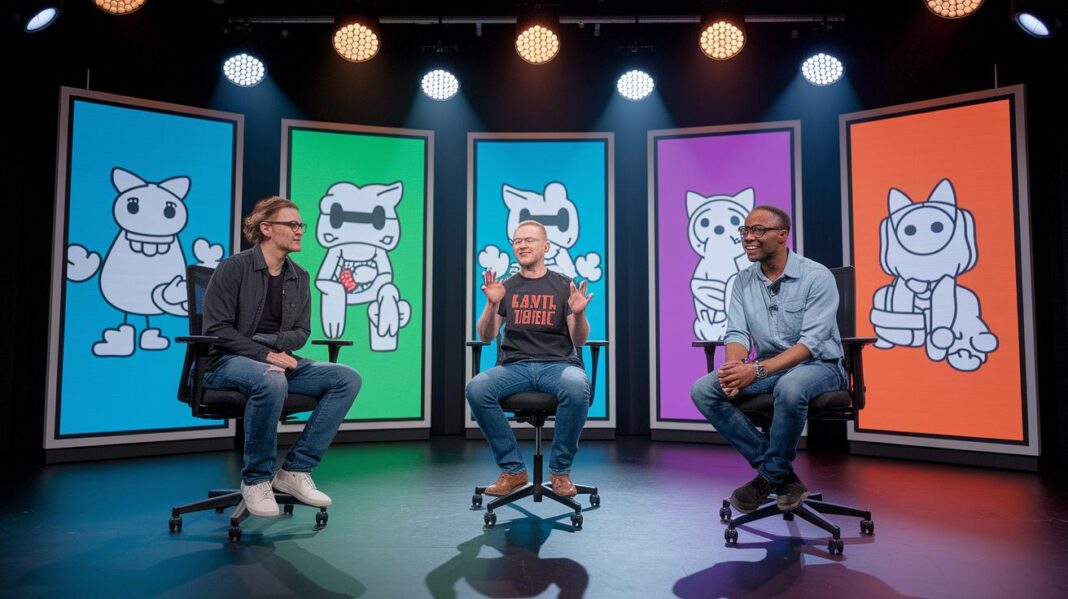
Ever wonder how a simple idea can turn into an exciting adventure? Digital storytelling tools let you blend words, pictures, and sounds into one fun experience.
It works like snapping together building blocks, where you can mix and match to make your ideas come alive. With easy no-code tools on your phone, tablet, or computer, anyone can create a cool display.
Right now, five top platforms offer creative ways to share your story and spark your creative fire.
Essential Overview of Digital Storytelling Platforms

Digital storytelling platforms are online tools that let anyone create, share, and explore interactive stories. They make it easy for students, teachers, content creators, and marketers to mix real events with imaginative twists in a fun and creative way. Think of it like building with Legos, each piece fits perfectly to form your visual tale without any need for coding.
Today’s digital storytelling moves away from pricey, custom-made websites. Instead, it offers flexible, no-code options that help you bring your ideas to life quickly. For example, you might start with a surprising fact like, "Did you know that a tiny spark shared online can turn into a stunning visual story reaching thousands?" Moments like that show just how powerful and user-friendly these tools can be.
These platforms work smoothly on your phone, tablet, or computer, so the story feels engaging and natural no matter where you are. They let you weave together text, images, videos, and sound to craft something that really pops. Ultimately, digital storytelling platforms have changed the game, giving everyone the freedom to tell their stories in a way that’s as creative and fearless as you are.
5 digital storytelling platforms: Spark Creative Brilliance

Digital storytelling platforms are like magic tools that let you bring your ideas to life in a fun and interactive way. They help everyone, from teachers to marketers, create eye-catching visual stories that mix real-life moments with creative twists. Imagine scrolling through a page and suddenly seeing text blend with sound, video, and lively animations. This neat trick, often called scrollytelling (basically watching a story come alive as you scroll), turns a plain story into an exciting experience, much like a secret show unfolding right when you need it.
These platforms are built to look great on any device, whether you're using a phone, tablet, or computer. They have smart designs that adjust to your screen so your story always looks sharp, no matter where you are. Behind the scenes, smooth animation tools work like stagehands, guiding your reader smoothly from one part of your story to the next. And with quality assurance tools that check your work on all devices, you can be sure your story stays consistent from start to finish. Plus, you can easily add your personal style with customizable options, so every story feels just right.
These platforms also make it simple to share your story by blending it into your existing website. And if you ever need help, there’s a team ready to offer support along the way. For those who are just starting out, many of these tools come with easy, no-code interfaces and even free trial options, so you can jump right in without any complicated setup.
• Scrollytelling modules
• Fully responsive designs
• Built-in animation tools for smooth transitions
• Multi-device quality check tools
• Customizable styling to match your brand
• Easy publishing options for your website
• Helpful technical and editorial support
• No-code interfaces and free trials
Comparing Free and Paid Digital Story Creator Software

Digital storytelling tools make it really easy to craft interactive and eye-catching stories. Whether you're looking for free software or you’re ready to spend a little extra for cool extra features, there's something out there for every creative mind. In fact, you can choose from 18 free options, 11 that work on the web and 7 that you can use on your phone, all without having to write any code.
Take Animaker, for example. It lets you create videos with lots of different options and even offers live editing and short, punchy videos. Then there's ACMI Generator, which gives off a creative studio vibe with its education-themed tools and handy Storyboard Generator that’s just perfect for class projects. And don’t forget Adobe Slate, a favorite that the App Store loves, known for automatically adding stylish touches and dynamic transitions to your story.
| Platform | Pricing | Key Features |
|---|---|---|
| Animaker | Free & Paid | Video creation, live editing, short-form videos |
| ACMI Generator | Free | Creative tools, education themes, Storyboard Generator |
| Adobe Slate | Paid | Automatic styling, dynamic transitions |
Digital Storytelling Platforms for Educators and Classrooms

Digital storytelling platforms let teachers and students create fun, interactive stories that boost digital skills. They mix creative projects with everyday lessons, making learning feel more like a live show. For example, the ACMI Generator includes a Storyboard Generator and easy-to-use, education templates that help teachers craft assignments students love.
Imagine students using visuals to share exciting stories about history or science. It’s like turning regular lessons into digital adventures that really stick with you.
Platforms such as Adobe Slate make things even simpler. They automatically handle layouts and style, which means teachers can whip up newsletters, project presentations, or event posters in no time. The tools have kid-friendly designs that let young creators share their ideas quickly and clearly.
Teachers also get handy resource toolkits, making it easy to blend digital projects into everyday lessons. These platforms aren’t just creative outlets, they help spark critical thinking and clear expression, fitting perfectly with teaching methods that focus on interactive learning.
Innovative Multimedia Creative Tools and Interactive Media Hubs

Digital storytelling platforms are taking creativity to new levels. They blend augmented reality, live data, and changing sound effects all into one smooth experience. Imagine tapping on an image and watching a hidden graphic come alive, with a message saying, "Tap the screen and see a simple sketch burst into animated life with lively sound echoes."
New toolsets use smart computer learning to adjust visuals and sounds as you interact. Think of it like a digital canvas that changes with every click, sparking new images and sounds on the spot. Every tap brings a fresh scene that unfolds uniquely just for you.
These cool innovations do more than add eye candy, they turn your digital space into a live stage. Simple touches evolve into immersive moments that feel like you’re part of an ever-changing show.
| Module Type | Description |
|---|---|
| Interactive AR Overlays | Transforms still images into fun, touch-responsive visuals. |
| Adaptive Audio-Visual Scoring | Changes music and visuals on the fly based on your actions. |
| Real-Time Data Narratives | Alters the story as you explore and interact with the content. |
Case Studies and Best Practices in Digital Storytelling Platforms
Marketers are loving platforms that use scrollytelling modules to build interactive video demos. For example, one campaign used smooth, scroll-triggered animations along with layers of multimedia to tell a story that kept viewers hooked. Engagement shot up as the audience got lost in the excitement of the unfolding narrative.
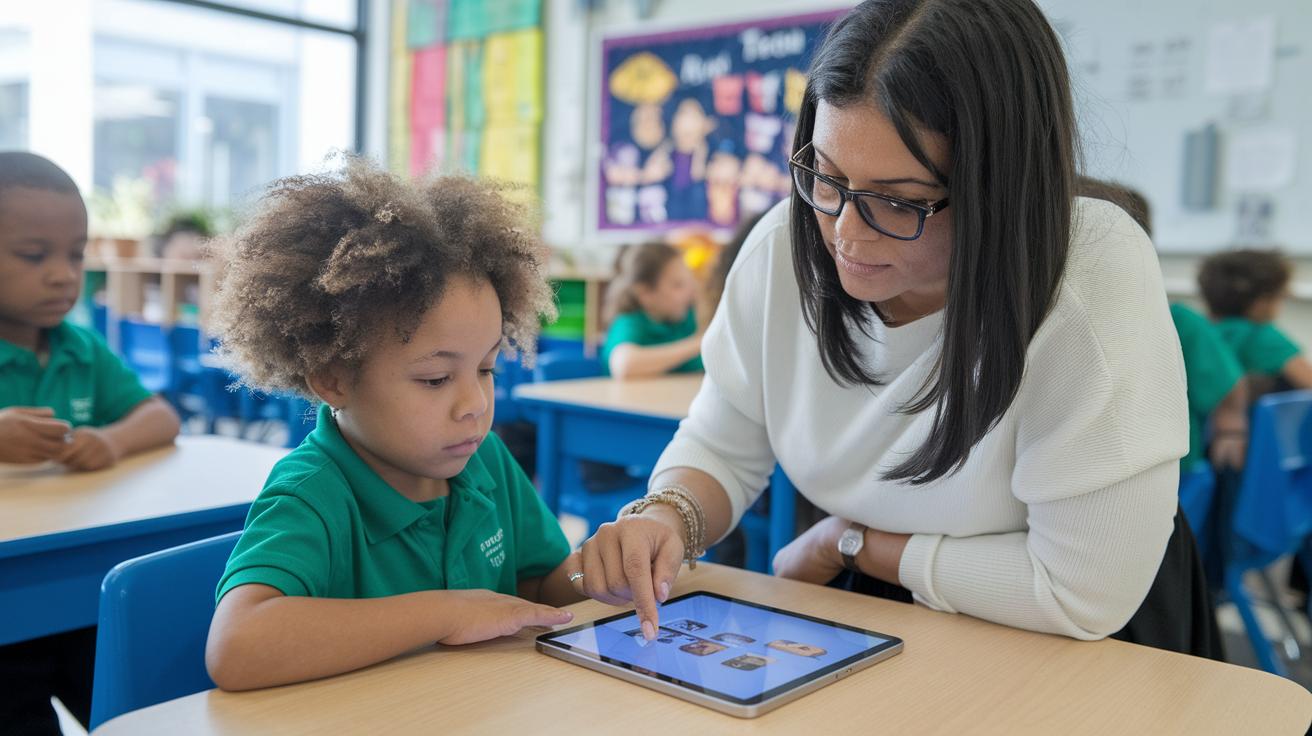
Educators are now adding interactive story modules in classrooms to make learning a fun, hands-on experience. One school district even picked a no-code digital storytelling tool that lets students mix pictures, text, and quizzes into their projects. Teachers noticed that students participated more and got even more creative. Imagine a history lesson where a student clicks on an image to reveal hidden facts, learning becomes an adventure.
Independent creators are also winning by mixing free and premium features on these platforms. One indie filmmaker combined creative learning ideas with advanced video editing tools to produce professional-looking reels. The results, with more shares and subscriptions, show that switching from custom builds to easy-to-use templates really brings solid rewards.
- Marketer: Used scrollytelling modules, and the audience really engaged.
- Educator: Tried interactive modules, boosting student participation.
- Indie Creator: Blended free and paid tools, reaping measurable rewards.
Final Words
In the action, this post brought digital storytelling platforms to life, showcasing their capacity to craft interactive narratives across devices. It highlighted core features like scrollytelling and responsive designs, comparing free versus paid options. The discussion moved through benefits for educators while spotlighting creative tools that mix media and engage audiences. Each section painted a clear picture of how these platforms fuel rich, tech-enhanced storytelling, inviting creative minds to explore and share new experiences. Positive energy and endless possibilities await in this digital space.
FAQ
What is digital storytelling?
Digital storytelling describes using text, images, audio, and video to craft immersive narratives that engage audiences through interactive, visually driven presentations.
What free digital storytelling platforms are available?
Free digital storytelling platforms offer accessible, no-code options to create interactive narratives, with many providing user-friendly web and mobile apps suitable for basic and advanced projects.
What digital storytelling tools are best for students and teachers?
For students and teachers, digital storytelling platforms feature simple interfaces, educational templates, and storyboarding tools that enhance digital literacy and support engaging classroom activities.
What features do top digital storytelling platforms offer?
Top platforms offer tools like scroll-triggered animations, responsive designs, customizable styling, and multi-device testing. These features work together to bring interactive and engaging digital stories to life.
What are some digital storytelling examples?
Digital storytelling examples include interactive classroom projects, marketing case studies, and personal narratives where creators merge multimedia elements to craft engaging, human-centered digital experiences.
What are the 5 C’s of storytelling?
The 5 C’s of storytelling cover context, characters, conflict, choices, and conclusion. Each element guides the narrative, ensuring stories connect with audiences in a clear, structured way.
What are the 7 elements of digital storytelling?
The 7 elements of digital storytelling include point of view, dramatic question, emotional content, narrative voice, visuals, soundtrack, and pacing, which together build a dynamic and coherent tale.
Which Microsoft tool can be used for digital storytelling?
Microsoft Sway is a user-friendly tool that combines text, images, and multimedia elements into interactive digital stories, making it ideal for those who want to create sleek, accessible presentations.
What is a digital storytelling degree program?
A digital storytelling degree program teaches creative and technical skills for crafting engaging multimedia narratives, preparing students for careers in media production and digital communication.
What storytelling apps and software work well for adults?
Storytelling apps and software for adults offer professional-level tools that simplify digital creation, providing free and premium options for developing detailed, interactive narratives on both mobile and desktop devices.